https://github.com/touwolf/location_picker
A location picker plugin for Flutter
https://github.com/touwolf/location_picker
flutter-plugin geocoder location maps
Last synced: about 1 year ago
JSON representation
A location picker plugin for Flutter
- Host: GitHub
- URL: https://github.com/touwolf/location_picker
- Owner: touwolf
- License: other
- Created: 2018-04-10T15:46:48.000Z (about 8 years ago)
- Default Branch: master
- Last Pushed: 2018-04-20T08:42:50.000Z (about 8 years ago)
- Last Synced: 2025-03-24T07:41:12.341Z (about 1 year ago)
- Topics: flutter-plugin, geocoder, location, maps
- Language: Java
- Homepage: https://pub.dartlang.org/packages/location_picker
- Size: 665 KB
- Stars: 7
- Watchers: 5
- Forks: 4
- Open Issues: 7
-
Metadata Files:
- Readme: README.md
- Changelog: CHANGELOG.md
- License: LICENSE
Awesome Lists containing this project
README
# location_picker
A location picker plugin for Flutter.
## What it does
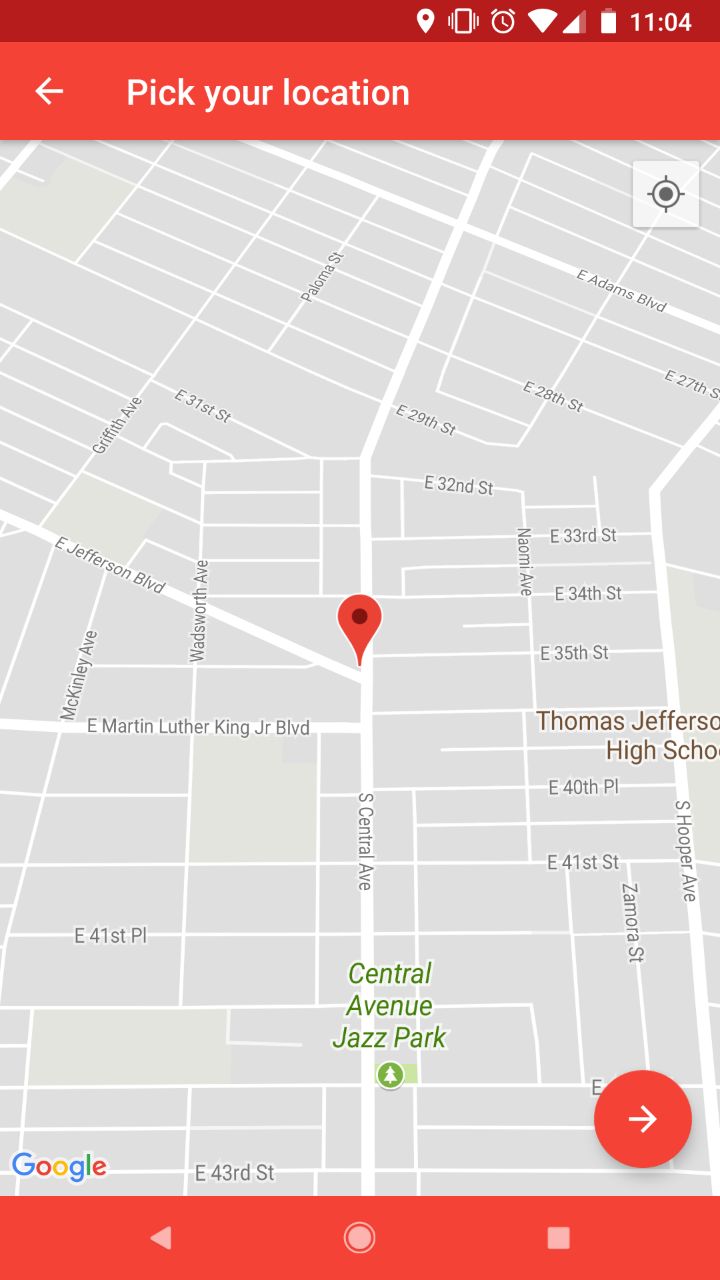
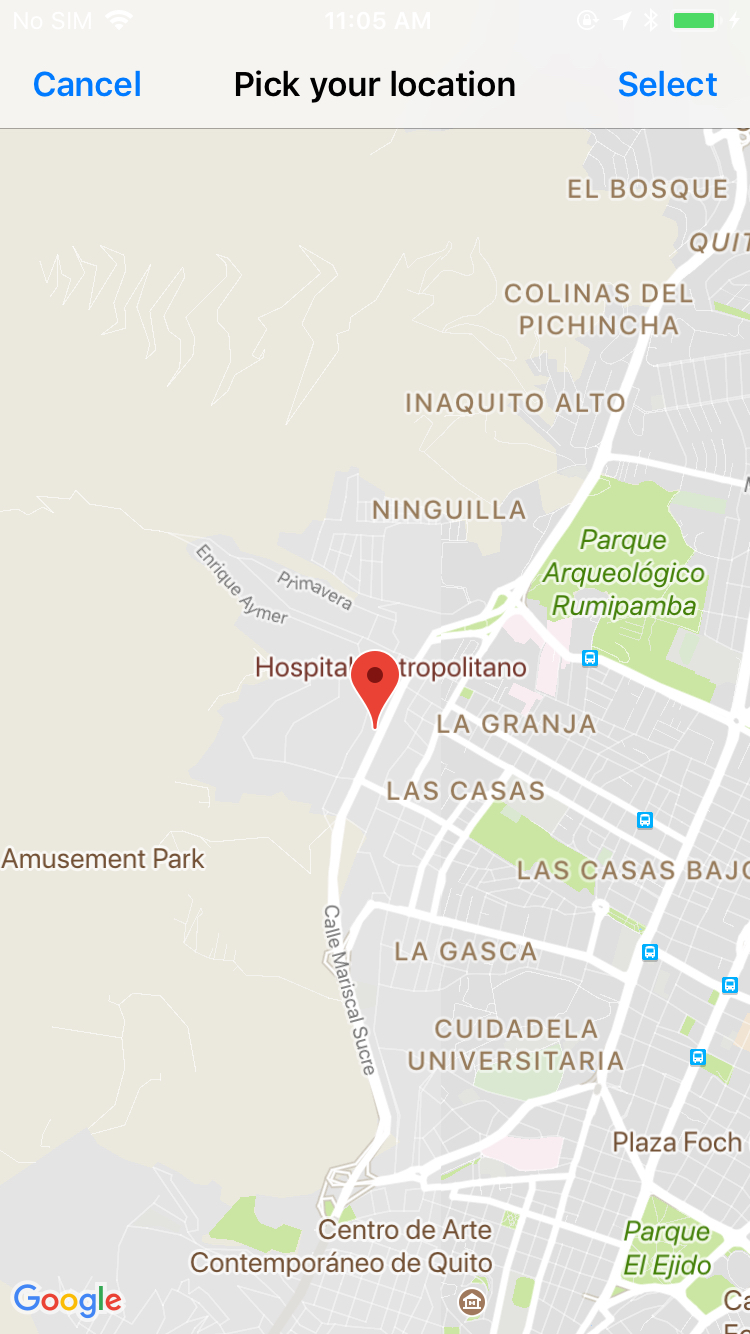
As the name implies, this is a component for getting a desired location from the user.
It handles location permissions requests, a native map view and it return a map with all the data.
It also uses reversed GeoCoding for info associated with the selected location.
## Example
```dart
//NECESSARY
LocationPicker.initApiKey('YOUR API KEY');
LocationPicker picker = new LocationPicker();
try
{
result = await picker.showLocationPicker;
}
on PlatformException
{
//HANDLE ERROR
}
setState(() {_locationPickerData = result.toString();});
```
### Configuration
The constructor
new LocationPicker();
Takes the following optional parameters for configuration:
```dart
String titleText;
bool closeIfLocationDenied;
bool useGeoCoder;
double initialLat;
double initialLong;
bool enableMyLocation;
//ANDROID ONLY
String androidAppBarColor;
String androidNavBarColor;
String androidStatusBarColor;
String androidSelectButtonColor;
String androidTitleAndBackButtonColor;
//IOS ONLY
String iosBackButtonText;
String iosSelectButtonText;
```
## Response
The response is a Map that contains the following fields that can be null:
["latitude"] double
["longitude"] double
["administrativeArea"] String
["country"] String
["locality"] String
["subLocality"] String
["postalCode"] String
["thoroughfare"] String
["line0"] String
["line1"] String
## Importing
1. Create a Flutter project with Swift support.
2. Import the library
## Installing
1. Get your Google Maps Api Key.
### Android
1. Request permissions in your manifest
```xml
```
2. Add your Android API Key in your manifest inside the application tag
```xml
```
3. Add the map Activity to your app's manifest
```xml
```
### IOS
1. Request permissions in your project's info.plist
```xml
NSLocationWhenInUseUsageDescription
Your message to the user
```
## Getting Started
For help getting started with Flutter, view our online
[documentation](https://flutter.io/).
For help on editing plugin code, view the [documentation](https://flutter.io/platform-plugins/#edit-code).