https://github.com/trannguyenhan/trannguyenhan.github.io
My portfolio website, linked to everything of me: linkedin, github, stackoverflow, gitlab, viblo,..
https://github.com/trannguyenhan/trannguyenhan.github.io
github portfolio
Last synced: 27 days ago
JSON representation
My portfolio website, linked to everything of me: linkedin, github, stackoverflow, gitlab, viblo,..
- Host: GitHub
- URL: https://github.com/trannguyenhan/trannguyenhan.github.io
- Owner: trannguyenhan
- Created: 2021-05-03T13:23:50.000Z (about 5 years ago)
- Default Branch: master
- Last Pushed: 2025-05-01T09:18:03.000Z (about 1 year ago)
- Last Synced: 2025-05-01T09:24:40.124Z (about 1 year ago)
- Topics: github, portfolio
- Language: HTML
- Homepage: https://trannguyenhan.github.io/
- Size: 3.94 MB
- Stars: 1
- Watchers: 1
- Forks: 0
- Open Issues: 0
-
Metadata Files:
- Readme: README.md
Awesome Lists containing this project
README
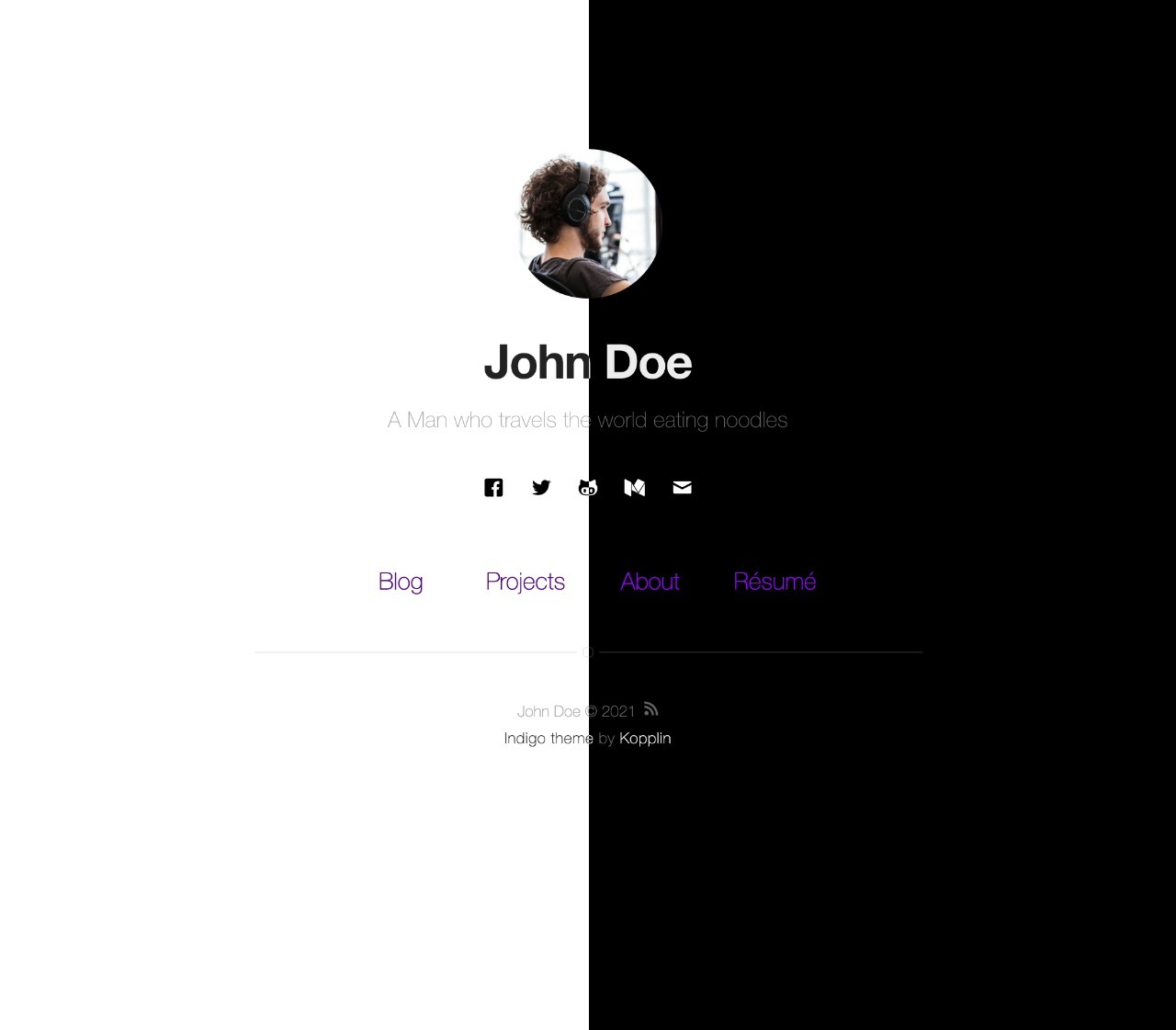
Indigo Minimalist Jekyll Template - Demo
This is a simple and minimalist template for Jekyll for those who likes to eat noodles.
***
What has inside
|
Setup
|
Settings
|
How to use
## What has inside
- [Jekyll](https://jekyllrb.com/), [Sass](https://sass-lang.com/) ~[RSCSS](https://rscss.io/)~ and [SVG](https://www.w3.org/Graphics/SVG/);
- Tests with [Travis](https://travis-ci.org/);
- Google Speed: [98/100](https://developers.google.com/speed/pagespeed/insights/?url=http%3A%2F%2Fsergiokopplin.github.io%2Findigo%2F);
- No JS. :sunglasses:
## Setup
0. :star: to the project. :metal:
1. Fork the project [Indigo](https://github.com/sergiokopplin/indigo/fork)
2. Edit `_config.yml` with your data (check settings section)
3. Write some posts :bowtie:
If you want to test locally on your machine, do the following steps also:
1. Install [Jekyll](https://jekyllrb.com), [NodeJS](https://nodejs.org/) and [Bundler](https://bundler.io/).
2. Clone the forked repo on your machine
3. Enter the cloned folder via terminal and run `bundle install`
4. Then run `bundle exec jekyll serve --config _config.yml,_config-dev.yml`
5. Open it in your browser: `http://localhost:4000`
6. Do you want to use the [jekyll-admin](https://jekyll.github.io/jekyll-admin/) plugin to edit your posts? Go to the admin panel: `http://localhost:4000/admin`. The admin panel will not work on GitHub Pages, [only locally](https://github.com/jekyll/jekyll-admin/issues/341#issuecomment-292739469).
## Settings
You must fill some informations on `_config.yml` to customize your site.
```
name: John Doe
bio: 'A Man who travels the world eating noodles'
picture: 'assets/images/profile.jpg'
...
and lot of other options, like width, projects, pages, read-time, tags, related posts, animations, multiple-authors, etc.
```
## How To?
Check the [FAQ](./FAQ.md) if you have any doubt or problem.
---
## License
[MIT](https://kopplin.mit-license.org/) License © Sérgio Kopplin
## Refer
- [https://github.com/sergiokopplin/indigo](https://github.com/sergiokopplin/indigo)