https://github.com/tripflex/wordcamp-miami-badges
Wordpress plugin to display Wordcamp Miami 2014 badges on your website using Shortcodes or Widgets
https://github.com/tripflex/wordcamp-miami-badges
Last synced: 11 months ago
JSON representation
Wordpress plugin to display Wordcamp Miami 2014 badges on your website using Shortcodes or Widgets
- Host: GitHub
- URL: https://github.com/tripflex/wordcamp-miami-badges
- Owner: tripflex
- License: gpl-3.0
- Created: 2014-04-29T15:31:53.000Z (about 12 years ago)
- Default Branch: master
- Last Pushed: 2014-05-13T00:22:01.000Z (about 12 years ago)
- Last Synced: 2025-03-13T22:11:12.282Z (over 1 year ago)
- Language: PHP
- Homepage: http://wordpress.org/plugins/wordcamp-miami-badges/
- Size: 315 KB
- Stars: 3
- Watchers: 2
- Forks: 1
- Open Issues: 3
-
Metadata Files:
- Readme: README.md
- License: LICENSE
Awesome Lists containing this project
README
# Wordcamp Miami Badges #
+ **Contributors:** tripflex
+ **Donate link:** http://gittip.com/tripflex
+ **Tags:** wordcamp, miami, badges, shortcode, widget, 2014
+ **Requires at least:** 3.8
+ **Tested up to:** 3.9
+ **Stable tag:** 1.0.2
### This plugin was for Wordcamp Miami 2014
Which unfortunately is now over, was a great time and can't wait until next year. Hopefully soon this plugin can be ported to be used at any future wordcamp, but I have not started on it yet.
Display Wordcamp Miami 2014 badges on your website with Shortcode or Widget
## Description ##
Display Wordcamp Miami 2014 badges on your website with Shortcode or Widget
Badges are from http://2014.miami.wordcamp.org/badges/
### Features ###
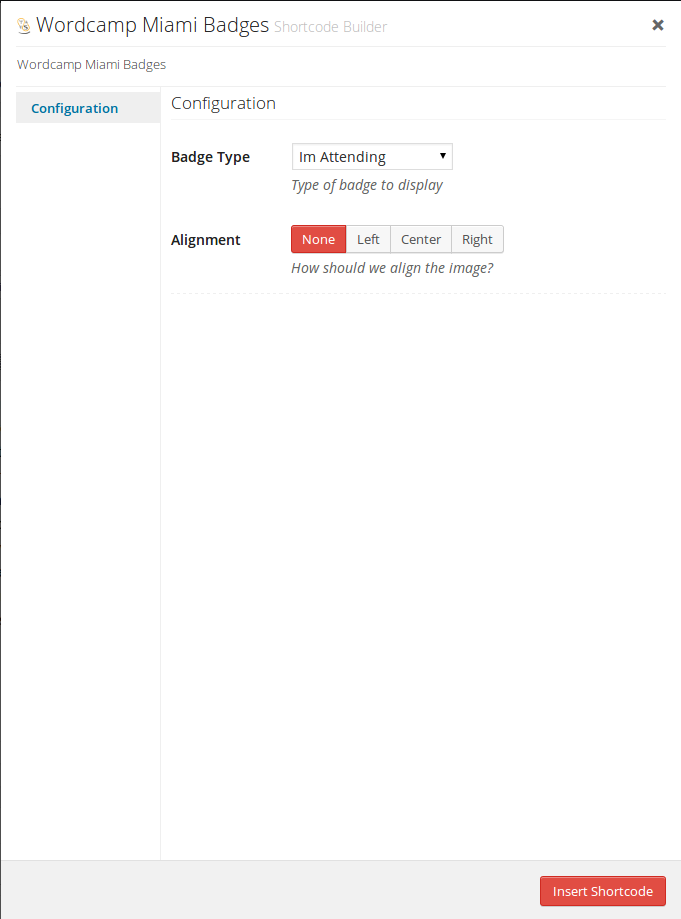
+ Alignment
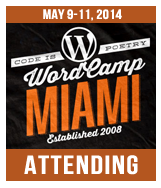
+ Attending, Speaking, Sponsor, or Volunteer badges
## Screenshots ##
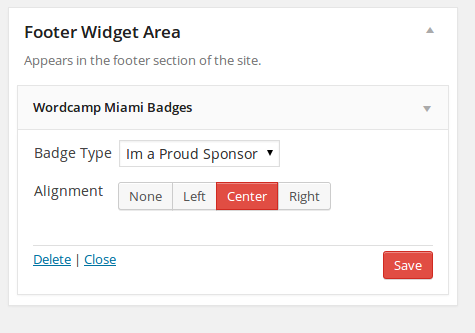
### Widget Configuration ###
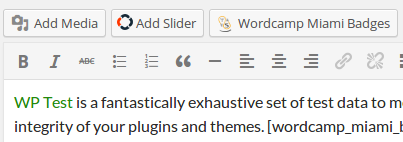
### Shortcode Button ###
### Shortcode Configuration ###
#### Badge Example ####
### Contributing and reporting bugs ###
You can contribute code and localizations to this plugin via GitHub: [http://github.com/tripflex/wordcamp-miami-badges](http://github.com/tripflex/wordcamp-miami-badges)
### Support ###
If you spot a bug, you can of course log it on [Github](http://github.com/tripflex/wordcamp-miami-badges/issues)
Or contact me at myles@smyl.es
## Installation ##
Install directly from Wordpress installation. Go to Plugins and then search for "Wordcamp Miami Badges"
**Manual Installation**
Extract the zip file and just drop the contents in the wp-content/plugins/ directory of your WordPress installation and then activate the Plugin from Plugins page.
**Usage**
1. Add Widget or Shortcode
## Frequently Asked Questions ##
## Changelog ##
= 1.0.2 =
* May 1, 2014
- Add p tags to widget label and fields
- Added widefat class to dropdown to make full width
- Full width group buttons
- Add text_domain action commented out in case of future translations
= 1.0.1 =
* April 30, 2014
- Fix attending image and link
= 1.0.0 =
* April 29, 2014
- First Release