https://github.com/trycourier/demo-nodejs-send
Send API Example with multi-channel routing
https://github.com/trycourier/demo-nodejs-send
Last synced: about 1 month ago
JSON representation
Send API Example with multi-channel routing
- Host: GitHub
- URL: https://github.com/trycourier/demo-nodejs-send
- Owner: trycourier
- Created: 2022-07-19T07:43:11.000Z (about 4 years ago)
- Default Branch: master
- Last Pushed: 2022-07-20T07:05:19.000Z (about 4 years ago)
- Last Synced: 2025-10-21T22:32:48.424Z (9 months ago)
- Language: JavaScript
- Size: 148 KB
- Stars: 0
- Watchers: 1
- Forks: 0
- Open Issues: 0
-
Metadata Files:
- Readme: readme.md
Awesome Lists containing this project
README
# Demo: Send Messages with Node.js
## Setup
1. Install the Courier SDK
* In terminal: `npm install @trycourier/courier`
* Access SDK in index.js:
```javascript
const { CourierClient } = require("@trycourier/courier")
```
[Learn more >](https://www.courier.com/docs/guides/getting-started/nodejs/#using-the-sdk)
2. Get your API key
* Save your API Key in a .env file by adding `API_KEY="[insert-api-key]"` in a .env file. For protection, add the .env file in your .gitignore.
* Install the [dotenv npm package](https://www.npmjs.com/package/dotenv) to access the API Key by running the `npm install dotenv --save` command in terminal.
* Access your API Key in index.js:
```javascript
const courier = CourierClient({ authorizationToken: process.env.API_KEY });
```
[Learn more >](https://www.courier.com/docs/guides/getting-started/nodejs/#getting-your-api-keys)
## Single Channel Send
1. Save the email of your recipient in the .env file as `EMAIL="example@email.com"`
2. Add an asynchronous function in your index.js file, which encloses the send request:
```javascript
async function send() {
const { requestId } = await courier.send({
message: {
to: {
email: process.env.EMAIL,
},
content: {
title: "Welcome!",
body: "Thanks for signing up, {{name}}",
},
data: {
name: "@shreythecray",
},
routing: {
method: "single",
channels: ["email"],
},
},
});
console.log(requestId)
}
send()
```
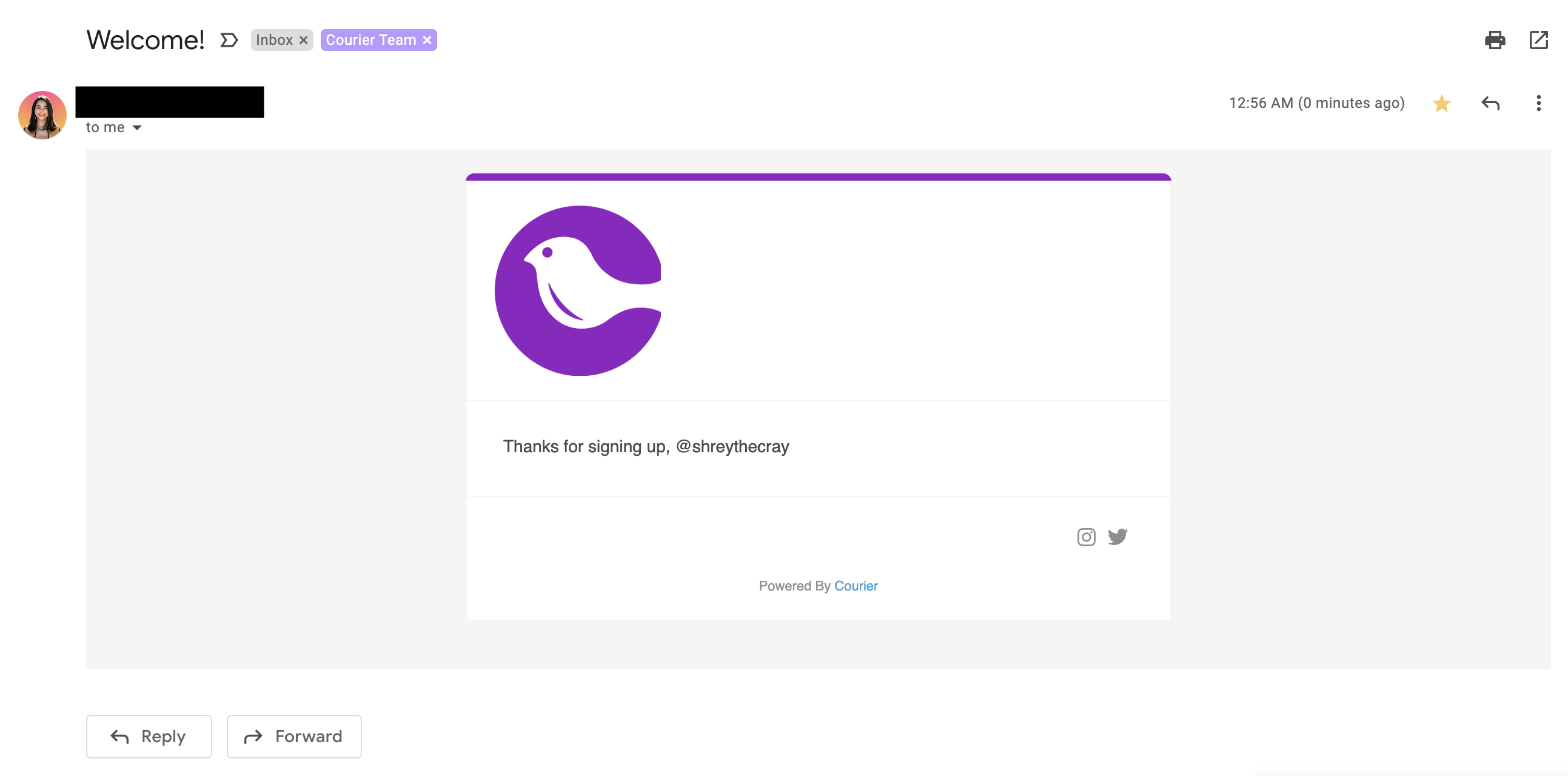
Example email received:
## Multi-Channel Send
1. Update the routing object within the send request:
* Provide options for multiple channels and allow Courier to send to the first channel that successfully complete:
```javascript
sync function send() {
const { requestId } = await courier.send({
message: {
to: {
email: process.env.EMAIL,
//**NEW**
phone_number: process.env.PHONE
},
content: {
title: "Welcome!",
body: "Thanks for signing up, {{name}}",
},
data: {
name: "@shreythecray",
},
routing: {
//**NEW**
method: "single",
channels: ["email", "sms"],
},
},
});
console.log(requestId)
}
send()
```
* Send to all listed channels:
```javascript
sync function send() {
const { requestId } = await courier.send({
message: {
to: {
email: process.env.EMAIL,
//**NEW**
phone_number: process.env.PHONE
},
content: {
title: "Welcome!",
body: "Thanks for signing up, {{name}}",
},
data: {
name: "@shreythecray",
},
routing: {
//**NEW**
method: "all",
channels: ["email", "sms"],
},
},
});
console.log(requestId)
}
send()
```
Example SMS received:
