https://github.com/tsitsimis/veggie
A tool to monitor and execute Celery tasks
https://github.com/tsitsimis/veggie
celery monitoring python task-management
Last synced: 5 months ago
JSON representation
A tool to monitor and execute Celery tasks
- Host: GitHub
- URL: https://github.com/tsitsimis/veggie
- Owner: tsitsimis
- License: mit
- Created: 2025-01-03T11:15:33.000Z (over 1 year ago)
- Default Branch: main
- Last Pushed: 2025-03-24T22:14:38.000Z (about 1 year ago)
- Last Synced: 2025-11-28T12:30:38.314Z (7 months ago)
- Topics: celery, monitoring, python, task-management
- Language: Python
- Homepage:
- Size: 321 KB
- Stars: 15
- Watchers: 1
- Forks: 0
- Open Issues: 0
-
Metadata Files:
- Readme: README.md
- License: LICENSE
Awesome Lists containing this project
README

Veggie - Celery monitoring and execution





Veggie is a web-based tool for monitoring the status of Celery tasks and starting tasks through a UI. It stores Celery events in a SQLite database but allows easy switch to another user-defined storage backend.
## Installation
```bash
pip install veggie
```
## Quickstart
To enable better task monitoring, add the following to your Celery application:
```python
celery_app = Celery("myapp")
celery_app.conf.worker_send_task_events = True # Enables task events
celery_app.conf.task_send_sent_event = True # Enables sent events
celery_app.conf.task_track_started = True # Update task result state to STARTED
celery_app.conf.result_extended = True # Store args and kwargs in the result
```
Start monitoring by adding the following to your Celery application or in a separate script:
```python
from veggie.monitor import CeleryMonitor
from veggie.storage import SQLiteStorage
os.environ["VEGGIE_PORT"] = "5000" # Set port for the UI and API
if __name__ == "__main__":
celery_monitor = CeleryMonitor(celery_app=celery_app, storage=SQLiteStorage(path="events.db")) # or any other storage class that inherits from veggie.storage.Storage
celery_monitor.start()
```
Open your browser at `http://localhost:5000`:
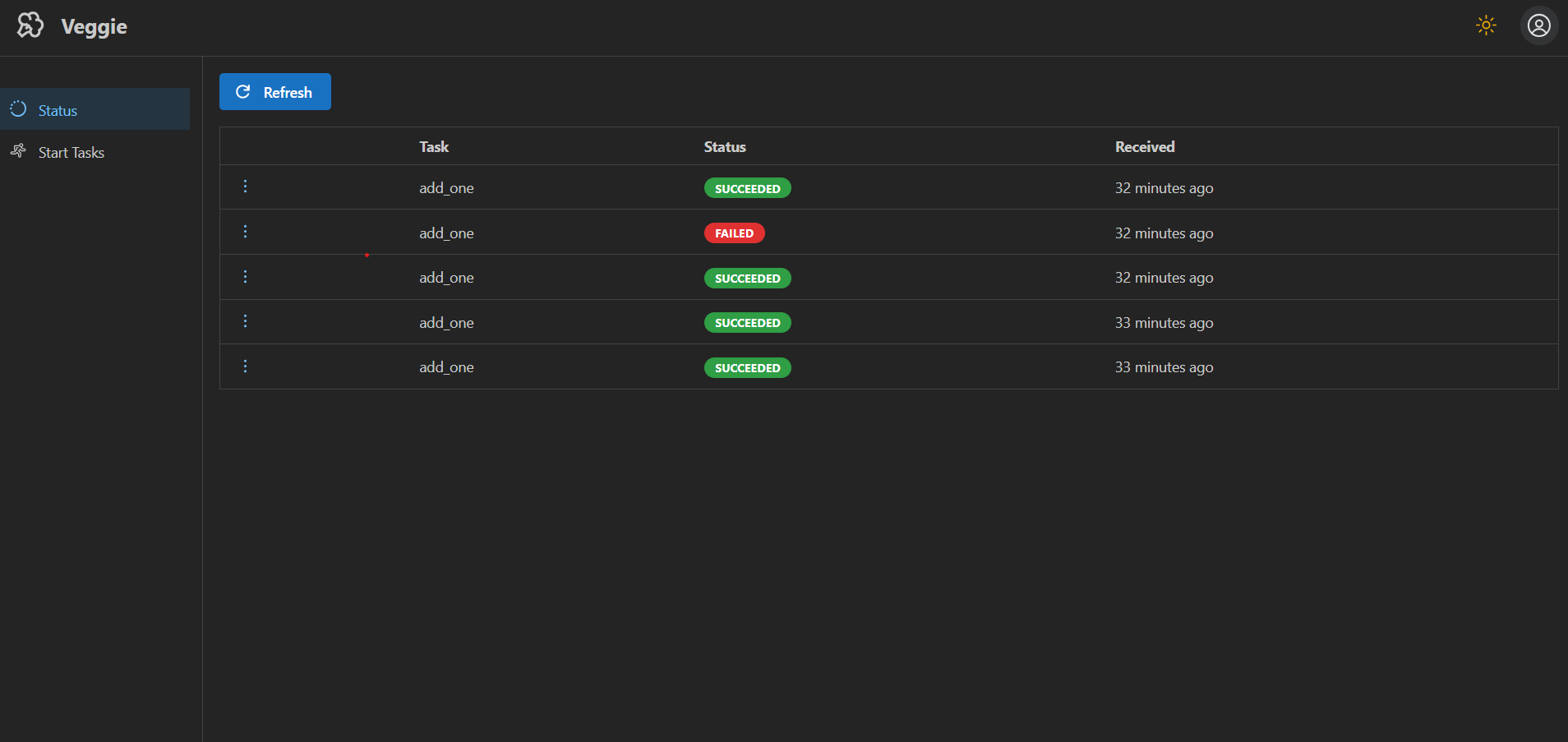
Check the status of past and running tasks:
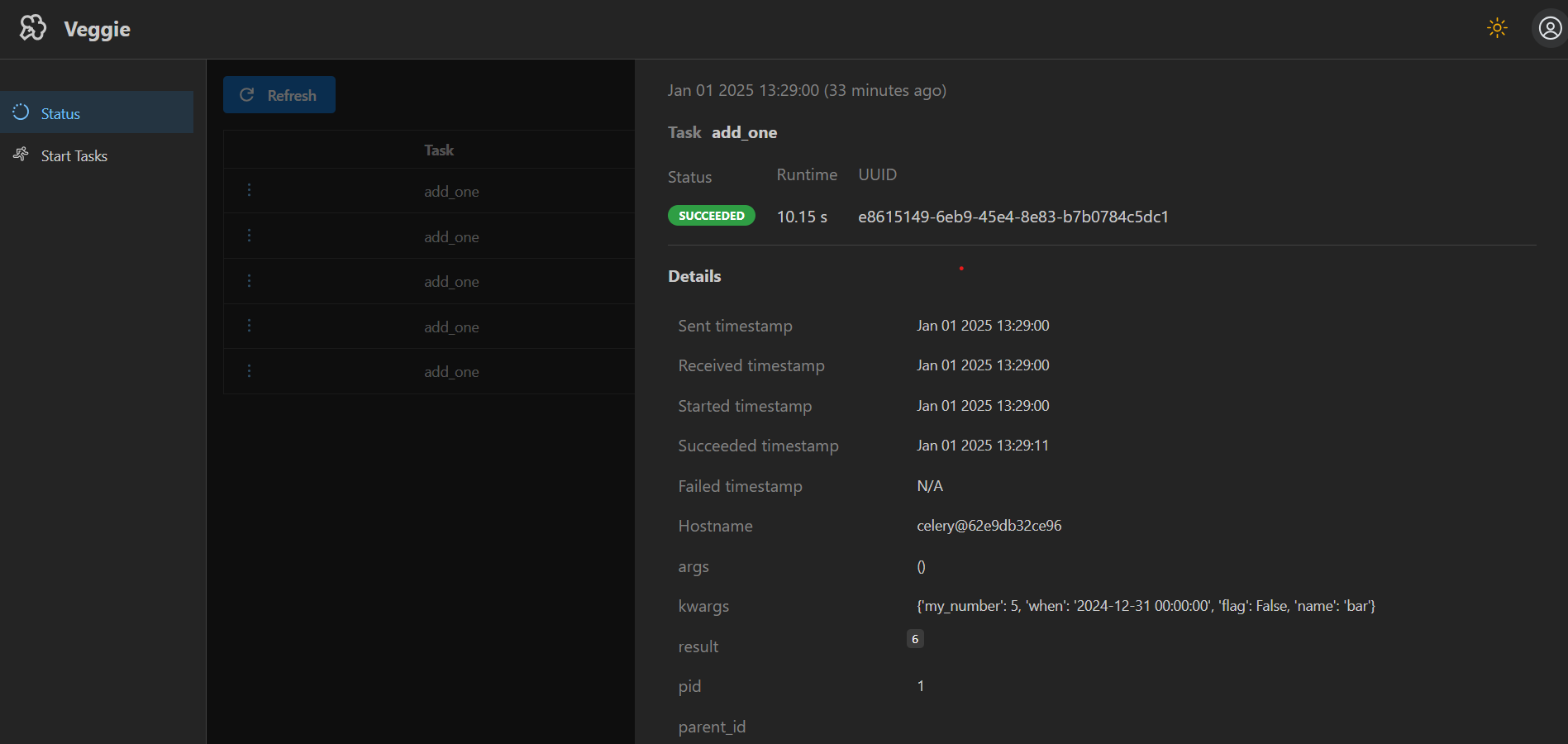
Select a task to view its details:
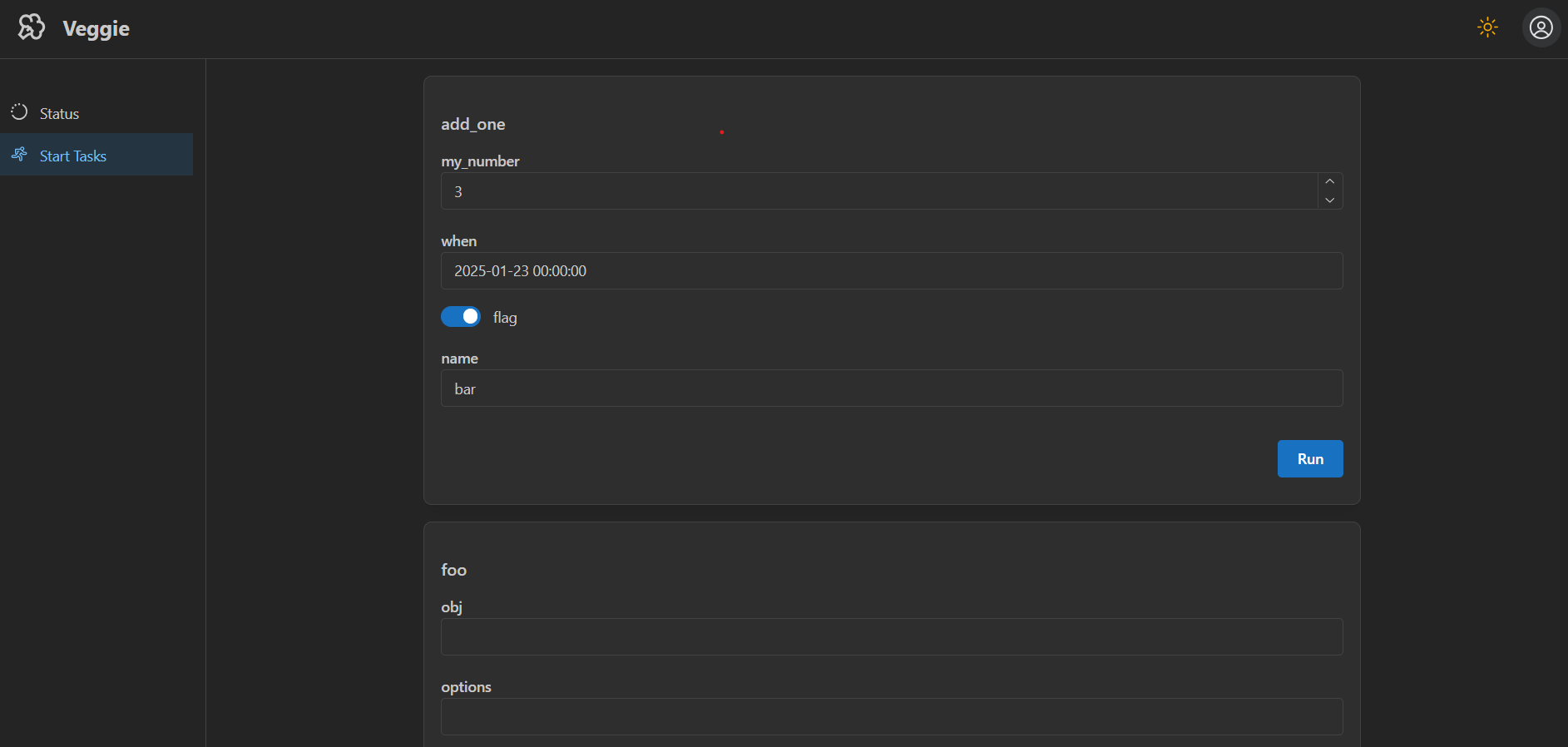
Start a new task by entering values for its parameters through the UI:
See the `example` folder for a full example.
## REST API
Access the API at `http://localhost:5000/api/`
## Configure your own storage backend
All storage implementations should inherit from the `veggie.storage.Storage` class and implement the `store_event()`, `get_events()` and `get_event_by_id()` methods. For an example, check the [SQLiteStorage](veggie/storage.py) implementation.