https://github.com/ttskch/vuepress-theme-blog-vuetify
💥The world's most simple, beautiful and customizable 2 columns VuePress blog theme built with Vuetify
https://github.com/ttskch/vuepress-theme-blog-vuetify
blog blog-theme vue vuepress vuepress-theme
Last synced: 9 months ago
JSON representation
💥The world's most simple, beautiful and customizable 2 columns VuePress blog theme built with Vuetify
- Host: GitHub
- URL: https://github.com/ttskch/vuepress-theme-blog-vuetify
- Owner: ttskch
- License: mit
- Created: 2020-04-27T06:19:35.000Z (about 6 years ago)
- Default Branch: master
- Last Pushed: 2020-12-14T12:14:36.000Z (over 5 years ago)
- Last Synced: 2024-08-09T23:48:34.591Z (almost 2 years ago)
- Topics: blog, blog-theme, vue, vuepress, vuepress-theme
- Language: CSS
- Homepage: https://vuepress-theme-blog-vuetify.ttskch.com/
- Size: 11.3 MB
- Stars: 37
- Watchers: 3
- Forks: 10
- Open Issues: 2
-
Metadata Files:
- Readme: README.md
- License: LICENSE
Awesome Lists containing this project
README
# vuepress-theme-blog-vuetify
[](https://www.npmjs.com/package/vuepress-theme-blog-vuetify)
[](https://www.npmjs.com/package/vuepress-theme-blog-vuetify)
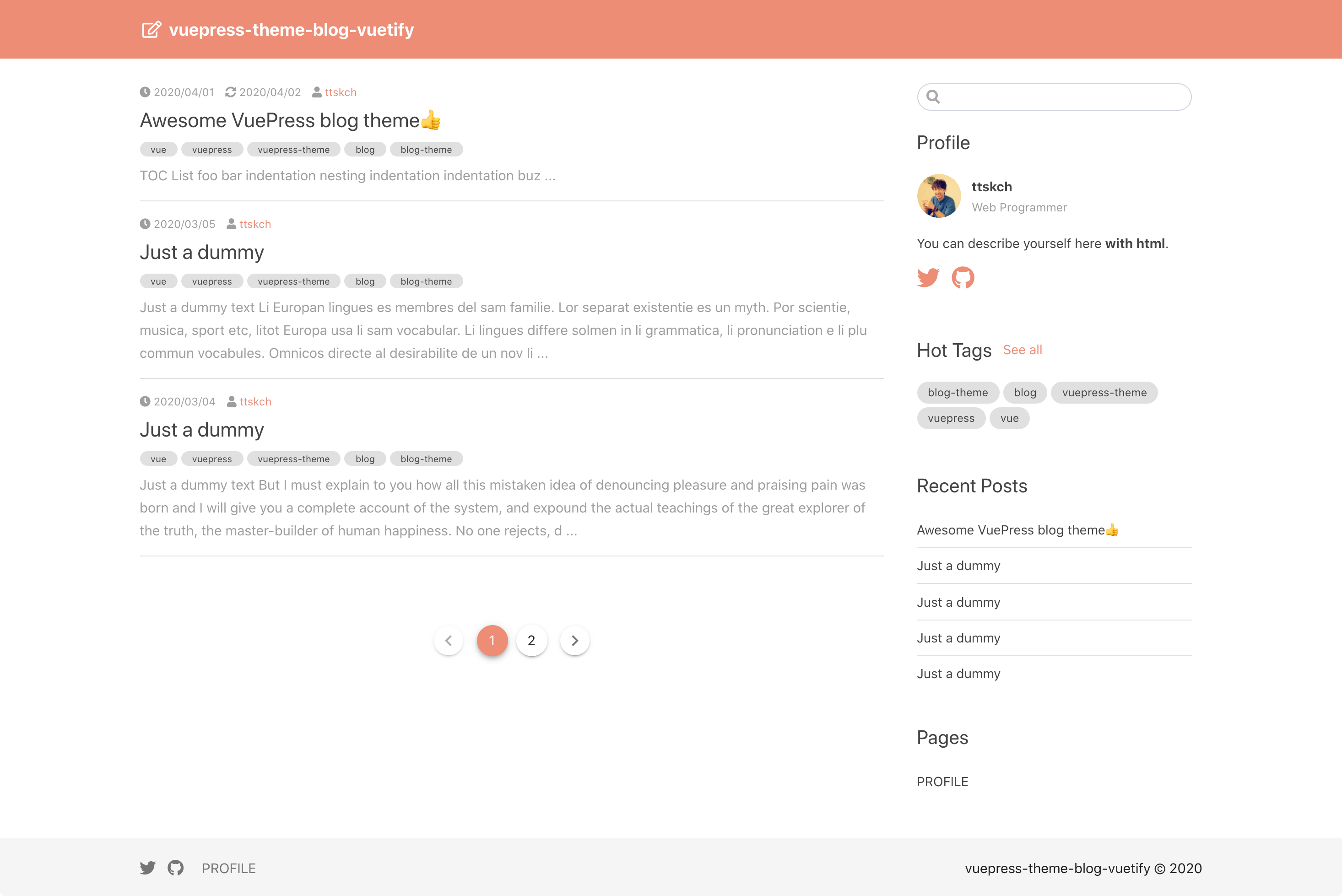
💥The world's most simple, beautiful and customizable 2 columns [VuePress](https://vuepress.vuejs.org/) blog theme built with [Vuetify](https://vuetifyjs.com).
It has following features.
* List hot tags automatically
* List recent posts automatically
* Scroll-spy TOC
* SEO ready (perfect `` and `` tags)
* Mobile friendly
* Customizable styles using scss (not stylus)
* Ability of inserting your own content into the layout of the theme
## Live demo
👉
## Installation
```bash
$ yarn add --dev vuepress-theme-blog-vuetify
# or
$ npm install -D vuepress-theme-blog-vuetify
```
## Usage
```js
// .vuepress/config.js
module.exports = {
theme: 'blog-vuetify',
themeConfig: {
// ...
}
}
```
### Configurations
You can see the valid options and default values [here](https://github.com/ttskch/vuepress-theme-blog-vuetify/blob/master/index.js#L14) 👍
### Customizing styles
You can customize styles flexibly by overwrite [scss variables](https://github.com/ttskch/vuepress-theme-blog-vuetify/blob/master/styles/_variables.scss).
In order to overwrite them, you have to just place `.vuepress/styles/variables.scss` which re-defines some variables [like this](https://github.com/ttskch/vuepress-theme-blog-vuetify/blob/master/example/blog/.vuepress/styles/variables.scss) 👍
### Inserting your own content into the layout of the theme
You can insert your own content like as following.
**1. Create Vue component**
For example, create `.vuepress/components/AfterPage.vue` like following.
```vue
Some content for after page content of each page
```
**2. Create `enhanceApp.js` and register your component to Vue app**
```js
import AfterPage from './components/AfterPage'
// @see https://vuepress.vuejs.org/theme/writing-a-theme.html#app-level-enhancements
export default ({
Vue, // the version of Vue being used in the VuePress app
options, // the options for the root Vue instance
router, // the router instance for the app
siteData // site metadata
}) => {
Vue.component('MyAfterPage', AfterPage)
}
```
**3. Notify the name of your component to the theme**
```js
themeConfig: {
components: {
afterPage: 'MyAfterPage'
}
}
```
That's it 😃
Default (empty) components for valid hook points are [them](https://github.com/ttskch/vuepress-theme-blog-vuetify/tree/master/components/extensions).