https://github.com/turbolabit/zzupdate
A simple command to fully update an Ubuntu PC/server via apt. Mostly hands-off and unattended.
https://github.com/turbolabit/zzupdate
Last synced: 5 months ago
JSON representation
A simple command to fully update an Ubuntu PC/server via apt. Mostly hands-off and unattended.
- Host: GitHub
- URL: https://github.com/turbolabit/zzupdate
- Owner: TurboLabIt
- Created: 2017-08-05T09:11:22.000Z (almost 9 years ago)
- Default Branch: master
- Last Pushed: 2026-01-24T18:06:08.000Z (5 months ago)
- Last Synced: 2026-01-25T07:27:30.481Z (5 months ago)
- Language: Shell
- Homepage: https://turbolab.it/linux-27/aggiornare-ubuntu-quali-differenze-apt-get-update-apt-get-upgrade-apt-get-dist-upgrade-modo-migliore-...-zzupdate-199
- Size: 117 KB
- Stars: 68
- Watchers: 4
- Forks: 6
- Open Issues: 1
-
Metadata Files:
- Readme: README.md
Awesome Lists containing this project
README
# 🔃 zzupdate 🔃
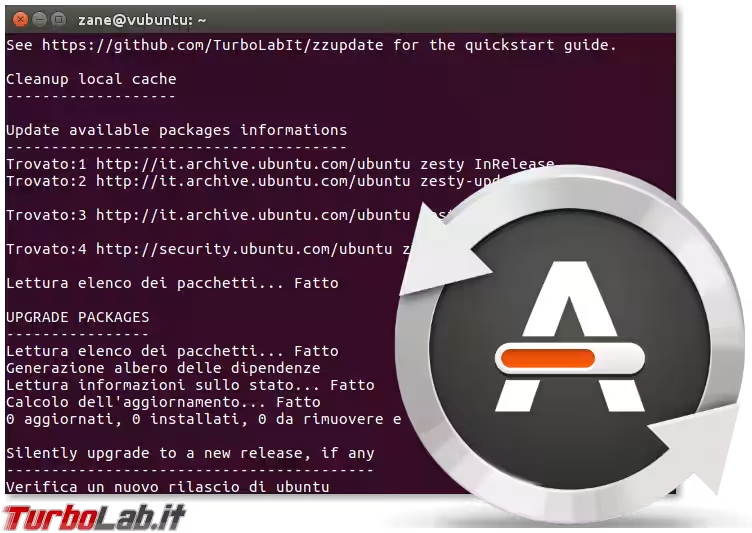
A simple command to fully update an Ubuntu PC/server via apt. Mostly hand-off and unattended. The provided `setup.sh` auto-installs/updates the code and makes the script available as a new, simple shell command (`zzupdate`). The project aims to deliver a fully configfile-driven script: no code editing should be necessary!
**Parli italiano?** » Leggi: [Aggiornare Ubuntu: quali differenze fra apt-get update, apt-get upgrade e apt-get dist-upgrade? Il modo migliore è... zzupdate!](https://turbolab.it/199)
# Install
````bash
sudo apt update && sudo apt install curl -y && curl -s https://raw.githubusercontent.com/TurboLabIt/zzupdate/master/setup.sh | sudo bash
````
Now copy the provided sample configuration file (`zzupdate.default.conf`) to your own `zzupdate.conf` and set your preference:
````bash
sudo cp /usr/local/turbolab.it/zzupdate/zzupdate.default.conf /etc/turbolab.it/zzupdate.conf && sudo nano /etc/turbolab.it/zzupdate.conf
````
# Safe config
Need a safe default config for production servers?
````bash
ln -s /usr/local/turbolab.it/zzupdate/zzupdate.profile.server.conf /etc/turbolab.it/zzupdate.conf
````
# Run it
It's upgrade time! Run `zzupdate` to fully update your system.
# Guides/reviews
* **Italiano** (TurboLab.it): [Aggiornare Ubuntu con un solo comando: zzupdate (pacchetti e sistema operativo)](https://turbolab.it/199)
* **English** (ostechnix): [How To Upgrade Ubuntu With A Single Command](https://www.ostechnix.com/upgrade-ubuntu-single-command/)
* **English** (itsfoss): [Easily Upgrade Ubuntu to a Newer Version with This Single Command](https://itsfoss.com/zzupdate-upgrade-ubuntu)
* **Español** (ubunlog): [zzupdate, actualiza tu sistema Ubuntu con un solo comando en la terminal](https://ubunlog.com/zzupdate-actualiza-comando-terminal/)
* **English** (2daygeek): [zzupdate – Single Command To Upgrade Ubuntu 18.04 LTS (Bionic Beaver)](https://www.2daygeek.com/zzupdate-single-command-to-upgrade-ubuntu-18-04/)
# Social
* **English**: [Reddit on /r/Ubuntu](https://www.reddit.com/r/Ubuntu/comments/6zn8fz/zzupdate_lets_you_to_upgrade_your_ubuntu/)