https://github.com/ull-esit-pl/ast-compare
Some tools to compare json and ASTs
https://github.com/ull-esit-pl/ast-compare
ast ast-comparison json-compare
Last synced: 9 days ago
JSON representation
Some tools to compare json and ASTs
- Host: GitHub
- URL: https://github.com/ull-esit-pl/ast-compare
- Owner: ULL-ESIT-PL
- Created: 2024-03-30T10:13:39.000Z (over 2 years ago)
- Default Branch: main
- Last Pushed: 2024-03-30T11:31:23.000Z (over 2 years ago)
- Last Synced: 2025-10-25T06:06:29.038Z (9 months ago)
- Topics: ast, ast-comparison, json-compare
- Language: JavaScript
- Homepage:
- Size: 246 KB
- Stars: 0
- Watchers: 1
- Forks: 0
- Open Issues: 0
-
Metadata Files:
- Readme: README.md
Awesome Lists containing this project
README
# AST comparison
You can compare ASTs in different ways:
- Use VSCode "select to compare" feature to compare the JSON files. Likely one of the best.

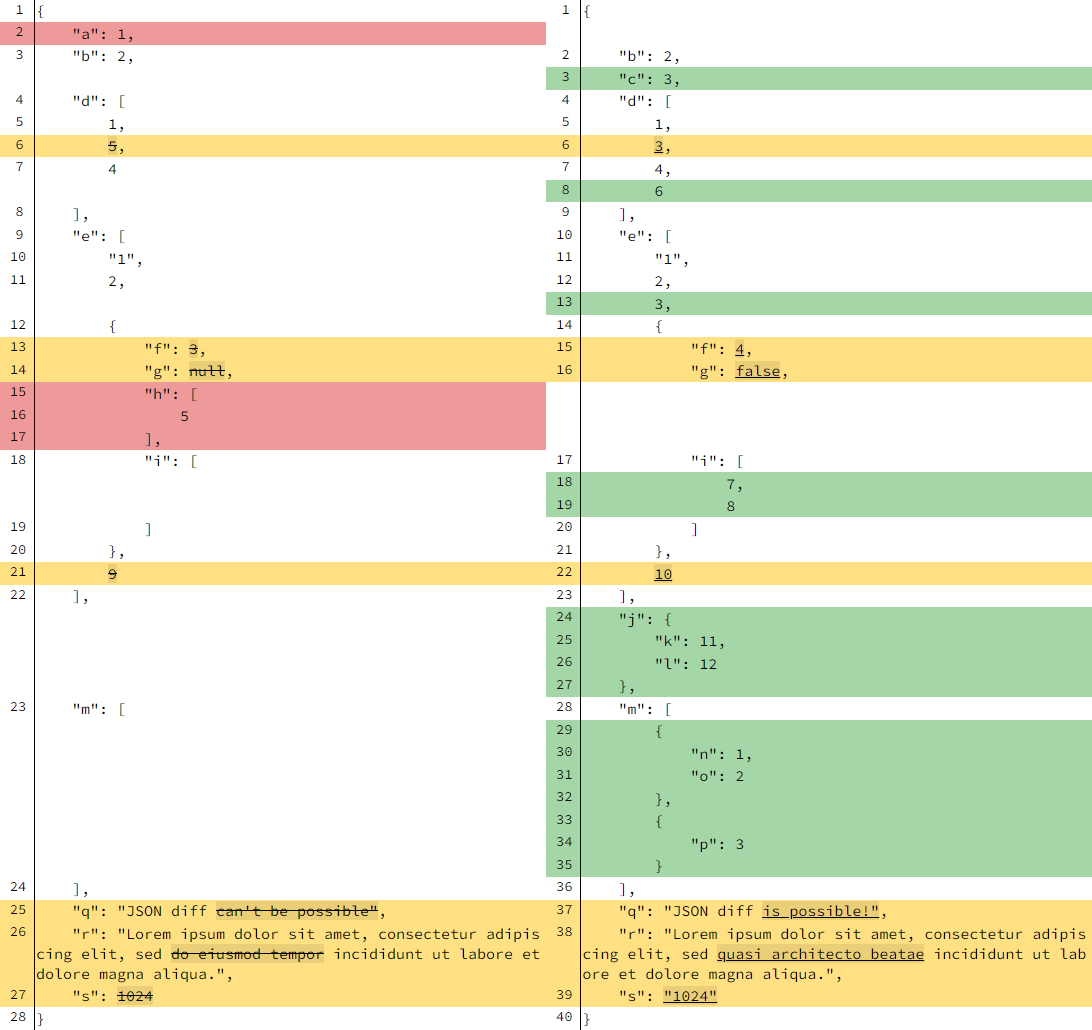
- Use the npm package `json-diff-kit` to compare JSON files.
- Use the `check` method of ast-type nodes to check consistency of the AST.
- Use an ordinary `diff` tool to compare JSON files.
```diff
➜ ast-compare git:(main) diff actual-a-equal-4.json expected-a-equal-4.json
10,11c10
< "type": "Identifier",
< "name": "a"
---
> "type": "Identifier"
14,15c13
< "type": "Literal",
< "value": 4
---
> "type": "Literal"
```
- Another way to compare JSON files is to use the website https://www.jsondiff.com/.
- Use the npm package [ast-compare](ast-compare.md) to compare ASTs.
- Use the npm package [json-diff](json-diff.md) to compare JSON files.
## json-diff-kit
```
➜ ast-compare git:(main) ✗ npx jsondiff --help
Usage: jsondiff [options] [command]
A better JSON differ & viewer, support LCS diff for arrays and recognise some changes as "modification" apart from simple "remove"+"add".
Options:
-V, --version output the version number
-h, --help display help for command
Commands:
run [options] Shows a difference between two JSON files.
help [command] display help for command
```