https://github.com/unkownpr/prompt-engineering-skill
Agent Skill for prompt engineering, RAG, CoT, hallucination reduction, and self-improving LLM loops
https://github.com/unkownpr/prompt-engineering-skill
agent-skill agent-skills claude-code llm prompt-engineering rag skills-sh
Last synced: 22 days ago
JSON representation
Agent Skill for prompt engineering, RAG, CoT, hallucination reduction, and self-improving LLM loops
- Host: GitHub
- URL: https://github.com/unkownpr/prompt-engineering-skill
- Owner: unkownpr
- Created: 2026-05-21T08:43:30.000Z (about 1 month ago)
- Default Branch: main
- Last Pushed: 2026-05-21T11:09:02.000Z (about 1 month ago)
- Last Synced: 2026-05-21T19:27:36.661Z (about 1 month ago)
- Topics: agent-skill, agent-skills, claude-code, llm, prompt-engineering, rag, skills-sh
- Homepage: https://ssilistre.dev
- Size: 54.7 KB
- Stars: 2
- Watchers: 0
- Forks: 0
- Open Issues: 0
-
Metadata Files:
- Readme: README.md
Awesome Lists containing this project
README

# 🧠 Prompt Engineering Skill
### An Agent Skill for getting consistent, accurate, and reproducible output from LLMs
[🇹🇷 Türkçe](./README.tr.md) · **🇬🇧 English**
[](https://skills.sh/unkownpr/prompt-engineering-skill)
[](https://opensource.org/licenses/MIT)
[](https://agentskills.io)
[](https://code.claude.com)
**Hallucination ↓ · Consistency ↑ · Token efficiency ↑**
Chain-of-Thought, RAG, COSTAR, and self-improving loop techniques bundled into a single skill.
Compatible with Claude Code, Cursor, Codex, Gemini CLI, and 50+ other agents.
```bash
npx skills add unkownpr/prompt-engineering-skill
```
---
## 🎯 What This Skill Does
Makes prompt engineering systematic in AI projects. When the agent detects one of these situations, the skill auto-activates and treats your request like an experienced prompt engineer would:
| Situation | How the Skill Helps |
|-----------|---------------------|
| You're getting broken or incomplete output from an LLM | Finds the root cause of the hallucination and suggests preventive techniques |
| You're writing a new prompt from scratch | Picks the right scaffold (COSTAR or Chain-of-Thought) and delivers a ready skeleton |
| You're building a RAG system | Concrete suggestions for retrieval quality, chunking, re-ranking, and citation patterns |
| You're designing an agent or autonomous workflow | Produces multi-step prompt chains, role assignment, and guardrails |
| You're comparing multiple models | Model-specific optimization for Claude, GPT, Qwen, Kimi, and MiniMax |
| You don't know if your prompt actually works | Sets up a golden dataset and evaluation framework so quality becomes measurable |
---
## ✨ How It Produces Quality Prompts
The difference here is that the skill doesn't blindly apply a single template. The moment it receives your request, it **synthesizes information from multiple reference files**:
1. **Classifies the task.** It looks at what you're asking for: code generation, classification, summarization, agent workflow? The task type drives template selection.
2. **Picks the right framework.** Pulls the most suitable one from COSTAR, RTF, CRISPE, or ICE — defined in `references/frameworks.md`. It doesn't just copy the doc — it adapts the framework to your context.
3. **Adds the reasoning technique.** If the task requires multi-step thinking, it pulls Chain-of-Thought, Tree-of-Thought, or self-consistency patterns from `references/cot-techniques.md`. For single-step tasks, this step is skipped.
4. **Applies anti-hallucination rules.** From `references/anti-hallucination.md`: forced "I don't know" language under uncertainty, mandatory source attribution, citation patterns, and grounding rules.
5. **Optimizes for the target model.** Claude → XML tags. GPT → markdown headers. Qwen/Kimi → CJK-friendly patterns. Details in `references/model-selection.md`.
6. **Integrates RAG or retrieval if present.** If the system uses RAG, it pulls source citation format, chunk references, and fallback behavior from `references/rag-tips.md`.
7. **Makes the output evaluable.** Attaches 3-5 input-output example pairs, a golden dataset suggestion, and an LLM-as-judge rubric. The "does it work?" question turns from a guess into a measurement.
The prompt you receive isn't the output of one template — it's a **synthesis of 4-6 different techniques selected for your task type**. Every suggestion comes with the underlying reference file, so you can drill deeper when needed.
---
## 🪶 How Token Efficiency Is Achieved
The skill is written around the **progressive disclosure** principle. Not every piece of information loads into context every time:
1. **Discovery phase** — On startup, the agent only reads the skill's `name` and `description`. Total cost: ~250 tokens.
2. **Activation phase** — When a trigger word appears in conversation (e.g. "hallucination", "RAG", "COSTAR"), the full `SKILL.md` loads.
3. **Reference phase** — Files under `references/` and `templates/` are read only as the current task demands. They don't all enter context at once.
Beyond that, the skill applies these practices internally:
- **Split reference files** — Instead of one giant doc, 9 topic-scoped references. The agent loads only what it needs.
- **Ready-made templates** — Frequently used COSTAR, CoT, and RAG scaffolds live under `templates/`. No tokens spent regenerating them.
- **Sharp trigger words** — The keywords in `description` prevent the agent from loading the skill unnecessarily.
Result: even though the skill contains 10+ files and thousands of lines, the load it adds to a typical conversation stays very low.
---
## ⚡ Quick Install
**Install globally to all supported agents:**
```bash
npx skills add unkownpr/prompt-engineering-skill -g
```
**Install to Claude Code only:**
```bash
npx skills add unkownpr/prompt-engineering-skill -g -a claude-code
```
**List the contents first:**
```bash
npx skills add unkownpr/prompt-engineering-skill --list
```
> [!TIP]
> The `-g` flag installs globally (`~/.claude/skills/`). Without the flag, install is project-scoped (`.claude/skills/`).
---
## 🔥 Trigger Words
The skill activates when the agent picks up one of these keywords:
Writing & Improving
`write a prompt` · `improve prompt` · `system prompt` · `agent prompt`
Quality & Errors
`hallucination` · `LLM output quality` · `prompt injection` · `format error`
Techniques
`Chain of Thought` · `CoT` · `RAG` · `COSTAR` · `few-shot` · `role assignment`
Evaluation
`prompt evaluation` · `golden dataset` · `LLM-as-judge` · `regression test`
Model Selection
`Claude prompt` · `GPT prompt` · `Qwen prompt` · `Kimi prompt` · `MiniMax prompt`
---
## 📦 Skill Contents
```
prompt-engineering-skill/
├── README.md
└── skills/
└── prompt-engineering/
├── SKILL.md # Main skill instructions + frontmatter
├── references/
│ ├── agentic-loops.md # Self-improving loops, ReAct, reflection
│ ├── anti-hallucination.md # Hallucination prevention techniques
│ ├── cot-techniques.md # Chain-of-Thought variants
│ ├── evaluation.md # Prompt evaluation + golden dataset
│ ├── frameworks.md # COSTAR, RTF, CRISPE, ICE
│ ├── mempalace-integration.md # Memory palace + long-context patterns
│ ├── model-selection.md # Claude / GPT / Qwen / Kimi / MiniMax comparison
│ ├── prompt-chaining.md # Multi-step prompt chaining
│ └── rag-tips.md # Retrieval, chunking, re-ranking
└── templates/
├── costar-template.md # COSTAR boilerplate
├── cot-template.md # Chain-of-Thought boilerplate
└── rag-template.md # RAG system prompt boilerplate
```
---
## 🧩 Supported Agents
The skill is **compatible with 50+ agents** because it follows the Agent Skills spec:
Claude Code · Cursor · Codex · Gemini CLI · OpenCode · GitHub Copilot · Amp · Goose · Roo Code · Continue · Kiro · Crush · Windsurf · Factory · Junie · and [more](https://agentskills.io/clients)
---
## 💡 Example
After install, just talk to the agent normally. The skill triggers itself.
**Your request:**
> "Write a prompt that classifies e-commerce support emails into complaint, refund_request, shipping_query, or general_question. It will run on Claude. It must not misclassify."
**The prompt the skill produces (abbreviated):**
````markdown
You are an email triage assistant for an e-commerce company.
Classify the incoming customer email into exactly one of these categories:
- complaint — product quality, service, or experience issues
- refund_request — explicit refund, return, or money-back asks
- shipping_query — delivery status, ETA, tracking, address change
- general_question — anything that doesn't match above
1. If the email touches multiple topics, pick the PRIMARY intent —
the action the customer is asking for.
2. If you cannot confidently classify, output "general_question".
Do NOT invent a new category.
3. Output ONLY the category slug. No explanation, no greeting,
no markdown.
Order #4521 still hasn't arrived, been 2 weeks.
shipping_query
The headphones broke after 3 days. I want my money back.
refund_request
Do you ship to Turkey?
general_question
{{user_email}}
````
**The skill also ships with:**
- A 10-example golden dataset (2-3 per category)
- An LLM-as-judge rubric (3 criteria: correct category, no unwanted output, edge case handling)
- An edge case list (empty email, multi-intent, sarcastic tone, foreign language)
- A regression test plan to run before production rollout
---
## 📄 License & Contact
MIT © [ssilistre](https://ssilistre.dev) · 🐙 [@unkownpr](https://github.com/unkownpr)
Feedback and feature requests welcome at [Issues](https://github.com/unkownpr/prompt-engineering-skill/issues). PRs welcome.
---
### 💎 Sponsor
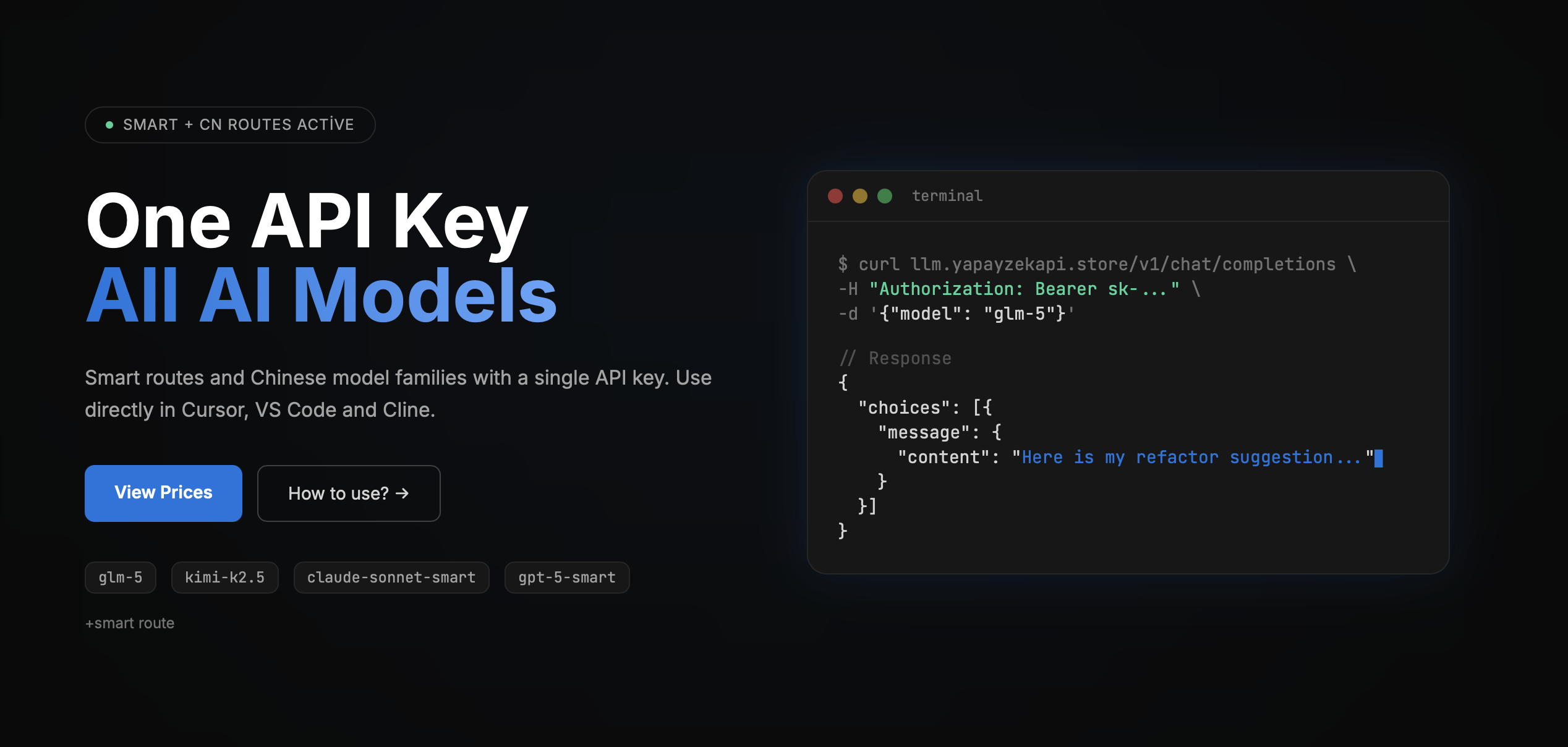
**[yapayzekapi.store](https://yapayzekapi.store) — One API Key, All AI Models**
Smart routing and Chinese model families with a single API key.
Use directly in Cursor, VS Code, and Cline.
**[💰 View Prices →](https://yapayzekapi.store)**