https://github.com/unshopable/liquidx
XML-like syntax extension to Shopify's Liquid template language
https://github.com/unshopable/liquidx
liquid shopify shopify-theme xml
Last synced: about 1 year ago
JSON representation
XML-like syntax extension to Shopify's Liquid template language
- Host: GitHub
- URL: https://github.com/unshopable/liquidx
- Owner: unshopable
- License: mit
- Created: 2023-05-24T08:04:42.000Z (about 3 years ago)
- Default Branch: main
- Last Pushed: 2023-11-29T19:36:12.000Z (over 2 years ago)
- Last Synced: 2025-03-27T19:14:48.997Z (over 1 year ago)
- Topics: liquid, shopify, shopify-theme, xml
- Language: TypeScript
- Homepage:
- Size: 129 KB
- Stars: 14
- Watchers: 1
- Forks: 0
- Open Issues: 2
-
Metadata Files:
- Readme: README.md
- License: LICENSE
Awesome Lists containing this project
README
# LiquidX
LiquidX is a XML-like syntax extension to Shopify's Liquid template language. It's not intended to run on Shopify's servers, thus needs to be used by preprocessors (transpilers) to transform it into standard Liquid.
```liquid
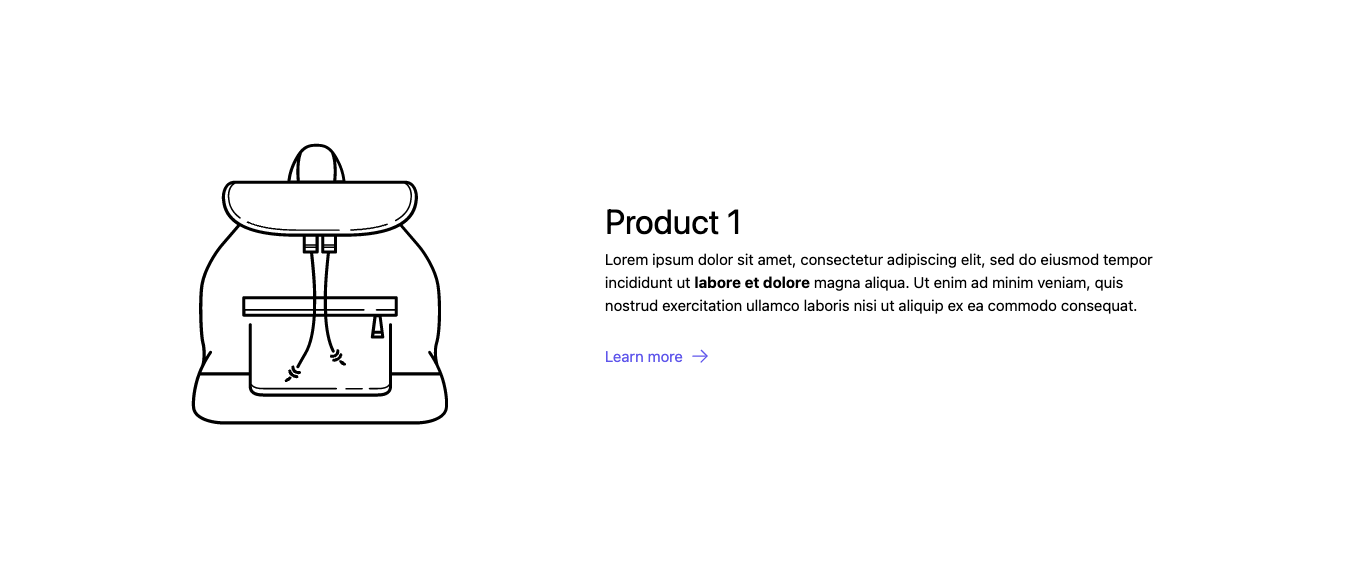
Product 1
Lorem ipsum dolor sit amet, consectetur adipiscing elit, sed do eiusmod tempor incididunt
ut labore et dolore magna aliqua. Ut enim ad minim veniam, quis nostrud
exercitation ullamco laboris nisi ut aliquip ex ea commodo consequat.
Learn more
```
## Table of Contents
- [Motivation](#motivation)
- [Getting started](#getting-started)
- [Components](#components)
- [Props](#props)
- [Contributing](#contributing)
- [License](#license)
## Motivation
The purpose of LiquidX is to improve the developer experience and speed up the development process tremendously – we're talking 10x here. It achieves this goal by making it almost trivial to implement design systems and component libraries.
Out of the box, Liquid does not support nested structures for components (aka snippets) which makes it hard – or even impossible in some cases – to create really reusable components. LiquidX introduces a concise and familiar syntax for defining tree structures with attributes while adding almost no syntactic footprint.
## Getting started
> **Note**
> If you're not using any build tools yet, the fastest way to implement LiquidX is [Melter](https://github.com/unshopable/melter) with the [LiquidX Melter Plugin](https://github.com/unshopable/melter-plugin-liquidx).
This package exports a `render` function which expects a string. If this string contains LiquidX syntax than it's rendered to Shopify-compatible code.
To illustrate how easy it is to implement LiquidX yourself in your Shopify theme projects, we'll do a quick implementation with [Melter](https://github.com/unshopable/melter).
Assuming that you already installed Melter, create a new file:
```diff
melter-liquidx
├── node_modules
├── src
│ └── ...
├── melter.config.js
+ ├── liquidx-plugin.js
├── package-lock.json
└── package.json
```
**liquidx-plugin.js**
```js
const { render } = require('@unshopable/liquidx');
const { Plugin } = require('@unshopable/melter');
class LiquidXPlugin extends Plugin {
apply(compiler): void {
compiler.hooks.emitter.tap('LiquidXPlugin', (emitter) => {
emitter.hooks.beforeAssetAction.tap('LiquidXPlugin', (asset) => {
if (asset.action !== 'remove') {
asset.content = Buffer.from(render(asset.content.toString()));
}
});
});
}
}
module.exports = LiquidXPlugin;
```
Now add this to your melter config:
```diff
+ const LiquidXPlugin = require('./liquidx-plugin.js');
/** @type {import("@unshopable/melter").MelterConfig} */
const melterConfig = {
+ plugins: [
+ new LiquidXPlugin(),
+ ],
};
module.exports = melterConfig;
```
## Components
Now that LiquidX is ready to be transpiled, let's talk about how to create components. Let's take a look at an example.
First, create some new files:
```diff
melter-liquidx
├── node_modules
├── src
+ │ ├── snippets
+ │ │ └── button.liquid
+ │ └── sections
+ │ └── section.liquid
├── melter.config.js
├── liquidx-plugin.js
├── package-lock.json
└── package.json
```
> **Note**
> We recommend creating a dedicated directory for components to have a clear distinction between "snippets" and "components". This can easily be configured with the `paths` option in Melter.
**components/button.liquid**
```liquid
{{ children }}
```
**sections/section.liquid**
```liquid
Click me!
```
In this example `{{ children }}` will render "Click me!".
It's important to understand, that components are basically just native Shopify snippets that give access to an optional `children` property.
You could also rewrite the example above:
```diff
- {{ children }}
+
```
With this in mind you can start building reusable UI components. For instance, you can update the `button` component so it can either be a `` or ``:
**components/button.liquid**
```diff
+ {%- liquid
+ # Determine tag name and optional attributes of the underlying element (button or anchor).
+
+ assign tag_name = 'button'
+ assign inner_attrs = null
+
+ if url
+ assign tag_name = 'a'
+ assign href_attr = 'href="' | append: url | append: '"' | sort
+ assign inner_attrs = inner_attrs | concat: href_attr
+ endif
+ -%}
+
+ <{{ tag_name }}{{ inner_attrs | join: ' ' }}>{{ children }}
- {{ children }}
```
**sections/section.liquid**
```liquid
I'm a Button!
I'm a Link!
```
This renders:
```liquid
I'm a Button!
I'm a Link!
```
### Props
Props can be of any type Liquid supports:
```liquid
```
For a smooth developer experience make sure to document all available props in your component:
```diff
+ {% comment %}
+ Renders a button component.
+
+ @param {string} [url] - A destination to link to, rendered in the href attribute of a link.
+ @param {any} children
+
+ @example
+
+ Add to Cart
+ {% endcomment %}
+
{%- liquid
# Determine tag name and optional attributes of the underlying element (button or anchor).
assign tag_name = 'button'
assign inner_attrs = null
if url
assign tag_name = 'a'
assign href_attr = 'href="' | append: url | append: '"' | sort
assign inner_attrs = inner_attrs | concat: href_attr
endif
-%}
<{{ tag_name }}{{ inner_attrs | join: ' ' }}>{{ children }}
```
> **Note**
> This "LiquidDoc" is also what will be used to power intellisense/autocompletion in VSCode in a later release.
## Contributing
TODO
## License
[MIT](LICENSE)