https://github.com/usercentrics/flutter-sdk
Usercentrics Flutter SDK
https://github.com/usercentrics/flutter-sdk
applications cmp flutter mobile privacy
Last synced: 5 months ago
JSON representation
Usercentrics Flutter SDK
- Host: GitHub
- URL: https://github.com/usercentrics/flutter-sdk
- Owner: Usercentrics
- License: apache-2.0
- Created: 2021-10-12T10:48:08.000Z (almost 5 years ago)
- Default Branch: master
- Last Pushed: 2026-01-27T14:50:09.000Z (6 months ago)
- Last Synced: 2026-01-28T01:45:05.516Z (6 months ago)
- Topics: applications, cmp, flutter, mobile, privacy
- Language: Dart
- Homepage: https://pub.dev/packages/usercentrics_sdk
- Size: 1.62 MB
- Stars: 6
- Watchers: 5
- Forks: 12
- Open Issues: 0
-
Metadata Files:
- Readme: README.md
- Changelog: CHANGELOG.md
- License: LICENSE
Awesome Lists containing this project
README

# Usercentrics



# Already a customer?
In case you wish to report an issue, we provide a [dedicated page](https://usercentricssupport.zendesk.com/hc/en-us/requests/new) specifically for this purpose. By accessing the provided link and submitting a ticket our team will address your concerns with the utmost efficiency, ensuring a prompt resolution.
# Welcome!
You are now one step closer from making **privacy** a core feature in your application. We are very happy that you decided to make this a priority. We are here to help you **build trust** with your users.
## The Usercentrics Apps SDK
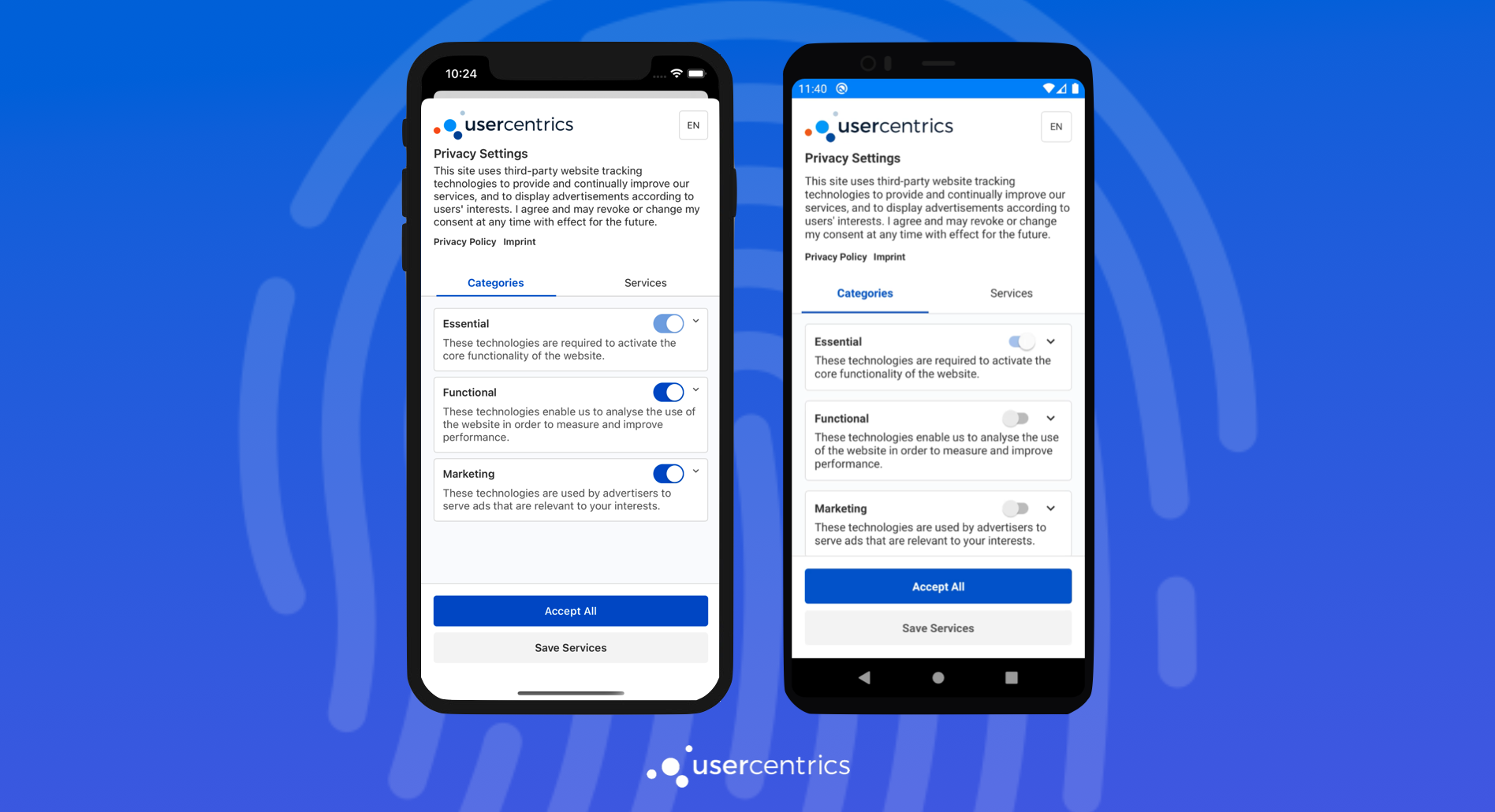
The Usercentrics Apps SDK is a native Consent Management Platform solution for mobile apps, mobile games & TV applications, that enables the collection, documentation, and management of your user's privacy choices, in order to ensure legal compliance for legal regulations around the world.
## Requirements
* Dart 2.17.1 or higher
* Flutter 1.20.0 or higher
* Android 4.1 (API 16) or higher with Kotlin 1.5 or higher
* iOS 11 or higher
To meet the requirements:
Android with Kotlin version lower than 1.5
If you have an incompatible Kotlin version you may see the following error when you run app on Android:
```
e: Incompatible classes were found in dependencies. Remove them from the classpath or use '-Xskip-metadata-version-check' to suppress errors
```
This error is easy to solve, you only need to increase the version that is usually in the `android/build.gradle` file. Use a recent stable Kotlin version, for example: `1.5.31`.

Android version lower than 5.0 (API 21)
If you support an Android version lower than 5.0 (API 21) and you don't have the [multidex](https://developer.android.com/studio/build/multidex) enabled in your project, you may see the following error when you run your app on Android:
```
D8: Cannot fit requested classes in a single dex file (# methods: 66055 > 65536)
```
You can change the minimum version of your application to 5.0 (API 21). That configuration is usually in the `android/app/build.gradle` file. Make sure that `minSdkVersion` is `21` or higher.

Although Android 5.0 version already supports 99% of all devices, if you still want to have support for Android 4.1 (API 16) you have to do the following:
1. Add the multidex library to your application dependencies that is usually in the `android/app/build.gradle` file.
```groovy
implementation "androidx.multidex:multidex:2.0.1"
```

2. Enable the option in the application build `defaultConfig`. It is usually in the same `android/app/build.gradle` file.
```groovy
multiDexEnabled true
```

3. Make your application class initialize multidex. There are several options to do that, in Flutter the easiest way is to add it to the manifest. The manifest is usually located at `android/app/src/main/AndroidManifest.xml`.
```groovy
android:name="androidx.multidex.MultiDexApplication"
```

iOS version lower than 11
If you have a iOS target version lower than **11** or you have no version at all (it defaults to version 9) you may see the following error when you run your app on iOS:
```
[!] Automatically assigning platform `iOS` with version `9.0` on target `Runner` because no platform was specified. Please specify a platform for this target in your Podfile. See `https://guides.cocoapods.org/syntax/podfile.html#platform`.
```
This error is easy to solve, you have to do the following:
1. Define or increase the version of your Podfile at least to version 11. It is usually located at `ios/Podfile`.
```ruby
platform :ios, '11.0'
```

2. Run `flutter pub get` again and open the iOS project using Xcode. It is usually located at `ios/Runner.xcworkspace`. Now, you have to select the `Runner` project and change the `Deployment Target` to the same version.

## Get started!
In order to use and test the SDK, you will need a Usercentrics Account. Get [started with a free trial](https://usercentrics.com/in-app-sdk/).
## Integration
Continue to our [documentation](https://usercentrics.com/docs/apps/intro/) for a step by step integration guide.
## Example
See the [example](https://github.com/Usercentrics/flutter-sdk/tree/master/example) directory for a complete sample app using Usercentrics.
## Testing
You can use your own Usercentrics to test the integration or any other functionality.
1. Implement your own `UsercentricsPlatform` manually or using a mock library such as `mockito`:
```dart
class FakeUsercentrics extends UsercentricsPlatform {
...
}
```
2. Inject your instance in the testing `delegatePackingProperty` variable:
```dart
testWidgets('Initializes Usercentrics', (WidgetTester tester) async {
final usercentrics = FakeUsercentrics();
Usercentrics.delegatePackingProperty = usercentrics;
await tester.pumpWidget(const MyApp());
expect(usercentrics.initializeCount, 1);
});
```
3. Clear the instance after the test in order to prevent the tests from interfering with each other:
```dart
tearDown(() {
Usercentrics.delegatePackingProperty = null;
});
```
## Maintainers
- [Usercentrics](https://github.com/Usercentrics)