https://github.com/vakesz/notification_app
A real-time web application for monitoring blog posts with intelligent notifications, Azure AD authentication, and web push support.
https://github.com/vakesz/notification_app
azure blog flask python
Last synced: about 2 months ago
JSON representation
A real-time web application for monitoring blog posts with intelligent notifications, Azure AD authentication, and web push support.
- Host: GitHub
- URL: https://github.com/vakesz/notification_app
- Owner: vakesz
- Created: 2025-06-19T22:20:14.000Z (about 1 year ago)
- Default Branch: main
- Last Pushed: 2025-06-19T22:27:21.000Z (about 1 year ago)
- Last Synced: 2025-06-19T23:25:41.489Z (about 1 year ago)
- Topics: azure, blog, flask, python
- Language: Python
- Homepage: https://vakesz.github.io/notification_app/
- Size: 123 KB
- Stars: 0
- Watchers: 0
- Forks: 0
- Open Issues: 0
-
Metadata Files:
- Readme: README.md
Awesome Lists containing this project
README
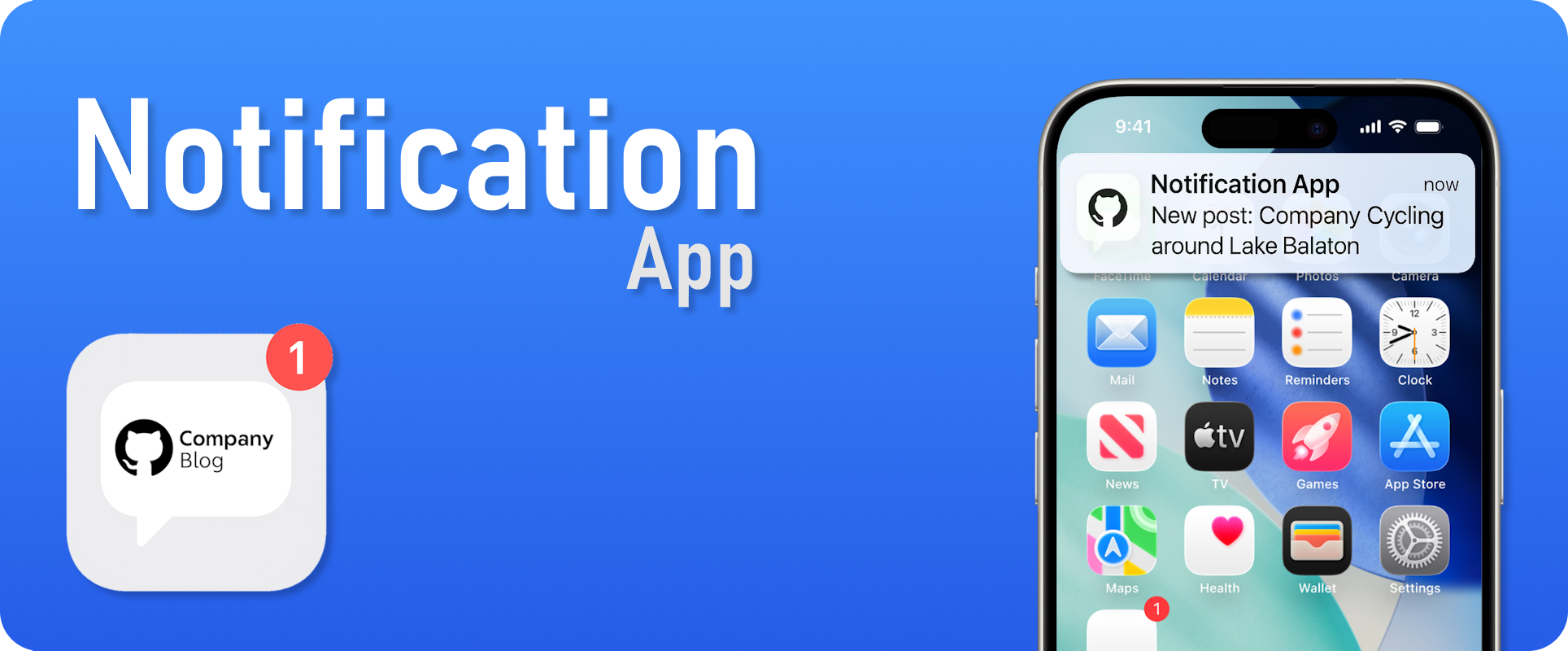
# Notification App
[](https://github.com/vakesz/notification_app/actions)
[](https://github.com/vakesz/notification_app/actions/workflows/release-docker.yml)
[](https://vakesz.github.io/notification_app/)
[](https://www.python.org/downloads/)
[](LICENSE)
[](https://github.com/astral-sh/ruff)
A real-time web application for monitoring blog posts with intelligent notifications, Azure AD authentication, and web push support.
## Description
This Flask-based application automatically monitors blog content and delivers personalized notifications to users. It features Microsoft Azure AD single sign-on authentication, customizable notification filters, and web push notifications for real-time updates.
### Key Features
- **Real-time Blog Monitoring**: Automatically polls blog APIs and parses new posts
- **Azure AD Authentication**: Secure single sign-on with Microsoft accounts
- **Intelligent Filtering**: Location-based and keyword-based notification filters
- **Web Push Notifications**: Cross-platform push notifications with VAPID support
- **User Dashboard**: Comprehensive interface for managing settings and viewing notifications
- **Multi-language Support**: English, Hungarian, and Swedish language options
- **Responsive Design**: Mobile-friendly web interface
- **Export Functionality**: Export posts and notifications to JSON format
- **Session Management**: Secure session handling with token validation
## Installation Instructions
### Prerequisites
- Python 3.10 or higher
- Azure AD application registration
- VAPID keys for web push notifications
### Local Development Setup
1. **Clone the repository**
```bash
git clone https://github.com/vakesz/notification_app.git
cd notification_app
```
2. **Create a virtual environment**
```bash
python -m venv venv
source venv/bin/activate # On Windows: venv\Scripts\activate
```
3. **Install dependencies**
```bash
pip install -e .
```
4. **Environment Configuration**
Create a `.env` file in the project root:
```env
# Flask Configuration
SECRET_KEY=your-secret-key-here
FLASK_ENV=development
# Azure AD Configuration
AAD_CLIENT_ID=your-azure-ad-client-id
AAD_CLIENT_SECRET=your-azure-ad-client-secret
AAD_TENANT_ID=your-azure-ad-tenant-id
AAD_REDIRECT_URI=http://localhost:5000/auth/callback
# Blog API Configuration
BLOG_API_URL=https://your-blog-api-url.com
BLOG_API_AUTH_METHOD=none
# Optional Blog API Authentication (choose one if needed)
# For OAuth2:
# BLOG_API_OAUTH2_CLIENT_ID=your-oauth2-client-id
# BLOG_API_OAUTH2_CLIENT_SECRET=your-oauth2-client-secret
# BLOG_API_OAUTH2_TOKEN_URL=https://your-oauth2-token-url.com
# For MSAL:
# BLOG_API_MSAL_CLIENT_ID=your-msal-client-id
# BLOG_API_MSAL_CLIENT_SECRET=your-msal-client-secret
# BLOG_API_MSAL_TENANT_ID=your-msal-tenant-id
# BLOG_API_MSAL_SCOPE=your-msal-scope
# For NTLM:
# BLOG_API_NTLM_USER=your-ntlm-user
# BLOG_API_NTLM_PASSWORD=your-ntlm-password
# BLOG_API_NTLM_DOMAIN=your-ntlm-domain
# For Cookie (session cookie on target blog domain):
# BLOG_API_AUTH_METHOD=cookie
# Option A: Multiple cookies (recommended when the site sets more than one)
# BLOG_API_COOKIES=name1=value1; name2=value2
# Option B: Single cookie (fallback)
# BLOG_API_COOKIE_NAME=your-cookie-name
# BLOG_API_COOKIE_VALUE=your-cookie-value
# BLOG_API_COOKIE_DOMAIN=your-blog-domain.com # optional, defaults to BLOG_API_URL host
# BLOG_API_COOKIE_PATH=/ # optional, defaults to '/'
# Web Push Configuration
PUSH_VAPID_PUBLIC_KEY=your-vapid-public-key
PUSH_VAPID_PRIVATE_KEY=your-vapid-private-key
PUSH_CONTACT_EMAIL=your-contact-email@example.com
# Token Encryption (required)
# Generate with: python -c "from cryptography.fernet import Fernet; print(Fernet.generate_key().decode())"
TOKEN_ENCRYPTION_KEY=base64-urlsafe-32-byte-fernet-key
# Application Settings
APP_NAME=Blog Notifications Parser
APP_DATABASE_PATH=db/posts.db
POLLING_INTERVAL_MINUTES=15
HTTP_TIMEOUT=30
# Optional Advanced Settings
# HTTP_MAX_RETRIES=3
# HTTP_RETRY_BACKOFF=1
# POLLING_BACKOFF_FACTOR=1.5
# POLLING_MAX_BACKOFF=3600
# AUTH_TOKEN_TTL_DAYS=30
# PUSH_TTL=86400
```
5. **Database Setup**
```bash
mkdir -p db
# Database will be automatically initialized on first run
```
### Docker Deployment
#### Run with Docker
```bash
# Pull the latest image
docker pull ghcr.io/vakesz/notification_app:latest
# Run with environment variables
docker run -d \
--name notification-app \
-p 5000:5000 \
-e SECRET_KEY=your-secret-key \
-e AAD_CLIENT_ID=your-azure-ad-client-id \
-e AAD_CLIENT_SECRET=your-azure-ad-client-secret \
-e AAD_TENANT_ID=your-azure-ad-tenant-id \
-e BLOG_API_URL=https://your-blog-api-url.com \
-e PUSH_VAPID_PUBLIC_KEY=your-vapid-public-key \
-e PUSH_VAPID_PRIVATE_KEY=your-vapid-private-key \
-e PUSH_CONTACT_EMAIL=your-contact-email@example.com \
-e TOKEN_ENCRYPTION_KEY=your-fernet-key \
-v notification-db:/app/db \
ghcr.io/vakesz/notification_app:latest
```
#### Run with Docker Compose
```yaml
version: "3.8"
services:
app:
image: ghcr.io/vakesz/notification_app:latest
ports:
- "5000:5000"
environment:
- SECRET_KEY=your-secret-key
- AAD_CLIENT_ID=your-client-id
- AAD_CLIENT_SECRET=your-azure-ad-client-secret
- AAD_TENANT_ID=your-tenant-id
- AAD_REDIRECT_URI=http://localhost:5000/auth/callback
- BLOG_API_URL=https://your-blog-api-url.com
- PUSH_VAPID_PUBLIC_KEY=your-vapid-public-key
- PUSH_VAPID_PRIVATE_KEY=your-vapid-private-key
- PUSH_CONTACT_EMAIL=your-contact-email@example.com
- TOKEN_ENCRYPTION_KEY=your-fernet-key
volumes:
- notification-db:/app/db
volumes:
notification-db:
```
**Note:** The Docker image uses multi-architecture support (amd64/arm64) and runs with `gunicorn -w 4 -b 0.0.0.0:5000 "app.web.main:create_app()"` to properly initialize the Flask application factory.
## Usage Instructions
### Starting the Application
**Development Mode:**
```bash
export FLASK_APP=app.web.main
export FLASK_ENV=development
flask run
```
**Production Mode:**
```bash
gunicorn -w 4 -b 0.0.0.0:5000 "app.web.main:create_app()"
```
### Accessing the Application
1. Navigate to `http://localhost:5000`
2. Click "Login with Microsoft" to authenticate
3. Configure your notification preferences in the dashboard
4. Enable push notifications when prompted by your browser
### API Endpoints
The application provides several API endpoints:
- `POST /api/subscriptions` - Subscribe to push notifications
- `DELETE /api/subscriptions` - Unsubscribe from push notifications
- `GET /api/notifications/status` - Get notification summary
- `POST /api/notifications/mark-read` - Mark notifications as read
- `POST /api/notifications/settings` - Update notification settings
- `GET /api/session/validate` - Validate current session
### Configuration Options
**Notification Settings:**
Users can customize their notification preferences through the dashboard:
- **Language**: Choose from English, Hungarian, or Swedish
- **Location Filter**: Filter notifications by specific locations (only receive notifications for selected locations)
- **Keyword Filter**: Filter notifications by custom keywords (only receive notifications containing specified keywords)
- **Push Notifications**: Enable/disable web push notifications (respects user opt-out preferences)
**Intelligent Notification Filtering:**
The application implements intelligent filtering to ensure users only receive relevant notifications:
- **Location-based Filtering**: Users can select specific locations and will only receive notifications for posts from those locations
- **Keyword-based Filtering**: Users can define custom keywords and will only receive notifications for posts containing those keywords
- **Push Opt-out**: Users can disable push notifications while keeping other notification types active
- **Targeted Delivery**: Push notifications are only sent to users whose filters match the post content, respecting individual preferences
- **Per-User Read State**: Each user has their own read/unread status for notifications, allowing independent tracking
**Blog API Authentication:**
The application supports multiple authentication methods:
- OAuth2 client credentials
- Microsoft MSAL authentication
- NTLM authentication
- Cookie (session cookie supplied via environment)
- No authentication (public APIs)
## Architecture Overview
```text
├── app/
│ ├── api/routes/ # Flask blueprints and routes
│ ├── core/ # Core configuration and security
│ ├── db/ # Database models and management
│ ├── services/ # Business logic services
│ ├── utils/ # Utility functions
│ └── web/ # Web application entry point
├── static/ # Frontend assets
├── templates/ # Jinja2 templates
└── db/ # SQLite database files
```
### Key Components
- **AuthService**: Handles Azure AD authentication and token management
- **PollingService**: Monitors blog APIs for new content
- **NotificationService**: Manages user notifications and web push with intelligent filtering
- **DatabaseManager**: Handles all database operations including user-targeted push subscriptions
- **ContentParser**: Parses HTML content from blog APIs
### Notification Filtering System
The application implements a sophisticated notification filtering system that ensures users only receive relevant content:
1. **Two-Stage Filtering**:
- Location-based filtering: Users can specify which locations they're interested in
- Keyword-based filtering: Users can define keywords that must be present in posts
2. **Targeted Push Delivery**:
- Push notifications are only sent to users whose filters match the post content
- The system queries for push subscriptions of matched users only, not all users
- Individual push notification preferences are respected (users can opt-out of push while keeping other notifications)
## Development
### Development Dependencies
The project includes development tools configured in `pyproject.toml`:
- **pytest**: Testing framework with coverage reporting
- **ruff**: Linting, import sorting, and code formatting
All development dependencies are automatically installed with:
```bash
pip install -e .[dev]
```
### Running Tests and Quality Checks
```bash
# Install development dependencies
pip install -e .[dev]
# Run tests
pytest
# Run with coverage
pytest --cov=app --maxfail=1 --disable-warnings -q
```
### Code Quality
The project uses automated code quality tools that are also run in CI:
```bash
# Format code (Black-compatible)
ruff format app/
# Check formatting only
ruff format --check .
# Lint and sort imports (includes isort via rule I)
ruff check .
# Autofix lint and import issues
ruff check --fix .
# Only sort imports (if needed)
ruff check --select I --fix .
```
### Continuous Integration
This project uses GitHub Actions for automated testing and code quality checks. The CI pipeline:
- **Multi-Python Testing**: Tests against Python 3.10, 3.11, and 3.12
- **Code Formatting**: Validates code formatting with Ruff
- **Import Sorting**: Ensures consistent import organization with Ruff (isort rules)
- **Linting**: Code quality checks with Ruff
- **Test Coverage**: Automated test execution with coverage reporting
The CI workflow runs on every push to main and on pull requests, ensuring code quality and compatibility across Python versions.
## 🤝 Contribution Guidelines
Contributions are welcome. Open an issue or create a pull request.
### Getting Started
1. Fork the repository
2. Create a feature branch: `git checkout -b feature/your-feature-name`
3. Make your changes following the coding standards below
4. Write tests for new functionality
5. Submit a pull request with a clear description
### Coding Standards
- **Python Code**: Follow PEP 8 style guidelines
- **Type Hints**: Use type annotations for all functions
- **Documentation**: Include docstrings for all classes and functions
- **Logging**: Use the logging module instead of print statements
- **Error Handling**: Implement comprehensive error handling
### Reporting Issues
- Use the GitHub issue tracker
- Include detailed reproduction steps
- Provide environment information (Python version, OS, etc.)
- Include relevant log files when possible
## License Information
This project is licensed under the MIT License.
### Third-Party Dependencies
This project uses several open-source libraries:
- Flask (BSD-3-Clause)
- MSAL (MIT)
- pywebpush (MIT)
- APScheduler (MIT)
- Beautiful Soup (MIT)
See `pyproject.toml` for a complete list of dependencies.
### Support
- **Question**: Use [Discussions](https://github.com/vakesz/notification_app/discussions)
- **Bug Reports**: [GitHub Issues](https://github.com/vakesz/notification_app/issues)
- **Security Issues** (Confidential): Use the [Security Policy](https://github.com/vakesz/notification_app/blob/main/SECURITY.md)
Built with ❤️ for efficient company communication.