https://github.com/vani-tty1/memerist
A simple meme editor for Linux
https://github.com/vani-tty1/memerist
c gnome gtk4 image-manipulation libadwaita linux meson ninja-build photo-editing
Last synced: 2 months ago
JSON representation
A simple meme editor for Linux
- Host: GitHub
- URL: https://github.com/vani-tty1/memerist
- Owner: vani-tty1
- License: gpl-3.0
- Created: 2025-11-13T12:05:18.000Z (8 months ago)
- Default Branch: main
- Last Pushed: 2026-04-28T07:51:58.000Z (3 months ago)
- Last Synced: 2026-04-28T09:27:33.084Z (3 months ago)
- Topics: c, gnome, gtk4, image-manipulation, libadwaita, linux, meson, ninja-build, photo-editing
- Language: C
- Homepage: https://flathub.org/en/apps/io.github.vani_tty1.memerist
- Size: 5.39 MB
- Stars: 59
- Watchers: 2
- Forks: 2
- Open Issues: 0
-
Metadata Files:
- Readme: README.md
- License: LICENSE
Awesome Lists containing this project
README
# Memerist

Memes go BRRRRRRRRRRRRR
A modern meme editor built with GTK 4 and Libadwaita.

[](https://copr.fedorainfracloud.org/coprs/vaniiiiii/memerist/package/memerist/)

---
## Features
- **Use or Import your own Templates**
- **Image Import** - Load any image to use as your meme template
- **Classic Meme Text** - You can drag the text anywhere in the photo
- **PNG Export**
- **Layers** - Import any images as another layer to the base image
- **Native GNOME Design**
- **Let it Happen**
## Screenshots
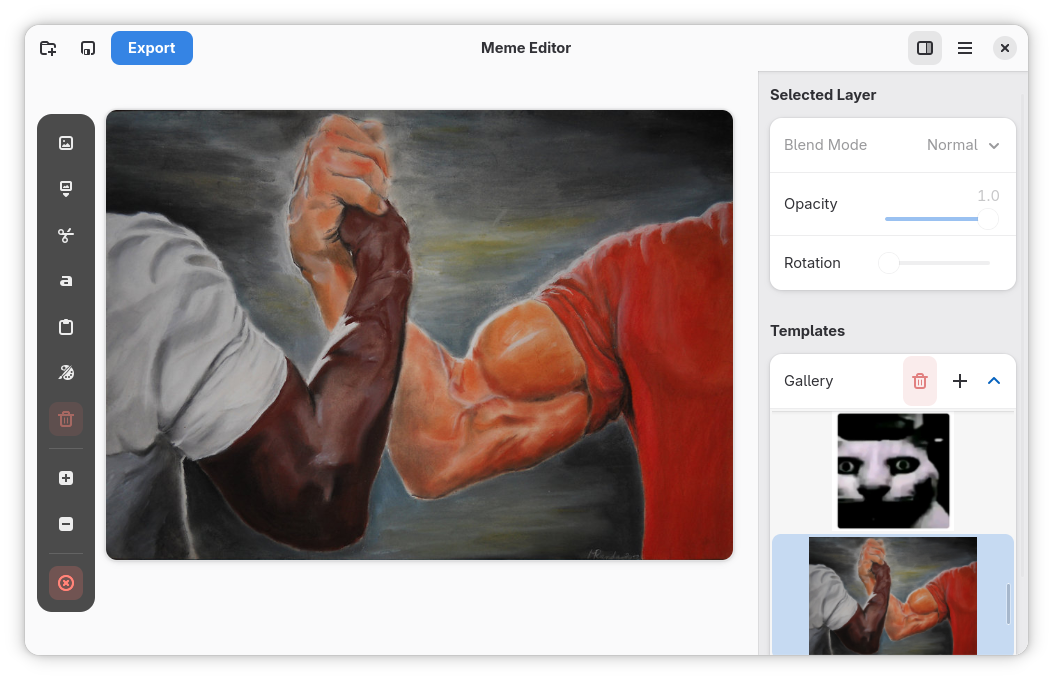
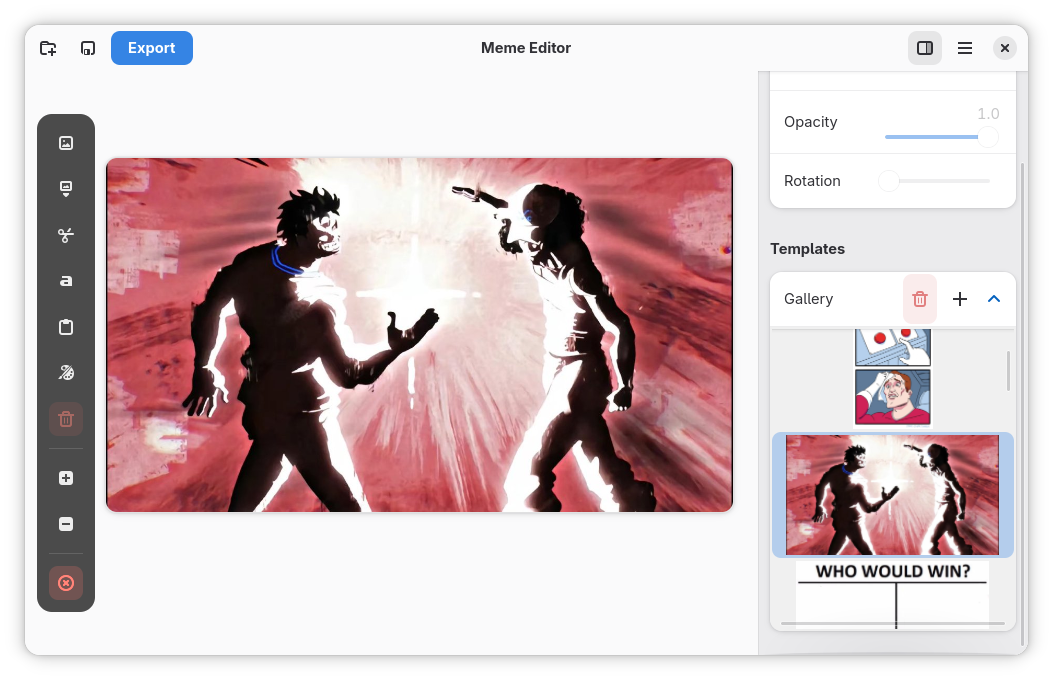
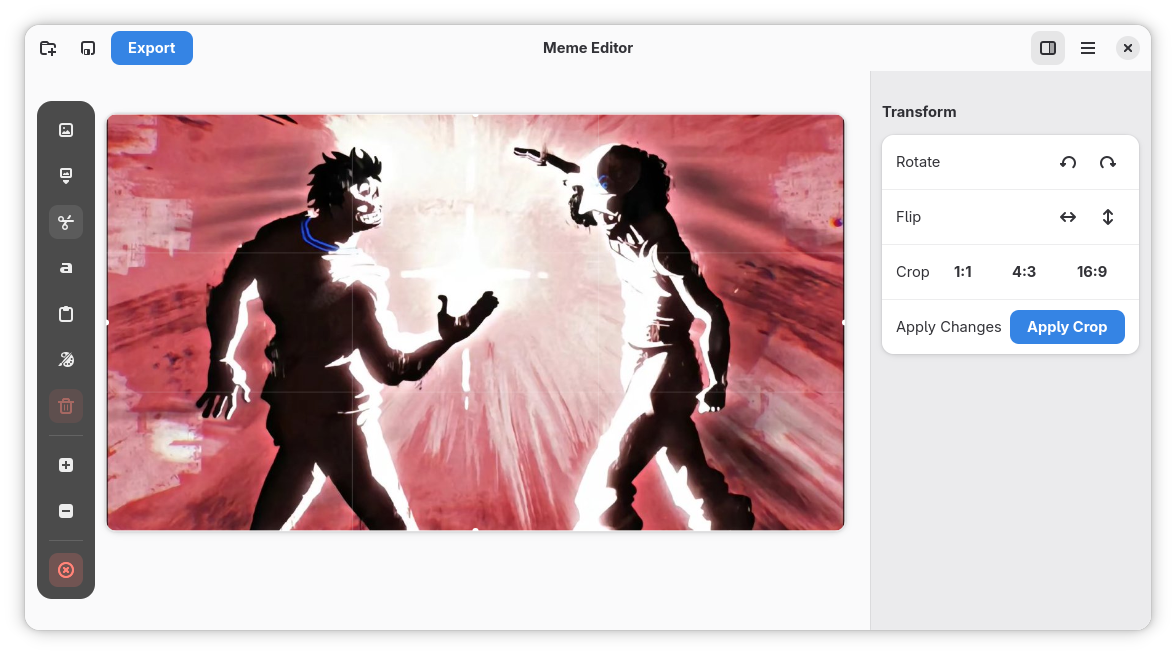
---
## Building from Source
#### Prerequisites
**Install the required development packages:**
- `gtk4-devel`
- `libadwaita-devel`
- `meson`
- `ninja`
- `blueprint-compiler`
- `libepoxy-devel`
Distributions often names these packages differently, use your package manager
to search for this packages or browse your distributions package repo.
#### Build Instructions
There are two ways to build this from source,
1. Clone and open this project in GNOME BUilder and hit the play button up top.
2. Manual way below:
```bash
# Clone the repository and enter the directory
git clone https://github.com/vani-tty1/memerist.git
cd memerist
# Check if you have all required dependencies installed
make check-deps
# Compile a debug build (creates a 'build' directory)
make all
# Rebuild and run the application
# Use this after making changes to quickly compile and launch
make run
# Compile an optimized release version (creates 'build-release' directory)
make release
make run-release
# Remove the debug build directory
make clean
# Remove all compiled build directories
make clean-all
```
---
## Usage
1. Launch Memerist from your application menu
2. Click the folder button to browse images using your file browser
3. Enter your text, you can drag the text anywhere in the photo viewport
4. Export your meme as PNG
5. Let it Happen
---
## Contributing
Contributions are welcome! Feel free to open issues or submit pull requests.
Note:
Please submit your Pull Request against the `testing` branch (do not submit directly to `main`).
## License
This project is open source. Please check the LICENSE file for details.
## Acknowledgments
Built with GTK4 and Libadwaita.