https://github.com/vanruesc/blur-up
A tool that creates preview images.
https://github.com/vanruesc/blur-up
base64 blur data-uri efficiency images loading preview svg
Last synced: about 1 year ago
JSON representation
A tool that creates preview images.
- Host: GitHub
- URL: https://github.com/vanruesc/blur-up
- Owner: vanruesc
- License: zlib
- Created: 2018-07-16T00:33:38.000Z (about 8 years ago)
- Default Branch: main
- Last Pushed: 2025-03-28T21:38:07.000Z (over 1 year ago)
- Last Synced: 2025-06-27T09:05:47.227Z (about 1 year ago)
- Topics: base64, blur, data-uri, efficiency, images, loading, preview, svg
- Language: TypeScript
- Homepage:
- Size: 955 KB
- Stars: 43
- Watchers: 1
- Forks: 1
- Open Issues: 0
-
Metadata Files:
- Readme: README.md
- License: LICENSE.md
Awesome Lists containing this project
README
# SVG Blur Up
[](https://github.com/vanruesc/blur-up/actions/workflows/ci.yml)
[](https://www.npmjs.com/package/svg-blur-up)
A tool that creates a small, optimized version of an input image and embeds it in an SVG file. The generated SVG file scales the integrated image up to its original dimensions and applies a blur filter to create a high quality preview of the original image. Such preview SVGs can be used as temporary substitutes for images that take longer to load.
| Original Image | Preview SVG |
|----------------|---------------|
| 402.15 KiB | 1.1 KiB |
| 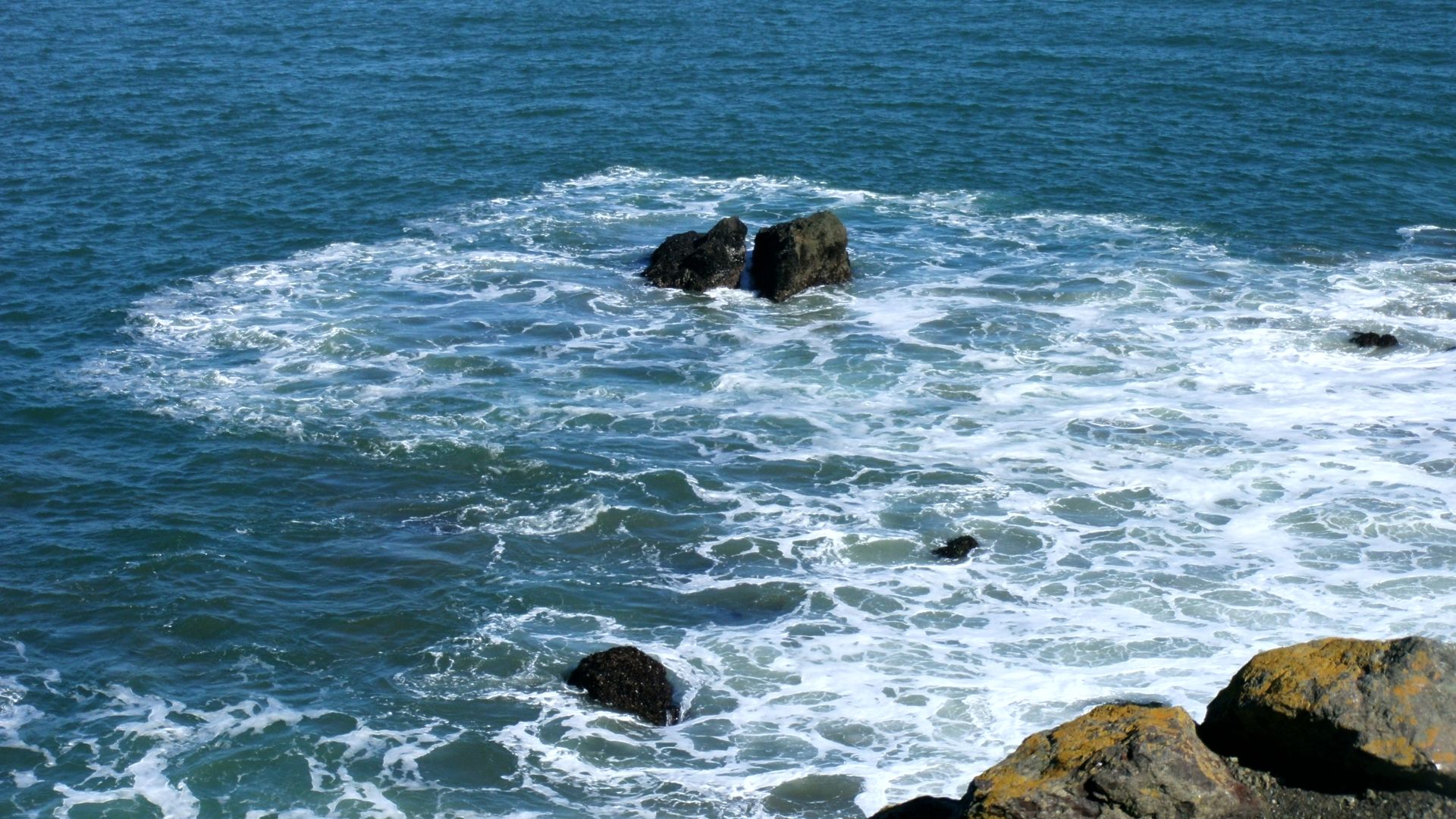 |
| 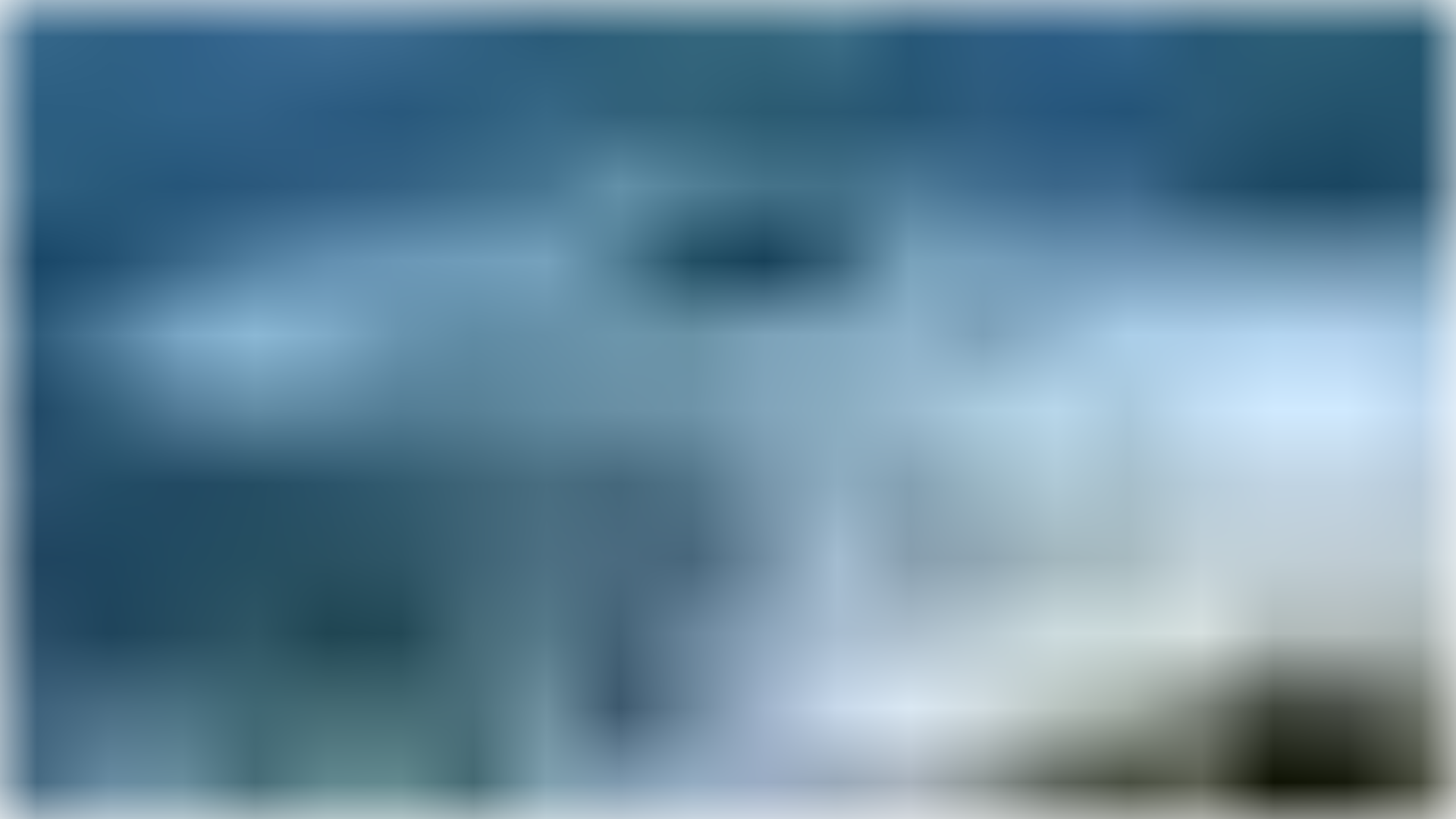 |
|
## Installation
```sh
npm install svg-blur-up
```
## Usage
### Command Line Interface (CLI)
The command line tool can be invoked using the `blur-up` command:
```sh
blur-up -i images/* -o previews -c configs/blur-up.json
```
You may provide a configuration via `package.json` or as a standalone file. If there is no configuration in `package.json`, the tool will look for a configuration file with the default name `.blur-up.json` in the current working directory. Please refer to the [Options](#options) section for more information.
| Option | Shorthand | Description |
|----------------|-----------|--------------------------------------------|
| --input | -i | Specifies the input path or glob pattern |
| --output | -o | Specifies the output directory |
| --config | -c | Specifies an alternative config path |
### JavaScript API
```javascript
import blurUp from "svg-blur-up";
// The input path must describe a single file.
blurUp("images/bg.jpg", "output/dir", options)
.catch((e) => console.error(e));
```
### Output
Each individual image will be wrapped in an SVG construct of the following form:
```xml
```
Note: The generated SVG file will be minified.
## Options
| Option | Default | Description |
|---------------|----------|---------------------------------------------------|
| input | - | Can be a single path or an array of paths |
| output | - | A path that describes a file or directory |
| stdDeviationX | 20 | The blur strength along the X-axis |
| stdDeviationY | 20 | The blur strength along the Y-axis |
| width | auto, 40 | The width of the preview image |
| height | auto | The height of the preview image |
| alpha | true | Enables alpha blurring for transparent PNG images |
The command line options `--input` and `--output` overwrite the respective fields in the configuration.
If only `width` or `height` is specified, the counter part will be calculated automatically to preserve the original aspect ratio. If both of these fields are undefined, `width` will be set to 40 and `height` will be adjusted accordingly.
#### .blur-up.json
```json
{
"input": "images/*.{bmp,jpg,png}",
"output": "images/previews",
"stdDeviationX": 10,
"stdDeviationY": 10,
"width": 30
}
```
#### package.json
```json
{
"blurUp": {
"input": ["path/to/img/*.jpg", "other/path/*.png"],
"output": "output/dir"
}
}
```
#### blur-up.js
```js
import blurUp from "svg-blur-up";
blurUp("path/to/img.jpg", "output/dir", {
stdDeviationX: 5,
stdDeviationY: 5
}).catch((e) => console.error(e));
```
## Contributing
Maintain the existing coding style. Add unit tests for any new or changed functionality. Lint and test your code.