https://github.com/vaulthalla/vaulthalla
Debian-first • Linux-native filesystem (libfuse3) • C++ core daemon • ACID PostgreSQL metadata & auth • AES-256-GCM/NI encryption • Zero-trust, sovereignty-first storage
https://github.com/vaulthalla/vaulthalla
cloud encryption filesystems self-hosted
Last synced: 9 days ago
JSON representation
Debian-first • Linux-native filesystem (libfuse3) • C++ core daemon • ACID PostgreSQL metadata & auth • AES-256-GCM/NI encryption • Zero-trust, sovereignty-first storage
- Host: GitHub
- URL: https://github.com/vaulthalla/vaulthalla
- Owner: vaulthalla
- License: agpl-3.0
- Created: 2025-06-04T15:45:15.000Z (about 1 year ago)
- Default Branch: main
- Last Pushed: 2026-05-30T20:31:49.000Z (13 days ago)
- Last Synced: 2026-05-30T22:21:17.382Z (13 days ago)
- Topics: cloud, encryption, filesystems, self-hosted
- Language: C++
- Homepage: https://vaulthalla.io
- Size: 11 MB
- Stars: 0
- Watchers: 0
- Forks: 0
- Open Issues: 1
-
Metadata Files:
- Readme: README.md
- Contributing: CONTRIBUTING.md
- License: LICENSE
- Notice: NOTICE
Awesome Lists containing this project
README
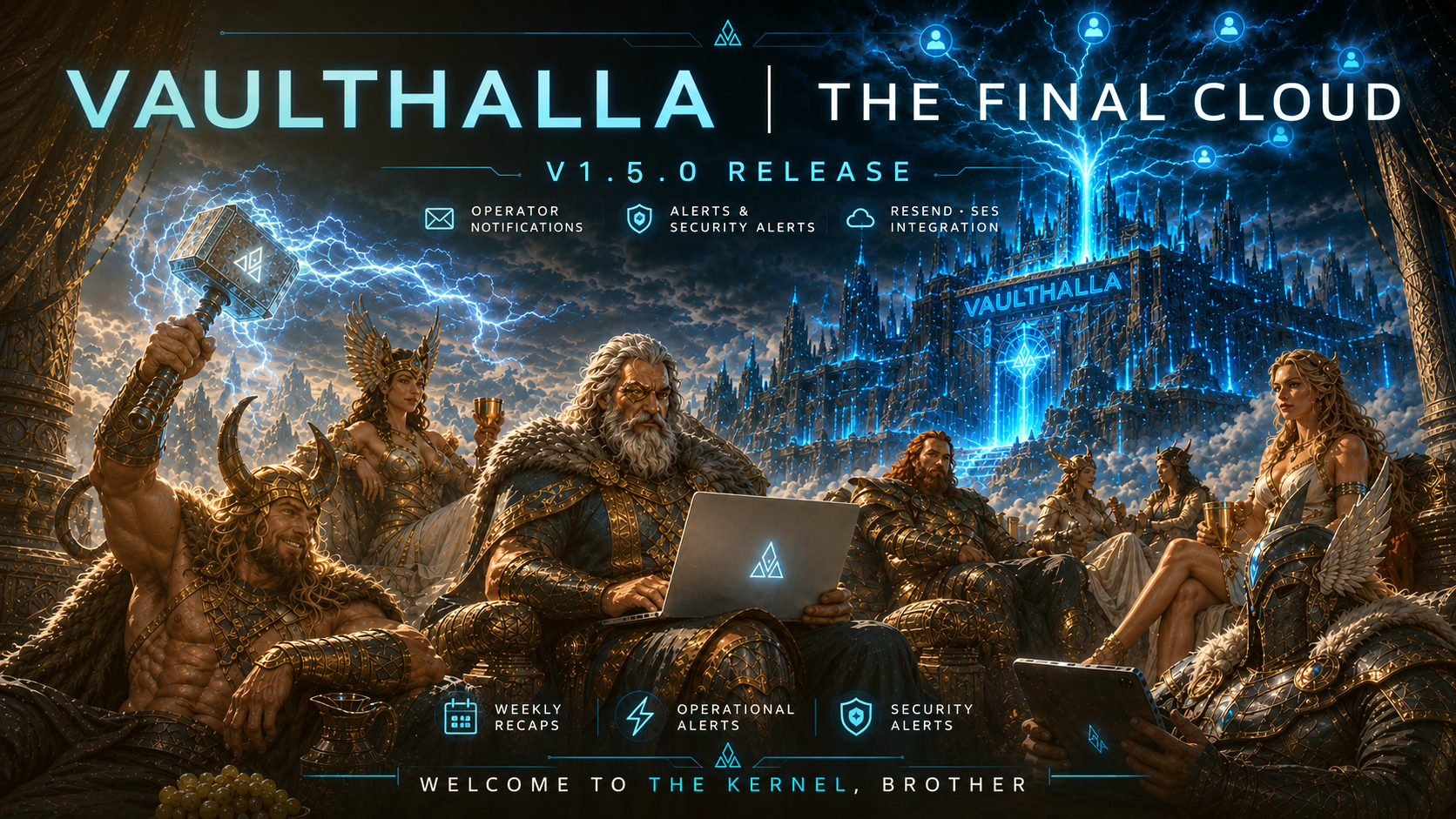
[](https://github.com/vaulthalla/vaulthalla/actions)
[](https://github.com/vaulthalla/vaulthalla/releases)
[](https://github.com/vaulthalla/vaulthalla/blob/main/LICENSE)
[](https://github.com/vaulthalla/vaulthalla)
[](https://github.com/vaulthalla/vaulthalla)
[](https://github.com/vaulthalla/vaulthalla)
[](https://github.com/vaulthalla/vaulthalla)
[](https://github.com/vaulthalla/vaulthalla)
# Vaulthalla
**The final cloud for operators who want their storage mounted, encrypted, observable, and under command.**
Vaulthalla is a Linux-native self-hosted cloud platform built around a compiled C++ daemon, a native FUSE filesystem, encrypted storage workflows, TPM-aware secret handling, RBAC, a CLI control plane, and a packaged web console.
It is not a file-themed web app pretending to be infrastructure.
It is infrastructure.
## v1.5.0: S3 Safety Lockdown
Vaulthalla v1.5.0 is a critical S3 safety and remote-sync hardening release.
If you use S3-compatible storage, run v1.5.0 or newer. This release adds the guardrails Vaulthalla needs before real cloud credentials, real buckets, and real billing accounts are placed behind it.
v1.5.0 adds:
- S3 request budgets for LIST, HEAD, GET, PUT, COPY, DELETE, and downloaded-byte limits
- sync event metrics for planned and actual cloud request pressure
- remote object indexing and manifest-backed remote state tracking
- safer default sync intervals to prevent accidental cloud churn
- archive-tier and restore-state awareness for cold S3 objects
- safer delete propagation for S3-backed vaults
- encryption provenance fixes so local-at-rest metadata is not confused with remote-object metadata
- stronger remote index mutation behavior for plaintext and encrypted upstream objects
- database, model, controller, and test coverage for S3 cost guardrails
This is a minor version bump with major operational consequences.
## What Vaulthalla Ships
| Layer | Model |
| --- | --- |
| Core runtime | Compiled C++ daemon managed by systemd |
| Filesystem | Native FUSE mount, defaulting to `/mnt/vaulthalla` |
| CLI | `vh` operator control plane over local runtime IPC |
| Web console | Packaged Next.js standalone runtime |
| Database | PostgreSQL-backed metadata and runtime state |
| Secrets | Hardware TPM2 when available; managed `swtpm` fallback when not |
| Encryption | AES-256-GCM/NI-oriented encrypted storage workflows |
| Access control | RBAC-driven admin and vault role model |
| Storage | Local vaults plus S3-compatible cloud workflows |
| Deployment | Debian-first packaging with explicit Nginx/Certbot setup |
## Install
### Recommended installer
```bash
curl -fsSL https://apt.vaulthalla.sh/install.sh | bash
```
Interactive mode:
```bash
curl -fsSL https://apt.vaulthalla.sh/install.sh | bash -s -- --interactive
```
Local clone:
```bash
./bin/vh/install.sh
./bin/vh/install.sh --interactive
```
The installer configures the Vaulthalla APT repository, installs the Debian package, prepares runtime services, and hands host-specific setup to the `vh` CLI.
### Manual Debian / Ubuntu install
```bash
sudo curl -fsSL https://apt.vaulthalla.sh/pubkey.gpg \
-o /etc/apt/trusted.gpg.d/vaulthalla.gpg
echo "deb [arch=amd64] https://apt.vaulthalla.sh stable main" | \
sudo tee /etc/apt/sources.list.d/vaulthalla.list > /dev/null
sudo apt update
sudo apt install vaulthalla
```
Lean install:
```bash
sudo apt install --no-install-recommends vaulthalla
```
Skip package-time DB bootstrap:
```bash
VH_SKIP_DB_BOOTSTRAP=1 sudo -E apt install vaulthalla
```
Skip package-time Nginx configuration:
```bash
VH_SKIP_NGINX_CONFIG=1 sudo -E apt install vaulthalla
```
## First Run
Claim or verify admin ownership:
```bash
vh setup assign-admin
```
Configure local PostgreSQL:
```bash
vh setup db
```
Configure remote PostgreSQL:
```bash
vh setup remote-db
```
Configure Nginx:
```bash
sudo vh setup nginx --domain
```
Configure Nginx with Certbot:
```bash
sudo vh setup nginx --domain --certbot
```
Configure Nginx with a dedicated S3 host and Cloudflare DNS-01 certificates:
```bash
sudo vh setup nginx --domain vaulthalla.dev --s3-domain s3.vaulthalla.dev --certbot-dns-cloudflare --cloudflare-credentials /etc/vaulthalla/certbot/cloudflare.ini
```
Remove only Vaulthalla-managed Nginx integration:
```bash
sudo vh teardown nginx
```
## Operate
Check runtime status:
```bash
vh status
```
Inspect services:
```bash
sudo systemctl status vaulthalla.service
sudo systemctl status vaulthalla-cli.service
sudo systemctl status vaulthalla-cli.socket
sudo systemctl status vaulthalla-web.service
sudo systemctl status vaulthalla-swtpm.service
```
Follow logs:
```bash
sudo journalctl -fu vaulthalla.service
sudo journalctl -fu vaulthalla-web.service
```
## Host-Level by Design
Vaulthalla runs as system software.
A normal installation may prepare:
- the `vaulthalla` system user and group
- systemd units
- `/etc/vaulthalla`
- `/var/lib/vaulthalla`
- `/run/vaulthalla`
- `/var/log/vaulthalla`
- the default FUSE mount path at `/mnt/vaulthalla`
- PostgreSQL runtime resources when local DB setup is enabled
- hardware TPM2 integration when available
- managed `swtpm` fallback when hardware TPM is unavailable
- packaged web console assets under `/usr/share/vaulthalla-web`
- writable web runtime cache under `/var/cache/vaulthalla-web`
This is intentional. Vaulthalla is built to behave like host infrastructure, not like a single-process toy.
## Runtime Paths
| Purpose | Path |
| --- | --- |
| Main config | `/etc/vaulthalla/config.yaml` |
| Runtime directory | `/run/vaulthalla` |
| State directory | `/var/lib/vaulthalla` |
| Logs | `/var/log/vaulthalla` |
| FUSE mount | `/mnt/vaulthalla` |
| Software TPM state | `/var/lib/swtpm/vaulthalla` |
| SQL deploy assets | `/usr/share/vaulthalla/psql` |
| Web runtime payload | `/usr/share/vaulthalla-web` |
| Web runtime cache | `/var/cache/vaulthalla-web` |
| Nginx template | `/usr/share/vaulthalla/nginx/vaulthalla.conf` |
## Why It Exists
### Native Filesystem Surface
Vaulthalla exposes storage through FUSE because the filesystem is part of the product.
Files can be mounted, traversed, opened, copied, deleted, shared, and synchronized while Vaulthalla enforces metadata, encryption, policy, and access control underneath.
### CLI First
The CLI is the control plane.
Admin ownership, DB setup, Nginx integration, teardown, status checks, and privileged host mutations live behind explicit commands instead of hidden web-side magic.
### TPM-Aware Secrets
Vaulthalla treats host secrets as infrastructure.
On machines with TPM2 hardware, Vaulthalla uses the host TPM path. On VPS and virtualized systems without TPM hardware, the package can provision managed `swtpm` fallback.
The goal is simple: avoid silent plaintext downgrades while staying deployable on real servers.
### S3 With Guardrails
S3-backed storage needs cost awareness.
v1.5.0 adds request budgets, transfer metrics, remote object indexing, manifest tracking, archive-tier awareness, and safer reconciliation logic so cloud sync can be trusted against real buckets.
## Removal and Reinstall
Remove the package while preserving local data:
```bash
sudo apt remove vaulthalla
```
Purge package configuration:
```bash
sudo apt purge vaulthalla
```
Default behavior is conservative:
- `apt remove` preserves local PostgreSQL role/database data
- interactive purge may offer local DB/role teardown
- noninteractive purge preserves local PostgreSQL resources
- manual DB teardown is explicit
```bash
sudo vh teardown db
```
If reinstalling with preserved local PostgreSQL resources, use the interactive reuse flow, destructive recreate flow, or manually reseed the runtime DB password:
```bash
sudo install -d -m 0755 /run/vaulthalla
sudo install -m 0600 -o vaulthalla -g vaulthalla /path/to/db_password /run/vaulthalla/db_password
sudo systemctl restart vaulthalla
```
## Build from Source
Development preview only:
```bash
git clone https://github.com/vaulthalla/vaulthalla.git
cd vaulthalla
sudo make install -- -d
```
`-d` enables volatile developer mode and may reset local Vaulthalla state.
Do not use developer mode on hosts with production data.
## Documentation
- Debian operator/install policy: [`debian/README.Debian`](debian/README.Debian)
- Installed Debian policy doc: `/usr/share/doc/vaulthalla/README.Debian`
- Packaging and distribution notes: [`DISTRIBUTION.md`](DISTRIBUTION.md)
- S3 guardrails: [`docs/admin/s3-cost-guardrails.md`](docs/admin/s3-cost-guardrails.md)
- Web app notes: [`web/README.md`](web/README.md)
## Support
Issues and pull requests are welcome.
If reporting an install or runtime issue, include:
```bash
vh status
sudo systemctl status vaulthalla.service --no-pager
sudo systemctl status vaulthalla-web.service --no-pager
sudo journalctl -u vaulthalla.service -n 150 --no-pager
sudo journalctl -u vaulthalla-web.service -n 150 --no-pager
```
Good reports are scoped, reproducible, and clear about which subsystem is involved: packaging, FUSE, PostgreSQL, TPM/swtpm, Nginx, Certbot, S3, sync, RBAC, CLI, or web runtime.
---
Welcome to the kernel, brother.