https://github.com/vbasky/sublime-vscode-plus
Visual Studio Code Colour Scheme for Sublime
https://github.com/vbasky/sublime-vscode-plus
colour-scheme sublime-text syntax-highlighting
Last synced: about 1 month ago
JSON representation
Visual Studio Code Colour Scheme for Sublime
- Host: GitHub
- URL: https://github.com/vbasky/sublime-vscode-plus
- Owner: vbasky
- License: mit
- Created: 2020-10-03T12:59:33.000Z (over 5 years ago)
- Default Branch: master
- Last Pushed: 2021-01-04T08:03:45.000Z (over 5 years ago)
- Last Synced: 2025-10-09T11:55:15.321Z (9 months ago)
- Topics: colour-scheme, sublime-text, syntax-highlighting
- Homepage:
- Size: 2.61 MB
- Stars: 43
- Watchers: 2
- Forks: 2
- Open Issues: 4
-
Metadata Files:
- Readme: README.md
- License: LICENSE.md
Awesome Lists containing this project
README
# Visual Studio Code Plus Scheme
Visual Studio is a colour scheme for Sublime Text 3. It is inspired by the syntax highlighting found in the default installation of VSCode
## Installation
### Package Control
1. Open the Command Pallette (Command+Shift+P on OSX, Ctrl+Shift+P on Windows/Linux) and choose *Install Package*
2. Choose *Visual Studio Colour Scheme* from the list
3. Select *Visual Studio Colour Scheme* from *UI: Select Color Scheme* from the Command Pallette
### Manual
1. Download the `Dark+.tmTheme` file from GitHub
Download the `Light+.tmTheme` file from GitHub
2. In Sublime Text, open the Command Pallette (Command+Shift+P on OSX, Ctrl+Shift+P on Windows/Linux) and choose *Browse Packages*.
3. Place the `Dark+.tmTheme & Light+.tmTheme` file into the `User` directory.
4. Select *Dark+* or *Light+* from *UI: Select Color Scheme* from the Command Pallette
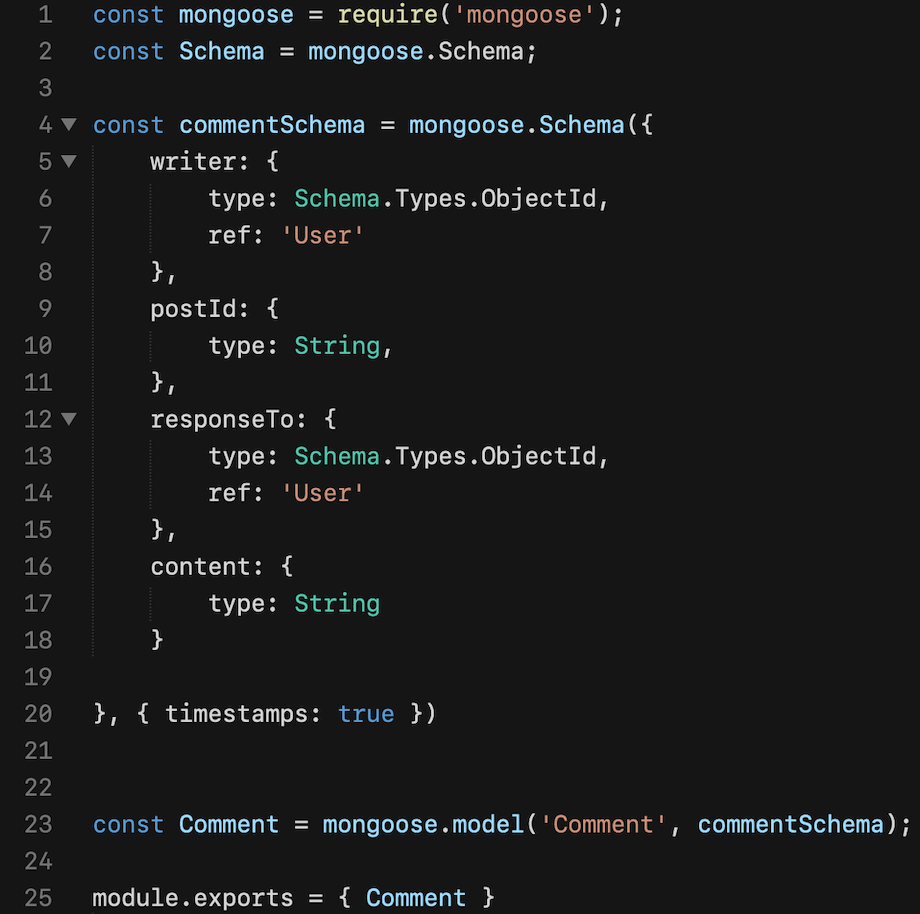
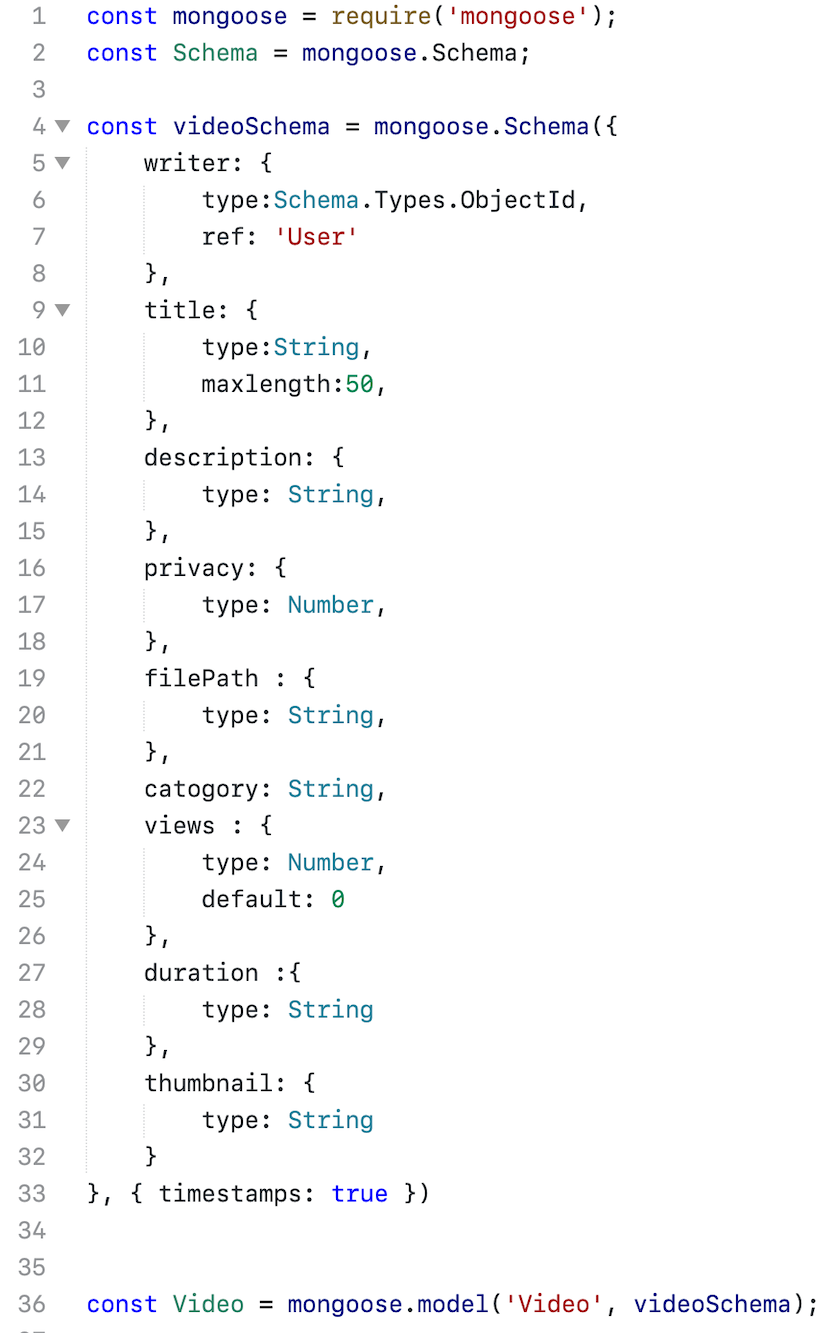
## Screenshots
### PHP
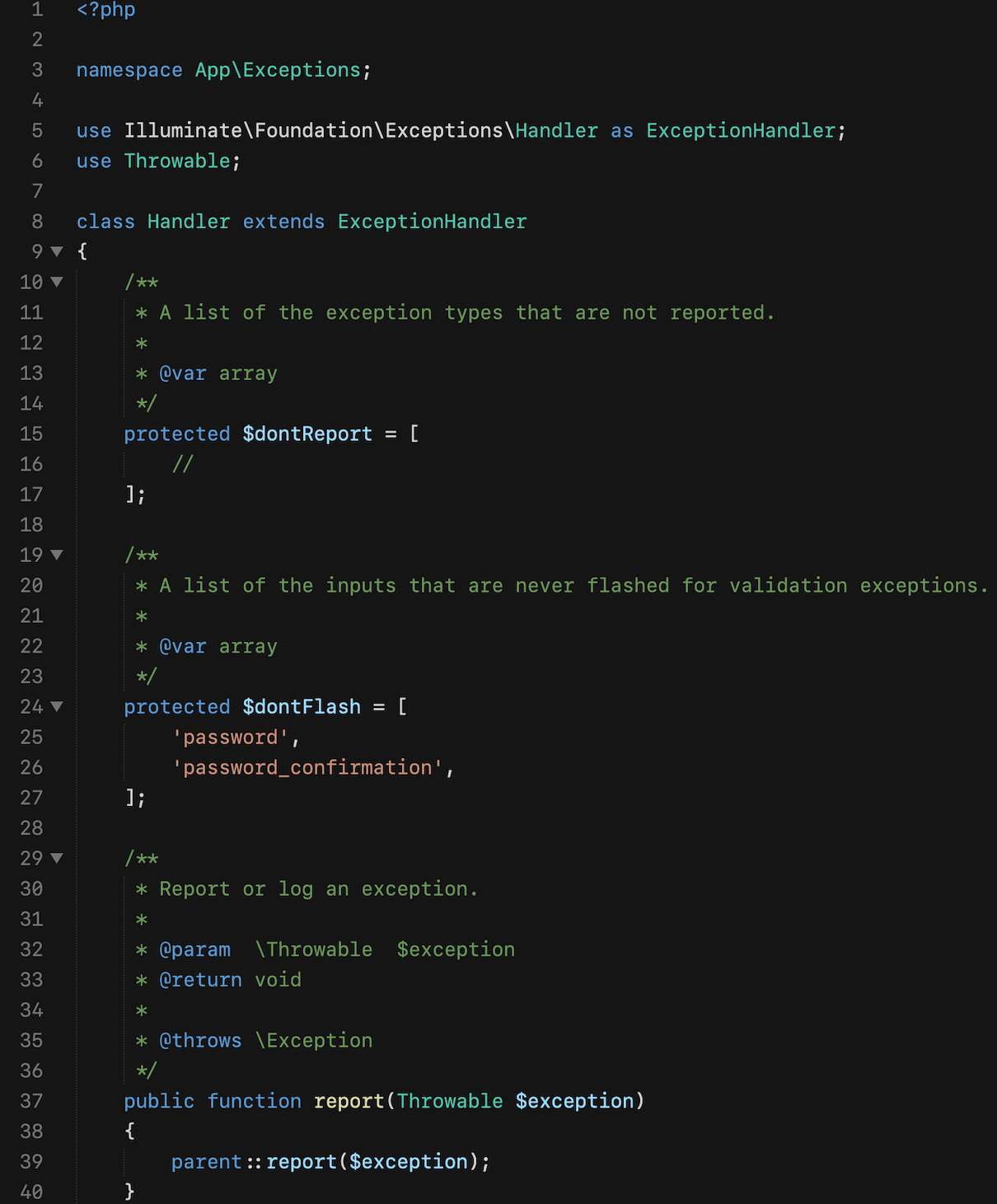
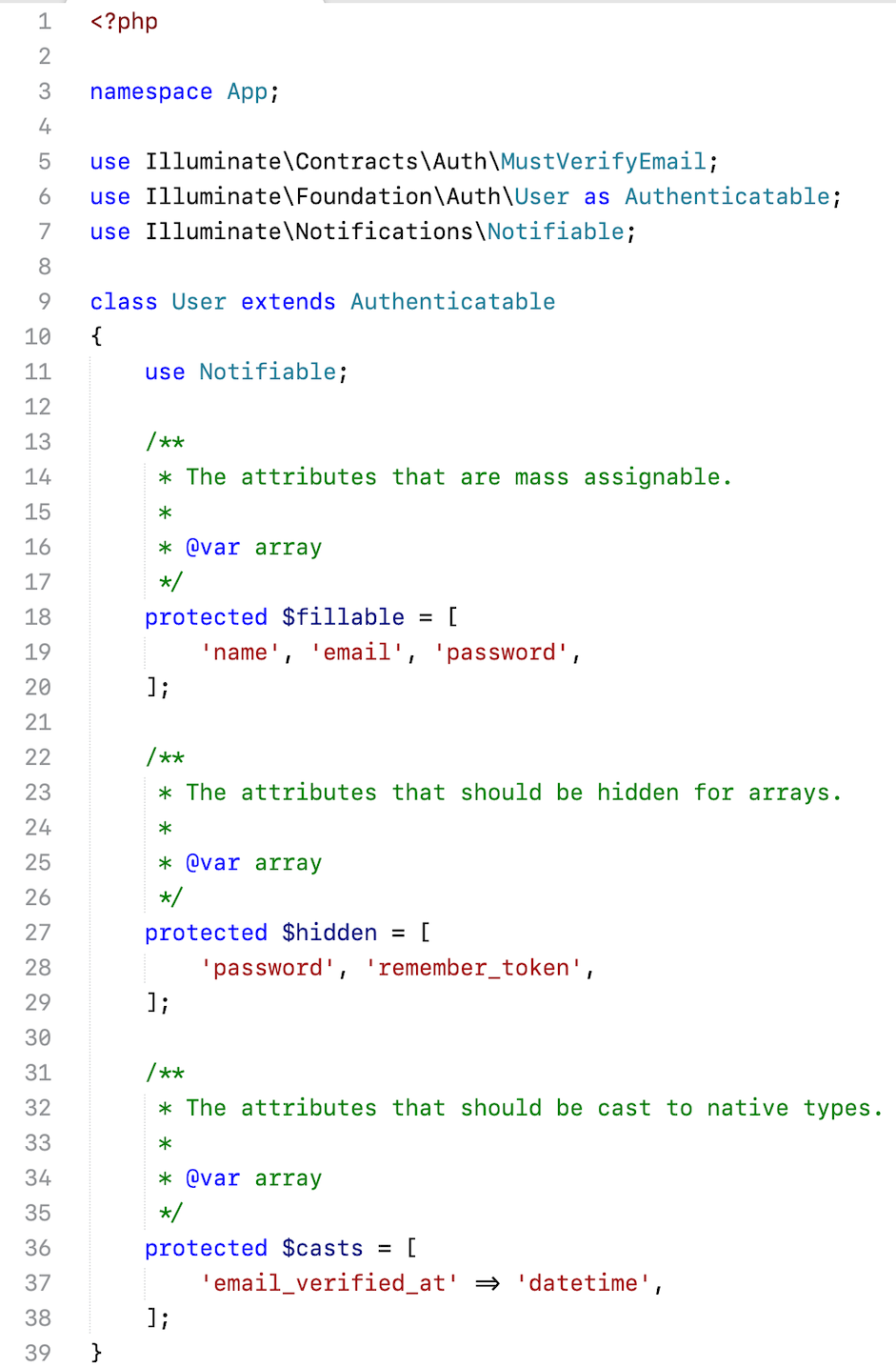
### HTML
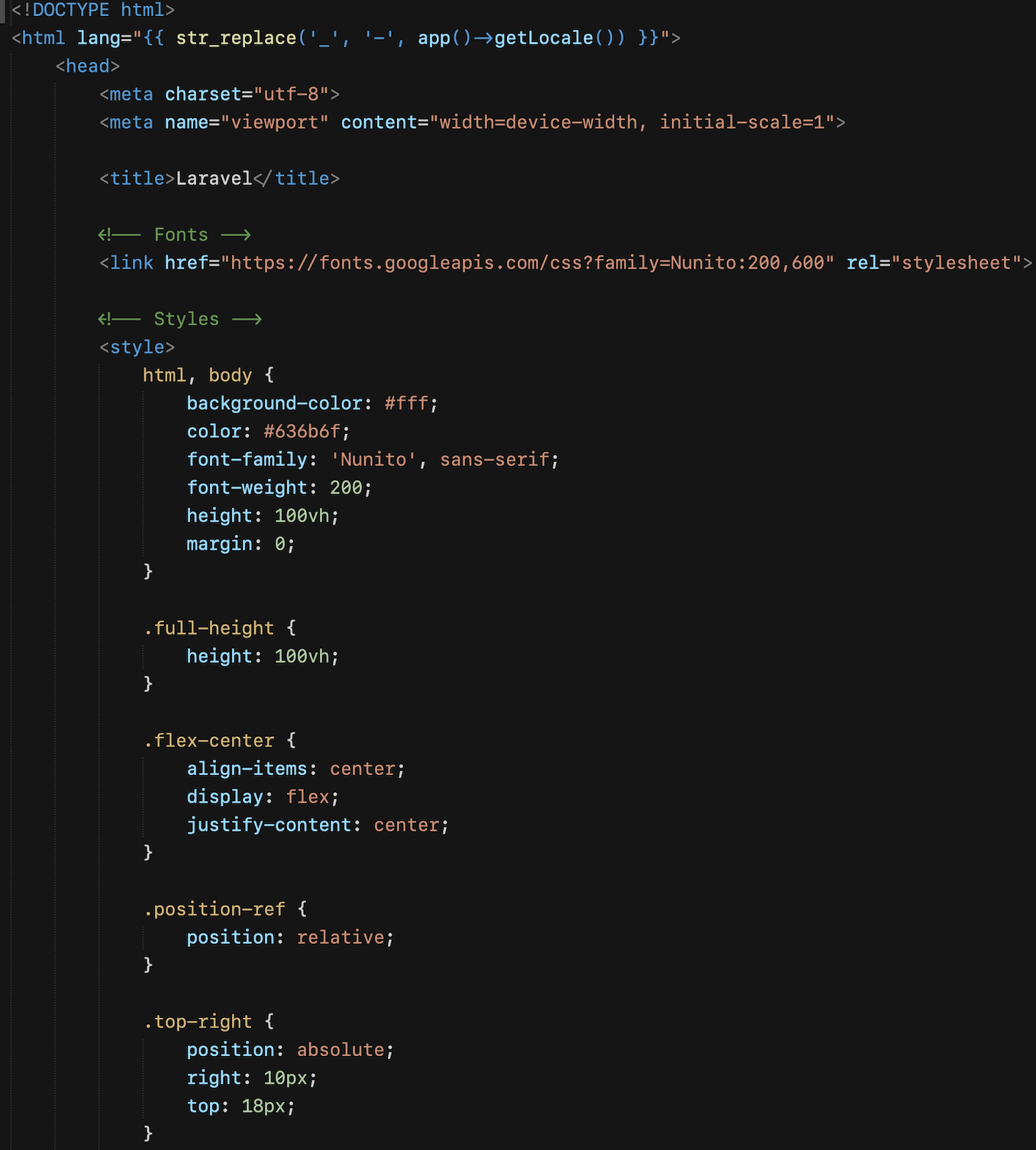
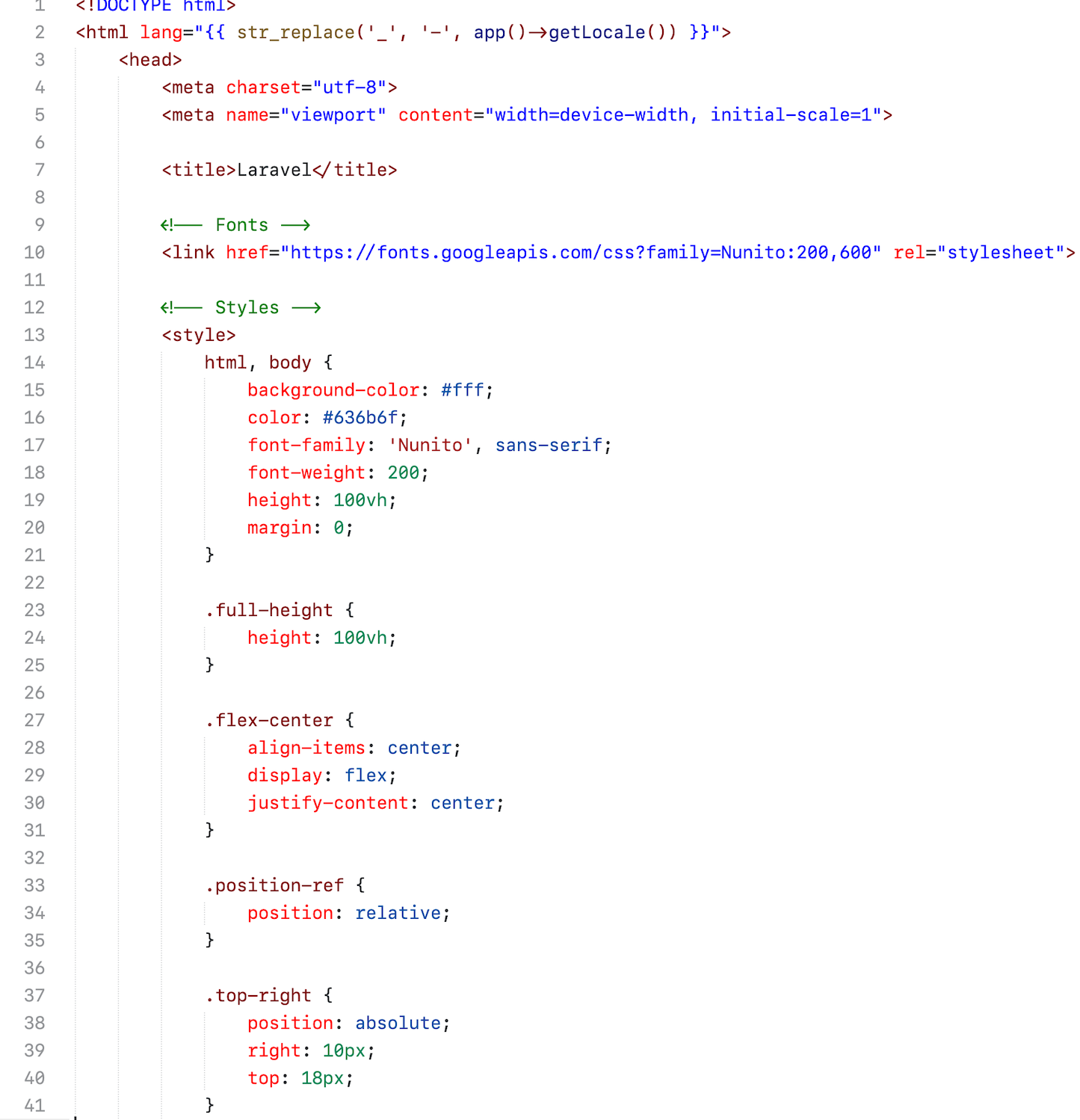
### JavaScript/Vue
### Python
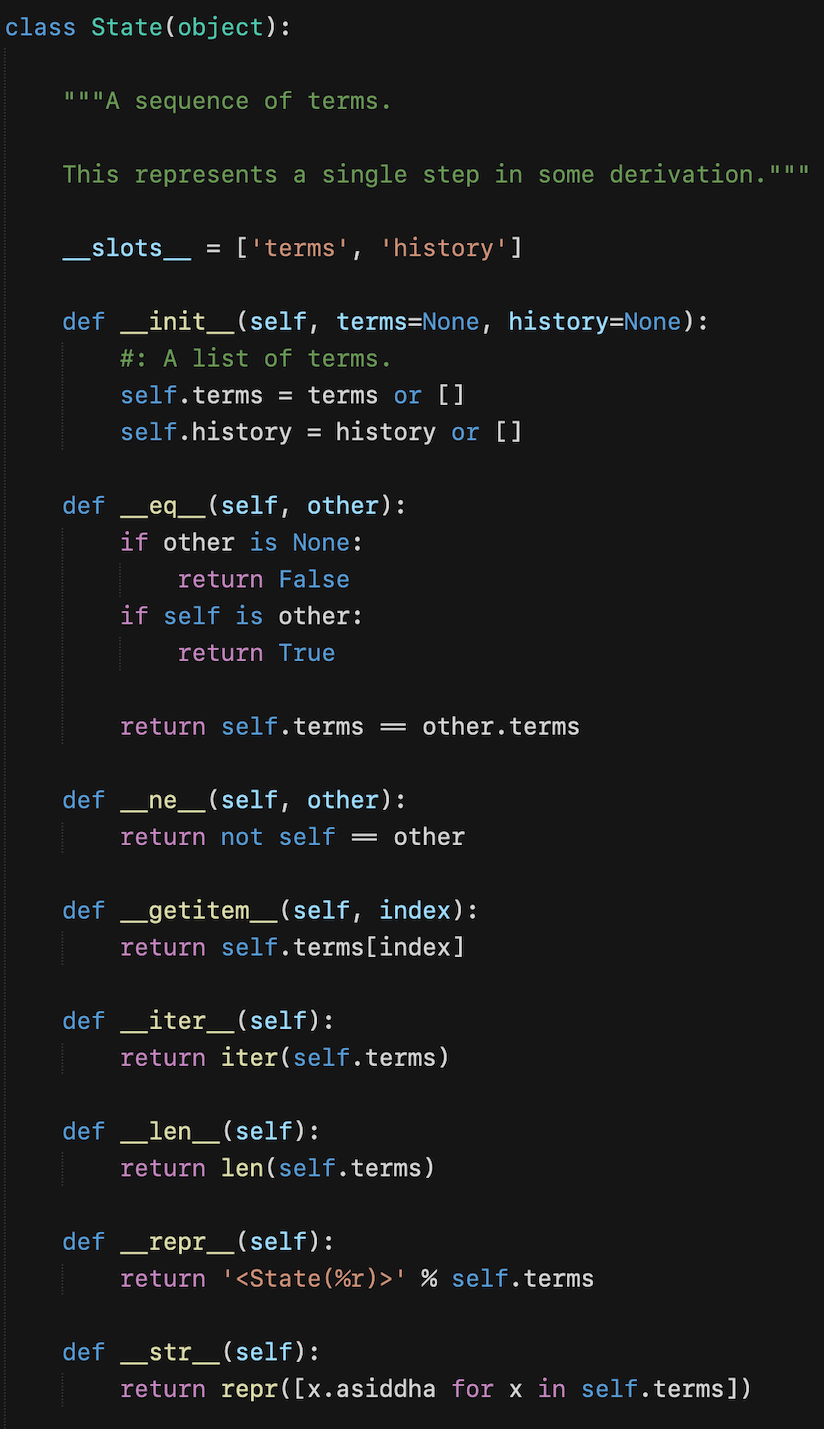
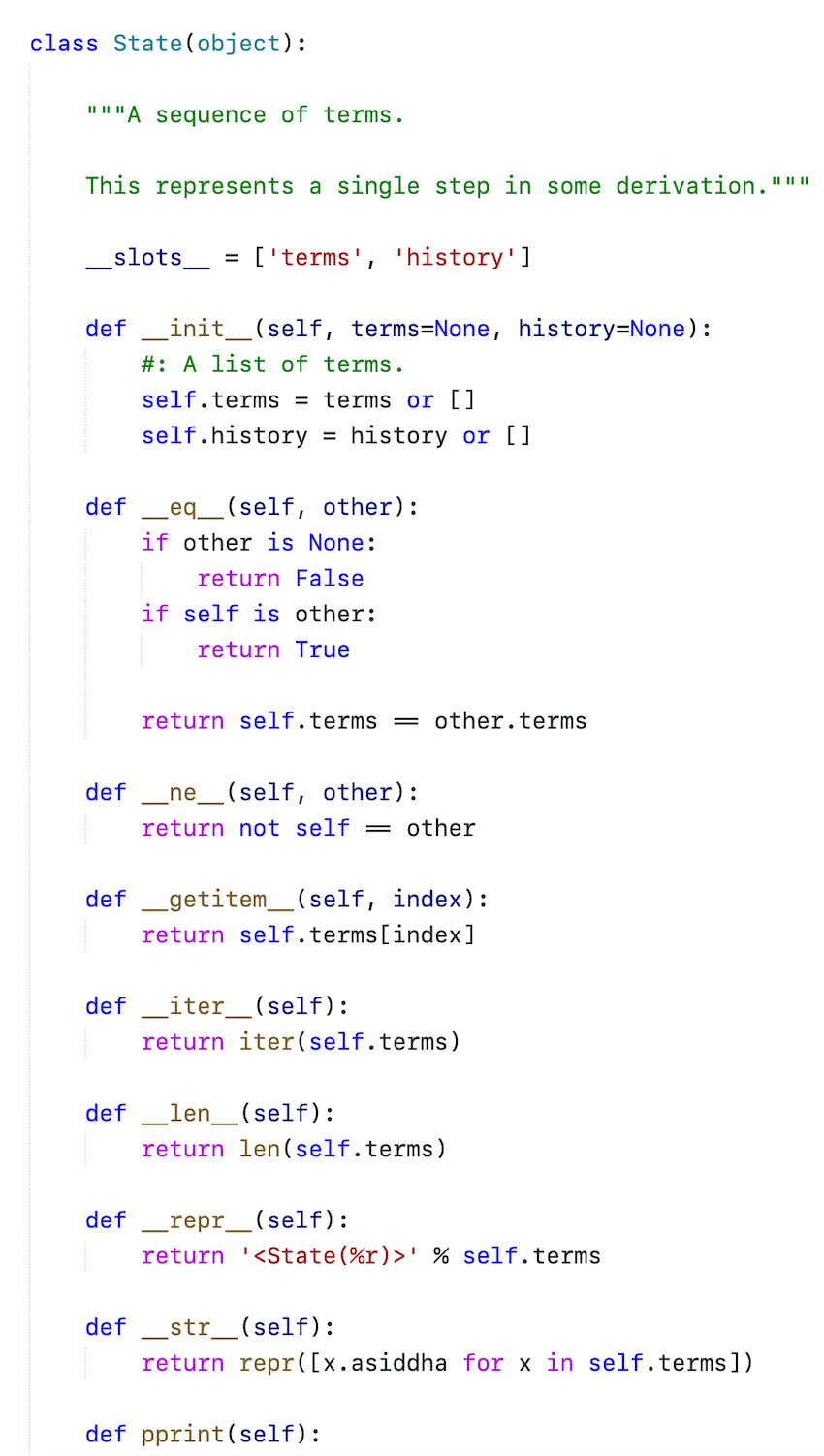
## Supported languages
This colour scheme ought to work with any language in Sublime Text, it has been specifically built and tested against such as
* PHP
* MySQL
* HTML/Blade
* JavaScript/Vue
* CSS/Sass/SCSS/Less
* JSON
* XML
* Markdown
* Python
* YML
## About
Created by [Vikram Bhaskaran](https://twitter.com/vikrambhaskar). Copyright 2020. MIT Licensed.