https://github.com/vikashloomba/copilot-mcp
A VSCode extension that lets you find and install Agent Skills and MCP Apps to use with GitHub Copilot, Claude Code, and Codex CLI.
https://github.com/vikashloomba/copilot-mcp
agent-skills claude-code-skills claude-skills codex-skills copilot copilot-chat mcp mcp-apps mcp-server modelcontextprotocol skills vscode-extension
Last synced: 5 months ago
JSON representation
A VSCode extension that lets you find and install Agent Skills and MCP Apps to use with GitHub Copilot, Claude Code, and Codex CLI.
- Host: GitHub
- URL: https://github.com/vikashloomba/copilot-mcp
- Owner: VikashLoomba
- License: gpl-3.0
- Created: 2025-02-17T10:40:33.000Z (over 1 year ago)
- Default Branch: main
- Last Pushed: 2026-02-24T21:31:43.000Z (5 months ago)
- Last Synced: 2026-02-25T01:51:45.091Z (5 months ago)
- Topics: agent-skills, claude-code-skills, claude-skills, codex-skills, copilot, copilot-chat, mcp, mcp-apps, mcp-server, modelcontextprotocol, skills, vscode-extension
- Language: TypeScript
- Homepage: https://discord.gg/cloudmcp
- Size: 8.19 MB
- Stars: 467
- Watchers: 5
- Forks: 50
- Open Issues: 3
-
Metadata Files:
- Readme: README.md
- Changelog: CHANGELOG.md
- Funding: .github/FUNDING.yml
- License: LICENSE
- Agents: AGENTS.md
Awesome Lists containing this project
README
Copilot MCP Search for VS Code


> **Want remote MCP in ~30s?** Try **Cloud MCP** — paste a URL → OAuth → done.
> Works with Copilot & Claude (no keys, no terminal).
> **Get started at** [cloudmcp.run](https://cloudmcp.run/?utm_source=github&utm_medium=readme&utm_campaign=copilot-mcp)

[](https://www.gnu.org/licenses/gpl-3.0)
[](https://code.visualstudio.com/api/references/extension-guidelines)
[](https://modelcontextprotocol.io/clients)
> A powerful VS Code extension that lets you **discover, install, and manage** open‑source MCP servers and agent skills from one place.
## ✨ Features
- 🔧 **MCP Server Management** – connect/manage multiple servers via an intuitive UI
- 🧠 **Skills Search & Install** – discover skills from `skills.sh` and install to your agents
- 🗂️ **Installed Skills Management** – view installed skills and uninstall with agent-level controls
- 🚀 **Claude/Codex/Copilot Integration** – expose MCP tools directly to your agents
- 🎯 **Server Discovery** – automatically discover open‑source servers
## 📦 Installation
1) Install from the [VS Code Marketplace](https://marketplace.visualstudio.com/items?itemName=AutomataLabs.copilot-mcp).
2) Open **MCP Servers** in the Activity Bar, or configure in **Settings**.
### Optional: Remote MCP (no local setup)
If you don’t want to run servers locally, use **Cloud MCP** (remote, OAuth‑only).
Paste the MCP URL into Copilot/Claude and you’re done:
- **Learn More:** [https://cloudmcp.run](https://cloudmcp.run/?utm_source=github&utm_medium=readme&utm_campaign=copilot-mcp)
## 🛠️ Configuration
Configure via the UI or VS Code settings. Look for the **MCP Servers** icon in the Activity Bar.
## 🚀 Usage
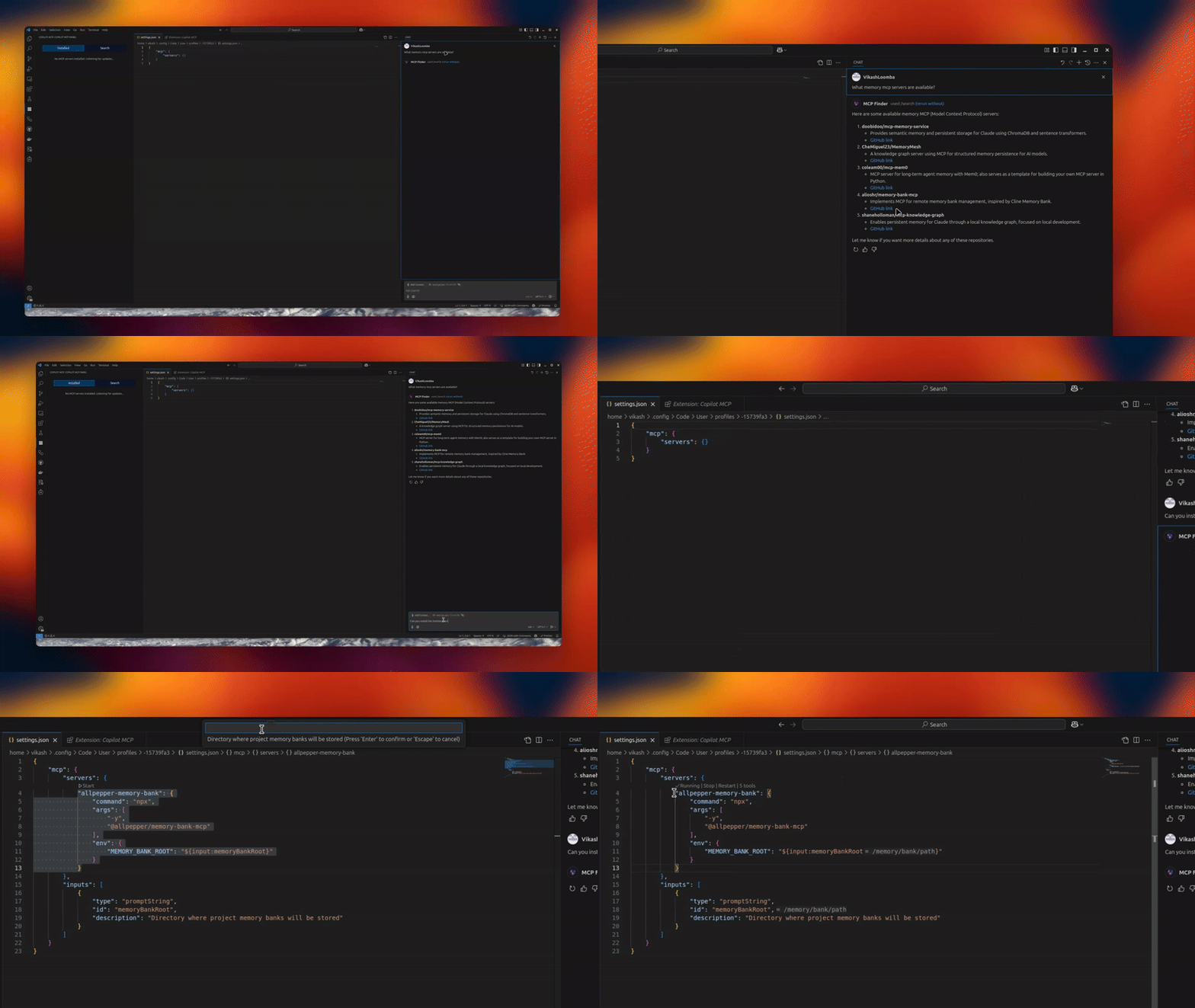
1) Open the **MCP Servers** view
2) Connect or search for servers
3) Switch to **Skills** to search and install skills, and manage installed skills
4) Use Copilot Chat with your newly added tools and skills
> Tip: When a server supports `npx`/`uvx`, the **Server Discovery** panel shows a **“Deploy via Cloud MCP”** option so you can run it remotely without installing anything.
## 🔗 Requirements
- VS Code
- GitHub Copilot Chat extension
## 🌟 Benefits
- Give Copilot standardized tools via MCP
- Local or remote workflows (Cloud MCP)
- Join a growing, interoperable ecosystem
## 🔄 Maintainer: Vendored Copilot Provider Sync
This repo vendors an upstream Copilot provider from `anomalyco/opencode` under:
- `vendor/opencode-copilot/src/**`
Sync it with:
```bash
npm run sync:copilot-provider
```
Check drift without writing files:
```bash
npm run sync:copilot-provider:check
```
Automated daily sync PRs are created by:
- `.github/workflows/sync-opencode-copilot.yml`
## 👥 Contributing
PRs and feature requests welcome! See [issues](https://github.com/VikashLoomba/copilot-mcp/issues).
## ✍️ Author
**Vikash Loomba**
Website: [https://cloudmcp.run](https://cloudmcp.run/?utm_source=github&utm_medium=readme&utm_campaign=copilot-mcp)
X: [@DevAutomata](https://x.com/DevAutomata)
GitHub: [@vikashloomba](https://github.com/vikashloomba)
## 📝 License
GPL‑3.0 — see [LICENSE](LICENSE).
---
_Part of the [MCP Client Ecosystem](https://modelcontextprotocol.io/clients)_