https://github.com/vikpe/synthwave-alpha
Synthwave inspired color palette 🎨
https://github.com/vikpe/synthwave-alpha
retrowave synthwave themes
Last synced: over 1 year ago
JSON representation
Synthwave inspired color palette 🎨
- Host: GitHub
- URL: https://github.com/vikpe/synthwave-alpha
- Owner: vikpe
- Created: 2021-07-15T19:07:25.000Z (about 5 years ago)
- Default Branch: main
- Last Pushed: 2024-08-25T12:21:30.000Z (almost 2 years ago)
- Last Synced: 2025-03-18T20:07:36.646Z (over 1 year ago)
- Topics: retrowave, synthwave, themes
- Language: Python
- Homepage:
- Size: 981 KB
- Stars: 10
- Watchers: 2
- Forks: 1
- Open Issues: 0
-
Metadata Files:
- Readme: README.md
Awesome Lists containing this project
README

> Synthwave inspired color palette
## Palette
### Base

| HEX
--- | ---
 | `f9f972`
 | `ff00f6`
 | `aa54f9`
 | `55a8fb`
 | `00fbfd`
 | `241b30`
### Terminal / 16-color

| HEX | | HEX
--- | --- | --- | ---
 | `241b30` |  | `7f7094`
 | `9a0048` |  | `e60a70`
 | `00986c` |  | `0ae4a4`
 | `adad3e` |  | `f9f972`
 | `6e29ad` |  | `aa54f9`
 | `b300ad` |  | `ff00f6`
 | `00b0b1` |  | `00fbfd`
 | `b9b1bc` |  | `f2f2e3`
### Extended

| HEX | | HEX | | HEX | | HEX | | HEX
--- | --- | --- | --- | --- | --- | --- | --- | --- | ---
 | `fcfcb9` |  | `f9f972` |  | `adad3e` |  | `696437` |  | `474034`
 | `ee549b` |  | `e60a70` |  | `9a0048` |  | `5f0e3c` |  | `421536`
 | `ff66fa` |  | `ff00f6` |  | `b300ad` |  | `6c0e6f` |  | `481550`
 | `c488fb` |  | `aa54f9` |  | `6e29ad` |  | `49226f` |  | `371f50`
 | `88c3fd` |  | `55a8fb` |  | `2a6daf` |  | `274470` |  | `263050`
 | `80fdfe` |  | `00fbfd` |  | `00b0b1` |  | `126671` |  | `1b4151`
 | `54edc0` |  | `0ae4a4` |  | `00986c` |  | `125a4e` |  | `1b3b3f`
 | `fdfdfa` |  | `fafaf4` |  | `f2f2e3` |  | `b9b1bc` |  | `7f7094`
 | `50495a` |  | `3a3245` |  | `241b30` |  | `1a1322` |  | `0f0b14`
## Sample implementations
### Terminal
> Open terminal settings and set colors according to [the terminal / 16-color table](#terminal--16-color) (or install via [Gogh](https://github.com/Gogh-Co/Gogh)).


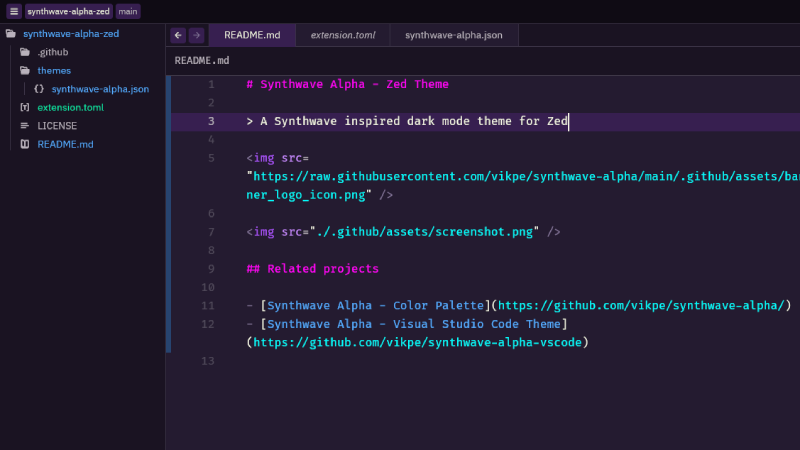
## Zed
> See [Synthwave Alpha - Zed Theme](https://github.com/vikpe/synthwave-alpha-zed)
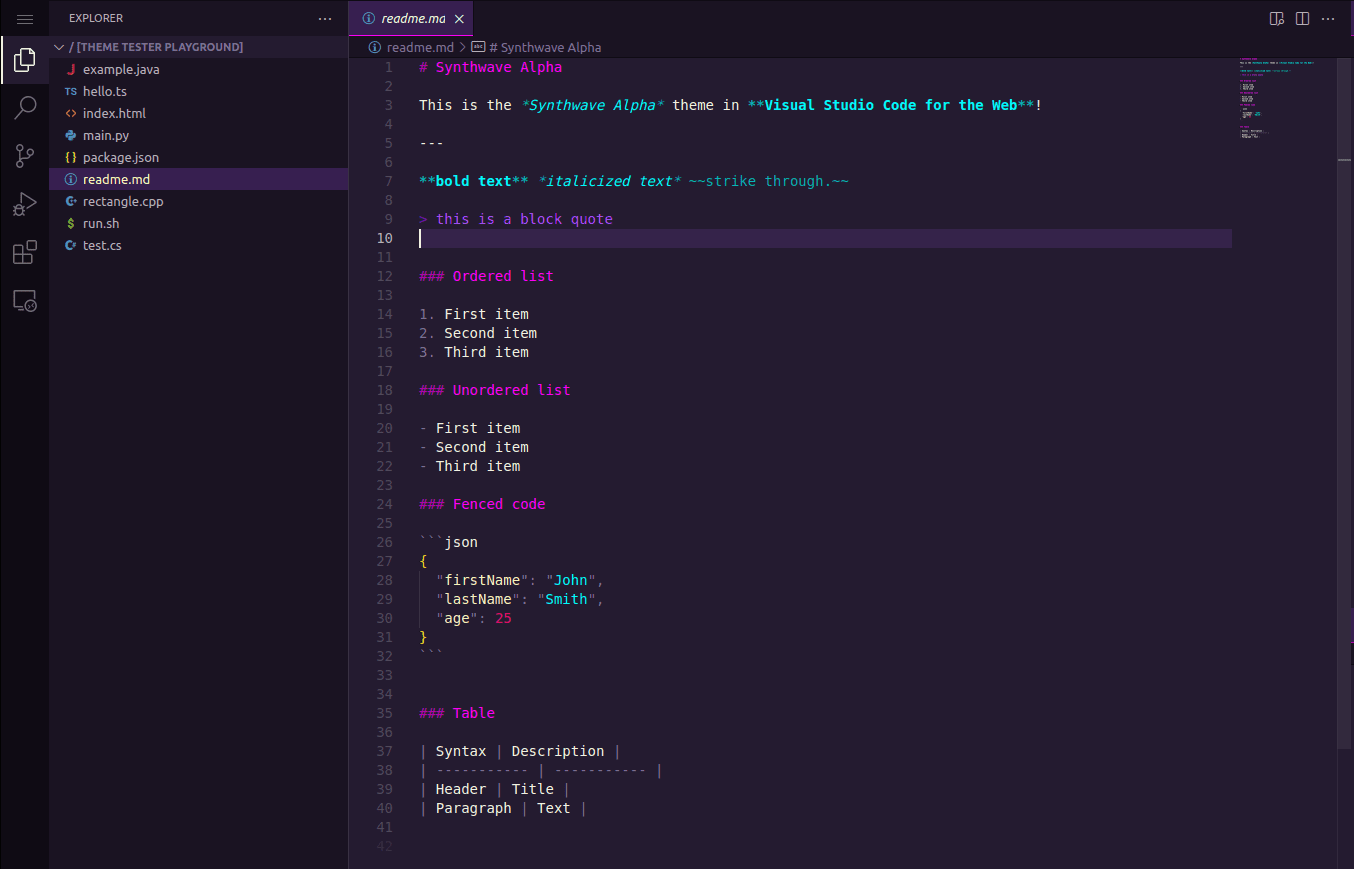
## Visual Studio Code
> See [Synthwave Alpha - VS Code Theme](https://github.com/vikpe/synthwave-alpha-vscode)
### [Fish](https://fishshell.com/)
> See [fish.sh](./implementations/fish.sh) for instructions/setup.

### [Starship](https://starship.rs/)
> See [starship.toml](./implementations/starship.toml) for instructions/setup.

### [FZF](https://github.com/junegunn/fzf)
> See [fzf.sh](./implementations/fzf.sh) for instructions/setup.

### [iTerm2](https://github.com/gnachman/iTerm2)

Installation
1. Type CMD+i
2. Navigate to Colors tab
3. Click on Load Presets
4. Click on Import
5. Select [SynthwaveAlpha.itermcolors](https://raw.githubusercontent.com/vikpe/synthwave-alpha/main/implementations/SynthwaveAlpha.itermcolors)
6. Click on Load Presets and choose a color scheme
### [Gogh](https://github.com/Gogh-Co/Gogh)
* Synthwave Alpha is available via [Gogh](https://github.com/Gogh-Co/Gogh)