https://github.com/vinceliuice/matcha-gtk-theme
Matcha is a flat Design theme for GTK 3, GTK 2 and Gnome-Shell
https://github.com/vinceliuice/matcha-gtk-theme
dark-theme flat-design gnome gnome-shell gnome-theme green gtk3-theme theme
Last synced: 9 months ago
JSON representation
Matcha is a flat Design theme for GTK 3, GTK 2 and Gnome-Shell
- Host: GitHub
- URL: https://github.com/vinceliuice/matcha-gtk-theme
- Owner: vinceliuice
- License: gpl-3.0
- Created: 2017-08-16T18:43:14.000Z (almost 9 years ago)
- Default Branch: master
- Last Pushed: 2025-04-28T00:55:26.000Z (about 1 year ago)
- Last Synced: 2025-06-06T04:28:16.969Z (about 1 year ago)
- Topics: dark-theme, flat-design, gnome, gnome-shell, gnome-theme, green, gtk3-theme, theme
- Language: CSS
- Homepage: https://www.pling.com/p/1187179/
- Size: 16.1 MB
- Stars: 775
- Watchers: 21
- Forks: 70
- Open Issues: 79
-
Metadata Files:
- Readme: README.md
- License: LICENSE
- Authors: AUTHORS
Awesome Lists containing this project
README
 Matcha Gtk Theme
======
Matcha is a flat Design theme for GTK 3, GTK 2 and Gnome-Shell which supports GTK 3 and GTK 2 based desktop environments like Gnome, Unity, Budgie, Pantheon, XFCE, Mate, etc.
This theme is based on Arc gtk theme of horst3180. Thanks horst3180 sincerely for his great job!
horst3180 - Arc gtk theme: https://github.com/horst3180/Arc-theme
## Donate
If you like my project, you can buy me a coffee:

## Info
### GTK+ > 3.20
### GTK2 engines requirment
- GTK2 engine Murrine 0.98.1.1 or later.
- GTK2 pixbuf engine or the gtk(2)-engines package.
Fedora/RedHat distros:
yum install gtk-murrine-engine gtk2-engines
Ubuntu/Mint/Debian distros:
sudo apt-get install gtk2-engines-murrine gtk2-engines-pixbuf
ArchLinux:
pacman -S gtk-engine-murrine gtk-engines
Solus:
sudo eopkg it gtk2-engine-murrine gtk-engines
Other:
Search for the engines in your distributions repository or install the engines from source.
## Install
### Install from source file
Double-click to open that script file,
Or open the terminal at current directory.
Run
./install.sh
Usage: ./install.sh [OPTIONS...]
OPTIONS:
```sh
-d, --dest DIR Specify theme destination directory (Default: $HOME/.themes)
-n, --name NAME Specify theme name (Default: Matcha)
-c, --color VARIANTS Specify theme color variant(s) [standard|dark] (Default: All variants)
-t, --theme VARIANTS Specify hue theme variant(s) [aliz|azul|sea|pueril] (Default: All variants)
-s, --gnome-shell Set gnome-shell version flavor, [38|40|42|44|46|47|48] (Default: Auto detect)
-l, --libadwaita Force all libadwaita app use linked gtk-4.0 theme
-g, --gdm Install GDM theme, this option need root user authority! please run this with sudo
-r, --remove Remove(Uninstall) GTK/GDM/libadwaita (themes)
-h, --help Show this help
```
### Fix for flatpak apps
sudo flatpak override --filesystem=~/.themes
If you installed your theme in system theme folder then run:
sudo flatpak override --filesystem=/usr/share/themes
### Install from flathub
flatpak remote-add flathub https://flathub.org/repo/flathub.flatpakrepo
flatpak install flathub org.gtk.Gtk3theme.Matcha-sea
### Install from repository
Archlinux:
This package is available in the AUR
yay -S matcha-gtk-theme
FreeBSD:
# pkg install matcha-gtk-themes
Solus:
sudo eopkg it matcha-gtk-theme
## Icon theme for Matcha
- Qogir-manjaro: https://github.com/vinceliuice/Qogir-icon-theme
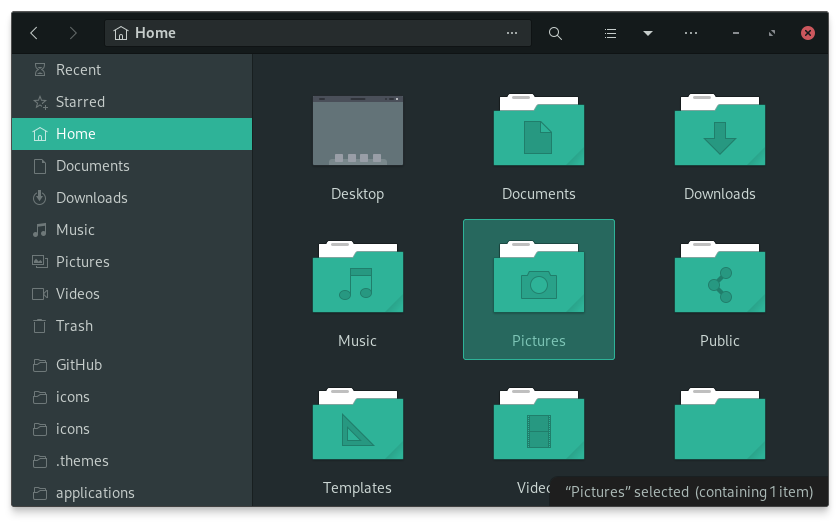
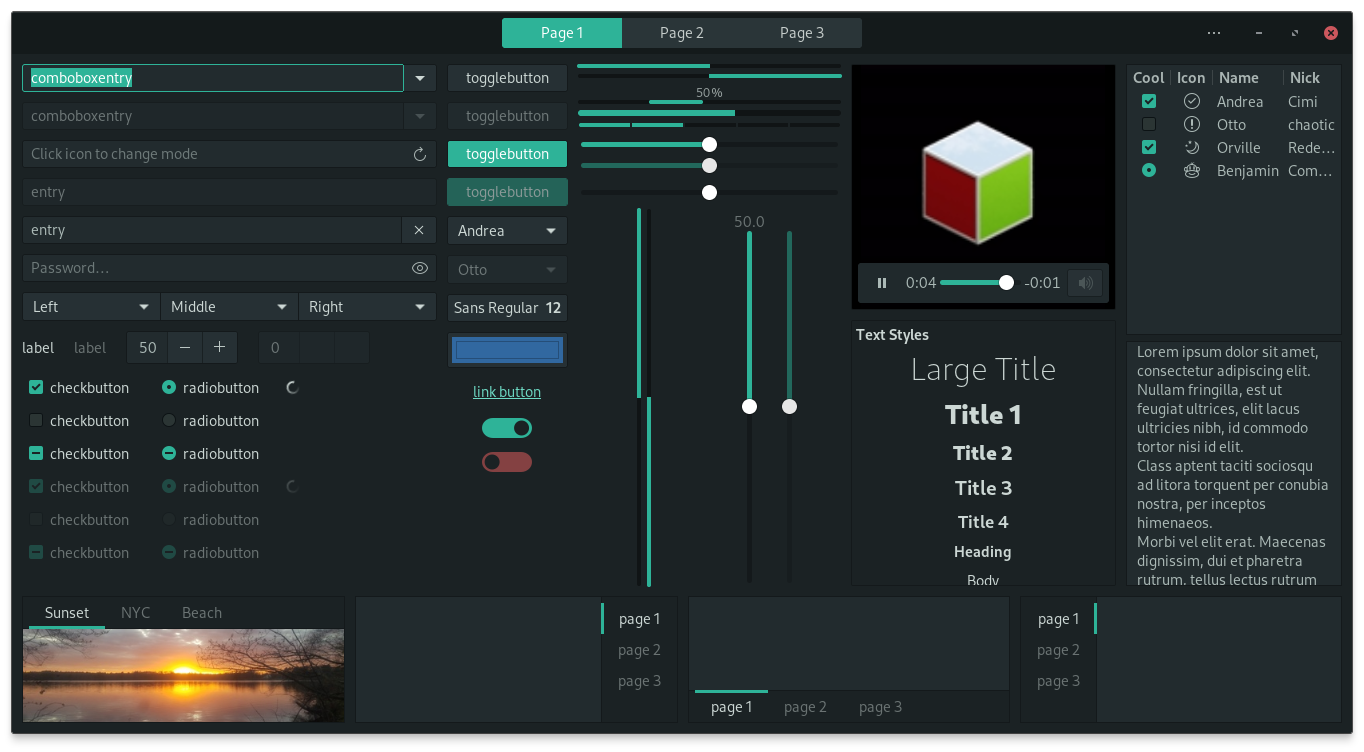
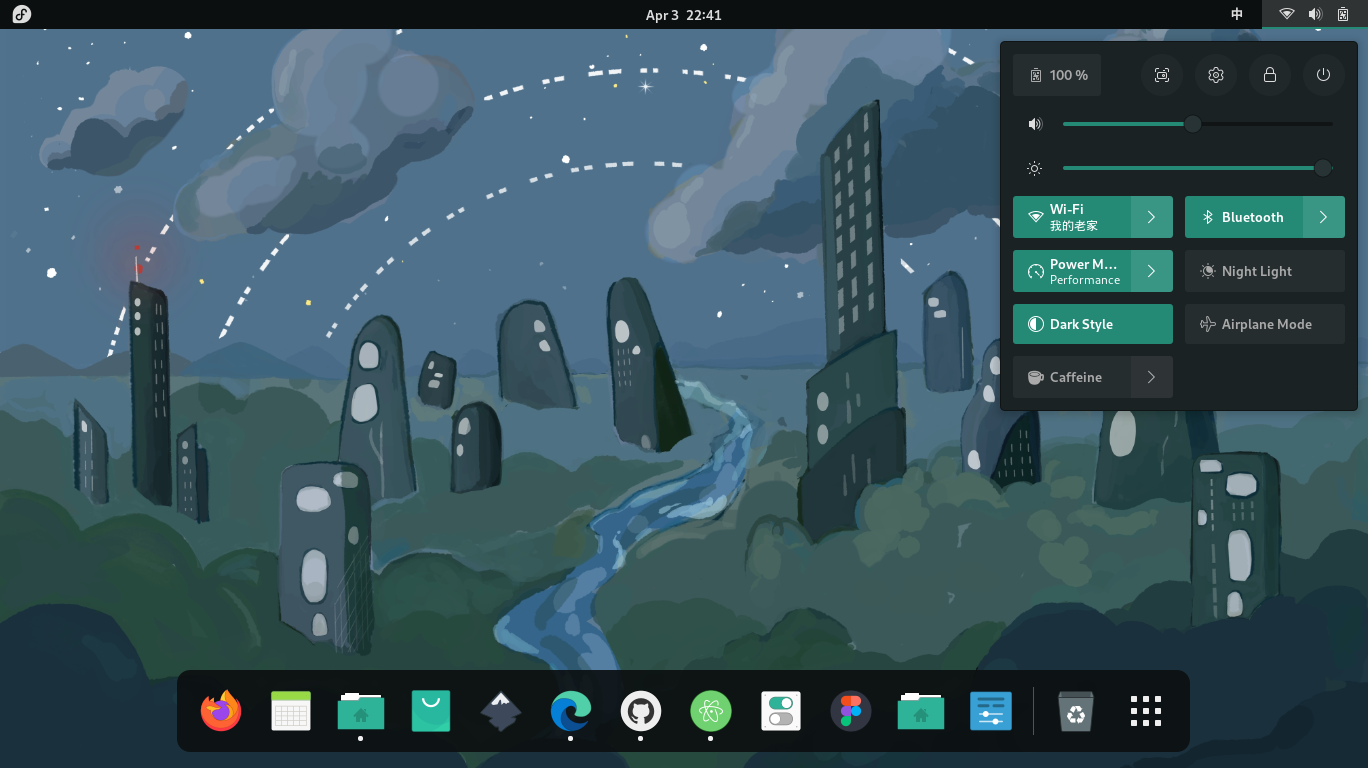
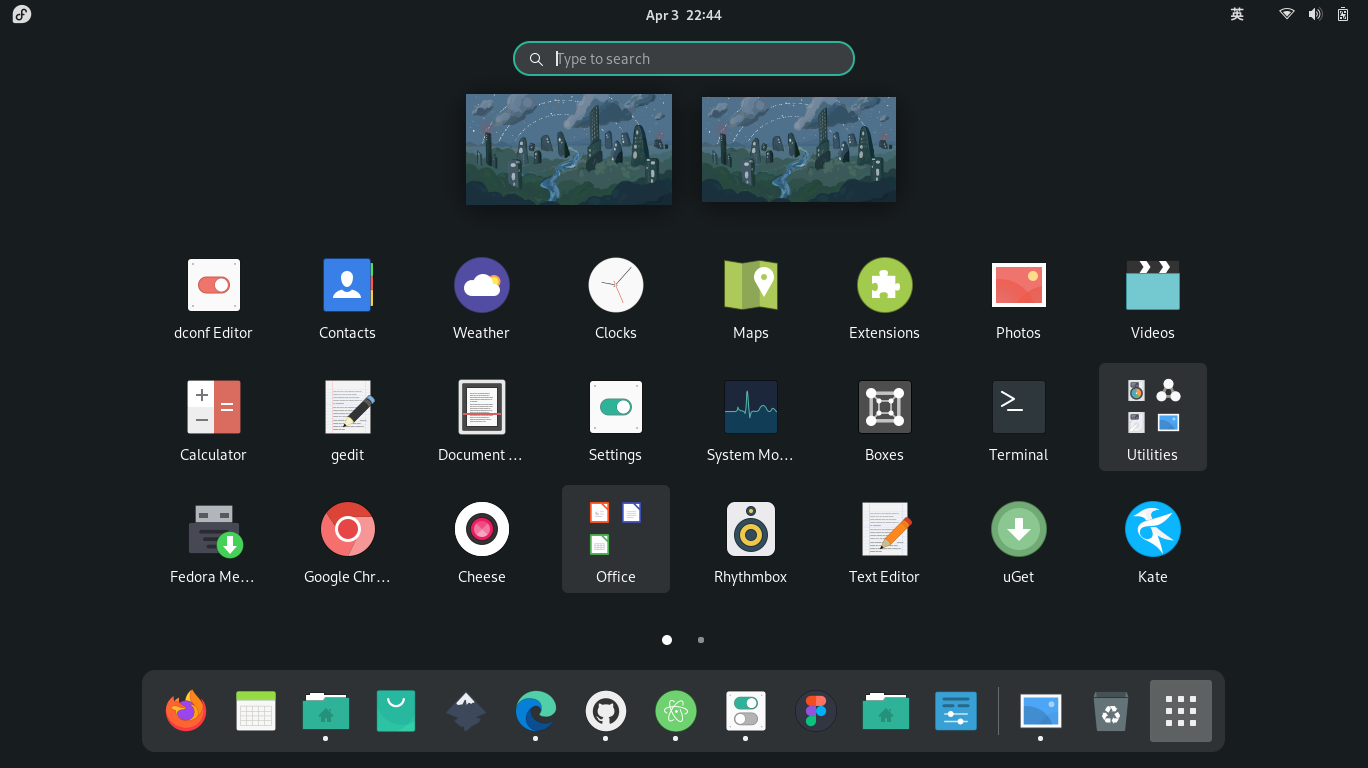
## Screenshots