https://github.com/vishwajeetraj11/quizco-frontend
Quizco: Quiz Builder + Assessment Tool
https://github.com/vishwajeetraj11/quizco-frontend
mern-stack quiz quiz-builder quizapp react ts
Last synced: 3 months ago
JSON representation
Quizco: Quiz Builder + Assessment Tool
- Host: GitHub
- URL: https://github.com/vishwajeetraj11/quizco-frontend
- Owner: vishwajeetraj11
- License: mit
- Created: 2022-02-06T13:09:45.000Z (almost 4 years ago)
- Default Branch: master
- Last Pushed: 2023-12-25T03:05:08.000Z (almost 2 years ago)
- Last Synced: 2024-12-30T13:00:40.558Z (12 months ago)
- Topics: mern-stack, quiz, quiz-builder, quizapp, react, ts
- Language: TypeScript
- Homepage: https://quizco-app.netlify.app/
- Size: 5.78 MB
- Stars: 21
- Watchers: 1
- Forks: 7
- Open Issues: 1
-
Metadata Files:
- Readme: README.md
- License: LICENSE
Awesome Lists containing this project
README
# Quizco - Quiz Builder and Assessment Application
**Live**: https://quizco-app.netlify.app/
**Frontend**: https://github.com/vishwajeetraj11/quizco-frontend
**Backend**: https://github.com/vishwajeetraj11/quizco-backend/
AI Quiz Builder Enabled only for Admin
## 💻 Screens
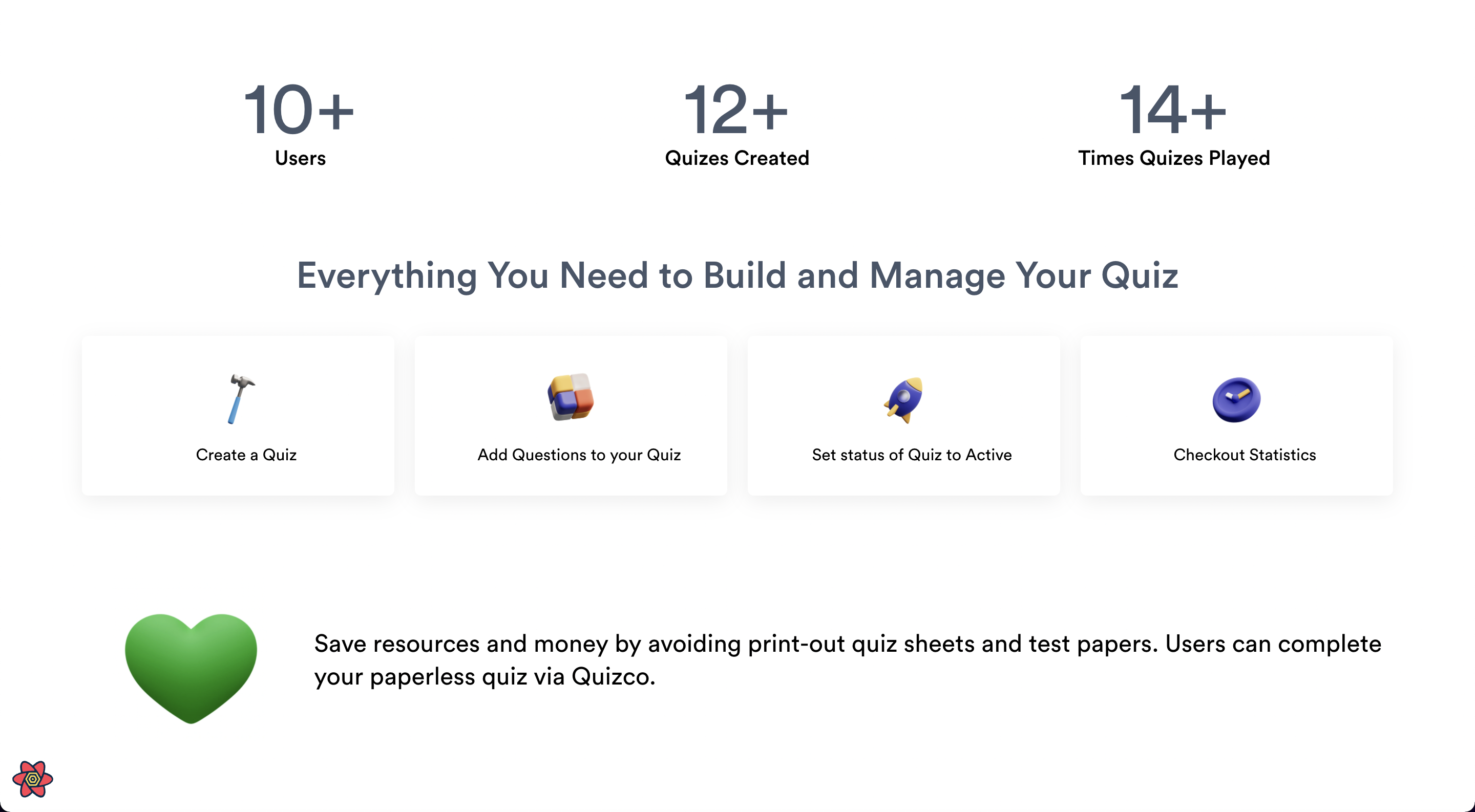
Landing Page | Landing Page (Scrolled Down)
:-------------------------:|:-------------------------:
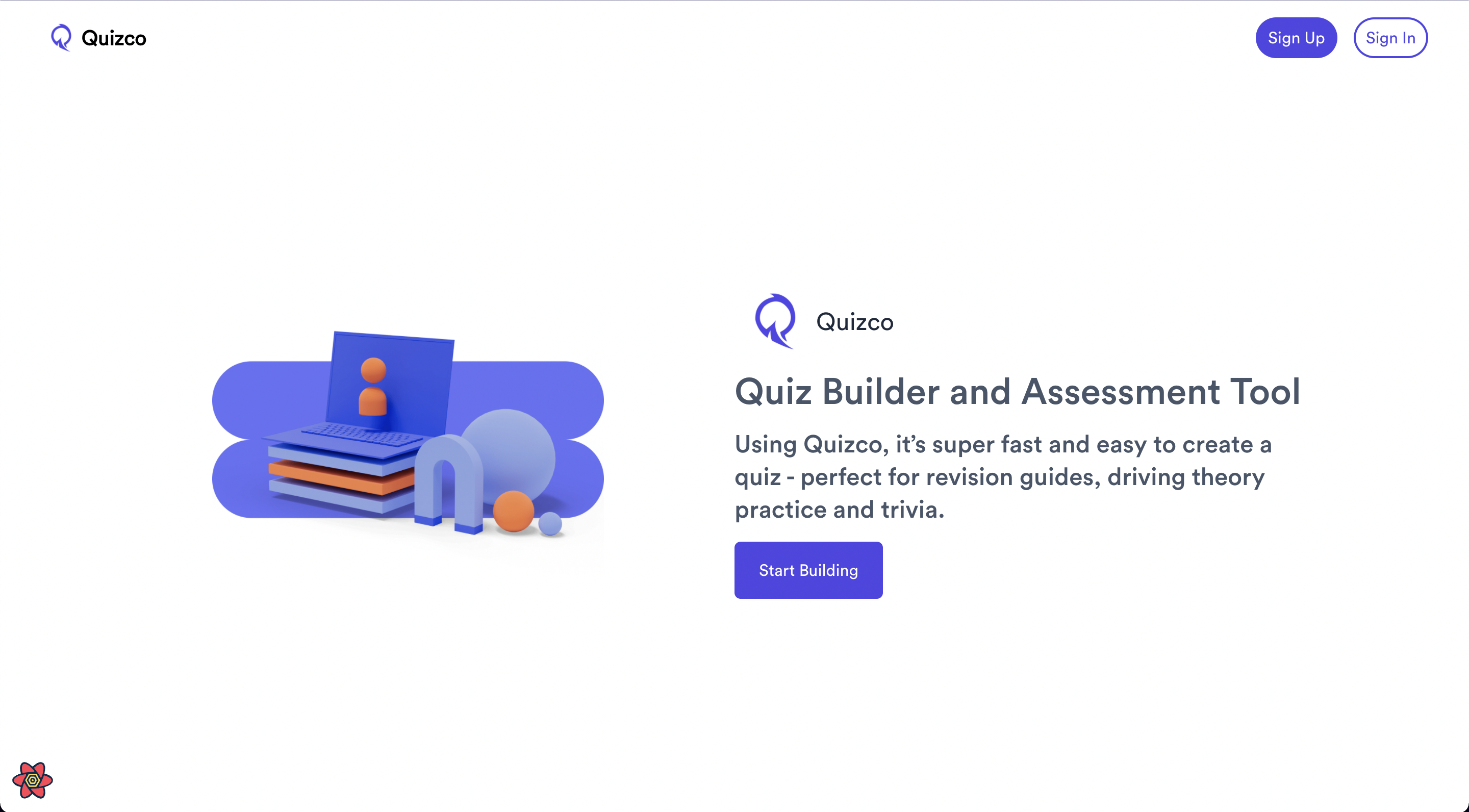 |
| 
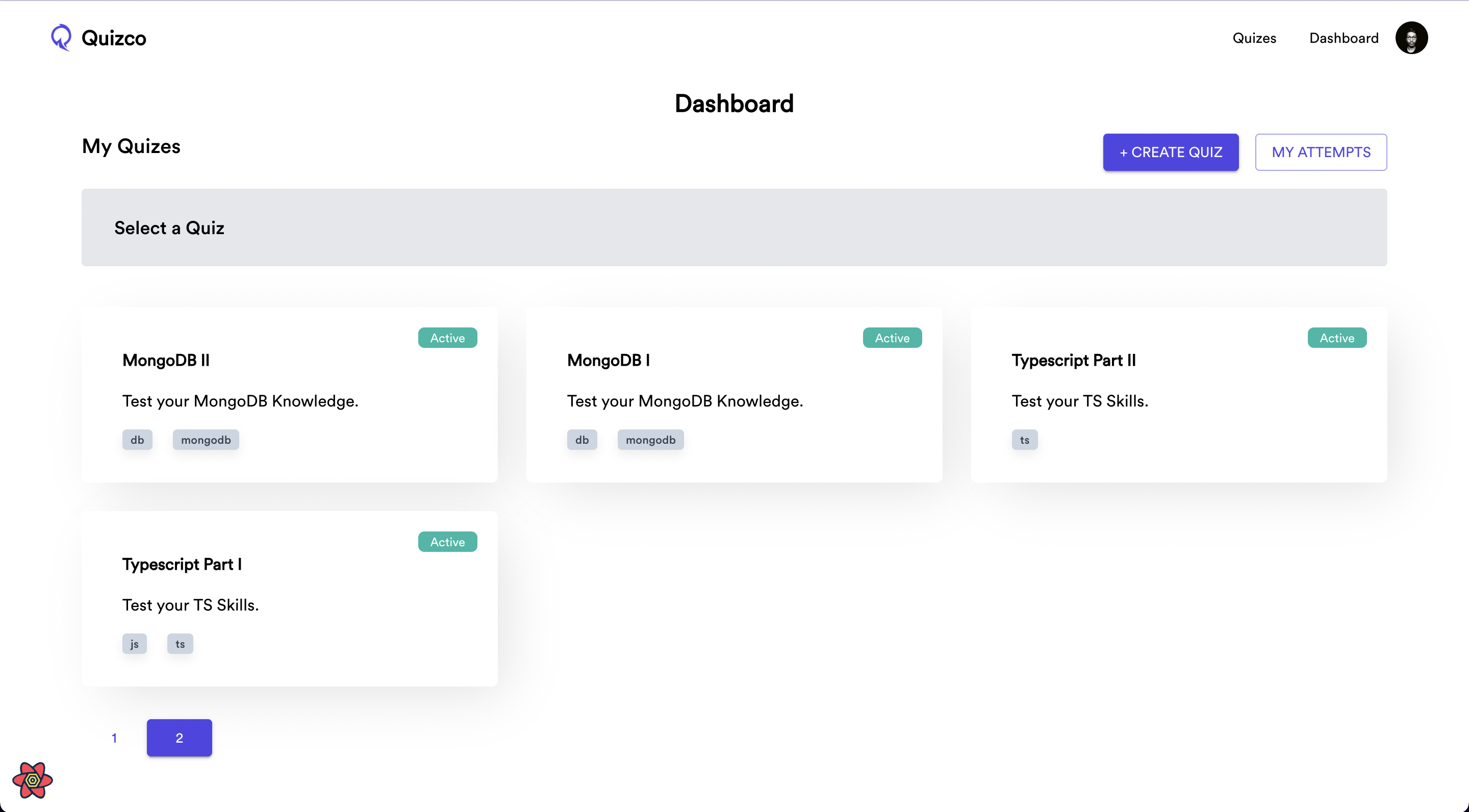
Quizzes Page | Dashboard Page
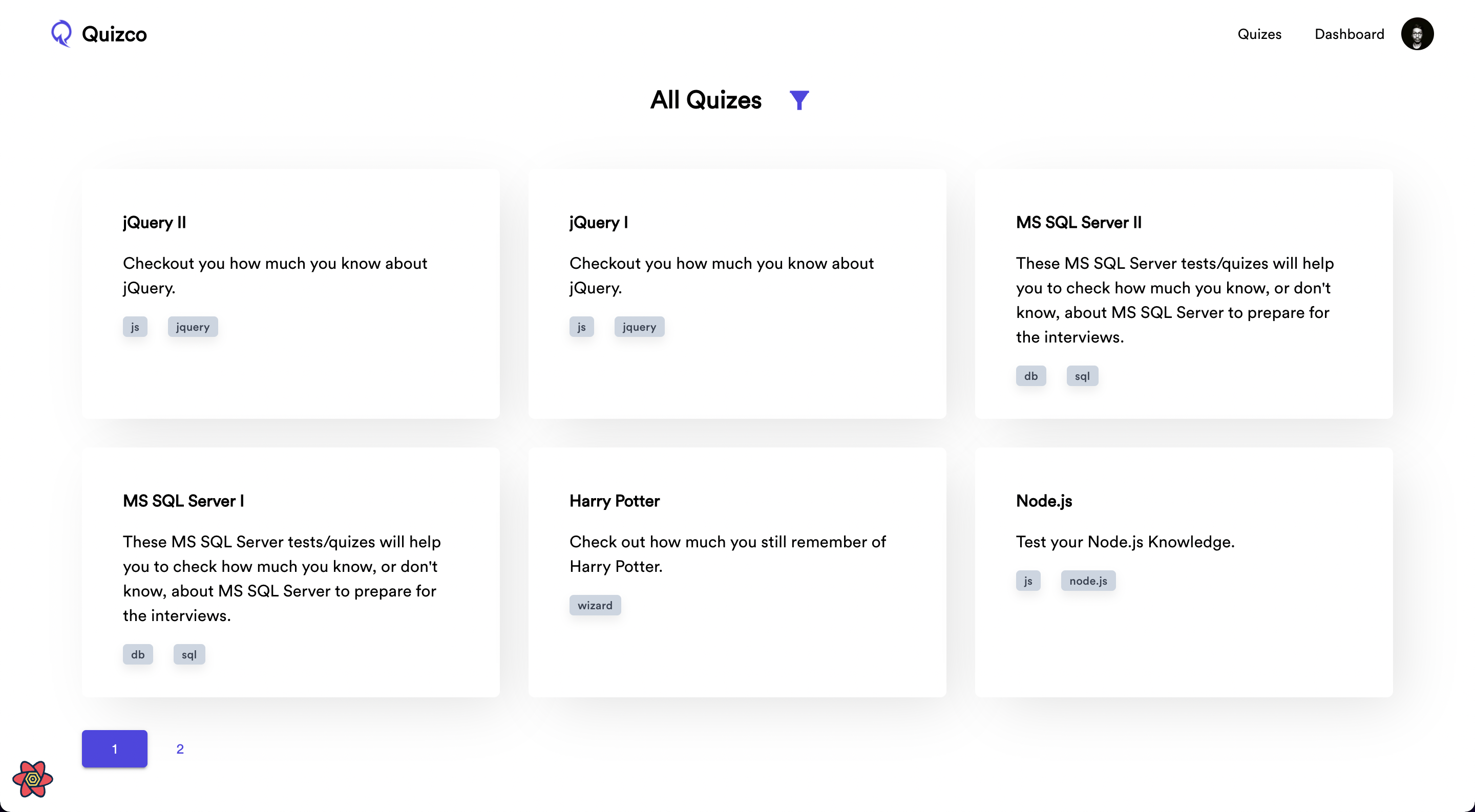 |
| 
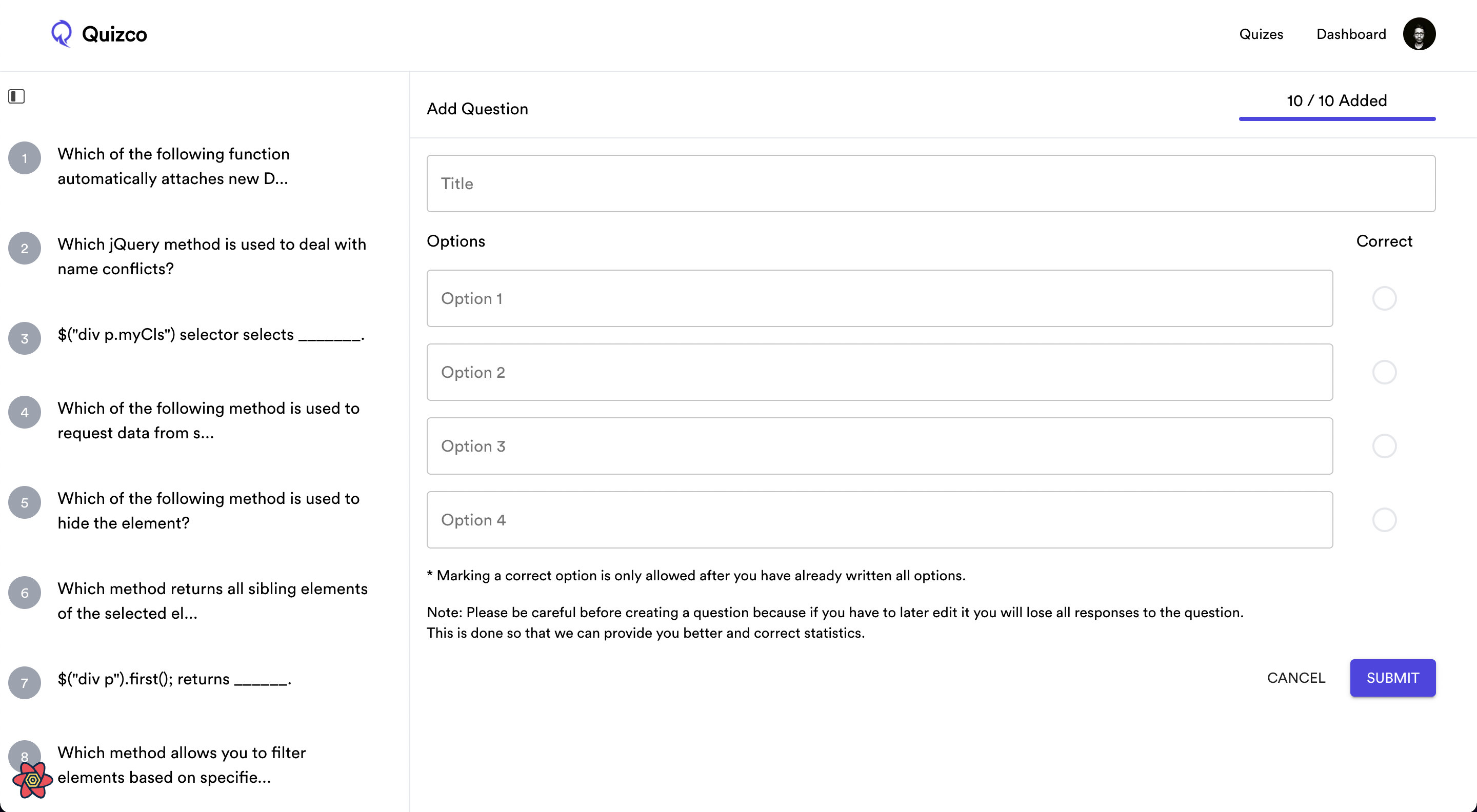
Selected Quiz in Dashboard | Add/Update Questions
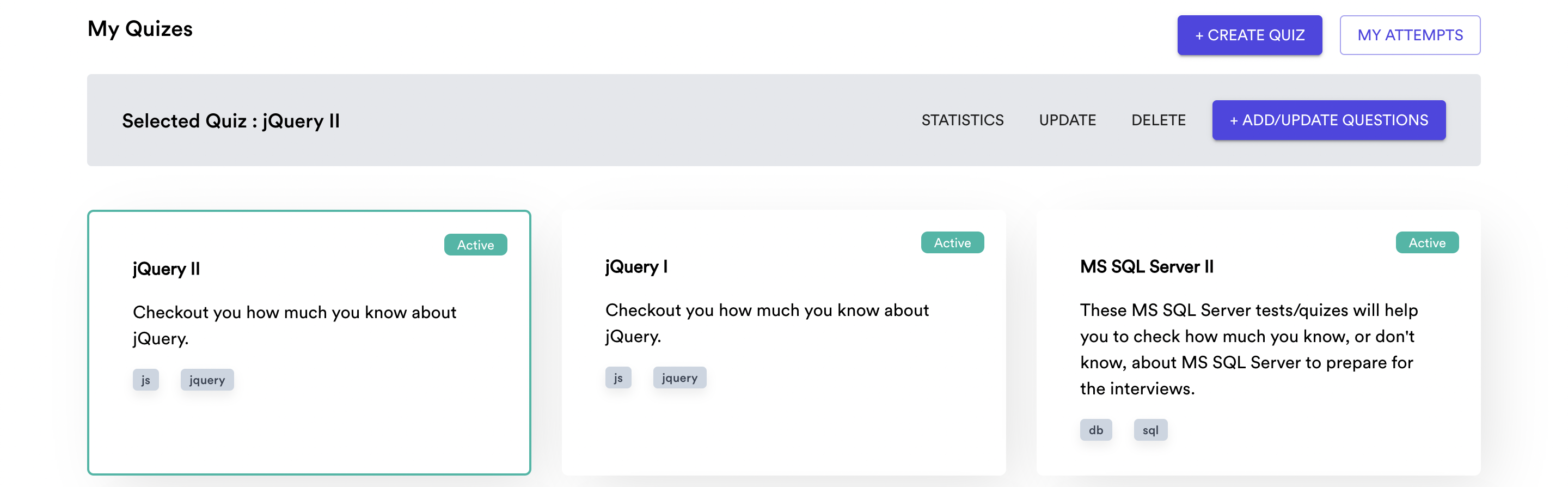 |
| 
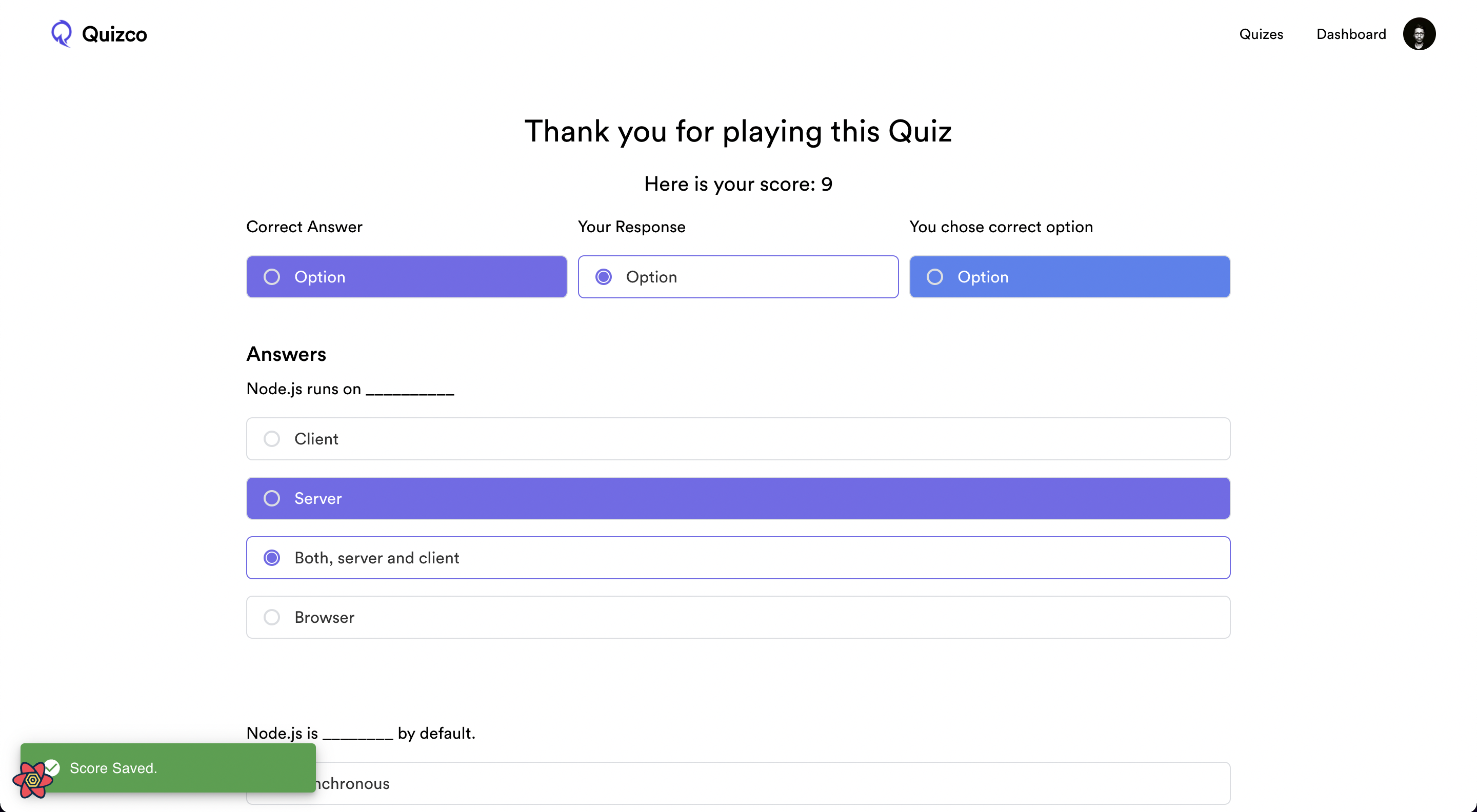
Player Screen | Finish Quiz
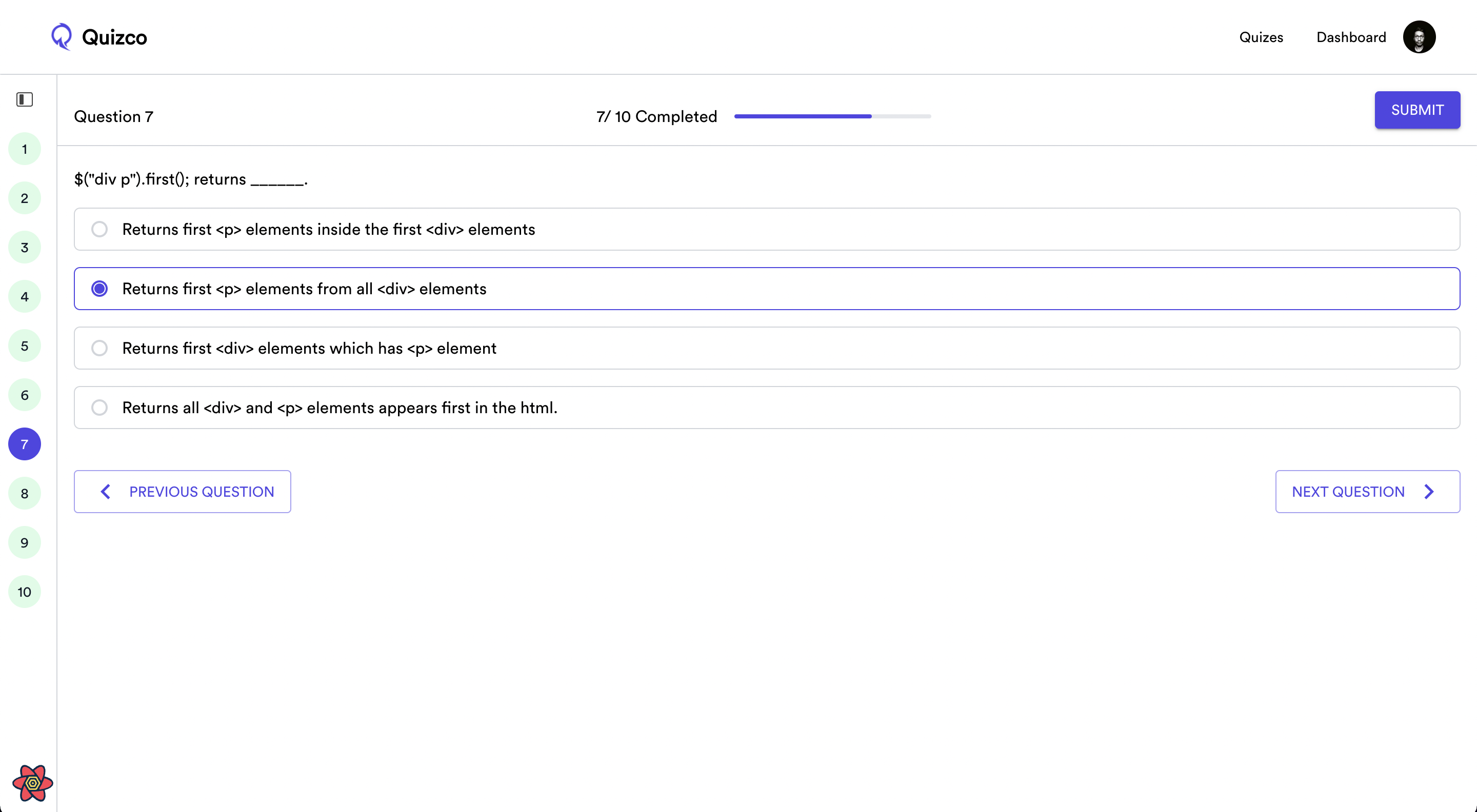 |
| 
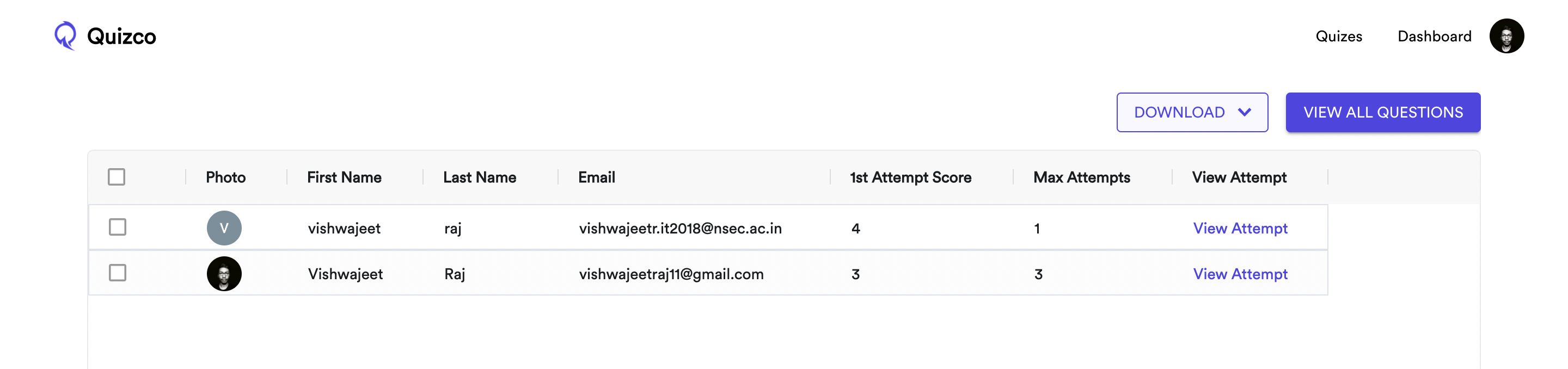
Attempts Screen | Statistics Screen
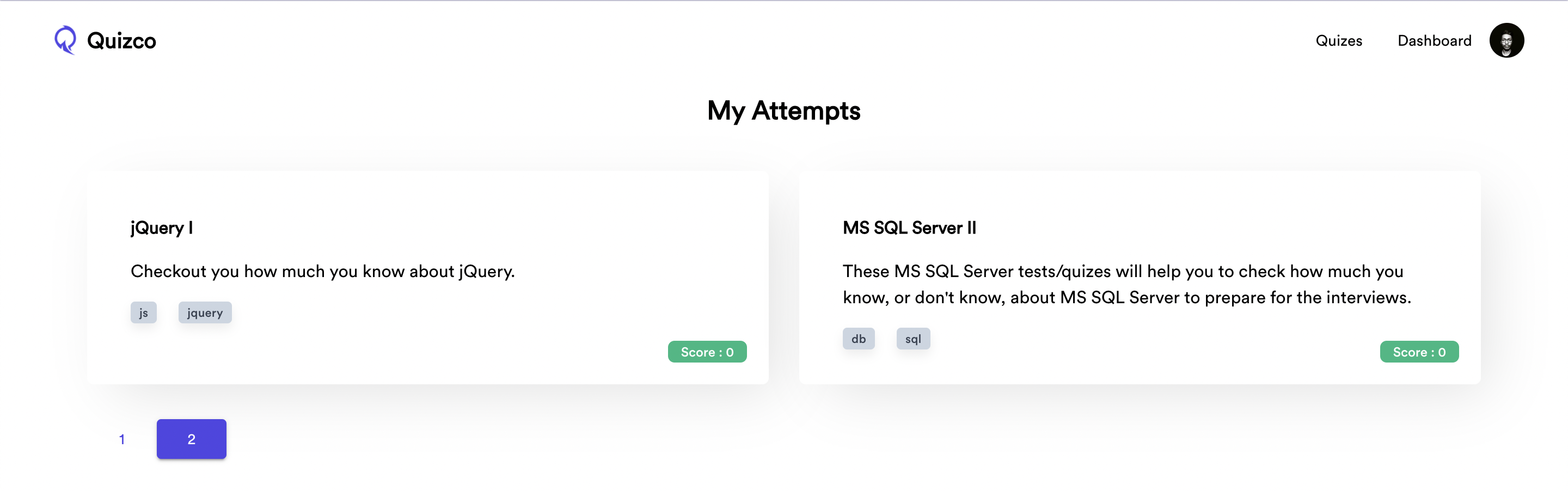 |
| 
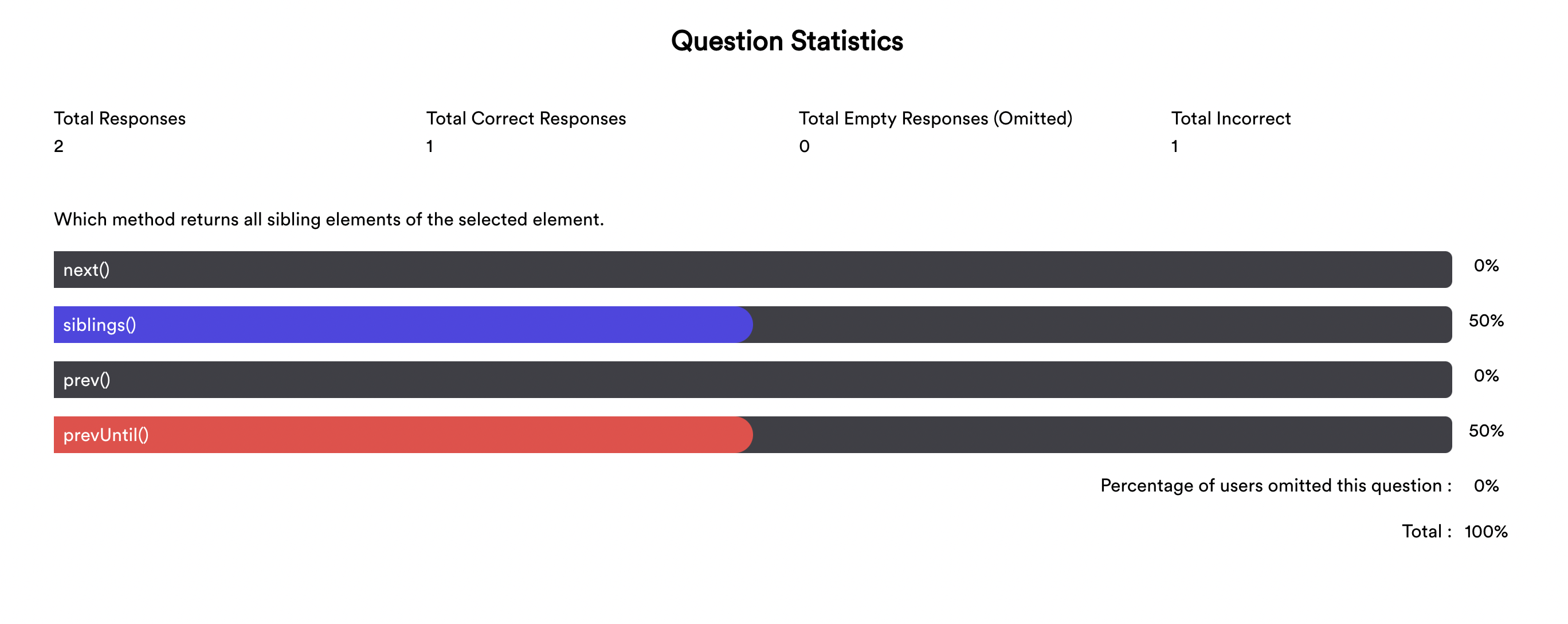
View All Questions Screen | Question Statistics
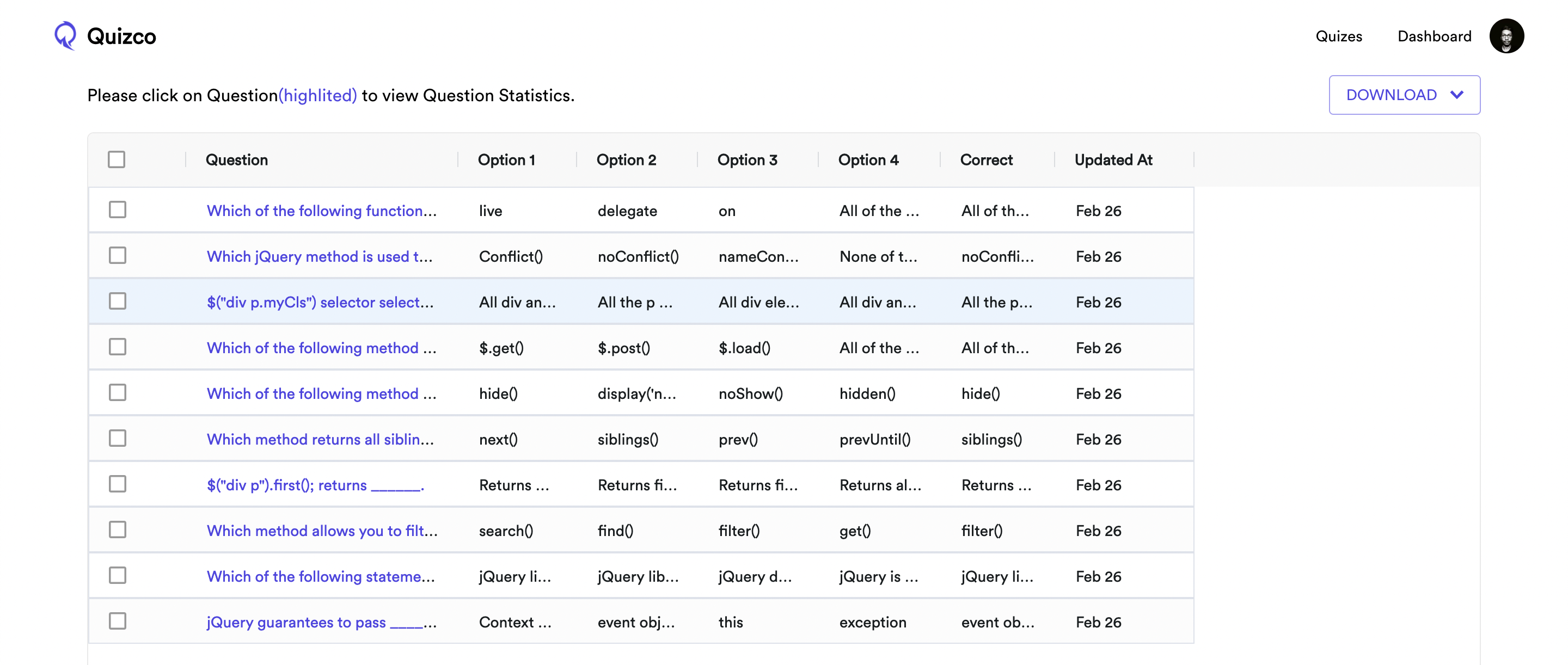 |
| 
Running it Locally:
1. Go to Clerk Dashboard and create an application.
2. Go to Clerk Dashboard > Your Application > Paths > Change the paths as in this image.

4. Make a MongoDB cluster and copy its connection string.
5. Copy Frontend API Key and Backend API Key.
6. Backend env.
- DB_PASSWORD=
- MONGODB_URI=
- PORT=
- CLERK_API_KEY=
- CLERK_API_URL=https://api.clerk.dev
7. Frontend env.
- REACT_APP_CLERK_FRONTEND_API=
8. Install Dependencies.
9. Run Backend (```yarn dev```), Run Frontend (```yarn start```)