https://github.com/vitexsoftware/icinga-editor
WebGui for generating Icinga configuration files
https://github.com/vitexsoftware/icinga-editor
debian debian-packages easephp gui icinga icinga-configuration monitoring notifications nrpe nsclient php
Last synced: 12 months ago
JSON representation
WebGui for generating Icinga configuration files
- Host: GitHub
- URL: https://github.com/vitexsoftware/icinga-editor
- Owner: VitexSoftware
- License: gpl-2.0
- Created: 2013-11-02T16:46:21.000Z (over 12 years ago)
- Default Branch: ease-core-based
- Last Pushed: 2021-09-24T21:57:20.000Z (almost 5 years ago)
- Last Synced: 2025-04-05T16:41:27.529Z (over 1 year ago)
- Topics: debian, debian-packages, easephp, gui, icinga, icinga-configuration, monitoring, notifications, nrpe, nsclient, php
- Language: PHP
- Homepage: http://monitoring.vitexsoftware.cz/
- Size: 5.53 MB
- Stars: 10
- Watchers: 4
- Forks: 4
- Open Issues: 3
-
Metadata Files:
- Readme: README.md
- Funding: .github/FUNDING.yml
- License: LICENSE
Awesome Lists containing this project
README
Icinga Configurator
===================
Gui for generating Icinga 1.x configuration files and much more...
[](https://github.com/Vitexus/icinga_configurator)
[](https://github.com/Vitexus/icinga_configurator/releases)
[](https://github.com/Vitexus/icinga_configurator/blob/master/LICENSE)
[](https://travis-ci.org/Vitexus/icinga_configurator)
[](https://coveralls.io/r/Vitexus/icinga_configurator?branch=master)
[](https://hosted.weblate.org/engage/icinga-editor/?utm_source=widget)
Features
--------
* Generate configuration for multiplete users
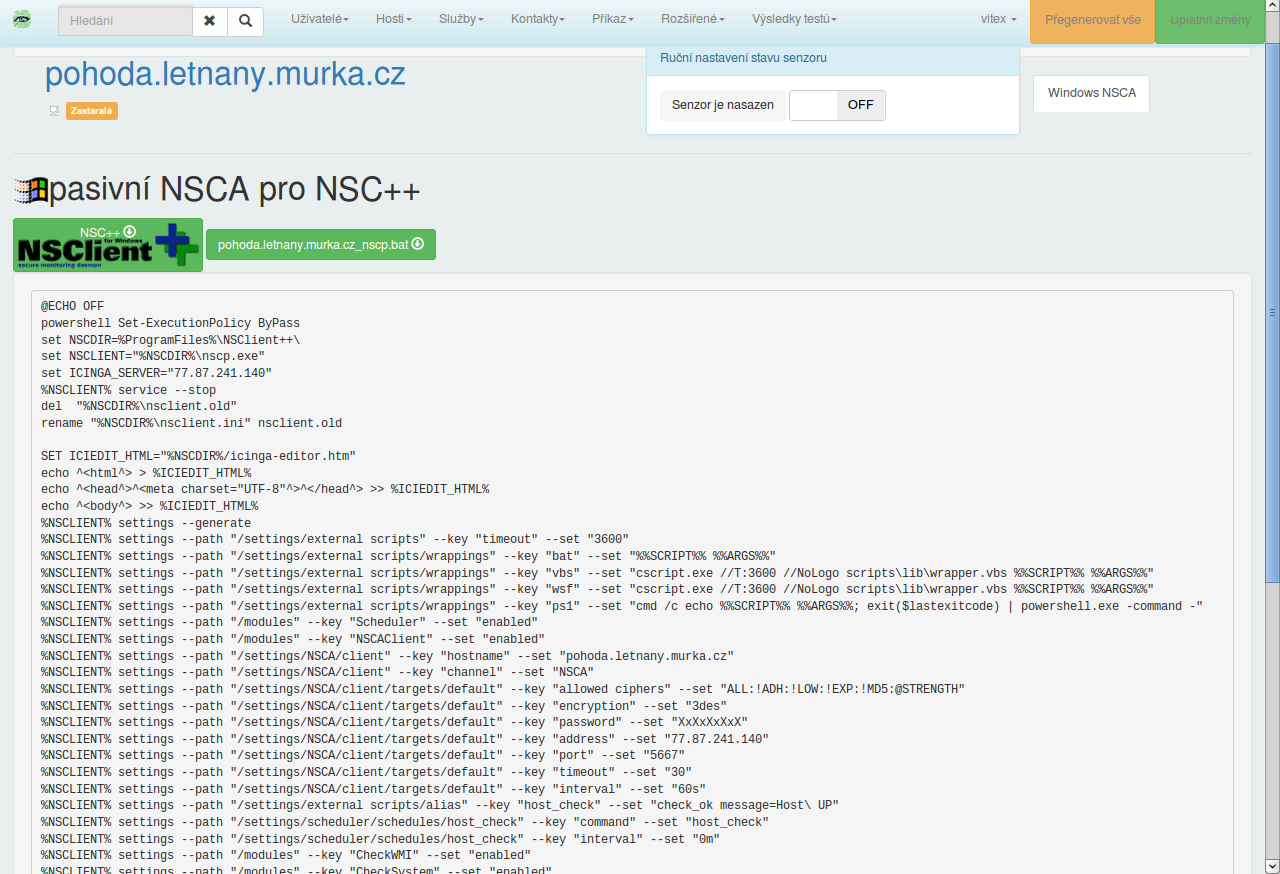
* Provide deploy scripts for auto configure NSClient++
* Checked Services presets - to apply on host or hostgroup
* Scannig tcp ports for known services
* Outdated sensors overview
* Recursive import configuration form icinga/nagios config files
* Export configurations to another instance Icinga-editor using HTTP
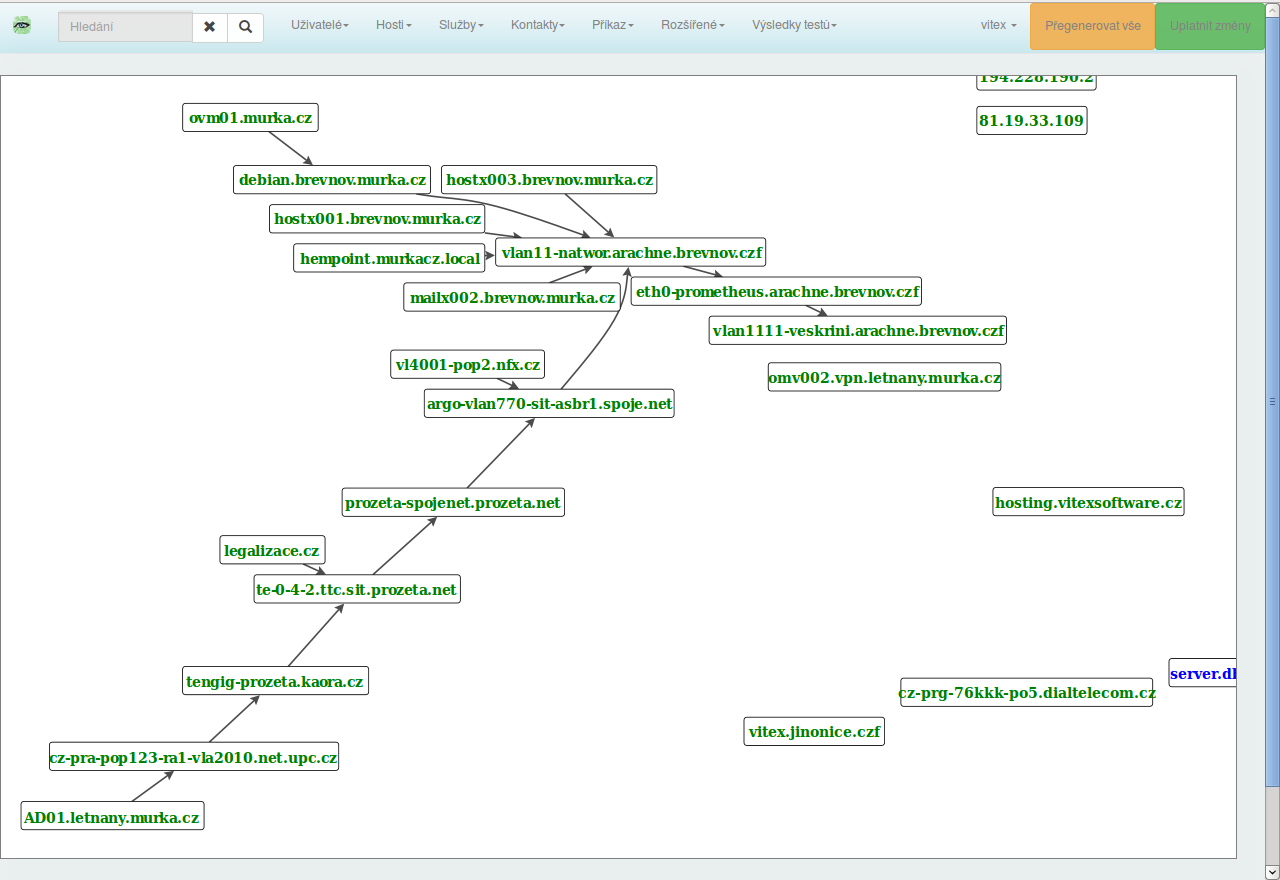
* Network topology map
* Tool to watch traceroute ping
* Automatic Downtime Schedule for devices every night down (Host is server switch)
* Host icon downloader
Instalation
-----------
### Debian 8+
Install Icinga itself
apt install icinga-cgi icinga-cgi-bin icinga-idoutils
Then Editor:
wget -O - http://v.s.cz/info@vitexsoftware.cz.gpg.key|sudo apt-key add -
echo deb http://v.s.cz/ stable main > /etc/apt/sources.list.d/ease.list
apt update
apt install icinga-editor
### Centos 6.8
Make sure you have Icinga installed. ( http://packages.icinga.org/epel/ )
```
rpm -Uvh https://dl.fedoraproject.org/pub/epel/epel-release-latest-6.noarch.rpm
rpm -Uvh https://mirror.webtatic.com/yum/el6/latest.rpm
yum install php56w php56w-opcache php56w-pdo php56w-intl php56w-mysqlnd php56w-pear php56w-gd
pear install Mail
pear install Mail_mime
service httpd restart
service mysqld start
mysqladmin create icinga_editor
echo "GRANT ALL ON icinga_editor.* to 'icinga_editor'@'localhost' IDENTIFIED BY 'LojAstod9';" | mysql -u root -p
php -r "copy('https://getcomposer.org/installer', 'composer-setup.php');"
php -r "if (hash_file('SHA384', 'composer-setup.php') === 'e115a8dc7871f15d853148a7fbac7da27d6c0030b848d9b3dc09e2a0388afed865e6a3d6b3c0fad45c48e2b5fc1196ae') { echo 'Installer verified'; } else { echo 'Installer corrupt'; unlink('composer-setup.php'); } echo PHP_EOL;"
php composer-setup.php
php -r "unlink('composer-setup.php');"
mv composer.phar /usr/local/bin/composer
curl --silent --location https://rpm.nodesource.com/setup_6.x | bash -
yum install -y nodejs
cd /opt/
npm install bootstrap@3
echo "Alias /javascript/twitter-bootstrap /opt/node_modules/bootstrap/dist" > /etc/httpd/conf.d/twitterbootstrap.conf
yum install jquery
echo "Alias /javascript/jquery /usr/share/javascript/jquery/latest" > /etc/httpd/conf.d/jquery.conf
git clone https://github.com/nostalgiaz/bootstrap-switch.git
cp bootstrap-switch/dist/js/bootstrap-switch.js node_modules/bootstrap/dist/js/
cp bootstrap-switch/dist/css/bootstrap3/bootstrap-switch.css node_modules/bootstrap/dist/css/
git clone https://github.com/VitexSoftware/Icinga-Editor.git
cp Icinga-Editor/debian/conf/icinga-editor.conf /etc/httpd/conf.d/
cp /opt/Icinga-Editor/debian/conf/icinga-editor /etc/sudoers.d
sed -i -e 's/\/usr\/share\/icinga-editor/\/opt\/Icinga-Editor\/src\//g' /etc/httpd/conf.d/icinga-editor.conf
mysql -u root icinga_editor < /opt/Icinga-Editor/debian/sql/install/mysql
mkdir -p /etc/icinga/generated/
chown apache /etc/icinga/generated/ -R
chcon -t httpd_sys_rw_content_t /etc/icinga/generated -R
mkdir -p /usr/share/icinga/htdocs/
ln -s /usr/share/icinga/images /usr/share/icinga/htdocs/images/
mkdir -p /usr/share/icinga/htdocs/images/logos/custom/
chcon -t httpd_sys_rw_content_t /usr/share/icinga/htdocs/images/logos/custom/ -R
chown apache /usr/share/icinga/htdocs//images/logos/custom/ -R
chcon -t httpd_sys_rw_content_t /usr/share/icinga/htdocs/images/logos/ -R
cp Icinga-Editor/bin/toicmdfile.sh /usr/bin
sed -i -e 's/..\/includes/\..\/src\/includes/g' Icinga-Editor/bin/iecfgimporter.php
cd Icinga-Editor/bin
./iecfgimporter.php
ln -s /usr/share/icinga/images/logos/ /opt/Icinga-Editor/src/logos
```
Configuration import
-----------------------------
Debian package contains comandline tool **iecfgimporter**
This tool you can use to import several config files or whole configuration into database.
(It is used after first package install to fulfill initial database content)
Sorry
=====
* We support only Icinga 1.x configuration ( Use https://github.com/Icinga/icingaweb2-module-director for Icinga2 )
* English translation is under progress. But some pages localization is still in CZECH language.
See in Action
=============
Production Site
---------------
Latest version of Debian package is installed here: https://www.vitexsoftware.cz/icinga-editor/
* Production site with SMS and XMPP (jabber) notifications Enabled.
* Twitter inc. recognize our notifications as spam thus Twitter notifications are
depricated now.
Screenshots
-----------
Application Dashboard:
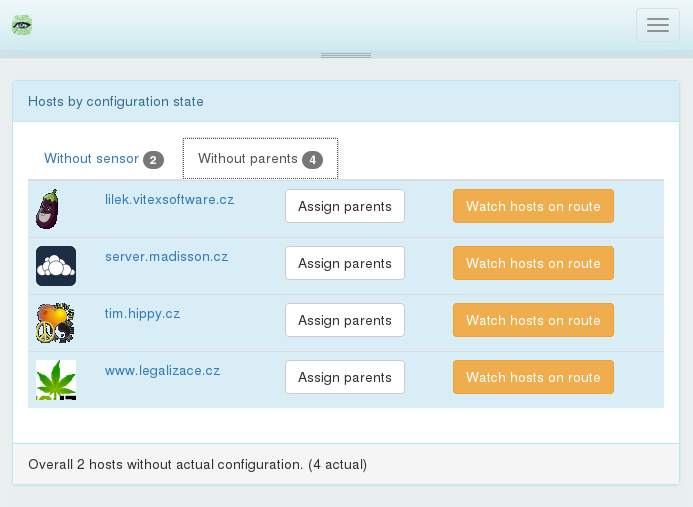
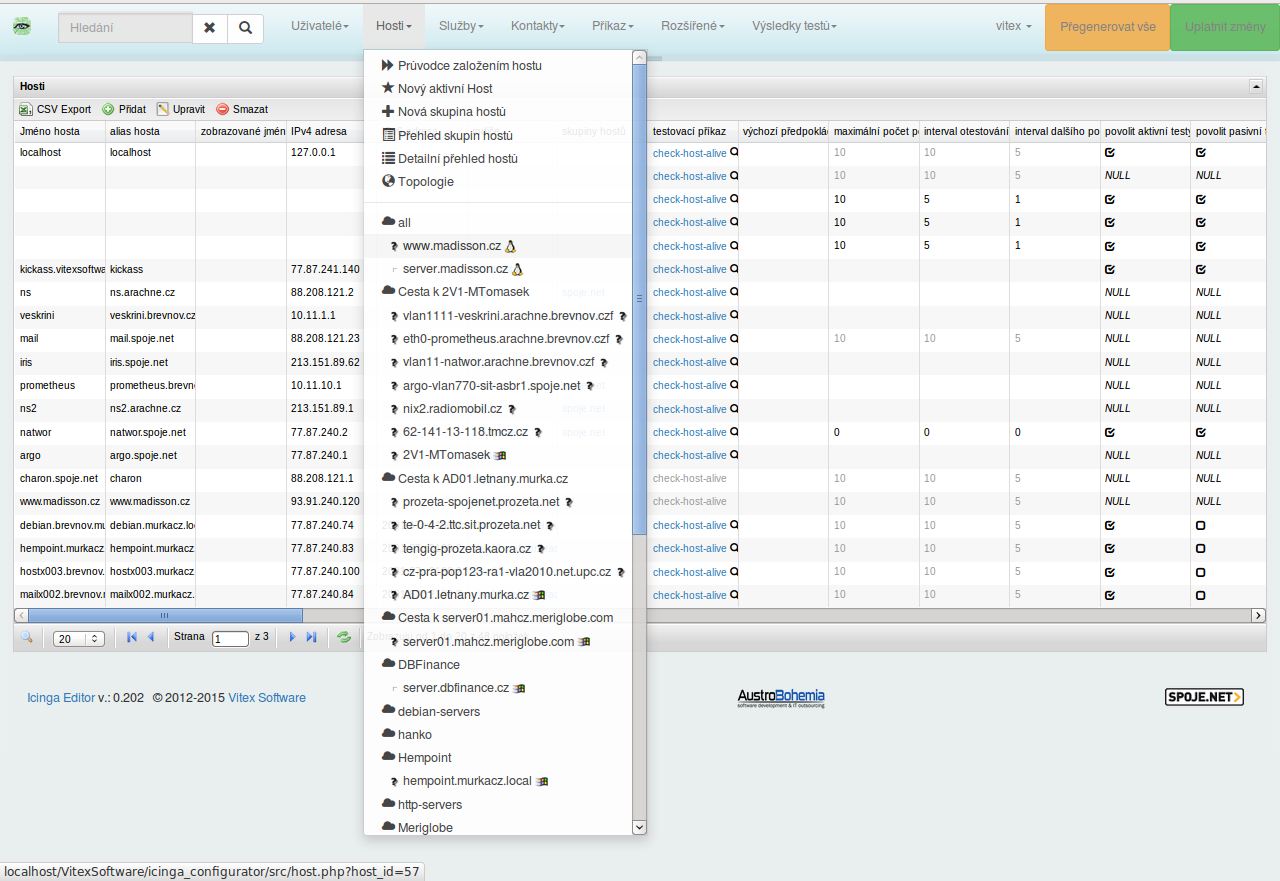
Hosts Listing:
Topology map:
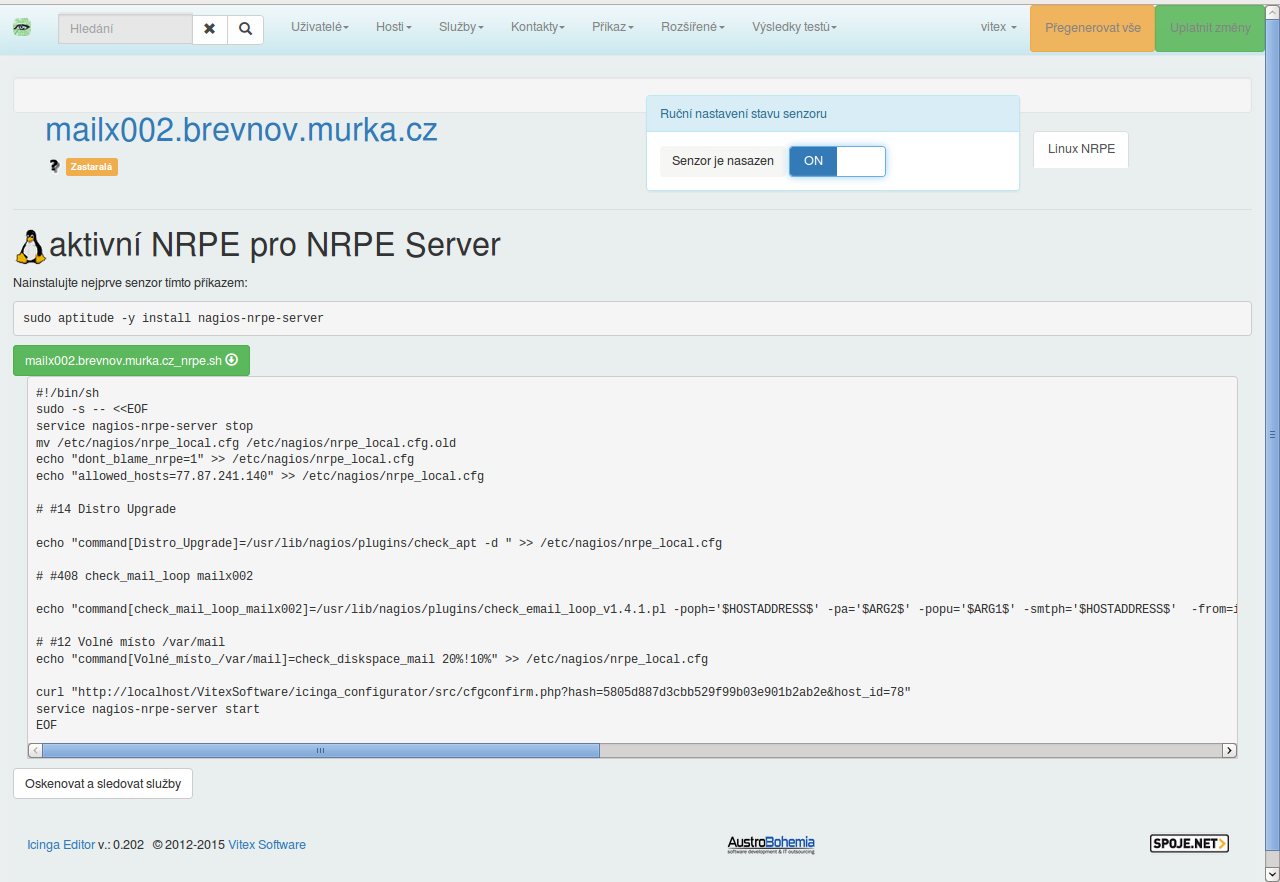
Nrpe config tool:
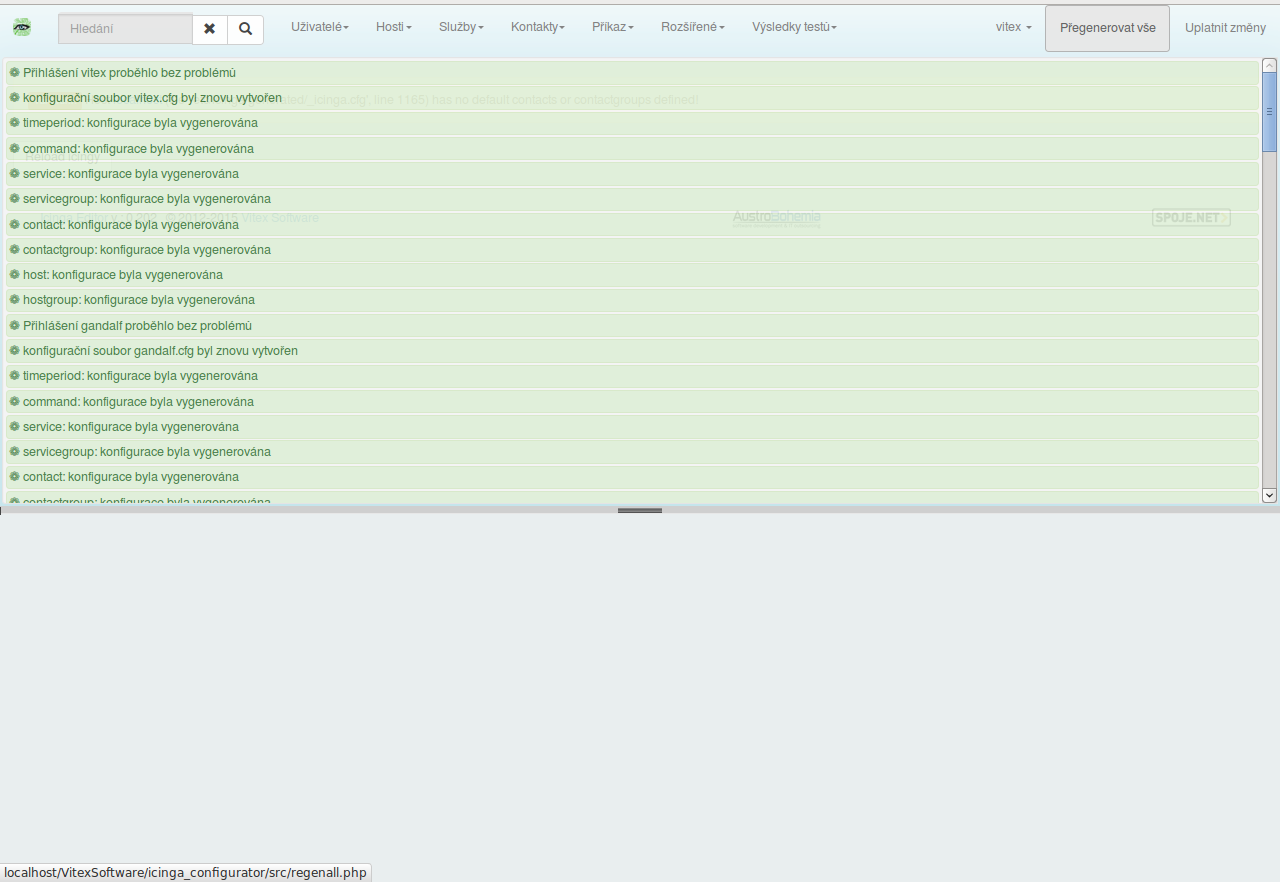
Regenerate all all icinga config files for all users.
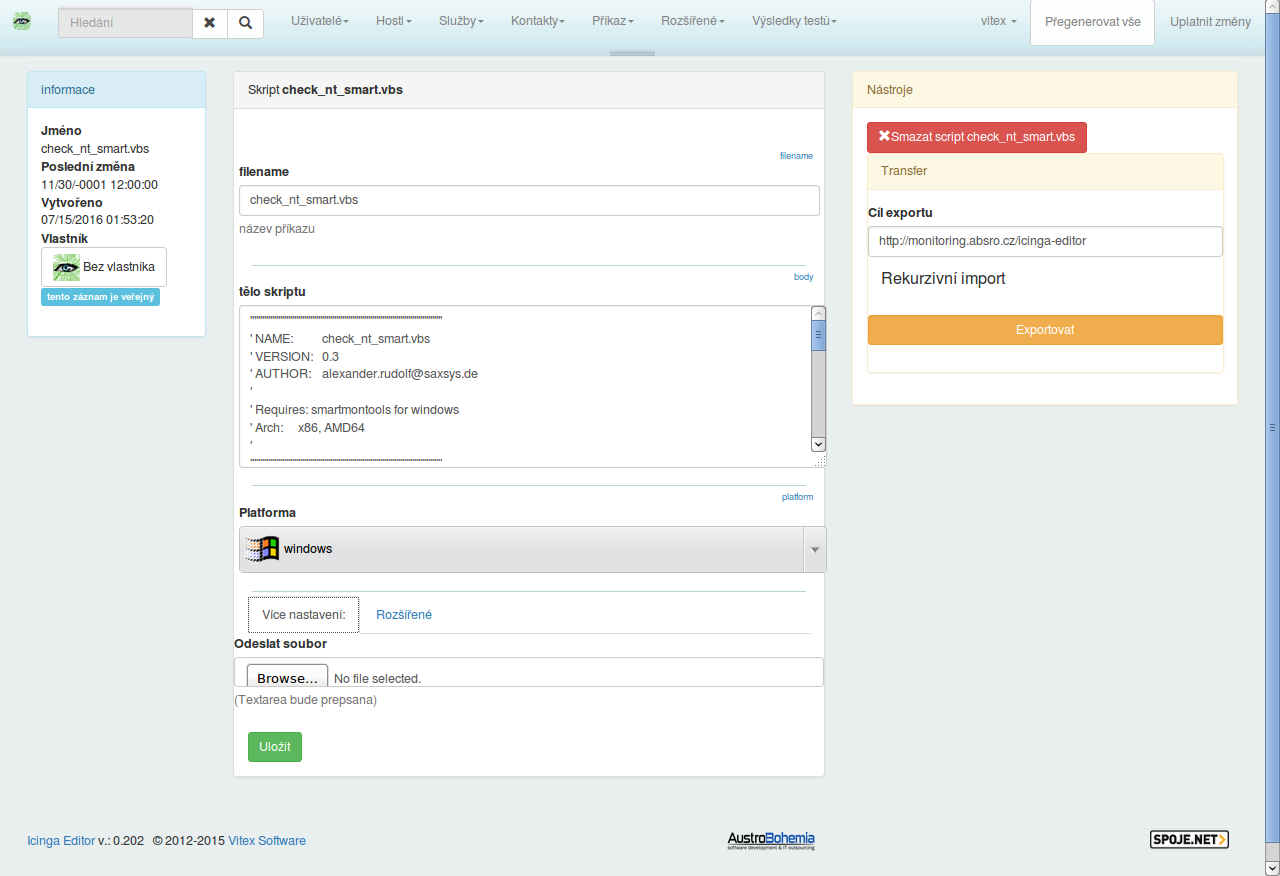
Script for deployment editation:
Windows pasive configuration script for [NSClient++](https://www.nsclient.org/):