https://github.com/vitorluizc/vue-burger-button
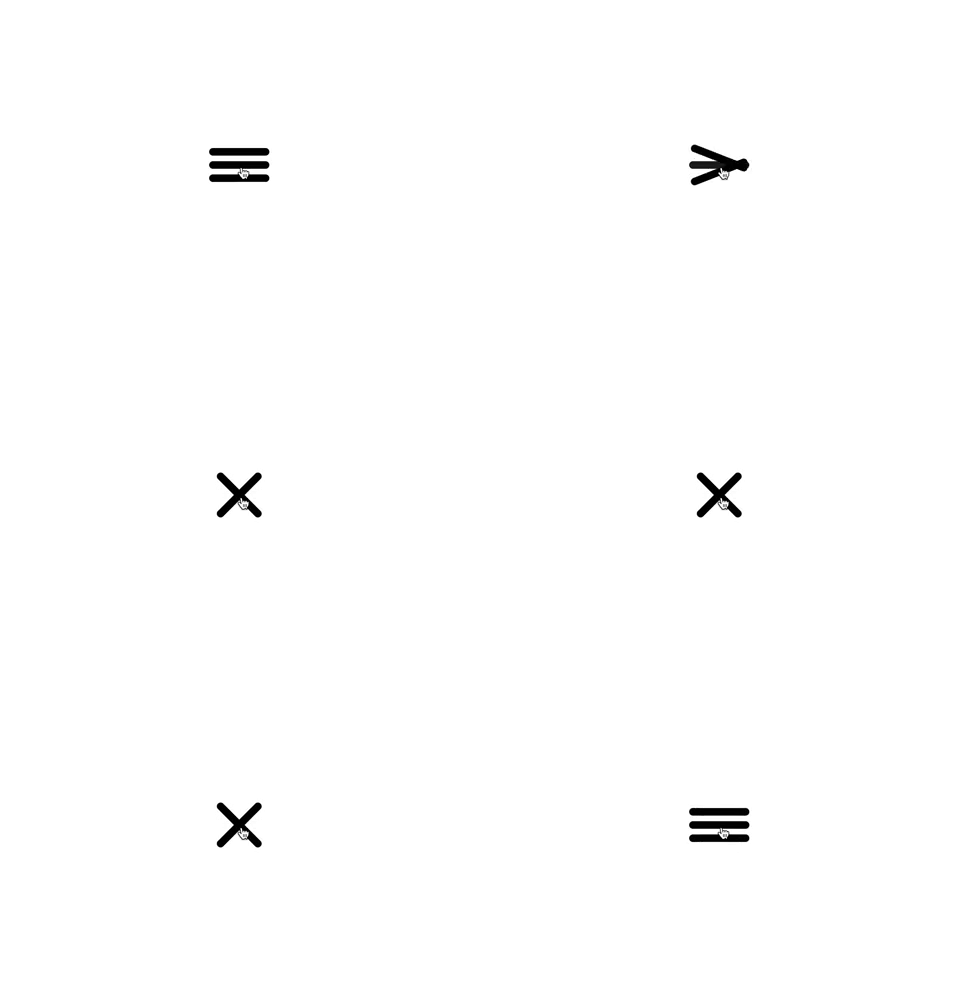
🍔 vue-burger-button is a functional component, which is faster than a regular component, and is pretty small (JS min+gzip is lower than 700b and CSS min+gzip is lower than 400b).
https://github.com/vitorluizc/vue-burger-button
bili burger burger-button burger-menu button hamburger hamburger-button hamburger-menu javascript menu poi stylus vue vue-burger-button vue-burger-menu vue-button vue-component vue-hamburger-button vue-hamburger-menu vue-menu
Last synced: 11 months ago
JSON representation
🍔 vue-burger-button is a functional component, which is faster than a regular component, and is pretty small (JS min+gzip is lower than 700b and CSS min+gzip is lower than 400b).
- Host: GitHub
- URL: https://github.com/vitorluizc/vue-burger-button
- Owner: VitorLuizC
- License: mit
- Created: 2018-10-19T20:36:24.000Z (almost 8 years ago)
- Default Branch: master
- Last Pushed: 2022-12-09T16:43:45.000Z (over 3 years ago)
- Last Synced: 2025-08-30T05:57:01.936Z (11 months ago)
- Topics: bili, burger, burger-button, burger-menu, button, hamburger, hamburger-button, hamburger-menu, javascript, menu, poi, stylus, vue, vue-burger-button, vue-burger-menu, vue-button, vue-component, vue-hamburger-button, vue-hamburger-menu, vue-menu
- Language: Vue
- Homepage:
- Size: 1.26 MB
- Stars: 42
- Watchers: 5
- Forks: 5
- Open Issues: 18
-
Metadata Files:
- Readme: README.md
- License: LICENSE
Awesome Lists containing this project
README
# vue-burguer-button
A Vue burger button as functional component, which is faster than a regular component, and is pretty small (JS min+gzip is lower than 700b and CSS min+gzip is lower than 400b).
## Installation
This module is published under NPM registry, so you can install from any package manager.
```sh
npm install vue-burger-button --save
# Use the command bellow for Yarn.
yarn add vue-burger-button
```
## Usage
Import the BurgerButton component and its CSS.
```vue
import BurgerButton from 'vue-burger-button';
export default {
components: { BurgerButton },
data: () => ({ isActive: false })
};
```
### Usage as global component
If you need `` available everywhere, you can register it as a global component and don't forget to import its CSS.
```js
import 'vue-burger-button/dist/vue-burger-button.css';
import Vue from 'vue';
import BurgerButton from 'vue-burger-button';
Vue.component('burger-button', BurgerButton);
```
### Usage from CDN
You can import burger button UMD module and CSS from Unpkg.
```html
/**
* vue-burger-button is available through VueBurgerButton.
*/
console.dir(VueBurgerButton);
/**
* Vue.use will add burger button as global component.
*/
Vue.component('burger-button', VueBurgerButton);
```
## Props
You can customize your burger button using props.
```vue
```
Name | Type | Default | Description
----------|-----------|-------------|-----------------------------------------
active | `Boolean` | `false` | If `true` it switches to a close button.
barColor | `String` | `'#000000'` | Change the bars colors.
barHeight | `Number` | `10` | Change the bars heights.
barWidth | `Number` | `80` | Change the bars widths.
## Events
The burger button emits every `` events. So, you can use `@click`, `@mouseover` etc.
## License
Released under [MIT License](./LICENSE).