https://github.com/vladih/flutter_vision
A Flutter plugin for managing both Yolov5 model and Tesseract v4, accessing with TensorFlow Lite 2.x. Support object detection, segmentation and OCR on both iOS and Android.
https://github.com/vladih/flutter_vision
detection-model ocr-recognition segmentation-models yolov5 yolov8
Last synced: 5 months ago
JSON representation
A Flutter plugin for managing both Yolov5 model and Tesseract v4, accessing with TensorFlow Lite 2.x. Support object detection, segmentation and OCR on both iOS and Android.
- Host: GitHub
- URL: https://github.com/vladih/flutter_vision
- Owner: vladiH
- License: mit
- Created: 2022-04-20T05:38:57.000Z (about 4 years ago)
- Default Branch: master
- Last Pushed: 2025-09-11T02:31:10.000Z (10 months ago)
- Last Synced: 2025-10-22T22:13:53.144Z (9 months ago)
- Topics: detection-model, ocr-recognition, segmentation-models, yolov5, yolov8
- Language: C
- Homepage: https://pub.dev/packages/flutter_vision
- Size: 96 MB
- Stars: 87
- Watchers: 9
- Forks: 47
- Open Issues: 23
-
Metadata Files:
- Readme: README.md
- Changelog: CHANGELOG.md
- License: LICENSE
Awesome Lists containing this project
README
# flutter_vision
A Flutter plugin for managing [Yolov5, Yolov8, and Yolov11](https://github.com/ultralytics/ultralytics) accessing with LiteRT (TensorFlow Lite). Support object detection and segmentation on Android. iOS not updated, working in progress.
# Installation
Add flutter_vision as a dependency in your pubspec.yaml file.
## Android
In `android/app/build.gradle`, add the following setting in android block.
```gradle
android{
aaptOptions {
noCompress 'tflite'
noCompress 'lite'
}
}
```
## iOS
Coming soon ...
# Usage
## For YoloV5, YoloV8, and YoloV11 MODEL
1. Create a `assets` folder and place your labels file and model file in it. In `pubspec.yaml` add:
```
assets:
- assets/labels.txt
- assets/yolovx.tflite
```
2. Import the library:
```dart
import 'package:flutter_vision/flutter_vision.dart';
```
3. Initialized the flutter_vision library:
```dart
FlutterVision vision = FlutterVision();
```
4. Load the model and labels:
`modelVersion`: yolov5 or yolov8 or yolov8seg or yolo11 or yolov11
```dart
await vision.loadYoloModel(
labels: 'assets/labelss.txt',
modelPath: 'assets/yolov5n.tflite',
modelVersion: "yolov5",
quantization: false,
numThreads: 1,
useGpu: false);
```
### For camera live feed
5. Make your first detection:
`confThreshold` work with yolov5 other case it is omited.
> _Make use of [camera plugin](https://pub.dev/packages/camera)_
```dart
final result = await vision.yoloOnFrame(
bytesList: cameraImage.planes.map((plane) => plane.bytes).toList(),
imageHeight: cameraImage.height,
imageWidth: cameraImage.width,
iouThreshold: 0.4,
confThreshold: 0.4,
classThreshold: 0.5);
```
### For static image
5. Make your first detection or segmentation:
```dart
final result = await vision.yoloOnImage(
bytesList: byte,
imageHeight: image.height,
imageWidth: image.width,
iouThreshold: 0.8,
confThreshold: 0.4,
classThreshold: 0.7);
```
6. Release resources:
```dart
await vision.closeYoloModel();
```
# About results
## For Yolo v5, v8, or v11 in detection task
result is a `List>` where Map have the following keys:
``` dart
Map:{
"box": [x1:left, y1:top, x2:right, y2:bottom, class_confidence]
"tag": String: detected class
}
```
## For YoloV8 in segmentation task
result is a `List>` where Map have the following keys:
``` dart
Map:{
"box": [x1:left, y1:top, x2:right, y2:bottom, class_confidence]
"tag": String: detected class
"polygons": List>: [{x:coordx, y:coordy}]
}
```
# Example

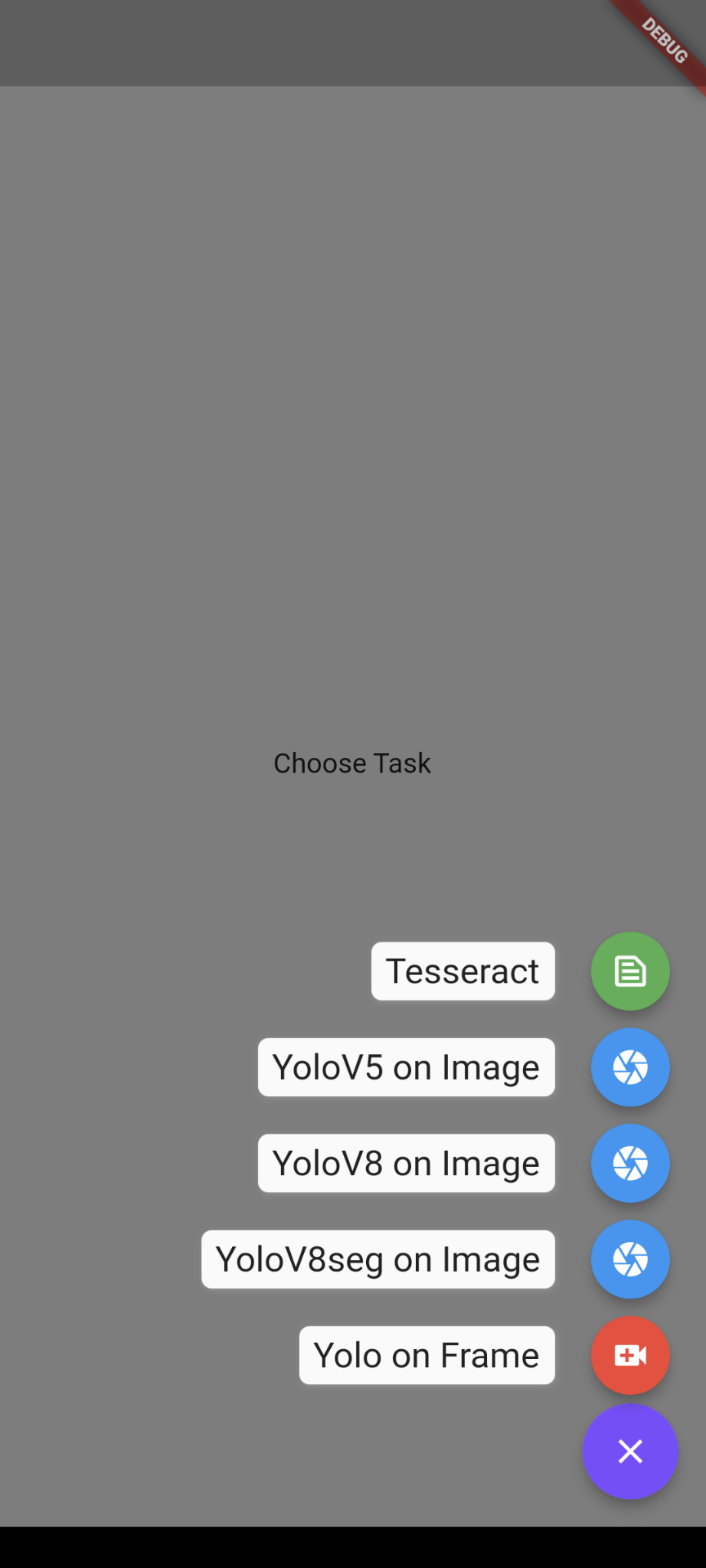
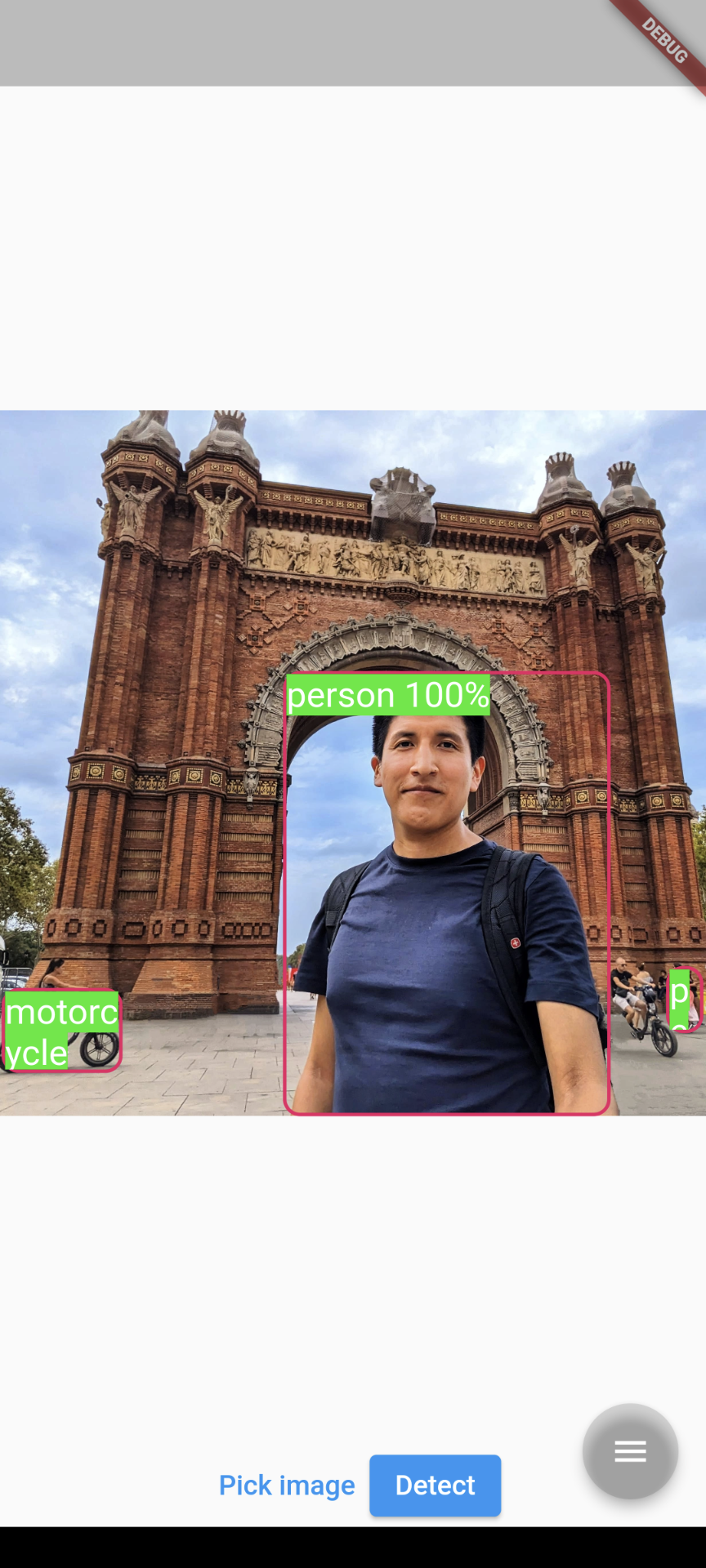
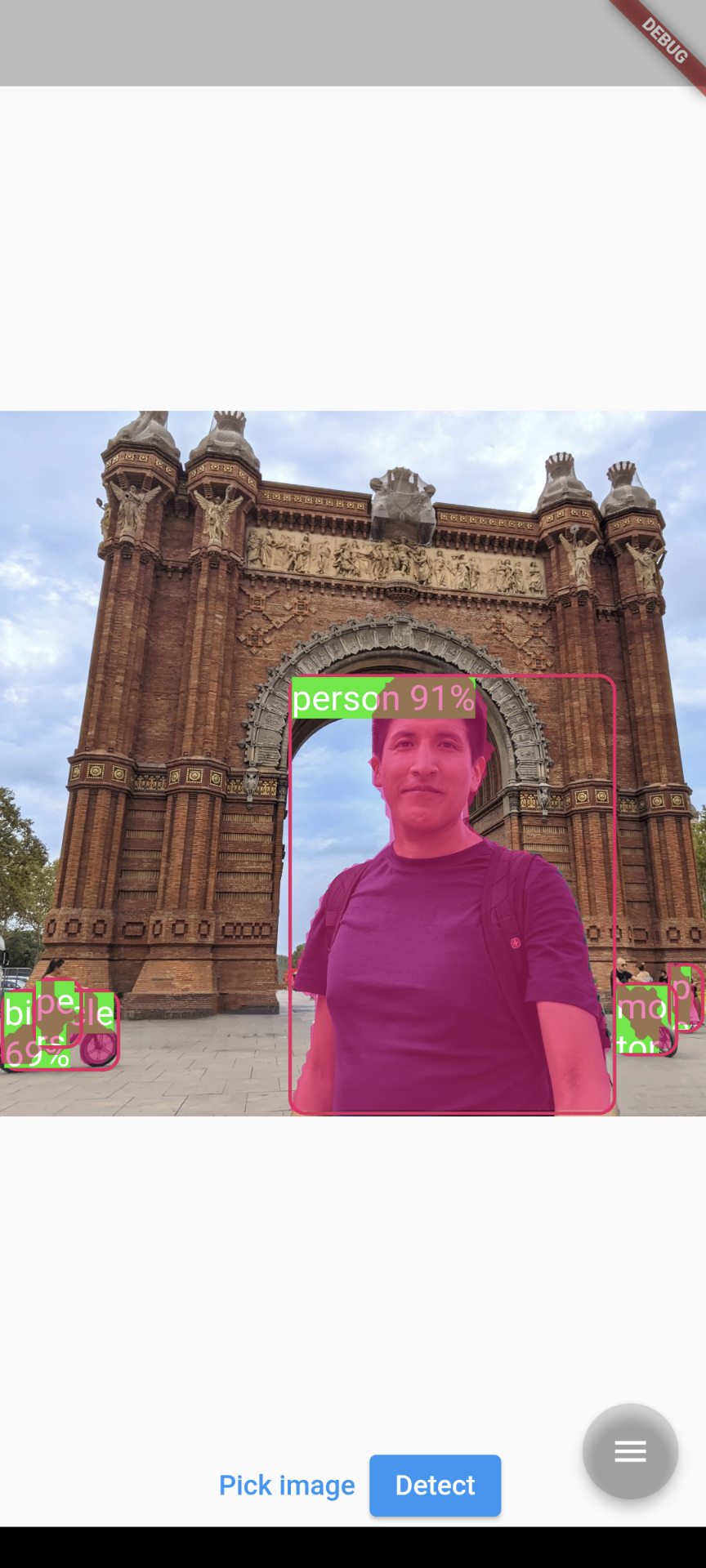
#
Contact
- For flutter_vision bug reports and feature requests please visit [GitHub Issues](https://github.com/vladiH/flutter_vision/issues)
- For direct contact: yurihuallpavargas@gmail.com
