https://github.com/vladyslav-crunch/memonero
A web application designed to help users effectively learn and retain information using interval repetition with flashcards.
https://github.com/vladyslav-crunch/memonero
firebase firestore react typescript
Last synced: about 1 year ago
JSON representation
A web application designed to help users effectively learn and retain information using interval repetition with flashcards.
- Host: GitHub
- URL: https://github.com/vladyslav-crunch/memonero
- Owner: vladyslav-crunch
- Created: 2024-08-12T17:53:19.000Z (almost 2 years ago)
- Default Branch: master
- Last Pushed: 2025-04-06T19:48:56.000Z (over 1 year ago)
- Last Synced: 2025-05-31T09:48:44.260Z (about 1 year ago)
- Topics: firebase, firestore, react, typescript
- Language: TypeScript
- Homepage:
- Size: 14.2 MB
- Stars: 0
- Watchers: 1
- Forks: 0
- Open Issues: 0
-
Metadata Files:
- Readme: README.md
Awesome Lists containing this project
README
# 🧠 Memonero - Flashcards Interval Repetition App
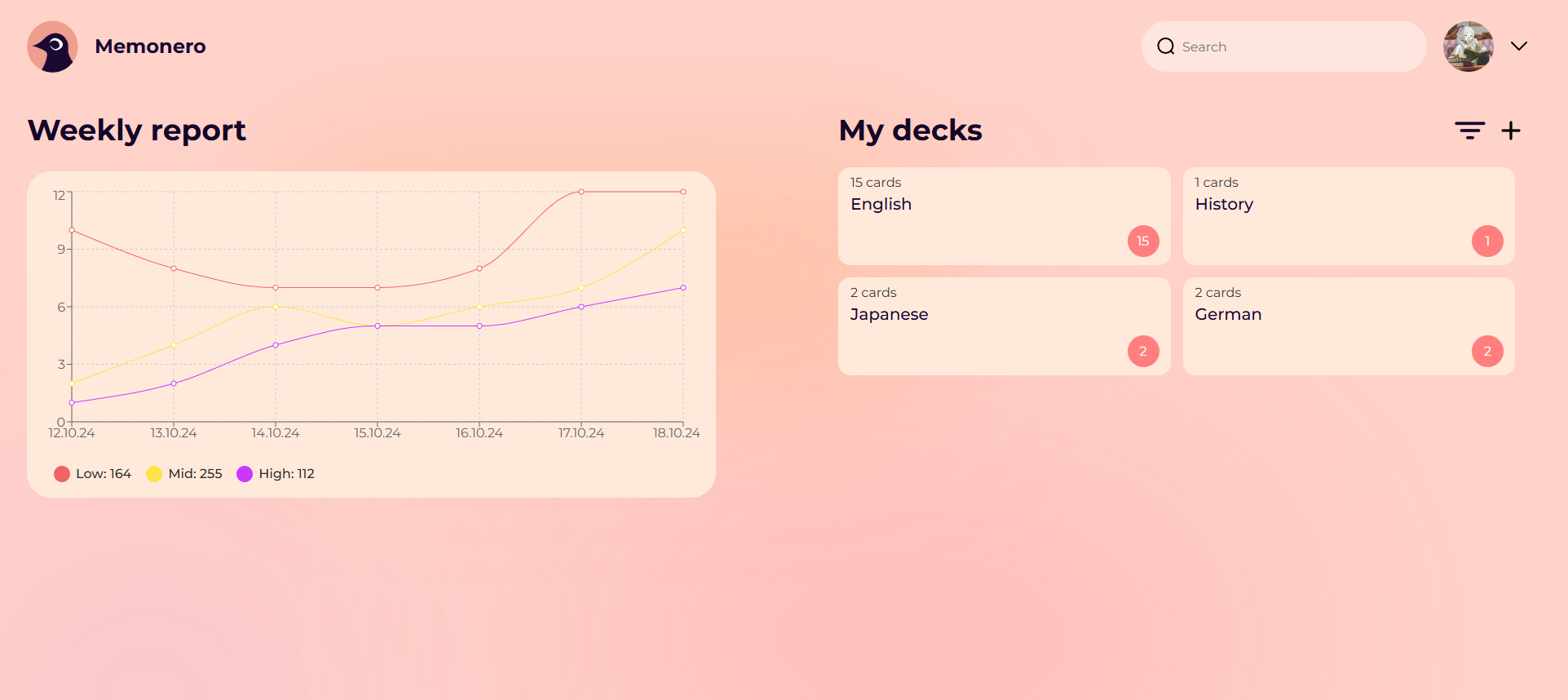
A web application designed to help users effectively **learn and retain information** using the scientifically proven method of **spaced repetition**. Built with Firebase and Firestore, this app offers a clean UI, dynamic flashcard management, and smart review scheduling.
## 🚀 Features
- 🗂️ Create, edit, and delete flashcards
- 🔁 Study using interval (spaced) repetition algorithm
- 🔐 User authentication with Firebase
- ☁️ Flashcards stored in Firestore database
- 📊 Track learning progress over time
## 🛠️ Tech Stack
- **Frontend**: React
- **State Management**: Context API
- **Styling**: Styled Components
- **Backend**: Firebase Authentication
- **Database**: Firestore (NoSQL, real-time)
## 📦 Getting Started
### 1. Clone the repository
```bash
git clone https://github.com/vladyslav-crunch/memonero.git
cd memonero
```
### 2. Install dependencies
```bash
yarn install
```
### 3. Install dependencies
1. Go to Firebase Console
2. Create a project
3. Enable Authentication (Email/Password recommended)
4. Enable Cloud Firestore
5. Add your Firebase config to a firebaseConfig.ts file:
```bash
import { initializeApp } from 'firebase/app';
const firebaseConfig = {
apiKey: "YOUR_API_KEY",
authDomain: "YOUR_AUTH_DOMAIN",
projectId: "YOUR_PROJECT_ID",
storageBucket: "YOUR_STORAGE_BUCKET",
messagingSenderId: "YOUR_MESSAGING_SENDER_ID",
appId: "YOUR_APP_ID"
};
const app = initializeApp(firebaseConfig);
export default app;
```
###
### 4. Contributing
```bash
npm start
```
### 5. Run the development server
Your app will be running at http://localhost:3000
### 6. 📌 To Do
1. Add ability to play a quiz mode with flashcards
2. Flashcard import/export (CSV/JSON)
3. Add interval settings customization
4. Offline support using localStorage or IndexedDB
5. Mobile-friendly enhancements
### 🤝 Contributing
Contributions are welcome! Fork the repo, make changes, and open a pull request. Let’s build better learning tools together!