https://github.com/vsnthdev/flask-queue-sse
A simple implementation of Server-Sent Events for Flask that doesn't require Redis pub/sub.
https://github.com/vsnthdev/flask-queue-sse
Last synced: 8 months ago
JSON representation
A simple implementation of Server-Sent Events for Flask that doesn't require Redis pub/sub.
- Host: GitHub
- URL: https://github.com/vsnthdev/flask-queue-sse
- Owner: vsnthdev
- License: zlib
- Created: 2022-11-21T15:11:55.000Z (over 3 years ago)
- Default Branch: main
- Last Pushed: 2023-02-12T17:34:01.000Z (over 3 years ago)
- Last Synced: 2025-09-17T21:41:34.561Z (9 months ago)
- Language: Python
- Homepage:
- Size: 478 KB
- Stars: 6
- Watchers: 1
- Forks: 2
- Open Issues: 0
-
Metadata Files:
- Readme: README.md
- License: LICENSE.md
Awesome Lists containing this project
README
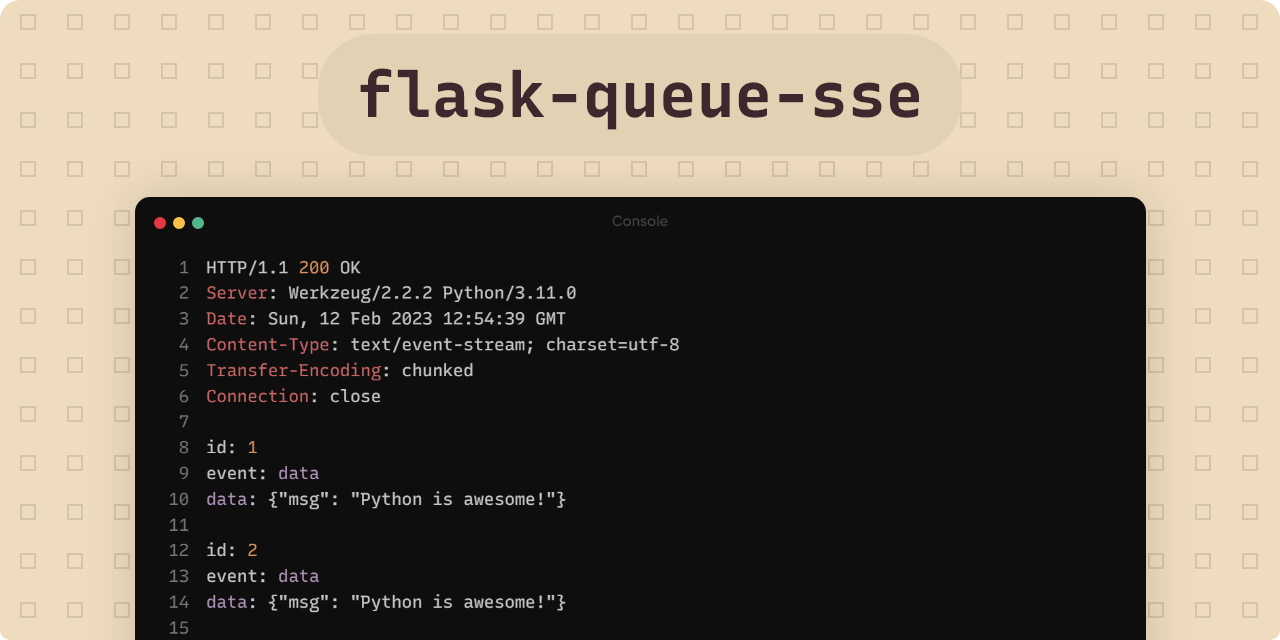
A simple implementation of Server-Sent Events for Flask that
doesn't require Redis pub/sub.




**flask-queue-sse** is my first ever Python library. It implements the Server-Sent Events protocol using the built-in Python `Queue` class. Please read [why this package](#💡-why-this-package) before using it in production.
> Tweet to me @vsnthdev, I'd love to know your
experience of this project 😀
## 💡 Why this package
Most implementations of Server-Sent Events available in PyPi for Flask require having a Redis database. This is to support horizontal scaling.
This library targets projects that don't want to deploy Redis seperately to get SSE working, and aren't aiming to horizontally scale _(have multiple instances of your app running behind a load balancer)_.
## 💿 Installation
```
pip install flask-queue-sse
```
Python 3.10 and above is required.
## 🚀 Quick start
After installing `flask-queue-sse`, you can start using it in the following way:
```python
from flask import Flask
from flask_queue_sse import ServerSentEvents
app = Flask(__name__)
# storing sse events channel in memory
sse: ServerSentEvents = None
@app.route("/subscribe")
def subscribe():
# telling Python to refer to global sse variable
global sse
# create a new server sent events channel
sse = ServerSentEvents()
# create a new thread and do the actual work
# on it, pass sse instance to it for emitting events
# when an "error" or "end" event is emitted
# the connection closes
# return it as a response
return sse.response()
```
Look into the [examples](https://github.com/vsnthdev/flask-queue-sse/tree/main/examples) or send me a message for any queries, questions or issues. I'm always happy to help 😊
## 💻 Building the project
- 📁 Clone the repository.
- 🏝️ Enter into the clonned directory & run `python -m venv .` to create a virtual environment.
- 🔨 Install dependencies by running `pip install -r ./requirements.txt`.
- 👨💻 Run the examples or edit the codebase.
## 🏷️ Referrences
This library has been inspired by, and developed after consuming following resources:
1. [Server-sent events in Flask without extra dependencies](https://maxhalford.github.io/blog/flask-sse-no-deps)
2. [Why do I need redis?](https://github.com/singingwolfboy/flask-sse/issues/7)
## 📰 License
> The **flask-queue-sse** project is released under the [Zlib license](https://github.com/vsnthdev/flask-queue-sse/blob/main/LICENSE.md).
Developed & maintained By Vasanth Srivatsa. Copyright 2023 © Vasanth Developer.
> vsnth.dev ·
> YouTube @VasanthDeveloper ·
> Twitter @vsnthdev ·
> LinkedIn Vasanth Srivatsa