https://github.com/wagiminator/attiny85-tinyknob
Rotary Encoder with USB Interface
https://github.com/wagiminator/attiny85-tinyknob
arduino attiny attiny85 avr diy hid knob pcb project usb v-usb
Last synced: 11 months ago
JSON representation
Rotary Encoder with USB Interface
- Host: GitHub
- URL: https://github.com/wagiminator/attiny85-tinyknob
- Owner: wagiminator
- License: other
- Created: 2020-05-12T19:32:45.000Z (about 6 years ago)
- Default Branch: master
- Last Pushed: 2022-12-12T18:25:53.000Z (over 3 years ago)
- Last Synced: 2025-04-12T11:42:45.950Z (over 1 year ago)
- Topics: arduino, attiny, attiny85, avr, diy, hid, knob, pcb, project, usb, v-usb
- Language: Assembly
- Homepage: https://oshwlab.com/wagiminator/y-attiny85-tinyknob
- Size: 1.43 MB
- Stars: 85
- Watchers: 3
- Forks: 8
- Open Issues: 0
-
Metadata Files:
- Readme: README.md
- License: LICENSE
Awesome Lists containing this project
README
# TinyKnob - Rotary Encoder with USB Interface
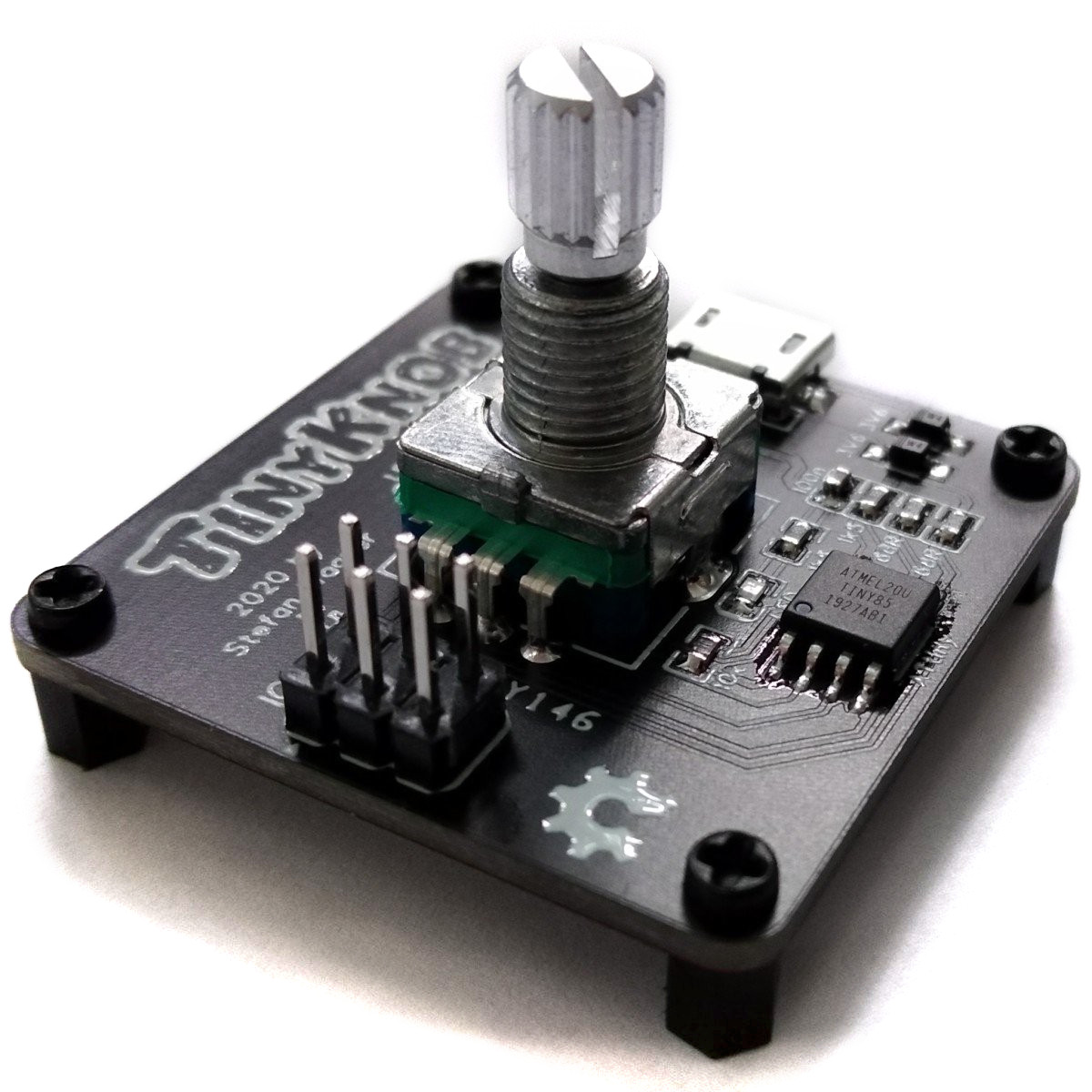
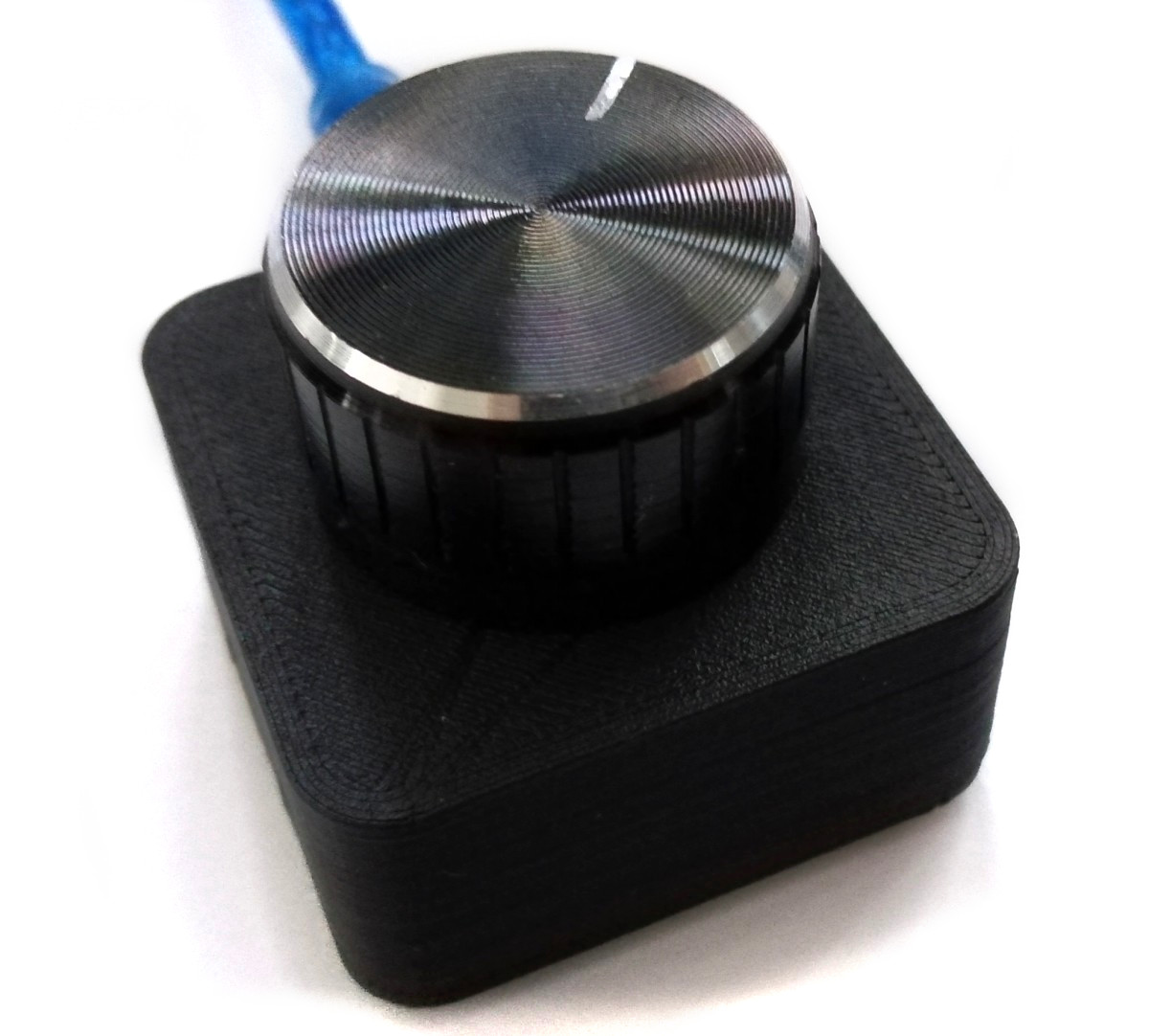
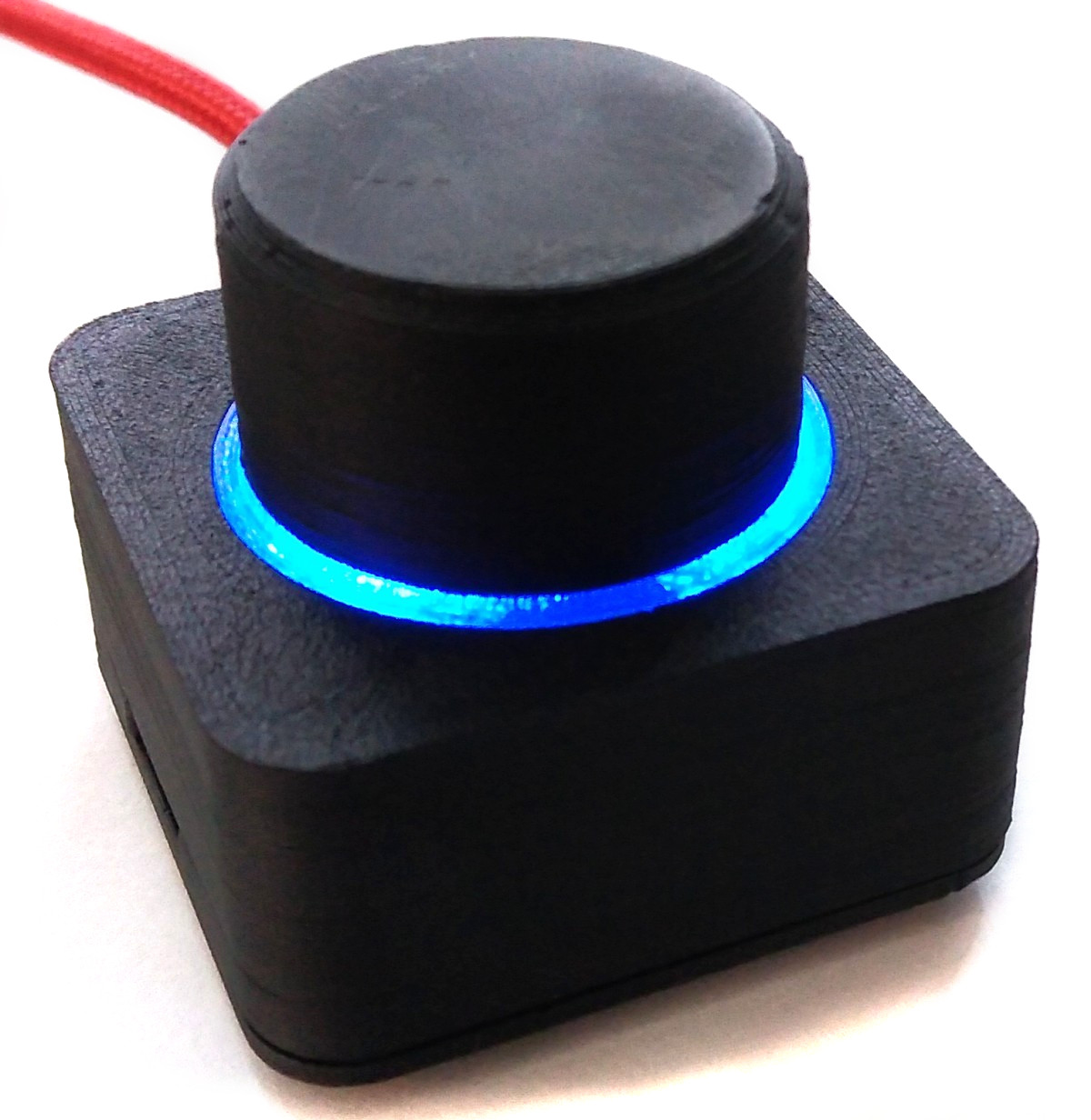
TinyKnob is a rotary encoder with a USB interface based on the ATtiny45/85 and the V-USB software-only implementation of USB1.1 devices on AVR microcontrollers (https://www.obdev.at/products/vusb/index.html). The example code implements a volume control knob for PCs which works without installing any driver by acting like a generic HID device.
# Compiling and Uploading the Firmware
## If using the precompiled hex-file
- Make sure you have installed [avrdude](https://learn.adafruit.com/usbtinyisp/avrdude).
- Connect your programmer to your PC and to the ICSP header on the board.
- Open a terminal.
- Navigate to the folder with the hex-file (software/binaries).
- Execute the following command (if necessary replace "t85" with your chip and "usbasp" with the programmer you use):
```
avrdude -c usbasp -p t85 -U flash:w:tinyknob.hex -U lfuse:w:0xe1:m -U hfuse:w:0xdd:m
```
## If using the makefile (Linux/Mac)
- Make sure you have installed [avr-gcc toolchain and avrdude](http://maxembedded.com/2015/06/setting-up-avr-gcc-toolchain-on-linux-and-mac-os-x/).
- Connect your programmer to your PC and to the ICSP header on the board.
- Open a terminal.
- Navigate to the folder with the makefile (software/sources).
- Run `DEVICE=attiny85 PROGRMR=usbasp make install` to compile, burn the fuses and upload the firmware (change DEVICE and PROGRMR accordingly).
# References, Links and Notes
1. [ATtiny25/45/85 Datasheet](https://ww1.microchip.com/downloads/en/DeviceDoc/Atmel-2586-AVR-8-bit-Microcontroller-ATtiny25-ATtiny45-ATtiny85_Datasheet.pdf)
2. [V-USB Info](https://www.obdev.at/products/vusb/index.html)
# License

This work is licensed under Creative Commons Attribution-ShareAlike 3.0 Unported License.
(http://creativecommons.org/licenses/by-sa/3.0/)