https://github.com/weareferal/scrollxp
Alpine.js-esque library for scrolling animations on websites
https://github.com/weareferal/scrollxp
animation animation-library animations gsap parallax scene scrolling-animations scrollmagic
Last synced: 6 months ago
JSON representation
Alpine.js-esque library for scrolling animations on websites
- Host: GitHub
- URL: https://github.com/weareferal/scrollxp
- Owner: weareferal
- License: other
- Created: 2019-11-08T18:23:47.000Z (over 6 years ago)
- Default Branch: master
- Last Pushed: 2023-03-15T05:18:22.000Z (over 3 years ago)
- Last Synced: 2025-09-26T03:12:31.612Z (11 months ago)
- Topics: animation, animation-library, animations, gsap, parallax, scene, scrolling-animations, scrollmagic
- Language: TypeScript
- Homepage:
- Size: 5.1 MB
- Stars: 79
- Watchers: 2
- Forks: 3
- Open Issues: 11
-
Metadata Files:
- Readme: README.md
- License: LICENSE
Awesome Lists containing this project
README
# ScrollXP
_ScrollXP_ is a library that makes it easy to drop scroll-related animations into
your website using HTML data attributes. It's a bit like Alpine.js or Tailwind.css
... but for animations.
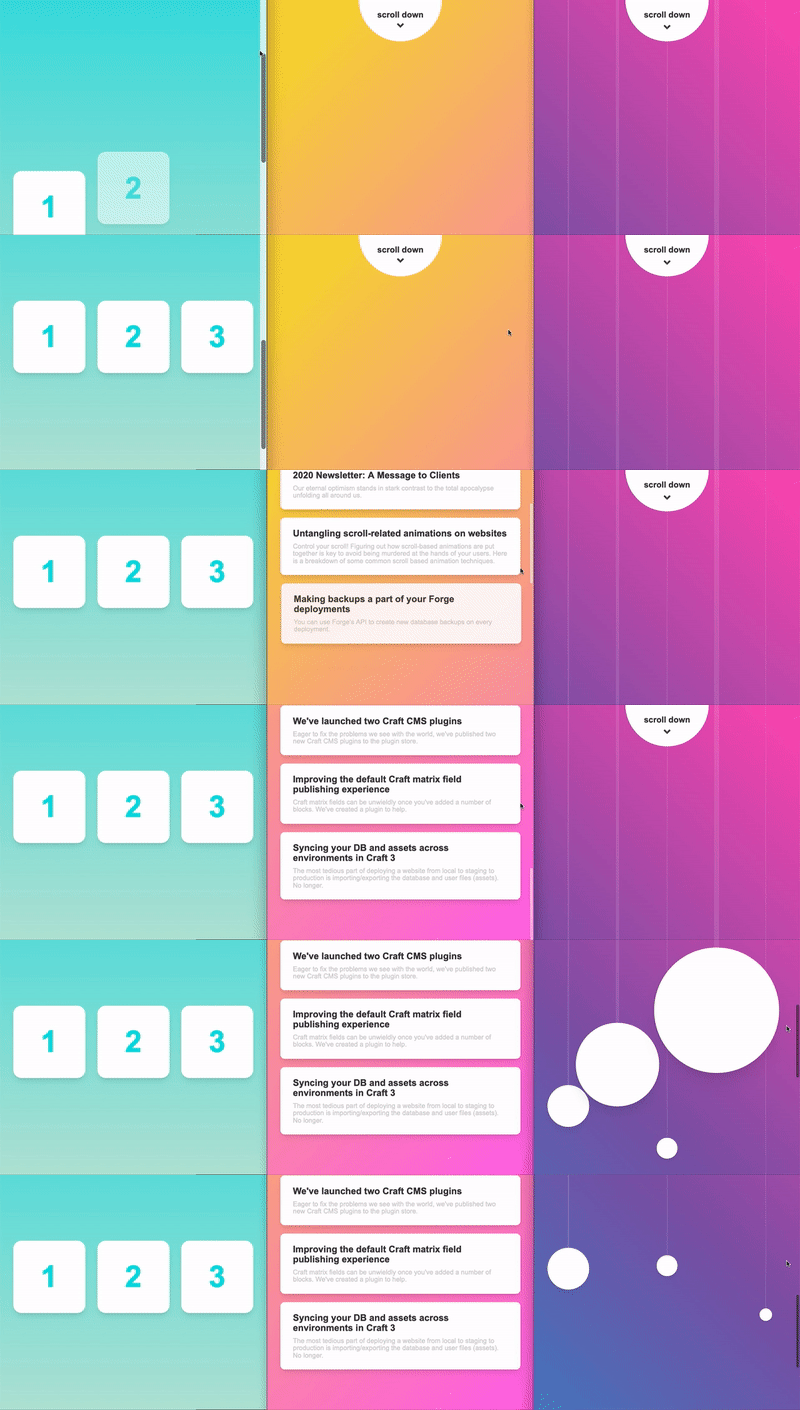
## Overview
Creating animations can be tedious. It's not always clear where the code should go
and there are a number of common animations you'll likely write over and over again.
If you're not careful you JavaScript files can end up a mess. ScrollXP helps you
avoid this by exposing a set of data attributes that you can drop directly into
your HTML, making common animations quick and easy.
## Demos
See some simple examples in action:
- [Fade In Down Animation](https://codepen.io/weareferal/full/eYdNNzq)
- [Piano Key Animation](https://codepen.io/weareferal/full/WNGvvpY)
- [Parallax Animation](https://codepen.io/weareferal/full/abmOOwd)
- [Full Example](https://weareferal.github.io/scrollxp/)
## Installation
Via **NPM**:
```
$ npm install gsap scrollxp --save
```
> **Note**: You need to use GSAP 3 or greater.
Include it in your script:
```js
import ScrollXP from "scrollxp"
```
Or via **CDN**:
```html
```
## Quick Start
```js
new ScrollXP({
container: document.body,
})
```
ScrollXP uses [GSAP (GreenSock)](https://github.com/greensock/GSAP) and
[ScrollMagic](https://github.com/janpaepke/ScrollMagic) under-the-hood.
ScrollXP relies on the concept of "scenes" from ScrollMagic. A scene is a
section of page that will act as a container or scope for particular animations.
You define these scenes by adding the `data-scene` attribute to elements. You
then add the animations you want to perform within the scene.
Check the documentation about how to create [scenes](https://github.com/weareferal/scrollxp/blob/master/docs/scene/README.md), [animations](https://github.com/weareferal/scrollxp/blob/master/docs/animation/README.md) and [parallax effect](https://github.com/weareferal/scrollxp/blob/master/docs/parallax/README.md).
### Example
```html
* {
margin: 0;
padding: 0;
box-sizing: border-box;
}
body {
display: flex;
align-items: center;
height: 200vh;
}
section {
width: 100%;
height: 100vh;
display: flex;
align-items: center;
justify-content: center;
}
section>div {
width: 300px;
height: 300px;
border: 10px solid #000;
}
new ScrollXP({
container: document.body,
});
```
## Usage
Check out our documentation for more detailed configuration and usage:
- [Configuration](https://github.com/weareferal/scrollxp/blob/master/docs/configuration.md)
- [Debug](https://github.com/weareferal/scrollxp/blob/master/docs/configuration.md#debug)
- [Breakpoints](https://github.com/weareferal/scrollxp/blob/master/docs/configuration.md#breakpoints)
- [Scroll To Anchors](https://github.com/weareferal/scrollxp/blob/master/docs/configuration.md#scroll-to-anchors)
- [Smooth Scrolling](https://github.com/weareferal/scrollxp/blob/master/docs/configuration.md#smooth-scrolling)
- [Scene](https://github.com/weareferal/scrollxp/blob/master/docs/scene/README.md)
- [Animation](https://github.com/weareferal/scrollxp/blob/master/docs/animation/README.md)
- [Parallax](https://github.com/weareferal/scrollxp/blob/master/docs/parallax/README.md)
- [Development](https://github.com/weareferal/scrollxp/blob/master/docs/development.md)
## Questions?
File a [GitHub issue](https://github.com/weareferal/scrollxp/issues/new) please.
## Author
[Feral](https://weareferal.com/)
## License
_ScrollXP_ is available under the MIT license. See the [LICENSE](https://github.com/weareferal/scrollxp/blob/master/LICENSE) file for more info.