https://github.com/webdatarocks/pivot-angular
Example of integrating the WebDataRocks web reporting tool with the Angular framework
https://github.com/webdatarocks/pivot-angular
angular integration pivot pivot-grid pivot-tables reporting-tool reports
Last synced: 10 months ago
JSON representation
Example of integrating the WebDataRocks web reporting tool with the Angular framework
- Host: GitHub
- URL: https://github.com/webdatarocks/pivot-angular
- Owner: WebDataRocks
- License: mit
- Created: 2018-05-03T11:55:46.000Z (about 8 years ago)
- Default Branch: master
- Last Pushed: 2025-09-03T13:15:40.000Z (10 months ago)
- Last Synced: 2025-09-03T15:17:49.015Z (10 months ago)
- Topics: angular, integration, pivot, pivot-grid, pivot-tables, reporting-tool, reports
- Language: CSS
- Homepage: https://www.webdatarocks.com
- Size: 1.04 MB
- Stars: 31
- Watchers: 6
- Forks: 38
- Open Issues: 2
-
Metadata Files:
- Readme: README.md
- License: LICENSE
Awesome Lists containing this project
README
# Example of integrating WebDataRocks with the Angular framework
[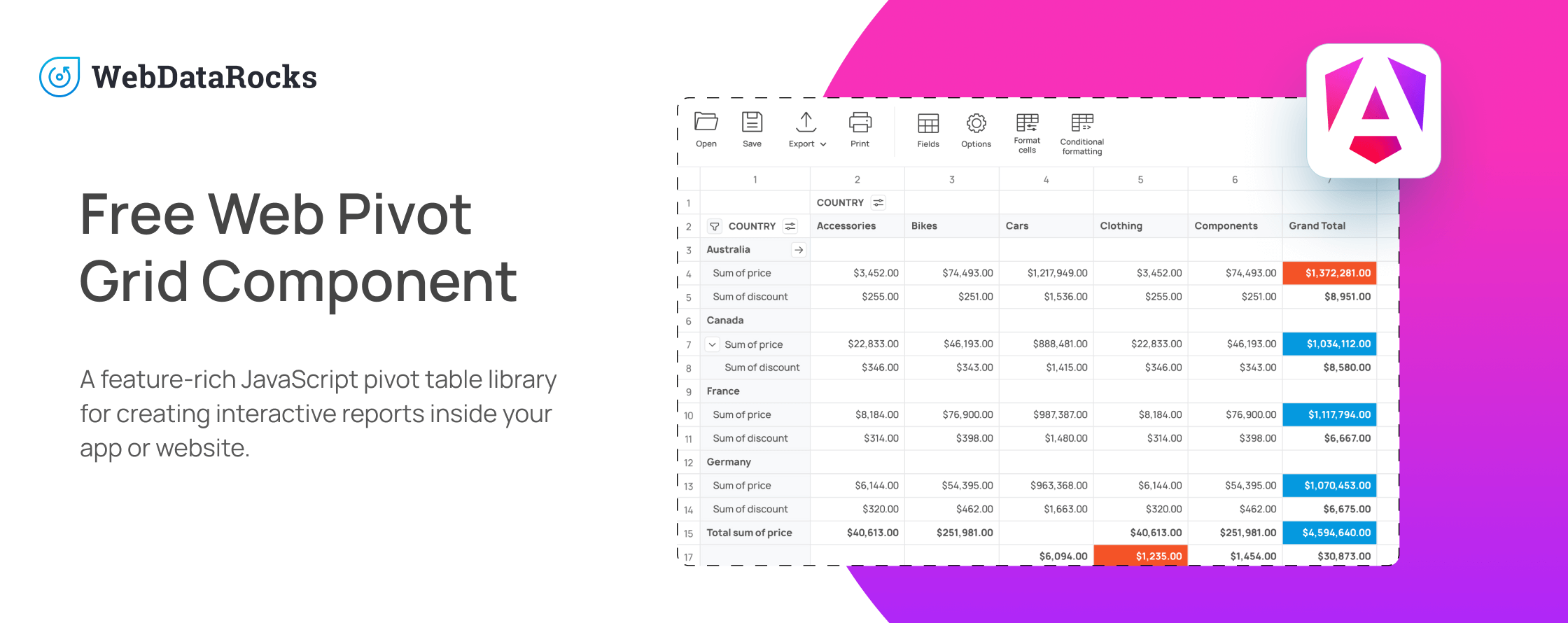](https://www.webdatarocks.com/?r=rm_angular)
Website: [webdatarocks.com](https://www.webdatarocks.com?r=rm_angular)
[](https://github.com/webdatarocks) [](https://twitter.com/WebDataRocks)
:grey_exclamation: **Updated to Angular 20** :grey_exclamation:
This repository contains a sample project that shows how to integrate [WebDataRocks](https://www.webdatarocks.com/?r=rm_angular) with the [Angular framework](https://angular.dev/).
**Note:** This project uses the Ivy-compatible [ngx-webdatarocks](https://github.com/WebDataRocks/ngx-webdatarocks) wrapper. The project on the [ng-webdatarocks](https://github.com/WebDataRocks/pivot-angular/tree/ng-webdatarocks) branch uses the [ng-webdatarocks](https://github.com/WebDataRocks/ng-webdatarocks) wrapper for Angular 5-15.
## Prerequisites
- [Node.js 20 or later](https://nodejs.org/en)
## Run the project
1. Download or clone this project from GitHub:
```bash
git clone https://github.com/WebDataRocks/pivot-angular.git
cd pivot-angular
```
2. Install npm packages:
```bash
npm install
```
3. Run the project:
```bash
npm start
```
You can access the project at `http://localhost:4200/`.
## Related docs
For details on how to integrate WebDataRocks into existing Angular projects, check out the [integration with Angular](https://www.webdatarocks.com/doc/angular/how-to-start-online-reporting/?r=rm_angular).
## WebDataRocks licensing
This WebDataRocks sample project is released under the MIT license (free and open-source).
[WebDataRocks](https://www.webdatarocks.com/?r=rm_angular) is distributed under the terms and conditions of the WebDataRocks End User License Agreement: [https://www.webdatarocks.com/license-agreement/](https://www.webdatarocks.com/license-agreement/?r=rm_angular).
## Support
For WebDataRocks-related questions, bug reports, and feature requests, please [create an issue on our GitHub](https://github.com/WebDataRocks/web-pivot-table/issues/?r=rm_angular).