https://github.com/webkul/magento2_vscode
Magento2 vscode
https://github.com/webkul/magento2_vscode
Last synced: 12 months ago
JSON representation
Magento2 vscode
- Host: GitHub
- URL: https://github.com/webkul/magento2_vscode
- Owner: webkul
- Created: 2021-06-24T11:21:00.000Z (about 5 years ago)
- Default Branch: master
- Last Pushed: 2023-05-18T05:44:32.000Z (about 3 years ago)
- Last Synced: 2025-04-15T20:40:21.601Z (about 1 year ago)
- Language: JavaScript
- Size: 18 MB
- Stars: 9
- Watchers: 2
- Forks: 7
- Open Issues: 1
-
Metadata Files:
- Readme: README.md
- Changelog: CHANGELOG.md
Awesome Lists containing this project
README
# AutoMageDev - Snippets and AutoComplete
Advanced Magento 2 AutoSuggestion extension for Visual Studio Code.
## Features
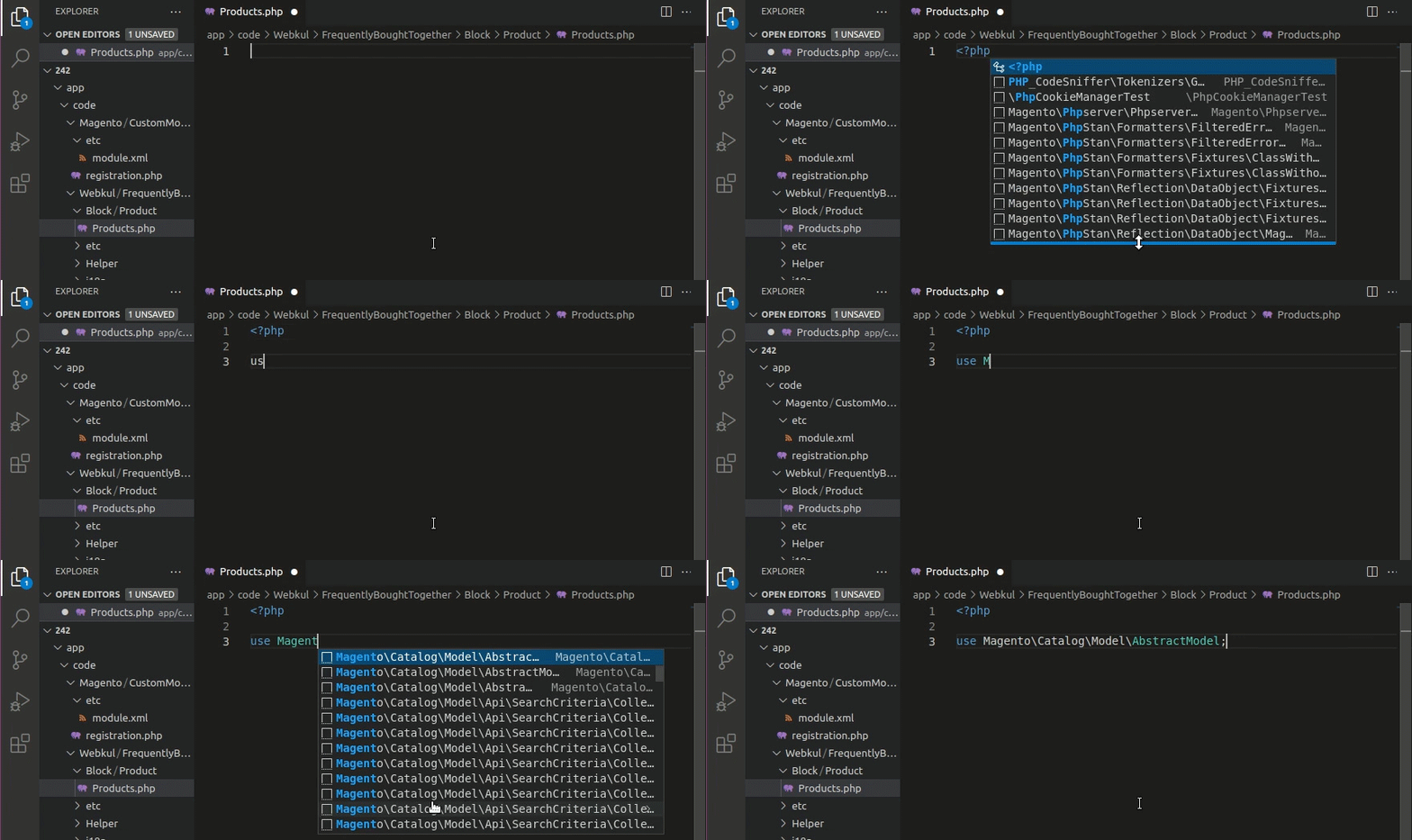
- AutoSuggests a list of Magento's core class namespaces.
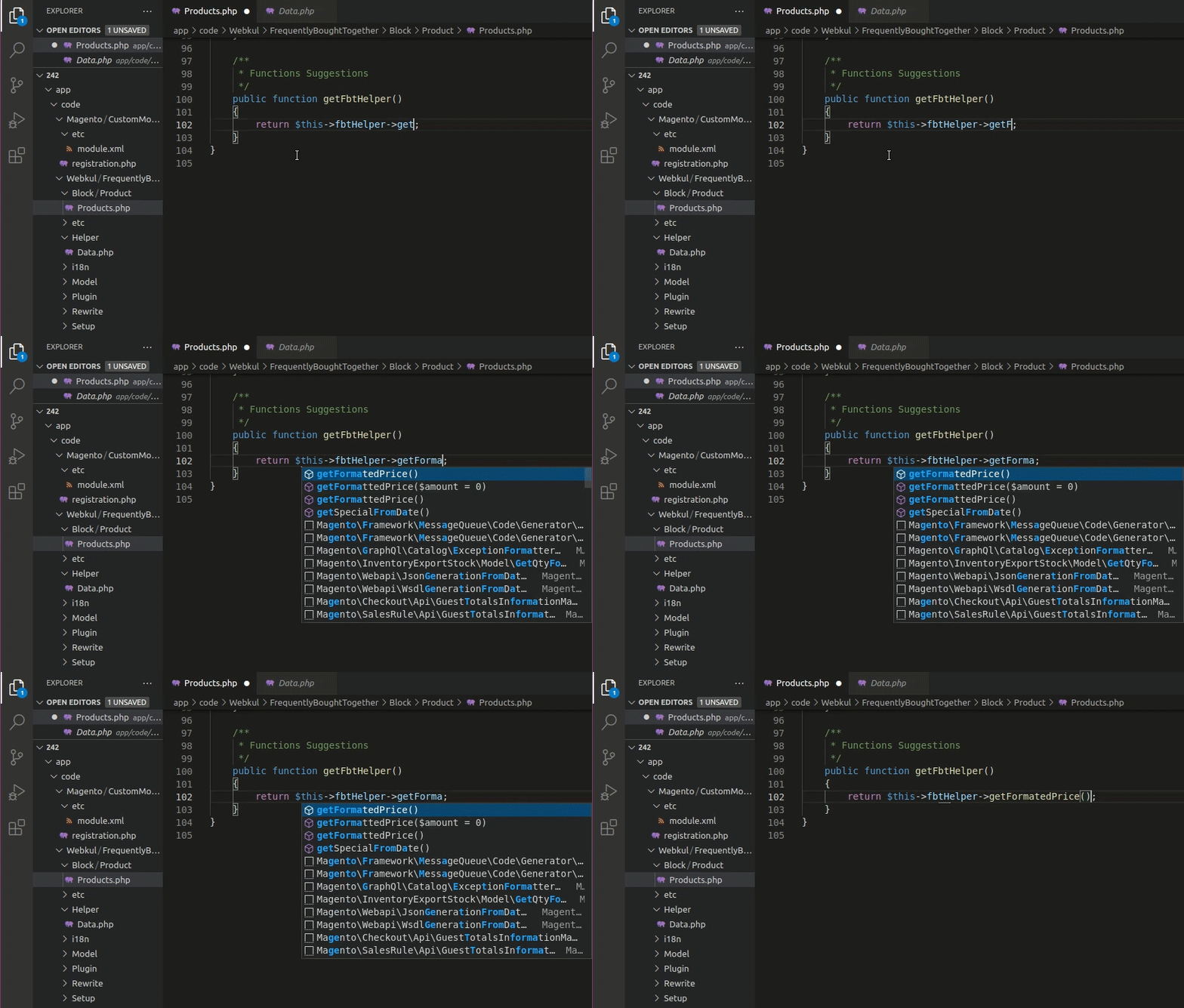
- AutoSuggests a list of class functions whose object is injected in constructor.
- Boilerplates available for basic xml and php functionalities, can be invoked by using prefix '!wk'.
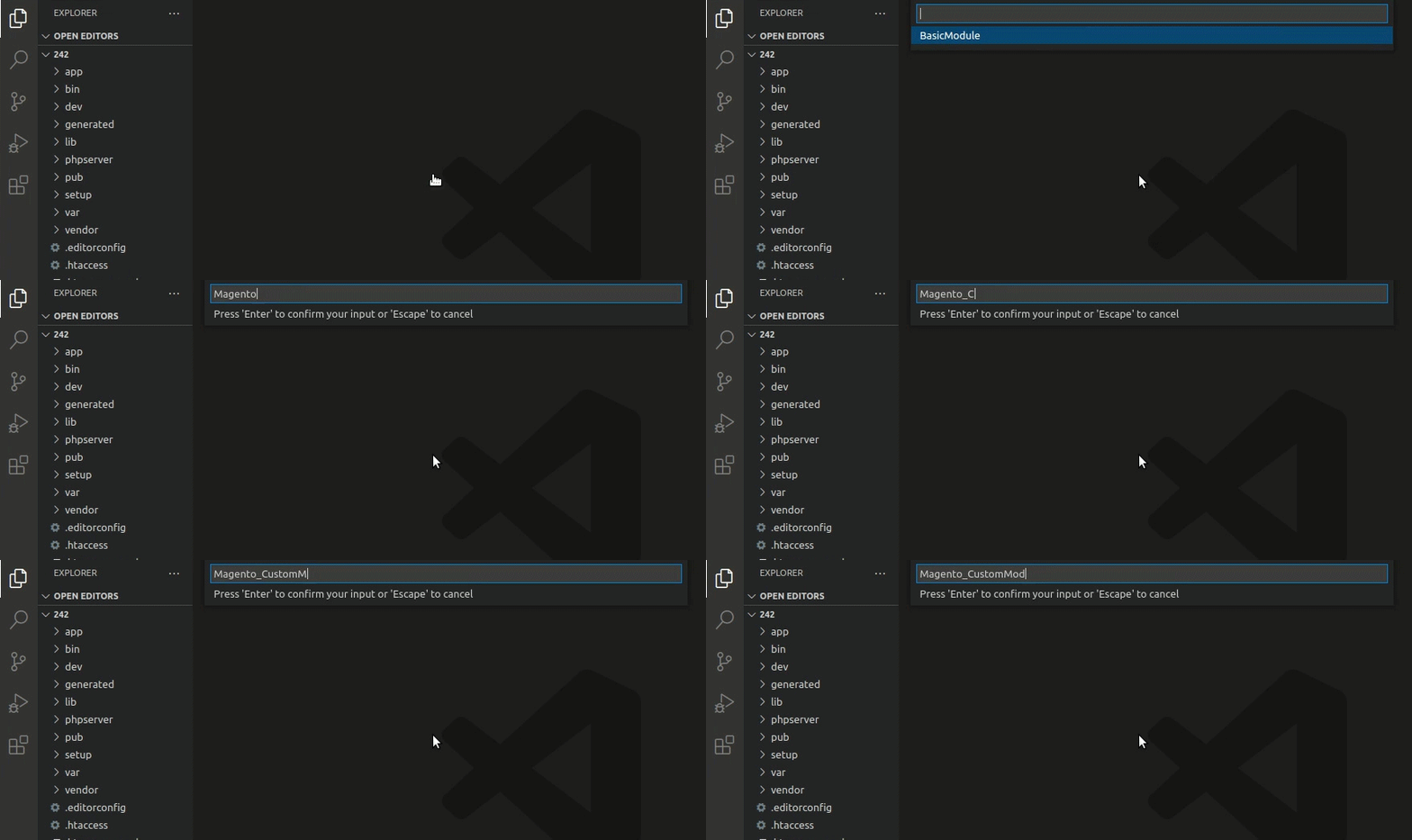
- One can create basic module files (module.xml and registration.php), helper, controller, shipping method and payment method files using command palette.
- One can also update the namespaces for newly created files.
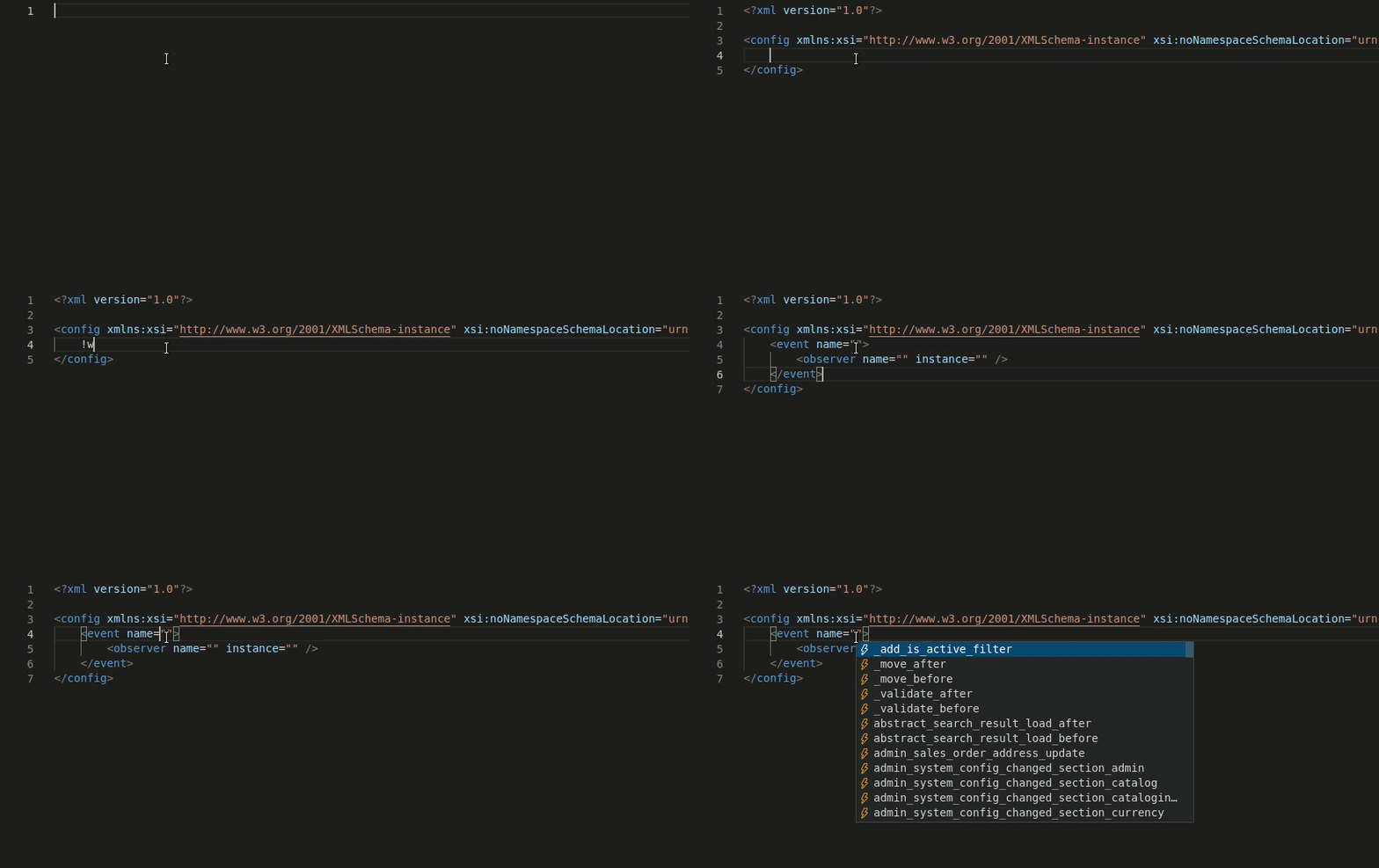
- Event name will show in suggestion in events.xml file.
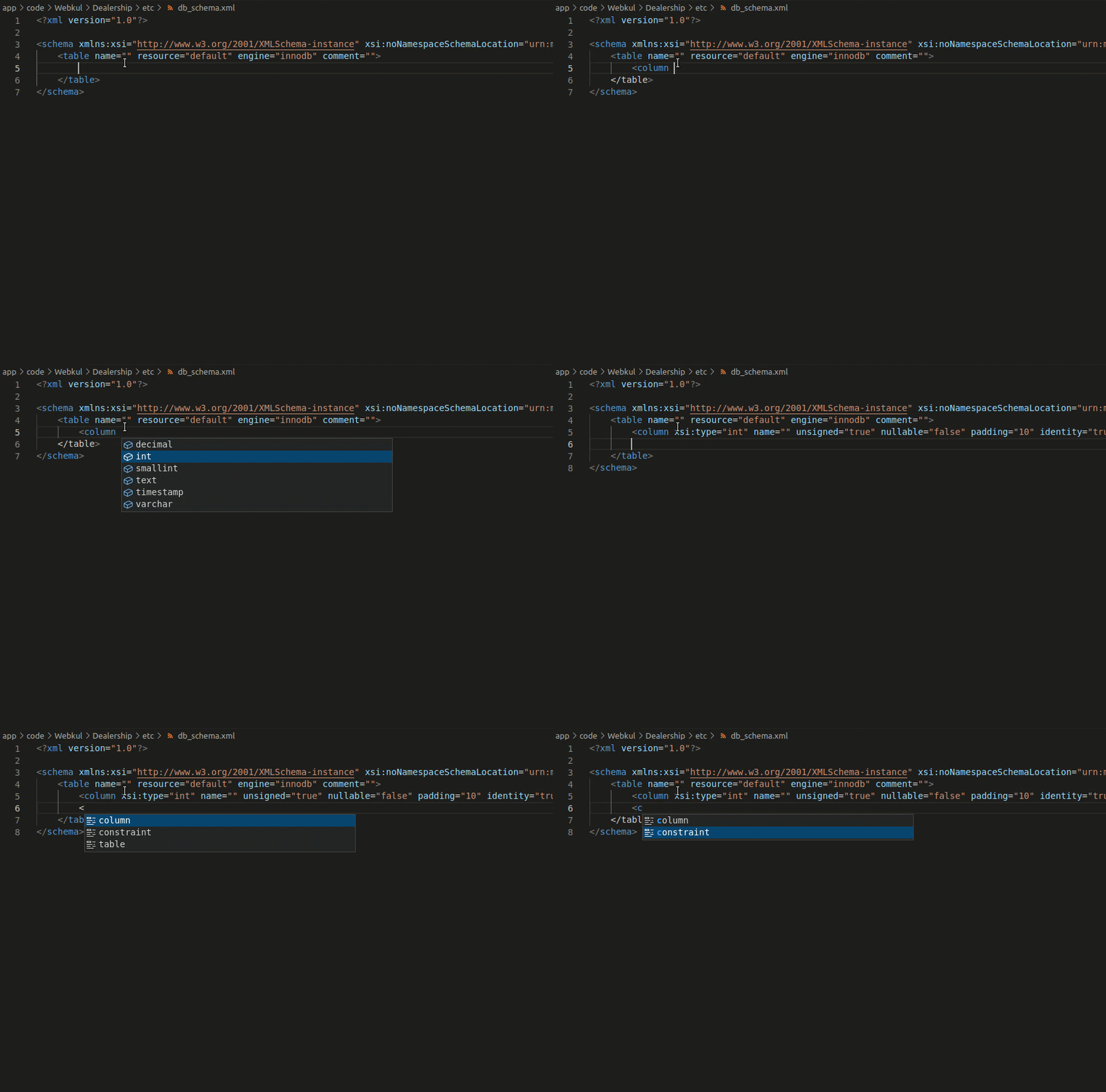
- Table, columns and constraints will be autocompleted in db_schema.xml
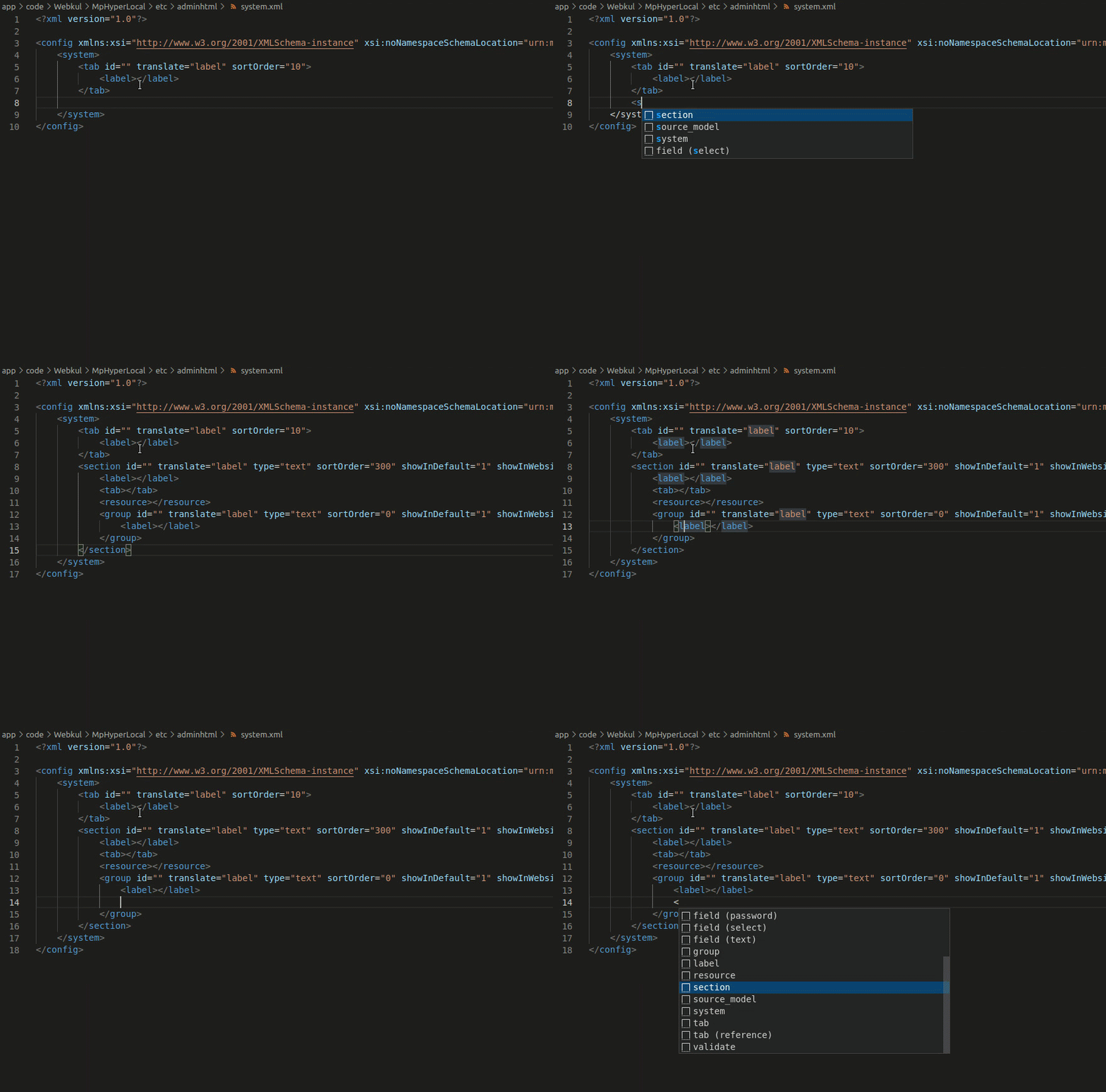
- Groups, sections, fields, validations, etc., will be autosuggested in system.xml.
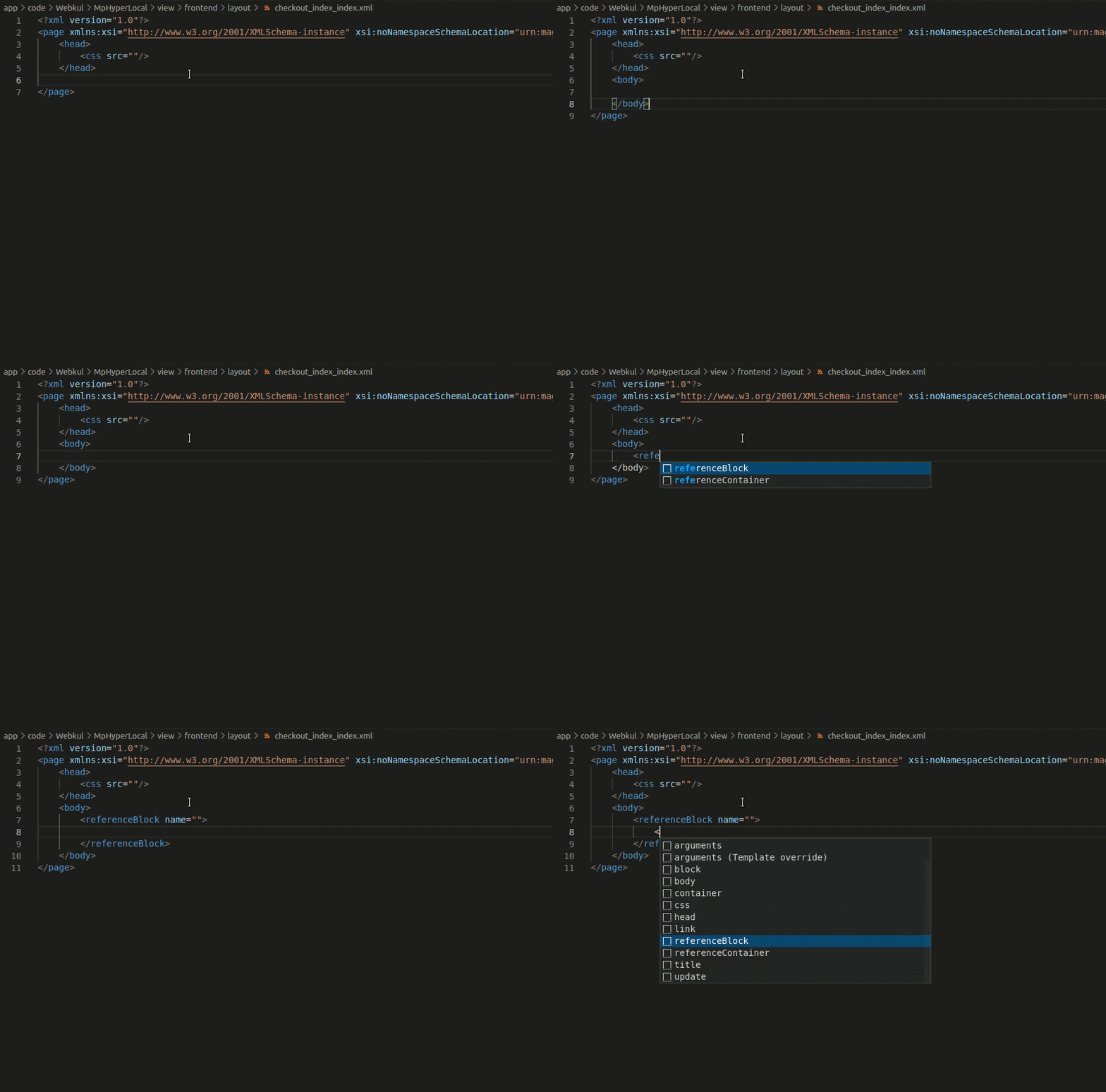
- Tags (like block, referenceBlock, containers, arguments, action, etc.) will be autosuggested and basic functionalities (like Template Overriding) will be autocompleted in layout files.
## Requirements
Magento root folder should be opened in the workspace.
## User Guide
For extension's working process, follow [user guide](https://webkul.com/blog/magento2-visual-studio-code-plugin/).
**Enjoy!**