https://github.com/weirui88888/anyphoto
Photo by any inspiration.You can generate any photo that satisfies you anywhere.
https://github.com/weirui88888/anyphoto
canvas cli customization dynamic-images executable graphics javascript nodejs
Last synced: 3 months ago
JSON representation
Photo by any inspiration.You can generate any photo that satisfies you anywhere.
- Host: GitHub
- URL: https://github.com/weirui88888/anyphoto
- Owner: weirui88888
- License: mit
- Created: 2023-09-18T04:27:51.000Z (almost 3 years ago)
- Default Branch: main
- Last Pushed: 2024-03-01T07:30:39.000Z (over 2 years ago)
- Last Synced: 2025-08-11T00:22:48.601Z (11 months ago)
- Topics: canvas, cli, customization, dynamic-images, executable, graphics, javascript, nodejs
- Language: JavaScript
- Homepage: https://anyphoto.space
- Size: 10.5 MB
- Stars: 2
- Watchers: 1
- Forks: 0
- Open Issues: 1
-
Metadata Files:
- Readme: README.md
- License: LICENSE
Awesome Lists containing this project
README
# AnyPhoto
[中文文档👉](https://github.com/weirui88888/anyphoto/blob/main/ZH-README.md)
anyphoto is a drawing tool that allows you to generate beautiful pictures anywhere,based on [node-canvas](https://github.com/Automattic/node-canvas).
## Playground
You can quickly experience it in [playground](https://text2image.fun/). (This visual playground is constantly being improved, and it is more recommended to install it locally to experience it)
## Examples
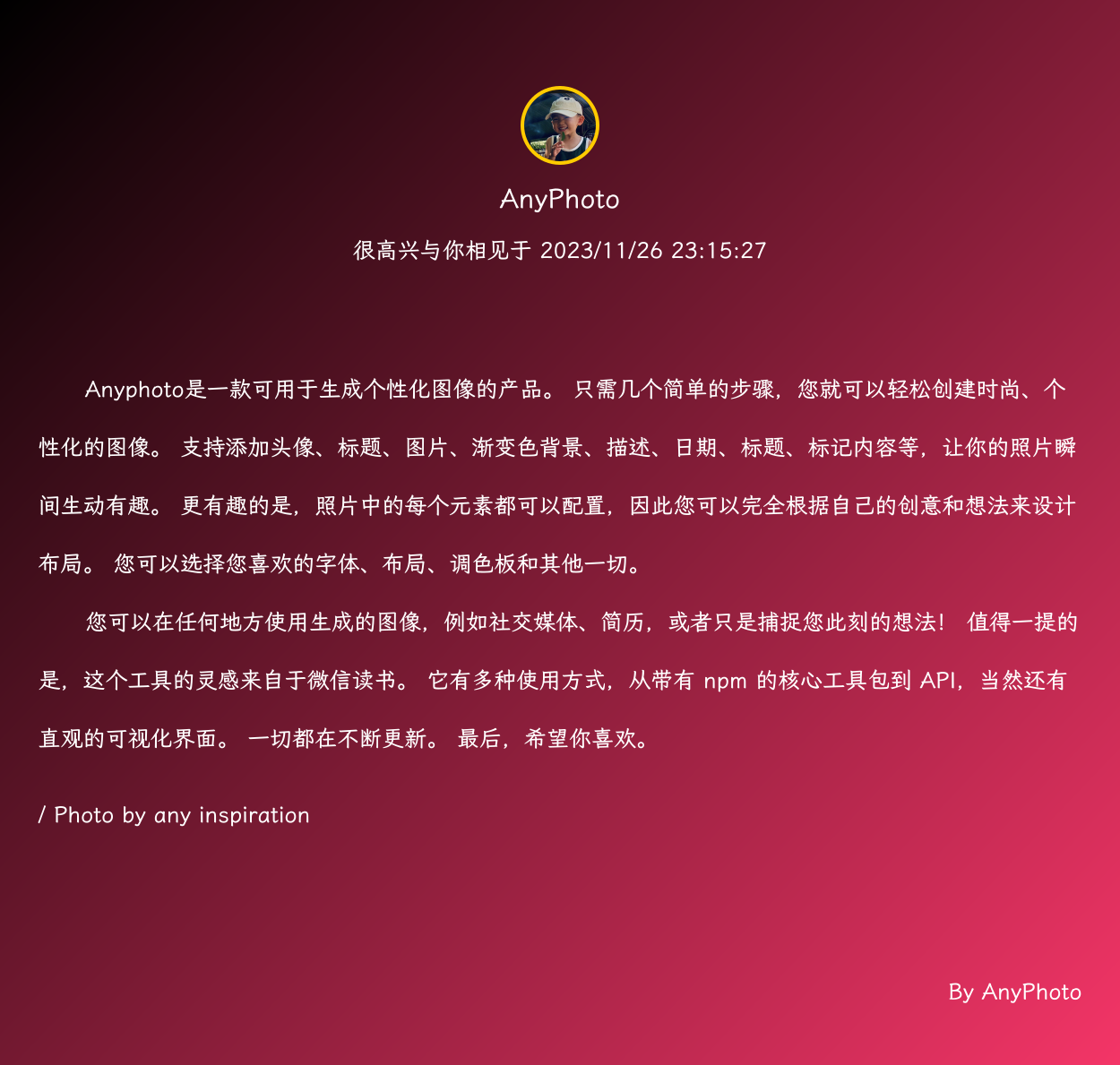
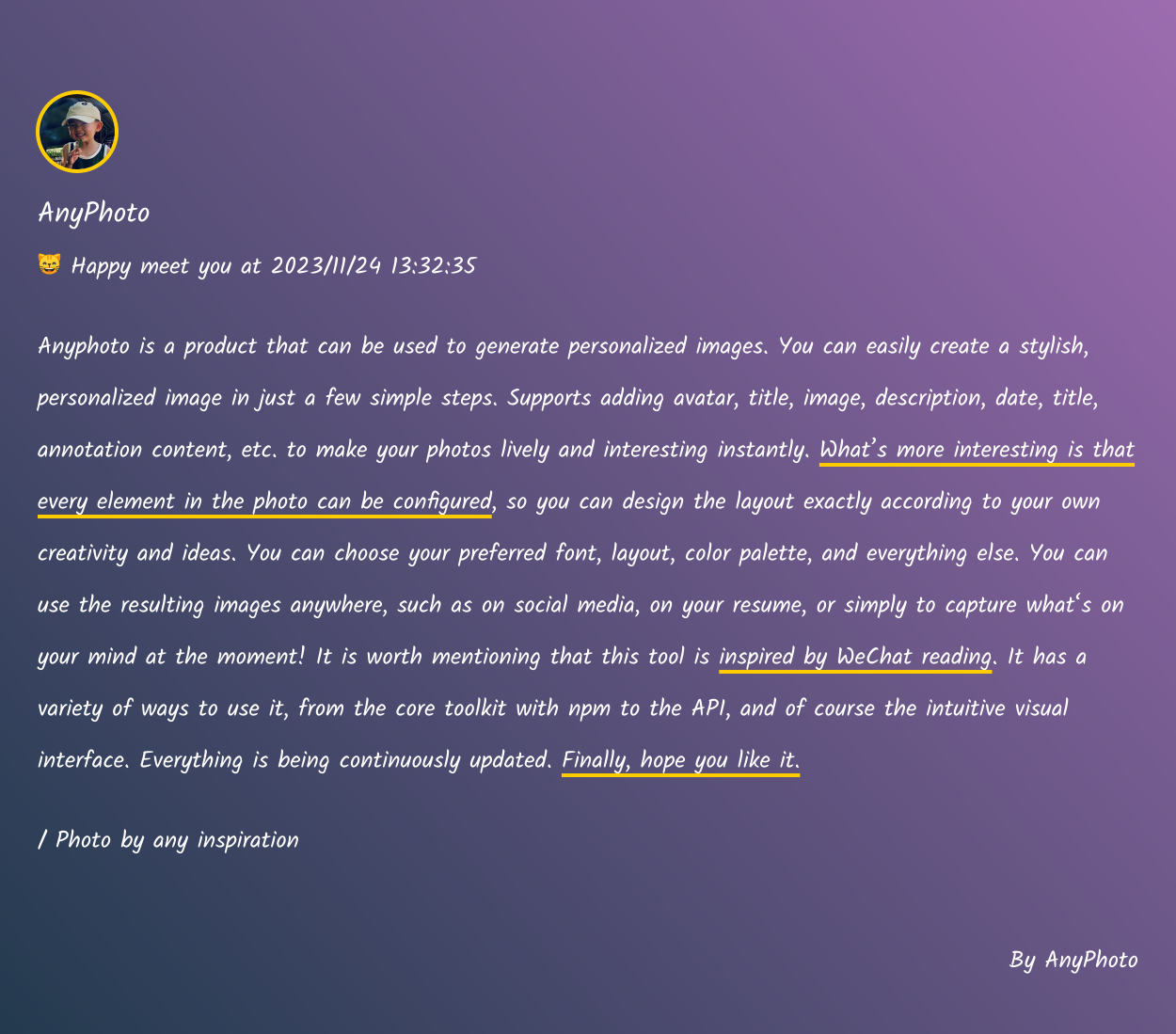
More cases can be viewed in [examples](https://github.com/weirui88888/anyphoto/tree/main/examples).
## Install
By default, binaries for macOS, Linux and Windows will be downloaded.Caused by core package [node-canvas](https://github.com/Automattic/node-canvas)
The first installation requires compilation, so it may take a long time. If you encounter problems during the installation process, please check [install wiki](https://github.com/Automattic/node-canvas/wiki) and find the corresponding solution before installing it.
```shell
npm install anyphoto -g
```
You can also use it by use `npx`
## Usage
It is expected to support 4 commands, currently 2 of the core are supported.
### Init
Generate a configuration file, and then you can make modifications in the configuration file. This command supports creating configuration files in any directory.
```shell
anyphoto init
```
More configuration items can be viewed at [configuration](https://www.anyphoto.space/configuration). (due to time and energy issues, the document is being continuously improved)
### Generate
After executing this command, a picture will be generated based on the configuration file generated and modified in the previous step.
```shell
anyphoto generate
```
**This command supports passing parameters and several core options. You can pass them in when executing this command. The parameters and options passed in the command line will overwrite the corresponding configuration items in the configuration file.**
You can execute `anyphoto generate --help` to view them
### Github(planning)
After generating the image, you can execute this command to upload the image to github
### Show(planning)
Preset templates will be supported in the future. After executing this command, you can check which templates are currently available, and you can also view sample images of the specified template.
## TODO
- [ ] Support more preset templates
- [ ] Supports more "smart" line wrapping of content
- [ ] Support background images
- [ ] Improve documentation
## Contact
If you are interested in this project or encounter any problems during use, you can communicate with me through WeChat ID XdzD8b