https://github.com/westonruter/speculative-loading-admin
Adds speculative loading to the WP Admin for prerendering links with moderate eagerness in the Admin Bar and Admin Menu. Experimental.
https://github.com/westonruter/speculative-loading-admin
wordpress wordpress-plugin
Last synced: about 1 month ago
JSON representation
Adds speculative loading to the WP Admin for prerendering links with moderate eagerness in the Admin Bar and Admin Menu. Experimental.
- Host: GitHub
- URL: https://github.com/westonruter/speculative-loading-admin
- Owner: westonruter
- Created: 2025-07-25T00:33:21.000Z (11 months ago)
- Default Branch: main
- Last Pushed: 2026-05-02T03:22:11.000Z (about 2 months ago)
- Last Synced: 2026-05-02T05:22:50.469Z (about 2 months ago)
- Topics: wordpress, wordpress-plugin
- Language: PHP
- Homepage:
- Size: 362 KB
- Stars: 3
- Watchers: 0
- Forks: 0
- Open Issues: 5
-
Metadata Files:
- Readme: README.md
Awesome Lists containing this project
README
# Speculative Loading Admin
Adds speculative loading to the WP Admin for prerendering links with moderate eagerness in the Admin Bar and Admin Menu. Experimental.
**Contributors:** [westonruter](https://profile.wordpress.org/westonruter)
**Tags:** performance
**Tested up to:** 6.9
**Stable tag:** 0.1.0
**License:** [GPLv2 or later](https://www.gnu.org/licenses/old-licenses/gpl-2.0.html)
## Description
This experimental plugin enables speculative loading in the WordPress Admin. For the frontend, this feature was [introduced](https://make.wordpress.org/core/2025/03/06/speculative-loading-in-6-8/) in WordPress 6.8. However, speculative loading is not enabled when a user is logged in to WordPress, and so naturally it is not enabled in the WP Admin. Since authenticated pages are usually not cached, having speculative loading enabled for logged-in users can add a lot of strain on the server. However, if your server can handle the additional load, prerendering links allows for _instant_ page navigations, which greatly improves the user experience. The [Speculative Loading](https://wordpress.org/plugins/speculation-rules/) plugin also has a [pending change](https://github.com/WordPress/performance/pull/2097) to opt in logged-in users (or just administrators) to speculative loading on the frontend.
The speculation rules used in this plugin will **prerender** links with **moderate eagerness**. The rules specifically exclude `post-new.php` since every hit to that URL generates a new `wp_posts` row in the database for the sake of auto drafts. The rules also exclude any URL that contains the `_wpnonce` query parameter, which are used for “action links” (e.g. trashing a post). Granted, such links are not likely to appear in the Admin Menu or Admin Bar, but beware a plugin may introduce their own non-idempotent action links. _Use at your own risk._
All this being said, be mindful of the sustainability concerns for speculative loading due to the increased server load, client CPU, and network bandwidth usage. This can be especially useful on a local development environment.
There is currently no UI for this plugin. It does not depend on the Speculative Loading plugin.
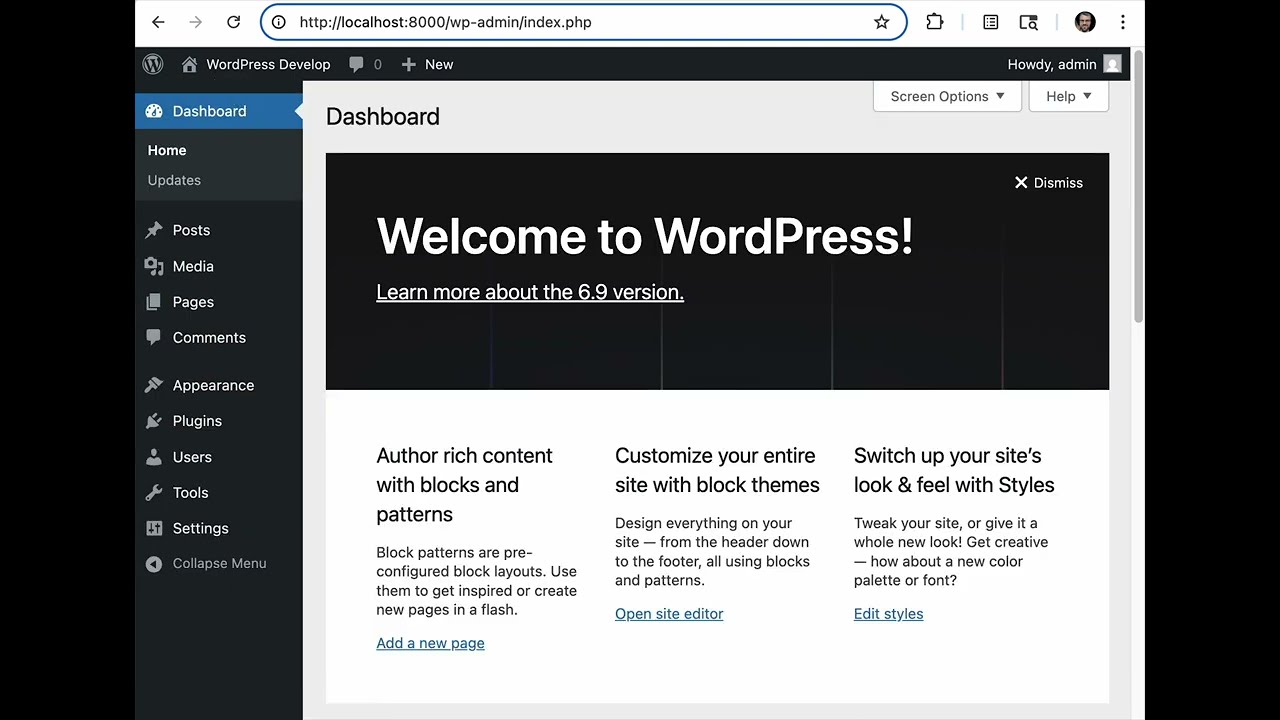
Here is a demo video of this plugin for how pages can load instantly in WP Admin even with “Fast 4G” network throttling enabled:
[](https://youtu.be/41vDiJbApXw)
Consider combining this with the [View Transitions](https://wordpress.org/plugins/view-transitions/) plugin, and enable “Admin View Transitions” option under Settings > Reading to smooth out the instant navigations with nice animations.
Also combine with the [No-cache BFCache](https://wordpress.org/plugins/nocache-bfcache/) plugin (and see [blog post](https://weston.ruter.net/2025/07/23/instant-back-forward-navigations-in-wordpress/)) which enables instant back/forward navigations while logged in to WordPress, both on the frontend and in the WP Admin.
## Installation
1. Download the plugin [ZIP from GitHub](https://github.com/westonruter/speculative-loading-admin/archive/refs/heads/main.zip) or if you have a local clone of the repo, run `npm run plugin-zip`.
2. Visit **Plugins > Add New Plugin** in the WordPress Admin.
3. Click **Upload Plugin**.
4. Select the `speculative-loading-admin.zip` file on your system from step 1 and click **Install Now**.
5. Click the **Activate Plugin** button.
You may also install and update via [Git Updater](https://git-updater.com/).
## Changelog
### 0.1.0
* Initial release.