https://github.com/wherewhere/stylish
基于 CSS 的 Stylish 主题插件
https://github.com/wherewhere/stylish
css stylish stylish-theme tampermonkey web
Last synced: 2 months ago
JSON representation
基于 CSS 的 Stylish 主题插件
- Host: GitHub
- URL: https://github.com/wherewhere/stylish
- Owner: wherewhere
- License: mit
- Created: 2020-01-02T13:41:57.000Z (over 6 years ago)
- Default Branch: master
- Last Pushed: 2020-02-25T02:43:01.000Z (over 6 years ago)
- Last Synced: 2025-01-21T06:30:03.493Z (over 1 year ago)
- Topics: css, stylish, stylish-theme, tampermonkey, web
- Language: CSS
- Homepage: https://userstyles.org/users/877108
- Size: 19.5 KB
- Stars: 0
- Watchers: 2
- Forks: 0
- Open Issues: 0
-
Metadata Files:
- Readme: README.md
- License: LICENSE
Awesome Lists containing this project
README

# Stylish 插件
一些基于CSS的Stylish主题插件



## 现支持的站点
- 人人影视
- zimuzu.tv
- xiazai003.com
- zmz2019.com
- got001.com
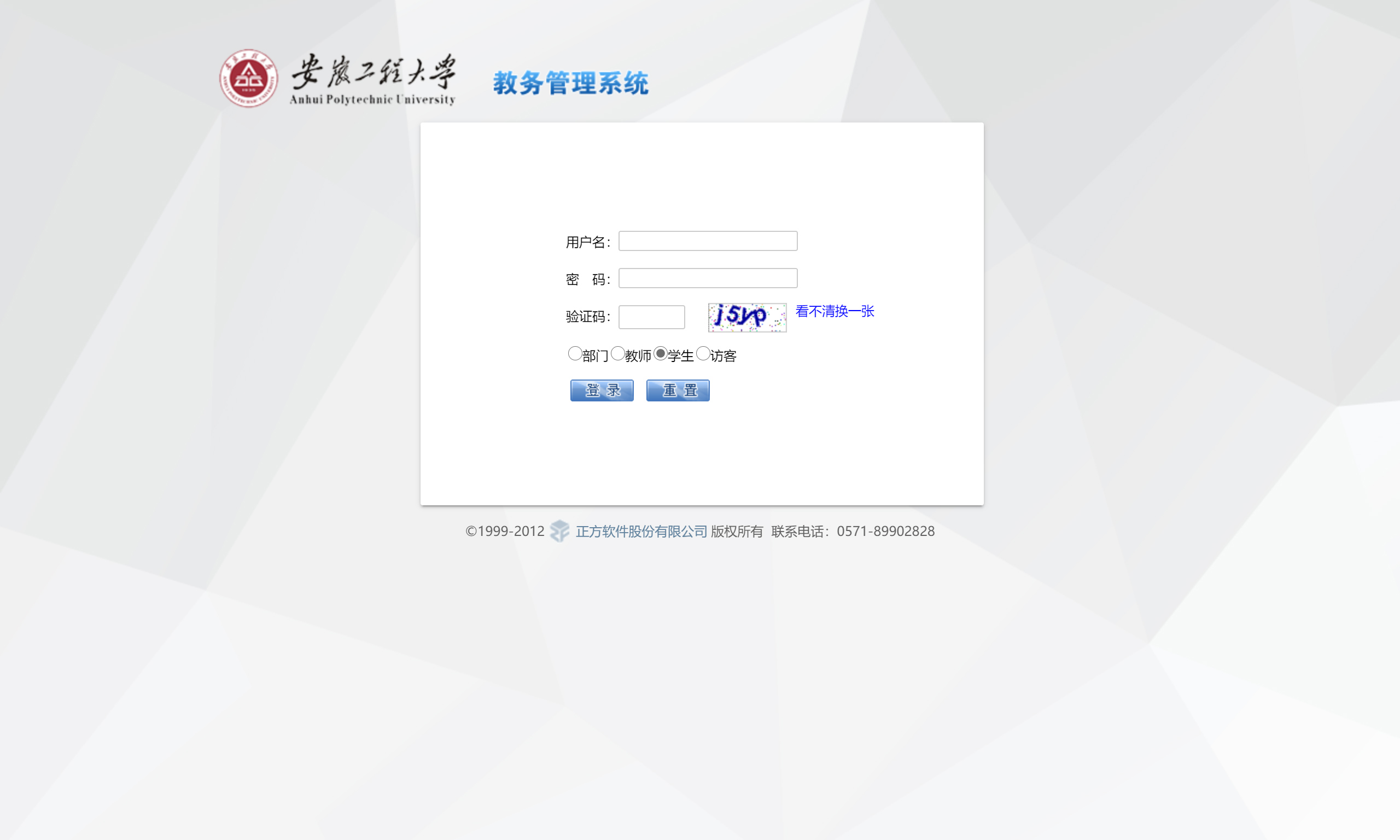
- 方正教务管理系统
- 211.86.224.21
## 如何安装插件
### 最低需求
- 支持支持UserScript的插件的浏览器
### 使用Stylish安装插件
#### • 在Stylish官网安装
1. 下载Stylish插件[(Chromuim系列)](https://chrome.google.com/webstore/detail/stylish-custom-themes-for/fjnbnpbmkenffdnngjfgmeleoegfcffe)[(Firefox系列)](https://addons.mozilla.org/firefox/addon/stylish/)
2. 前往[插件下载页](https://userstyles.org/users/877108),点击`"Install"`即可
#### • 直接使用源码安装
### 使用Tampermonkey安装插件
#### • 在Stylish官网安装
1. 下载Tampermonkey插件[(Chromuim系列)](https://chrome.google.com/webstore/detail/tampermonkey/dhdgffkkebhmkfjojejmpbldmpobfkfo)[(Firefox系列)](https://addons.mozilla.org/firefox/addon/tampermonkey/)
2. 前往[插件下载页](https://userstyles.org/users/877108),点击`"Install style as userscript"`即可
#### • 直接使用源码安装
## 屏幕截图
- 字幕组

- 方正教务管理系统