https://github.com/wiedem/fullscreen-cover
Custom full-screen modal transitions for SwiftUI with async present/dismiss coordination
https://github.com/wiedem/fullscreen-cover
animations fullscreen ios modals swift swift-package-manager swiftui transitions
Last synced: 4 months ago
JSON representation
Custom full-screen modal transitions for SwiftUI with async present/dismiss coordination
- Host: GitHub
- URL: https://github.com/wiedem/fullscreen-cover
- Owner: wiedem
- License: mit
- Created: 2024-09-01T19:27:36.000Z (almost 2 years ago)
- Default Branch: main
- Last Pushed: 2026-02-28T02:14:49.000Z (4 months ago)
- Last Synced: 2026-02-28T10:24:30.557Z (4 months ago)
- Topics: animations, fullscreen, ios, modals, swift, swift-package-manager, swiftui, transitions
- Language: Swift
- Homepage:
- Size: 150 KB
- Stars: 2
- Watchers: 1
- Forks: 0
- Open Issues: 0
-
Metadata Files:
- Readme: README.md
- License: LICENSE.txt
Awesome Lists containing this project
README
# FullScreenCover




**FullScreenCover** presents full-screen modal views in SwiftUI, building on [`.fullScreenCover`](https://developer.apple.com/documentation/swiftui/view/fullscreencover(ispresented:ondismiss:content:)) and adding what's missing:
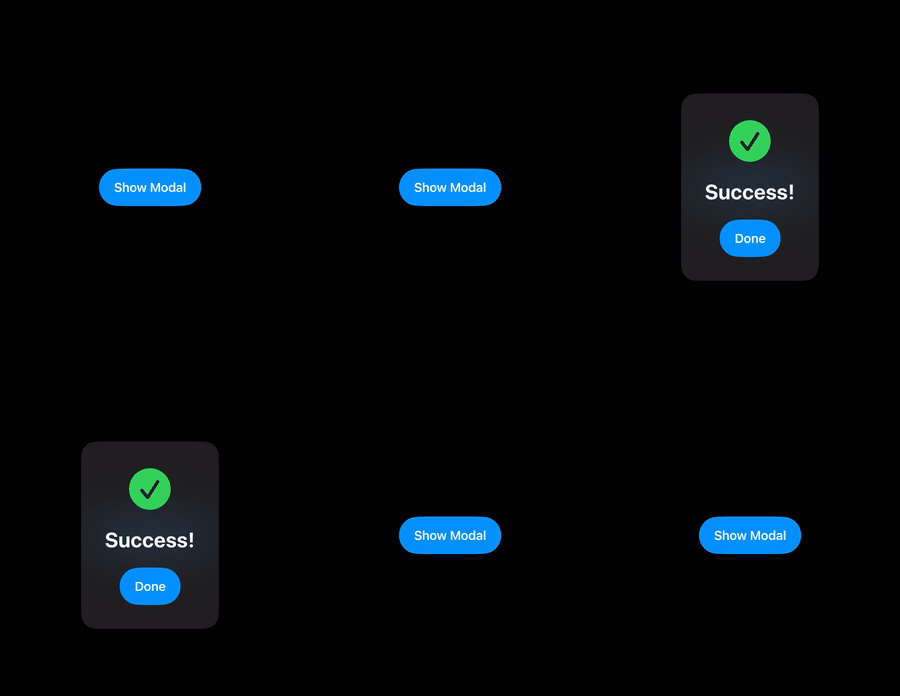
- Use any SwiftUI transition instead of the fixed slide-up animation
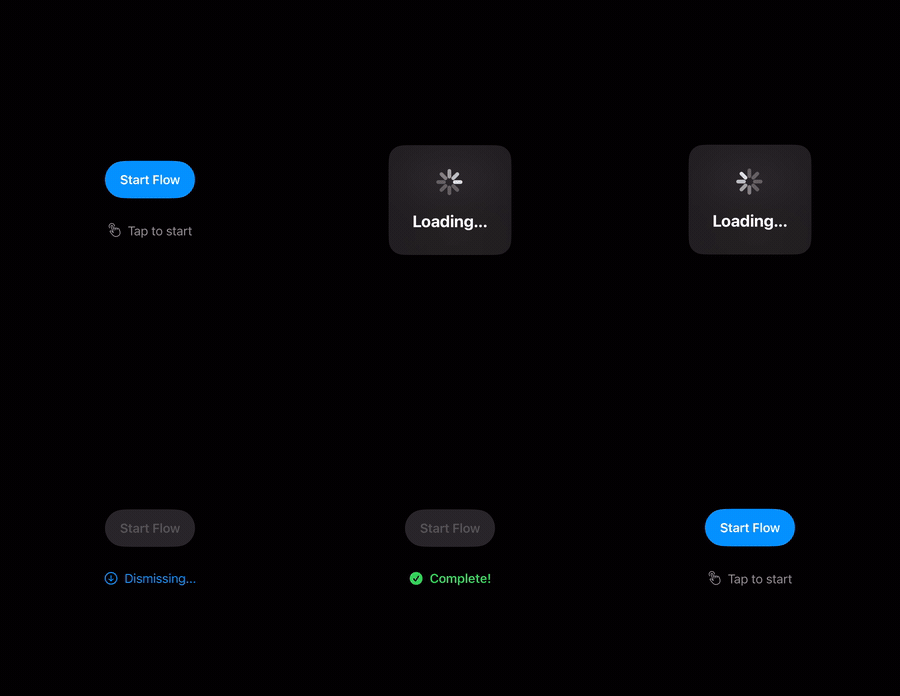
- `await present()` and `await dismiss()` to safely chain sequential operations without callback workarounds
## Usage
Add `import FullScreenCover` to your source code. Wrap your view with a `PresentationCoordinator` and pass its proxy to the `fullScreenCover(presentation:animation:content:)` modifier.
### Custom Transition Animations
Use **any SwiftUI transition**:
```swift
import FullScreenCover
import SwiftUI
struct DemoView: View {
var body: some View {
PresentationCoordinator { proxy in
Button("Present Modal") {
Task { try await proxy.present() }
}
.fullScreenCover(presentation: proxy, animation: .spring(duration: 0.5)) {
ZStack {
Color.black.opacity(0.5)
.ignoresSafeArea()
VStack(spacing: 16) {
Text("Custom modal content")
.font(.title)
Button("Dismiss") {
Task { try await proxy.dismiss() }
}
}
}
.transition(.scale(scale: 0.8).combined(with: .opacity))
}
}
}
}
```
Use the [transition(_:)](https://developer.apple.com/documentation/swiftui/view/transition%28_%3A%29-5h5h0) modifier on your modal content to define your custom animation. The `animation` parameter on `fullScreenCover` controls the timing.
The presentation background is automatically set to transparent so that custom transitions render correctly. You can override it by applying `.presentationBackground(_:)` to your modal content.
### Async Coordination
Both `present()` and `dismiss()` are `async` and return only after the transition has completed. This makes it safe to **chain sequential operations**:
```swift
Button("Show Confirmation") {
Task {
// present() returns once the modal content has appeared.
try await proxy.present()
// Do some work while the modal is visible...
try await performNetworkRequest()
// dismiss() returns after the dismiss animation finishes.
try await proxy.dismiss()
// Safe to continue, e.g. navigate or show another modal.
navigateToNextScreen()
}
}
```
Both methods throw `CancellationError` if the calling task is cancelled. The transition itself continues unaffected - only the caller stops waiting.
### Presentation Phase
The proxy exposes a `phase` property of type `PresentationPhase` that tracks the current lifecycle state: `idle`, `presenting`, `presented`, or `dismissing`. Use it to adapt your UI during transitions:
```swift
PresentationCoordinator { proxy in
Button("Present") {
Task { try await proxy.present() }
}
.disabled(proxy.phase != .idle)
}
```
### Accessing the Proxy in Child Views
The `PresentationProxy` is automatically injected as an `EnvironmentObject`. Child views can access it without passing it through manually:
```swift
struct DismissButton: View {
@EnvironmentObject private var proxy: PresentationProxy
var body: some View {
Button("Close") {
Task { try await proxy.dismiss() }
}
}
}
```
## Installation
Add the package to the dependencies in your `Package.swift` file:
```swift
.package(url: "https://github.com/wiedem/fullscreen-cover", .upToNextMajor(from: "2.0.0")),
```
Then include `"FullScreenCover"` as a dependency for your target:
```swift
dependencies: [
.product(name: "FullScreenCover", package: "fullscreen-cover"),
]
```
### Requirements
- iOS 16.4+
- Swift 6.1+
- Xcode 16.3+
## Contributing
Contributions are welcome! Please feel free to:
- Report bugs or request features via [GitHub Issues](https://github.com/wiedem/fullscreen-cover/issues)
- Submit pull requests with improvements
- Improve documentation or add examples
- Share feedback on API design
## License
FullScreenCover is available under the MIT License. See [LICENSE.txt](LICENSE.txt) for more information.