https://github.com/willdarkins/sticky-quips-backend
Backend & database production for note taking application that resembles a sticky note format attaching links and short reminders
https://github.com/willdarkins/sticky-quips-backend
body-parser cors dotenv express mongodb mongoose nodejs
Last synced: 2 months ago
JSON representation
Backend & database production for note taking application that resembles a sticky note format attaching links and short reminders
- Host: GitHub
- URL: https://github.com/willdarkins/sticky-quips-backend
- Owner: willdarkins
- Created: 2022-02-19T06:22:34.000Z (over 4 years ago)
- Default Branch: main
- Last Pushed: 2022-02-25T07:09:24.000Z (over 4 years ago)
- Last Synced: 2025-09-22T23:39:22.877Z (9 months ago)
- Topics: body-parser, cors, dotenv, express, mongodb, mongoose, nodejs
- Language: JavaScript
- Homepage: https://willdarkins.github.io/sticky-quips-frontend/
- Size: 73.2 KB
- Stars: 0
- Watchers: 1
- Forks: 0
- Open Issues: 0
-
Metadata Files:
- Readme: README.md
Awesome Lists containing this project
README
# 💻 Sticky Quips - Backend & Database
## Description
This repository holds production files used to build a note taking applications that provides user the experience of writing sticky notes with short despcritions and links.\
Please follow **[THIS LINK](https://willdarkins.github.io/sticky-quips-frontend/)** to the deployed front-end applicatoin.
## Table of Contents
* [Badges](#badges)
* [Installation](#installation)
* [Database](#database)
* [Credits](#credits)
* [License](#license)
* [Questions](#questions)
## Badges
*The following programming languages, frameworks, platforms and libraries were utilized when completing this project:*





## Installation
- In the Github repository, copy the SSH key link to clone onto your local device
- Open the project in your code editor of choice and enter the following command in console:
- `npm i`
- The following dependencies will being to run:
- `body-parser` - `cors` - `dotenv` - `express` - `mongoose`
- When dependencies have finished installation begin to run your server with the following command in the terminal:
- **`npm start`**
- Now head over to Insomnia CORE and begin testing routes:
**`http://stickyquips.herokuapp.com/notes`**
- `GET` all notes
```json
{
"notes": [
{
"_id": "62187c443dc23ff220d8151b",
"text": "This is a test note",
"link": "google.com",
"__v": 0
},
{
"_id": "62187ccc3dc23ff220d8151e",
"text": "How about some groceries",
"link": "newseasons.com",
"__v": 0
},
{
"_id": "62187cd53dc23ff220d81520",
"text": "I need cat food",
"link": "petco.com",
"__v": 0
},
{
"_id": "62187cef3dc23ff220d81525",
"text": "Go shopping later",
"link": "amazon.com",
"__v": 0
}
]
}
```
- `POST` a new note:
```json
{
"text" : "I have two cats named Daisy and Boris",
"link" : "https://google.com"
}
```
**`http://stickyquips.herokuapp.com/notes/:id`**
- `GET` note by id
- `PUT` to update a note by id
```json
{
"notes": [
{
"_id": "62187c443dc23ff220d8151b",
"text": "This is a test note",
"link": "google.com",
"__v": 0
}
]
}
```
- `DELETE` note by id
```json
{
"reply": "delete note by id success"
}
```
## Database
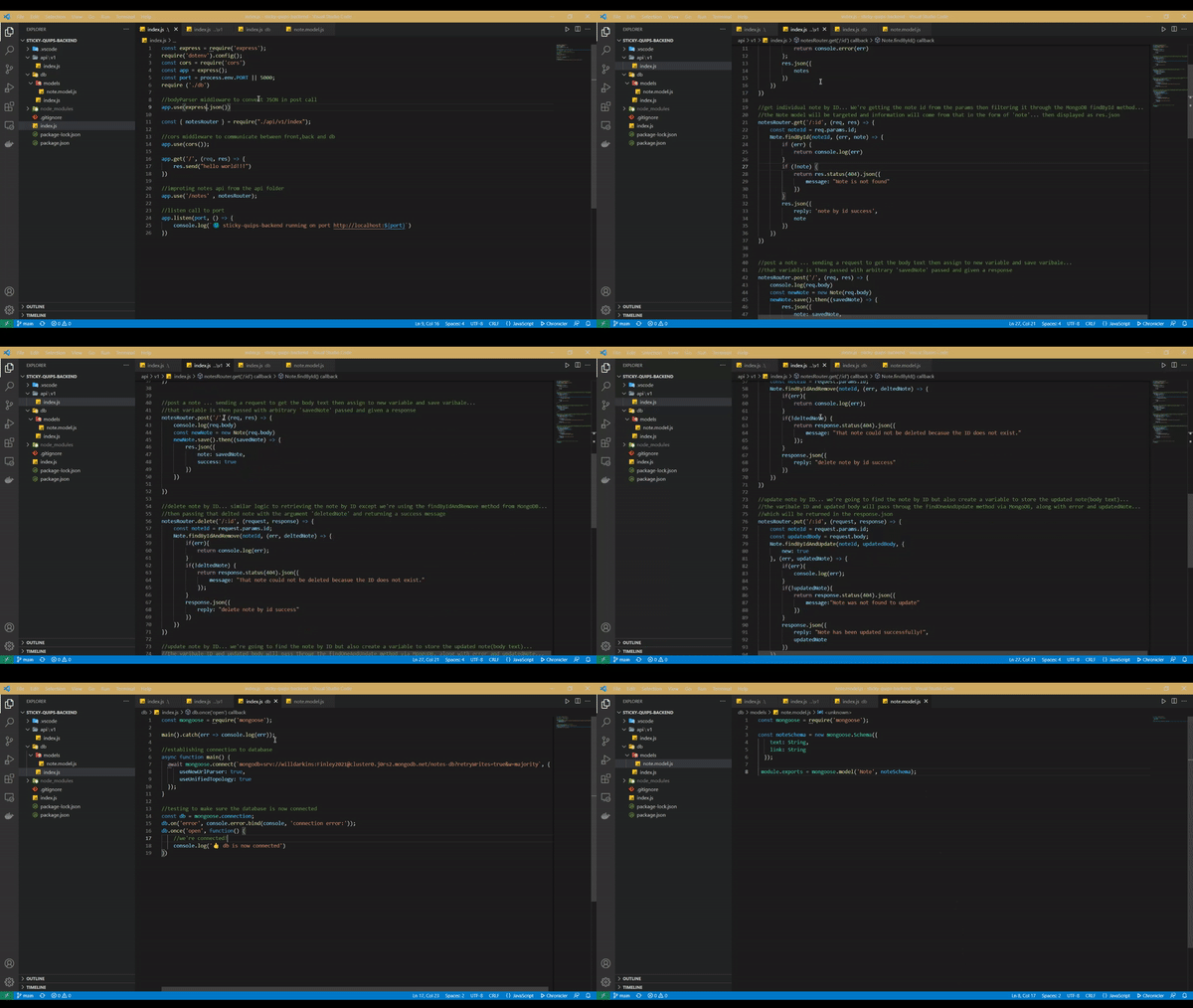
The application uses the document-oriented database program Mongodb. Mongoose extension is also utilized to bridge the syntax gap for Javascript.
There is only one model and that is `Note` whose structure is listed below:
```json
const noteSchema = new mongoose.Schema({
text: String,
link: String
});
```
## Credits
Big shout out to Ileriayo Adebiyi and his markdown badges repository which made this project all the more beautiful. Thank You.
## License
*This project is licensed under:*

MIT License Link
## Contributing
This project adheres to standards set by the Contributor Covenant.
Please consult this documentation before contributing to this project.
## Questions

If you have any questions regarding the development process of this application, or specific questions about contributing, feel free to reach me by email or on Github.
* Email 📪 willdarkins@gmail.com
* Github 🗿 [willdarkins](https://github.com/willdarkins)