https://github.com/willkessler/nvidia-docker-novnc
How to build a GPU-powered Lubuntu desktop in the cloud
https://github.com/willkessler/nvidia-docker-novnc
Last synced: over 1 year ago
JSON representation
How to build a GPU-powered Lubuntu desktop in the cloud
- Host: GitHub
- URL: https://github.com/willkessler/nvidia-docker-novnc
- Owner: willkessler
- License: mit
- Created: 2018-03-10T21:33:04.000Z (over 8 years ago)
- Default Branch: master
- Last Pushed: 2018-04-01T21:36:05.000Z (over 8 years ago)
- Last Synced: 2023-08-06T04:44:18.995Z (almost 3 years ago)
- Language: Shell
- Size: 41 KB
- Stars: 76
- Watchers: 2
- Forks: 31
- Open Issues: 2
-
Metadata Files:
- Readme: README.md
- License: LICENSE
Awesome Lists containing this project
README
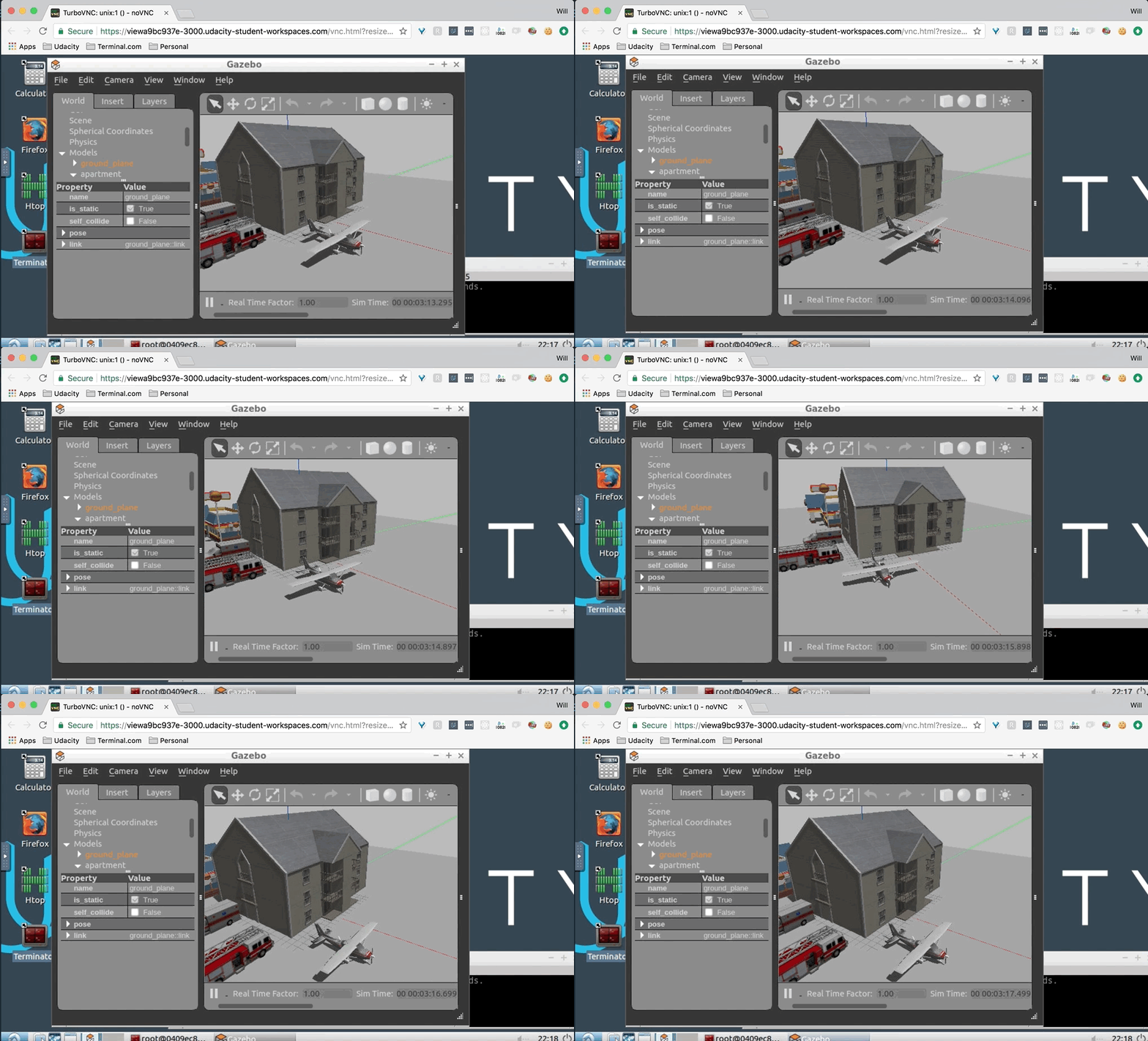
### Building a GPU-enhanced Lubuntu Desktop with nvidia-docker2
To build on a plain vanilla Google Compute GPU host:
1. Spin up a GC GPU host on the google console. Make sure it has at least one Tesla K80 GPU, and decent amount of VCPUs (e.g. 4, and enough disk space, at least 50Gb). Zone `us-east-1c` seems to be the best choice as of April 1, 2018.
1. Upload this repo and unpack it in `/root/build` or wherever you like as a temporary location.
1. Run `preinstall.sh`. This just runs `apt-get update` and puts in `screen` and `emacs` for getting started.
1. Run `build.sh`. This will build everything needed to start up a nvidia-docker2 container with Ubuntu 16.04 and Lubuntu desktop.


### Running the container
To run the container on this host, use `run.sh`. Note that NoVNC will
expect connections on port 40001. Then surf to your host on that port.
### Setting up network access
Thanks to @moorage for these tips on configuring network access.
https://github.com/willkessler/nvidia-docker-novnc/issues/2
### More info
For more links and reference, please see the Medium posting about this environment [here](https://engineering.udacity.com/creating-a-gpu-enhanced-virtual-desktop-for-udacity-497bdd91a505).