https://github.com/woorim960/nate.com-comments-crawler
nate.com-comments-crawler
https://github.com/woorim960/nate.com-comments-crawler
chromedriver crawler python3 selenium
Last synced: about 1 month ago
JSON representation
nate.com-comments-crawler
- Host: GitHub
- URL: https://github.com/woorim960/nate.com-comments-crawler
- Owner: woorim960
- License: mit
- Created: 2022-05-12T11:39:02.000Z (about 4 years ago)
- Default Branch: master
- Last Pushed: 2022-05-27T14:43:19.000Z (about 4 years ago)
- Last Synced: 2024-12-28T10:02:35.337Z (over 1 year ago)
- Topics: chromedriver, crawler, python3, selenium
- Language: Python
- Homepage:
- Size: 1020 KB
- Stars: 1
- Watchers: 2
- Forks: 1
- Open Issues: 0
-
Metadata Files:
- Readme: README.md
- License: LICENSE
Awesome Lists containing this project
README
# nate.com-comments-crawler
```nate.com``` 사이트의 news 중 코로나와 기독교 관련된 댓글을 수집하는 크롤러
## 시작하기에 앞서
> 프로그램이 실행되기 위한 환경을 구성합니다.
```python3```는 설치가 이미 되어있다는 가정 하에 진행됩니다.
* [Mac OS에서 pip 설치](https://phoenixnap.com/kb/install-pip-mac)
* [Windows OS에서 pip 설치](https://phoenixnap.com/kb/install-pip-windows)
* [Ubuntu OS에서 pip 설치](https://phoenixnap.com/kb/how-to-install-pip-on-ubuntu)
1. pip 설치
* 만약, 아래 명령대로 설치가 되지 않는다면 위 링크를 참고해주세요.
```
# Max OS or Windows OS
$ curl https://bootstrap.pypa.io/get-pip.py -o get-pip.py
$ python3 get-pip.py
# Linux OS
$ sudo apt-get install python-pip
```
2. virtualenv 설치
```
$ sudo pip install virtualenv
```
## 설치(로컬)
> 주의 : 패키지 충돌을 방지하기 위해 가상환경에 설치하는 것을 권장합니다.
1. 가상환경 만들기
```
$ virtualenv nate.com.crawler
$ cd nate.com.crawler
$ source bin/activate
```
2. 소스 코드 다운로드
```
$ git clone https://github.com/woorim960/nate.com-comments-crawler
$ cd nate.com-comments-crawler
```
## 실행
> 주의 : 먼저, [설치](https://github.com/woorim960/nate.com-comments-crawler#설치로컬)를 통해 ```nate.com-comments-crawler``` 소스 코드를 설치해주십시오.
> 주의 : 아래 명령은 ```nate.com-comments-crawler```의 [requirements.txt](https://github.com/woorim960/nate.com-comments-crawler/blob/master/requirements.txt) 파일이 있는 루트 경로에서 실행되어야 합니다.
1. 프로그램 실행에 필요한 ```패키지``` 설치하기
```
$ pip install -r requirements.txt
```
2. 프로그램 실행
* ```app.py``` 파일이 위치한 경로에서 실행되어야 합니다.
```
# app.py 파일이 위치한 경로로 이동
$ cd app
# 프로그램 실행
$ python3 app.py
```
## 실행 사진
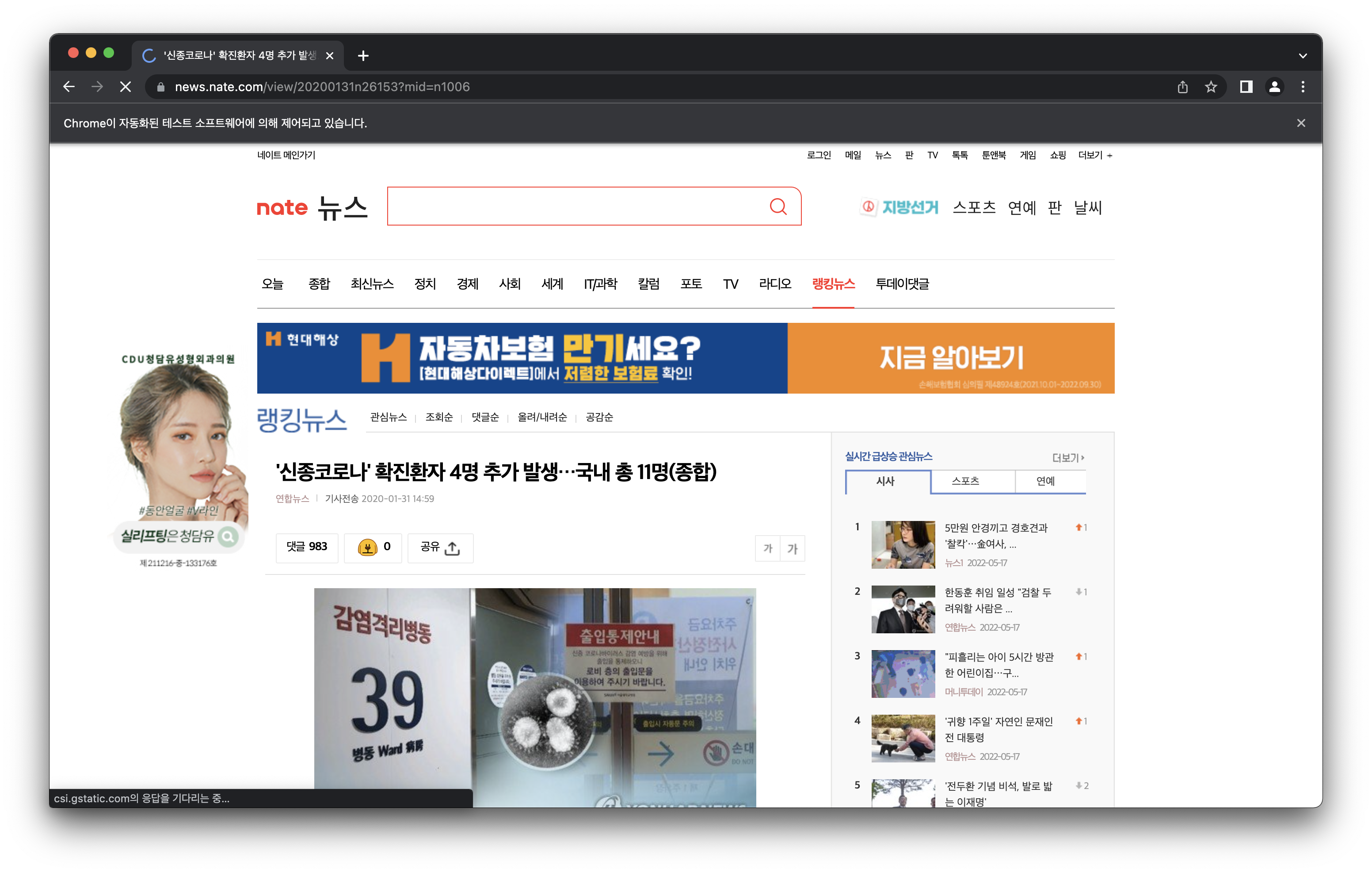
* 프로그램이 스스로 웹브라우저를 탐색하며 댓글을 수집 중인 화면
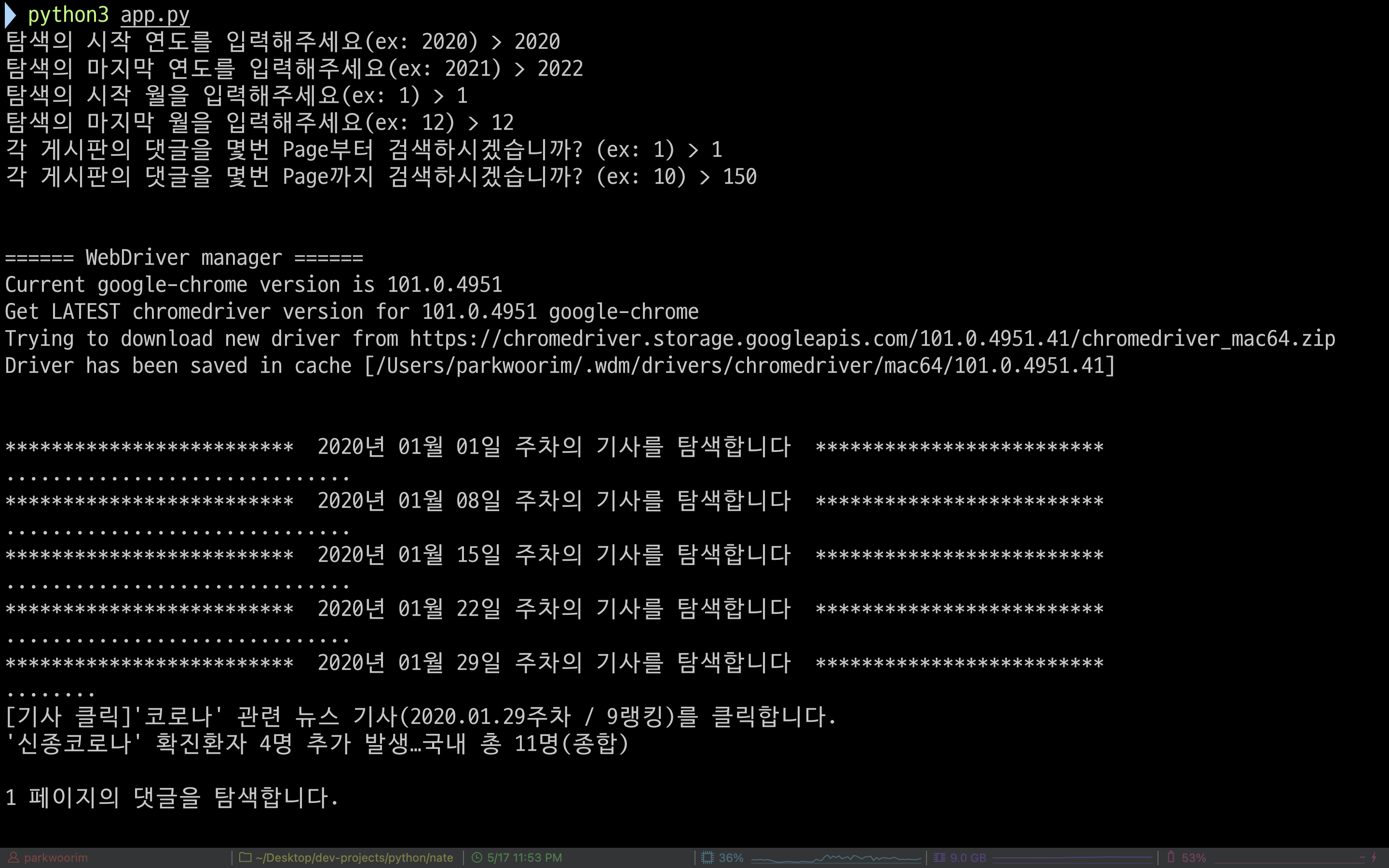
* 프로그램 시작 화면
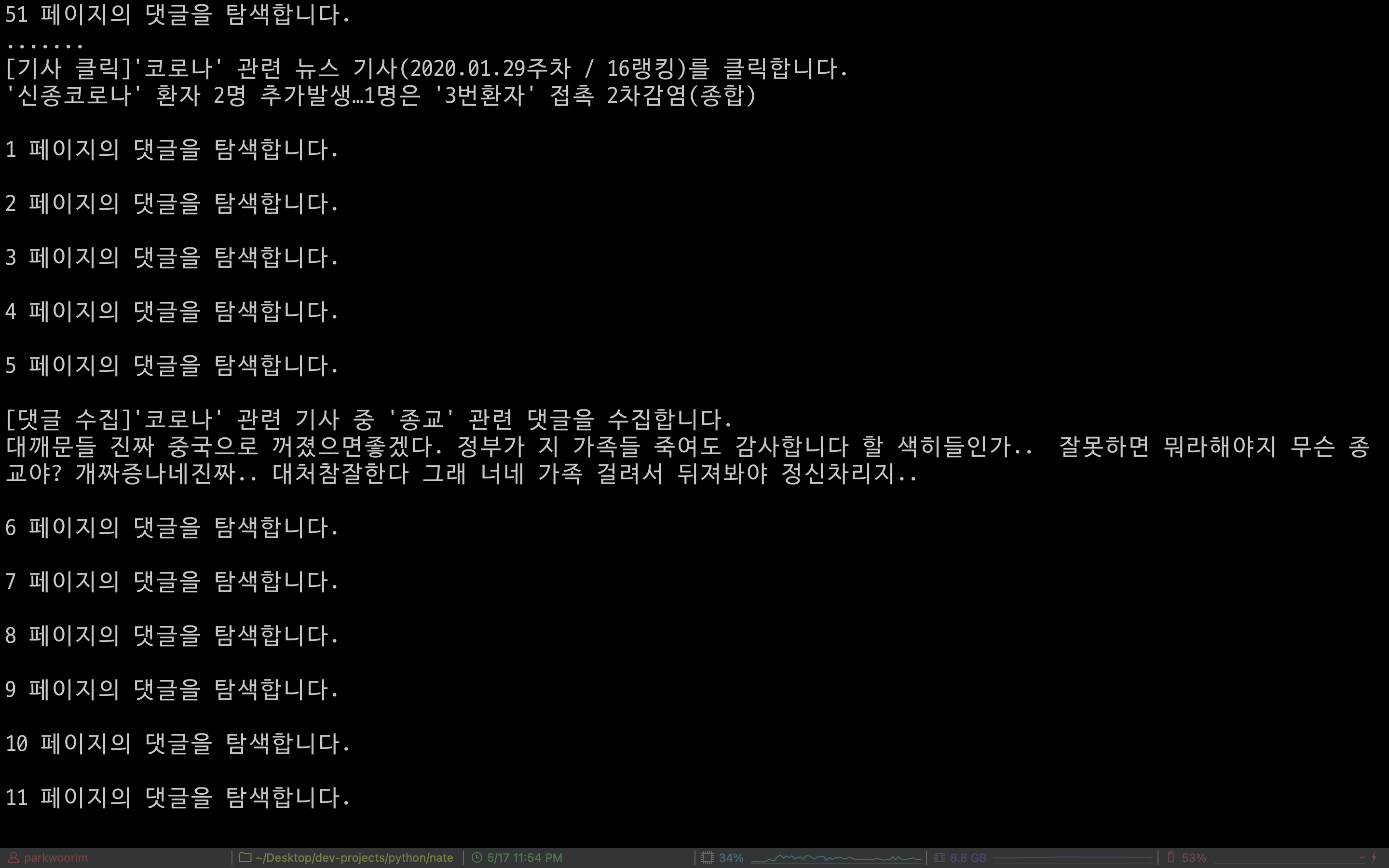
* 댓글 수집 중 화면