https://github.com/wurdcms/wurd-react
Components for integrating the Wurd CMS in a React app
https://github.com/wurdcms/wurd-react
cms cms-module headless-cms react react-component reactjs wurd
Last synced: 3 months ago
JSON representation
Components for integrating the Wurd CMS in a React app
- Host: GitHub
- URL: https://github.com/wurdcms/wurd-react
- Owner: wurdcms
- License: mit
- Created: 2017-06-25T01:02:26.000Z (about 9 years ago)
- Default Branch: master
- Last Pushed: 2022-09-22T11:30:21.000Z (almost 4 years ago)
- Last Synced: 2026-03-27T23:42:06.172Z (3 months ago)
- Topics: cms, cms-module, headless-cms, react, react-component, reactjs, wurd
- Language: JavaScript
- Size: 2.2 MB
- Stars: 2
- Watchers: 1
- Forks: 1
- Open Issues: 1
-
Metadata Files:
- Readme: README.md
- License: LICENSE
Awesome Lists containing this project
README
# React components for the Wurd CMS
Wurd is a service that lets you integrate a CMS into any website or app in minutes. This module provides components for integrating content and inline editing into your React app as easily as possible.
## Example
```jsx
import wurd from 'wurd-react';
import { marked } from 'marked';
wurd.connect('my-app', {
editMode: true,
markdown: marked, // Optional for enabling markdown() mode
});
wurd.load('shared,homepage')
.then(content => {
//Access content via getters
document.title = content.text('homepage.title');
//Use blocks for accessing subsections of content
const page = content.block('homepage');
ReactDOM.render(
,
document.getElementById('root')
);
});
```
See more in the [examples](https://github.com/wurdcms/wurd-react/tree/master/examples) folder or run them with `npm run example`.
## Installation
Using NPM:
```
npm install wurd-react
```
## Usage
1. Create a Wurd account and app
2. Connect to a Wurd app with `wurd.connect('appName', {editMode: true})`
3. Load top level 'sections' of content you'll be using with `wurd.load('section')`
4. In your views/templates etc., use the provided components to integrate content and editing functionality: ``
## Components
### Text
Creates an editable text region.
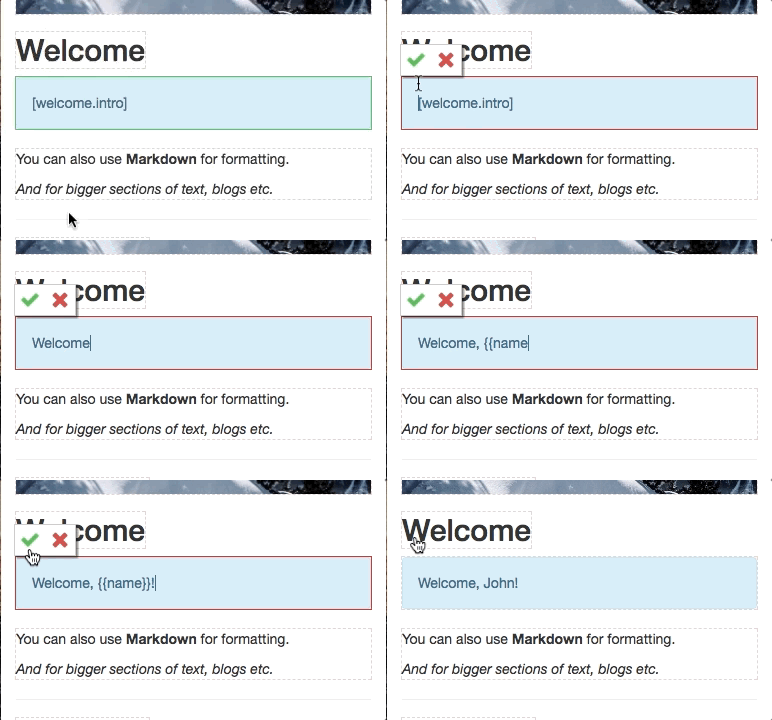
```jsx
```
### Image
Creates an editable image (`![]() `).
`).
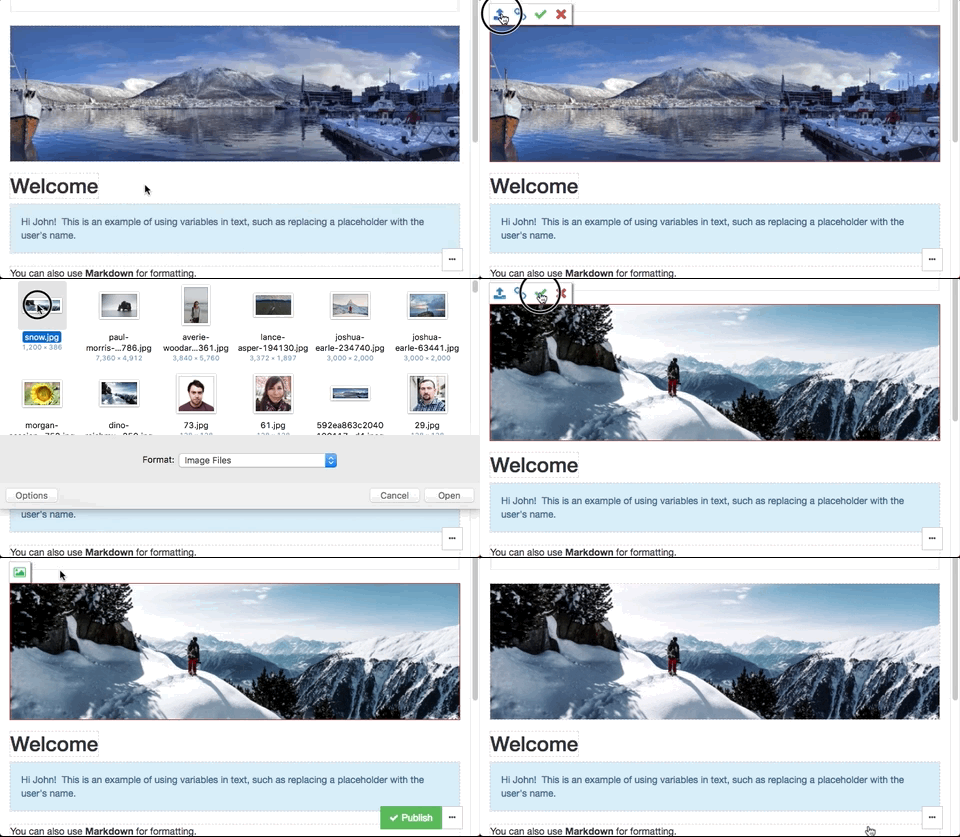
```jsx
```
### Markdown
Creates an editable text region that displays formatted Markdown.
NOTE: This uses dangerouslySetInnerHTML, [read up on it here](https://facebook.github.io/react/docs/dom-elements.html#dangerouslysetinnerhtml).
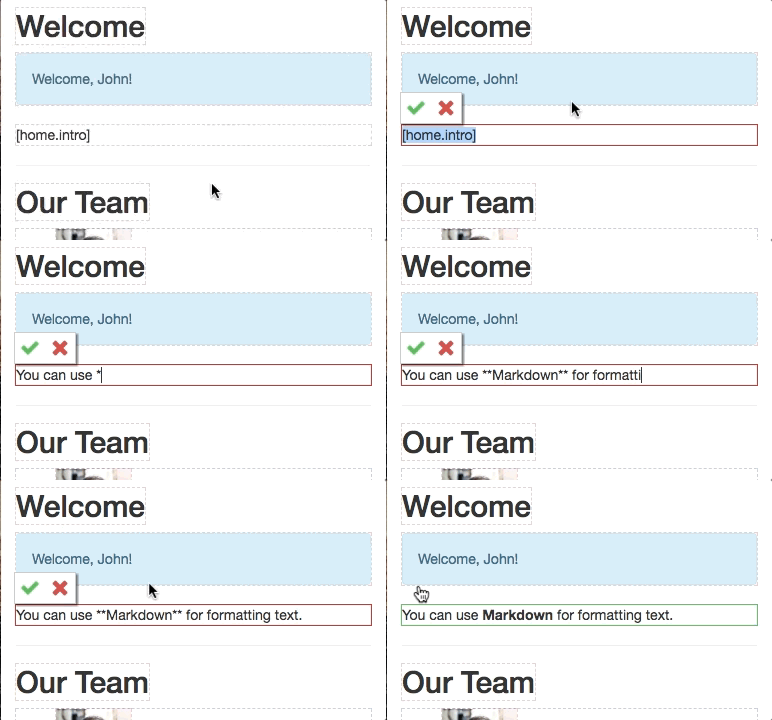
```jsx
```
### List
Creates an editable list of content. The children passed will represent an item in the list.
```jsx
{item =>
}
```
### Object
Allows editing a section of content, (like the properties of an object).
This editor is useful for:
- Off-page content such as metadata
- The content of complex page elements such as dropdowns, modals and popovers
- Editing many properties at once
```jsx
```