https://github.com/xero/mdv
web based markdown viewer
https://github.com/xero/mdv
codemirror-editor codemirror6 editor filesystem localstorage markdown splitscreen webbased website
Last synced: 2 months ago
JSON representation
web based markdown viewer
- Host: GitHub
- URL: https://github.com/xero/mdv
- Owner: xero
- License: cc0-1.0
- Created: 2025-10-23T05:54:05.000Z (9 months ago)
- Default Branch: main
- Last Pushed: 2025-10-28T00:04:25.000Z (9 months ago)
- Last Synced: 2025-11-03T10:01:54.399Z (9 months ago)
- Topics: codemirror-editor, codemirror6, editor, filesystem, localstorage, markdown, splitscreen, webbased, website
- Language: JavaScript
- Homepage: https://xero.github.io/mdv/
- Size: 676 KB
- Stars: 0
- Watchers: 0
- Forks: 0
- Open Issues: 2
-
Metadata Files:
- Readme: README.md
- Funding: .github/FUNDING.yml
- License: LICENSE
Awesome Lists containing this project
README
# mdv
**MarkDown View** a real-time markdown editor with split screen live preview
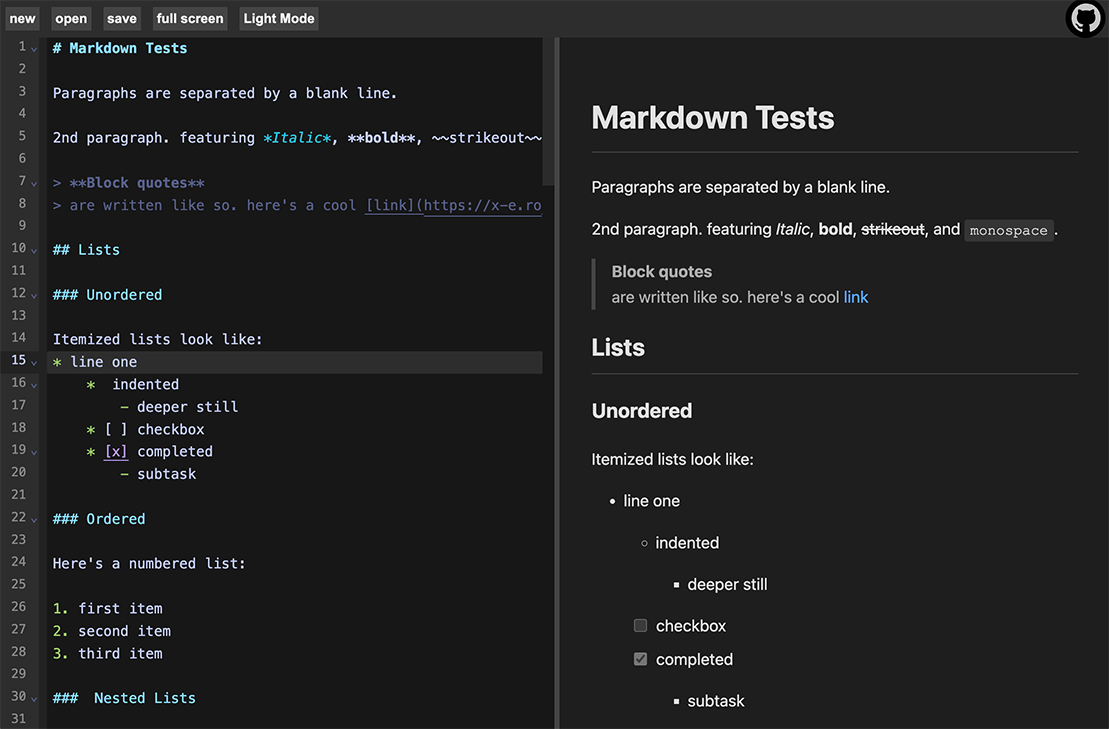
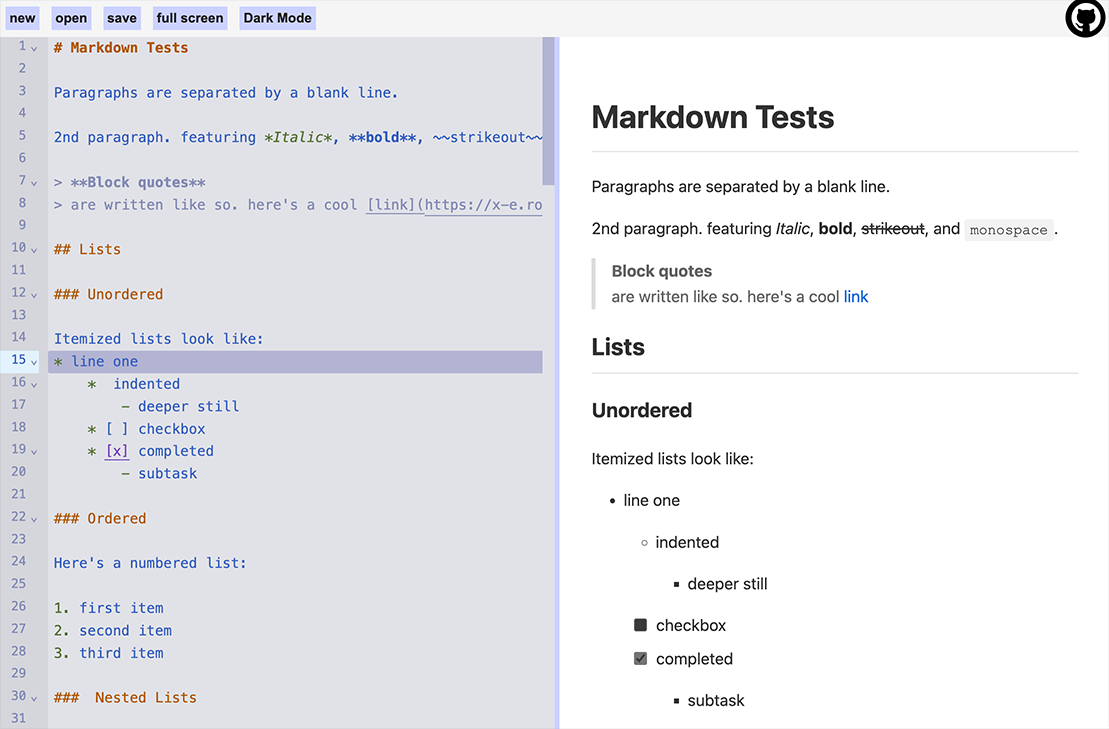
## Demo: [https://xero.github.io/mdv/](https://xero.github.io/mdv/)
## Features
- **Split-screen layout**: Editor on the left, preview on the right
- **Resizable**: Drag the center divider to resize the panels
- **Live preview**: See your markdown rendered in real-time as you type
- **Syntax highlighting**: CodeMirror with markdown language support
- **Dark mode support**: Adapts to system color preferences
- **Github flavored markdown**: Headers, lists, code blocks, tables, links, images, and more
- **Full Screen**: Zen mode for markdown editing
- **Local storage**: Markdown contents automatically sync to your browser storage
- **File operation**: Open and save documents to your device
- **Completely in browser**: Everything is client side and never leaves your device
## Toolchain
- [Bun.js](https://bun.sh/) - Fast JavaScript runtime and package manager
- [Vite](https://vitejs.dev/) - Next generation frontend tooling
- [CodeMirror 6](https://codemirror.net/) - Extensible code editor
- [ShowDown](https://github.com/showdownjs/showdown) - Markdown parser and compiler
## Getting Started
### Prerequisites
- [Bun](https://bun.com) installed on your system
### Installation
```bash
# Install dependencies
bun i
```
### Development
```bash
# Start the development server
bun dev
```
Open your browser and navigate to `http://localhost:5173/`
### Code Quality
```bash
# Format and lint
bun fix
```
### Build
```bash
# Build for production
bun bake
```
The built files will be in the `dist/` directory.
### Preview Production Build
```bash
# Preview the production build locally
bun preview
```
## Usage
1. Start typing markdown in the left editor panel
2. See the rendered output in real-time on the right preview panel
3. The editor supports all standard markdown syntax, and "github flavored markdown"
4. Drag the split divider to reize the panels
# License

all files and scripts in this repo are released [CC0](https://creativecommons.org/publicdomain/zero/1.0/) / [kopimi](https://kopimi.com)! in the spirit of _freedom of information_, i encourage you to fork, modify, change, share, or do whatever you like with this project! `^c^v`