https://github.com/xithrius/weather-tui
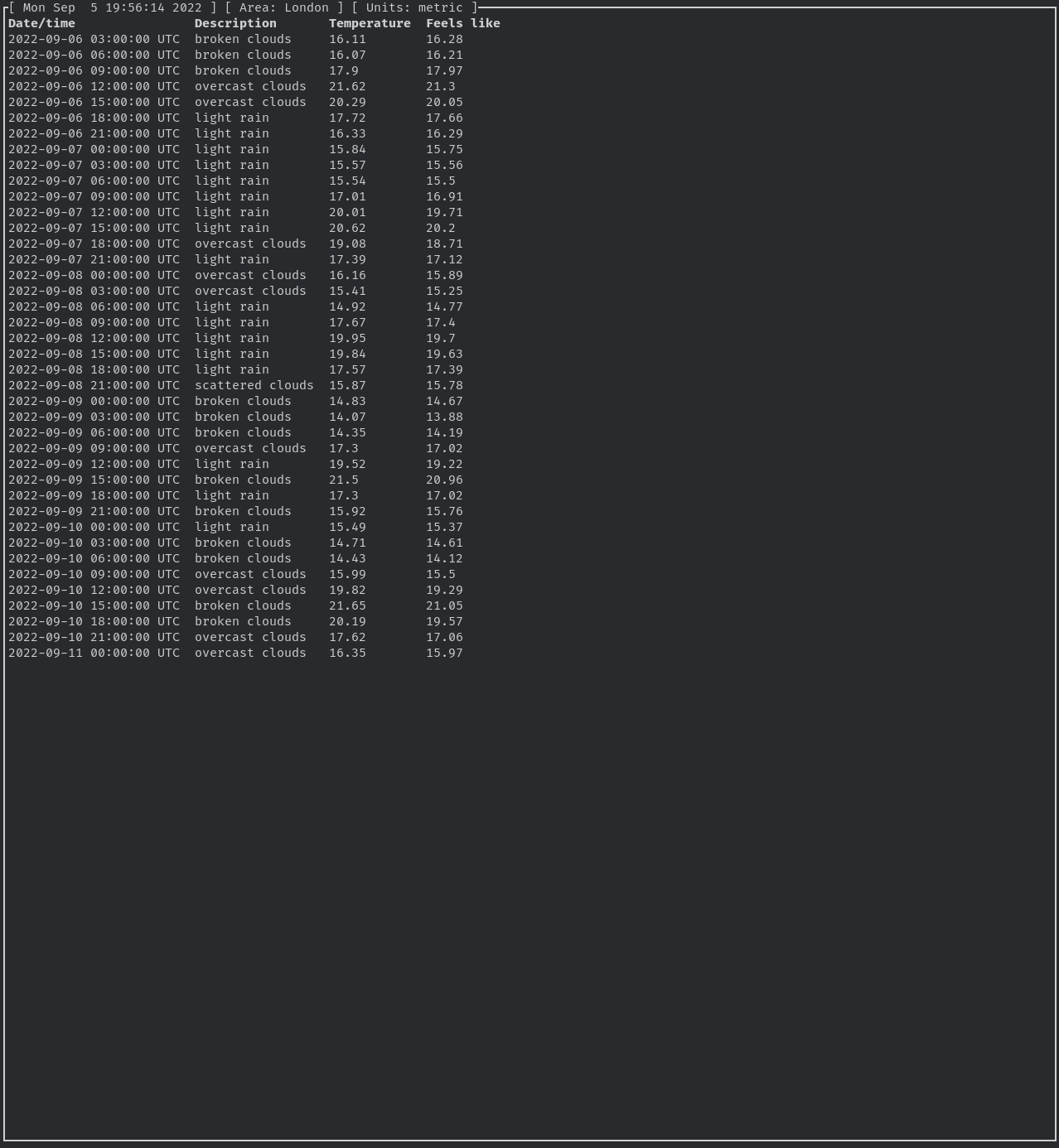
Getting weather in the terminal.
https://github.com/xithrius/weather-tui
Last synced: 11 months ago
JSON representation
Getting weather in the terminal.
- Host: GitHub
- URL: https://github.com/xithrius/weather-tui
- Owner: Xithrius
- License: apache-2.0
- Created: 2022-08-12T05:11:13.000Z (almost 4 years ago)
- Default Branch: main
- Last Pushed: 2024-10-07T21:37:45.000Z (over 1 year ago)
- Last Synced: 2024-10-12T23:37:25.128Z (over 1 year ago)
- Language: Rust
- Homepage:
- Size: 181 KB
- Stars: 1
- Watchers: 2
- Forks: 0
- Open Issues: 8
-
Metadata Files:
- Readme: README.md
- Funding: .github/FUNDING.yml
- License: LICENSE-APACHE
- Code of conduct: CODE_OF_CONDUCT.md
- Security: SECURITY.md
Awesome Lists containing this project
README
# Weather in the terminal
[](https://github.com/Xithrius/weather-tui/actions/workflows/ci.yml)
[](https://results.pre-commit.ci/latest/github/Xithrius/weather-tui/main)
[](https://crates.io/crates/weather-tui)
## Keybinds
Key
Description
Esc / q
Quit out of the entire application once in the base chat view.
Ctrl + r
Refresh the data, making a new API request.
Ctrl + p
Manually trigger a panic, so the application crashes.
## Setup
1. Make sure [rustup](https://www.rust-lang.org/tools/install) is installed, and `~/.cargo/bin` is in your `PATH` environment variable.
2. Install `weather-tui` through `cargo install weather-tui`.
3. Generate an API key from [openweathermap](https://home.openweathermap.org/api_keys). What you name the key will not affect this application.
4. Run `wt`, and the application will run first-time setup, generating a config at the following locations across different operating systems: - `Linux/MacOS`: `~/.config/twt/config.toml` - `Windows`: `%appdata%\twt\config.toml`
5. At said config locations, fill in `api_key` with your api key from step (3), and `area` with the location you'd like to grab data from, such as London. The default config can be seen [here](https://github.com/Xithrius/weather-tui/blob/main/default-config.toml)
If you have any problems, do not hesitate to [submit an issue](https://github.com/Xithrius/weather-tui/issues/new/choose).