https://github.com/xmuli/chinesechess
Cross-platform and online battle platform game based on Qt5 and Qt6: Chinese Chess. Also known as:『Xiangqi』『中国象棋』
https://github.com/xmuli/chinesechess
linux macos qt-chinesechess windows xiangqi
Last synced: 5 months ago
JSON representation
Cross-platform and online battle platform game based on Qt5 and Qt6: Chinese Chess. Also known as:『Xiangqi』『中国象棋』
- Host: GitHub
- URL: https://github.com/xmuli/chinesechess
- Owner: XMuli
- License: gpl-3.0
- Created: 2019-01-21T11:56:59.000Z (over 7 years ago)
- Default Branch: master
- Last Pushed: 2026-02-04T10:30:10.000Z (6 months ago)
- Last Synced: 2026-02-04T23:17:13.268Z (6 months ago)
- Topics: linux, macos, qt-chinesechess, windows, xiangqi
- Language: C++
- Homepage: https://www.bilibili.com/video/av45509758
- Size: 43.3 MB
- Stars: 804
- Watchers: 11
- Forks: 200
- Open Issues: 3
-
Metadata Files:
- Readme: README.md
- License: LICENSE
Awesome Lists containing this project
README
# ChineseChess

## Introduction
  
[](https://github.com/xmuli/ChineseChess/workflows/MacOS/badge.svg) [](https://github.com/xmuli/ChineseChess/workflows/Windows/badge.svg) [](https://github.com/xmuli/ChineseChess/workflows/Ubuntu/badge.svg)  
[ ](https://apps.microsoft.com/detail/9NK0TDS79DKG?mode=direct)
> - The Chinese chess online battle platform (including communication function) developed based on `Qt5.15 and Qt6.8` realizes the function of chess game in a single or networked state, no matter whether it is single or multiple players, regardless of whether the system is the same.
> - This project is included in: [product](https://product.xmuli.tech)
> - Video Effects: https://www.bilibili.com/video/av45509758
## characteristic
**The main functional modules of the project are divided into:**
ⅰ Players play against themselves
ⅱ Play against the computer AI
ⅲ Multiplayer network battle (can cross different systems)
ⅳ Battle timing
ⅴ Repent (multiple moves possible)
ⅵ track of chess moves
ⅵ About the work information
# Run the demo
**Video presentation:**
[ChineseChess QT-based cross-platform online chess game demonstration](https://www.bilibili.com/video/av45509758)
**Win10 running example:**
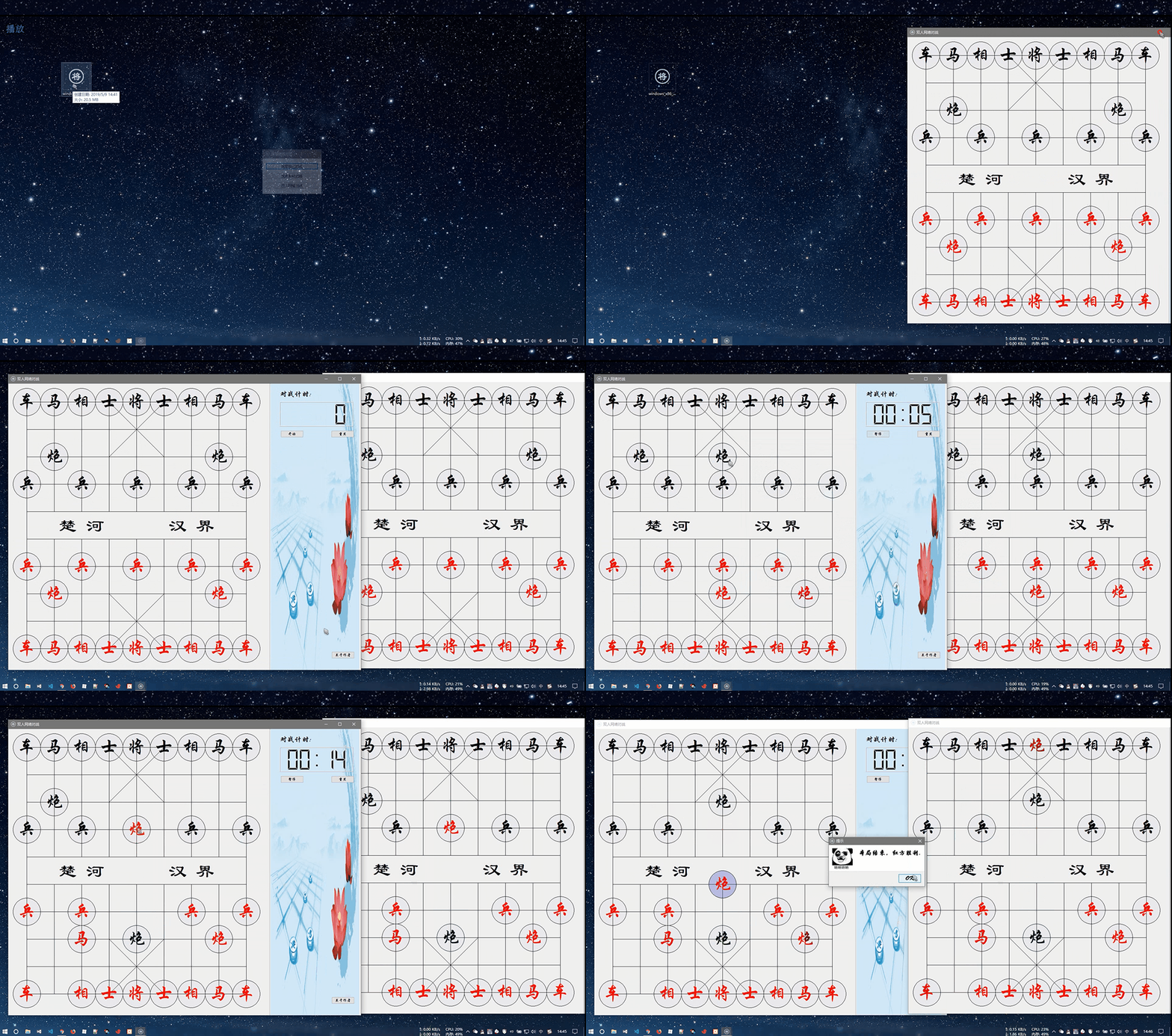
**Linux running example:**

**MacOS running example:**

**Examples of cross-platform battles:** **MacOS 10.14 vs Win10**
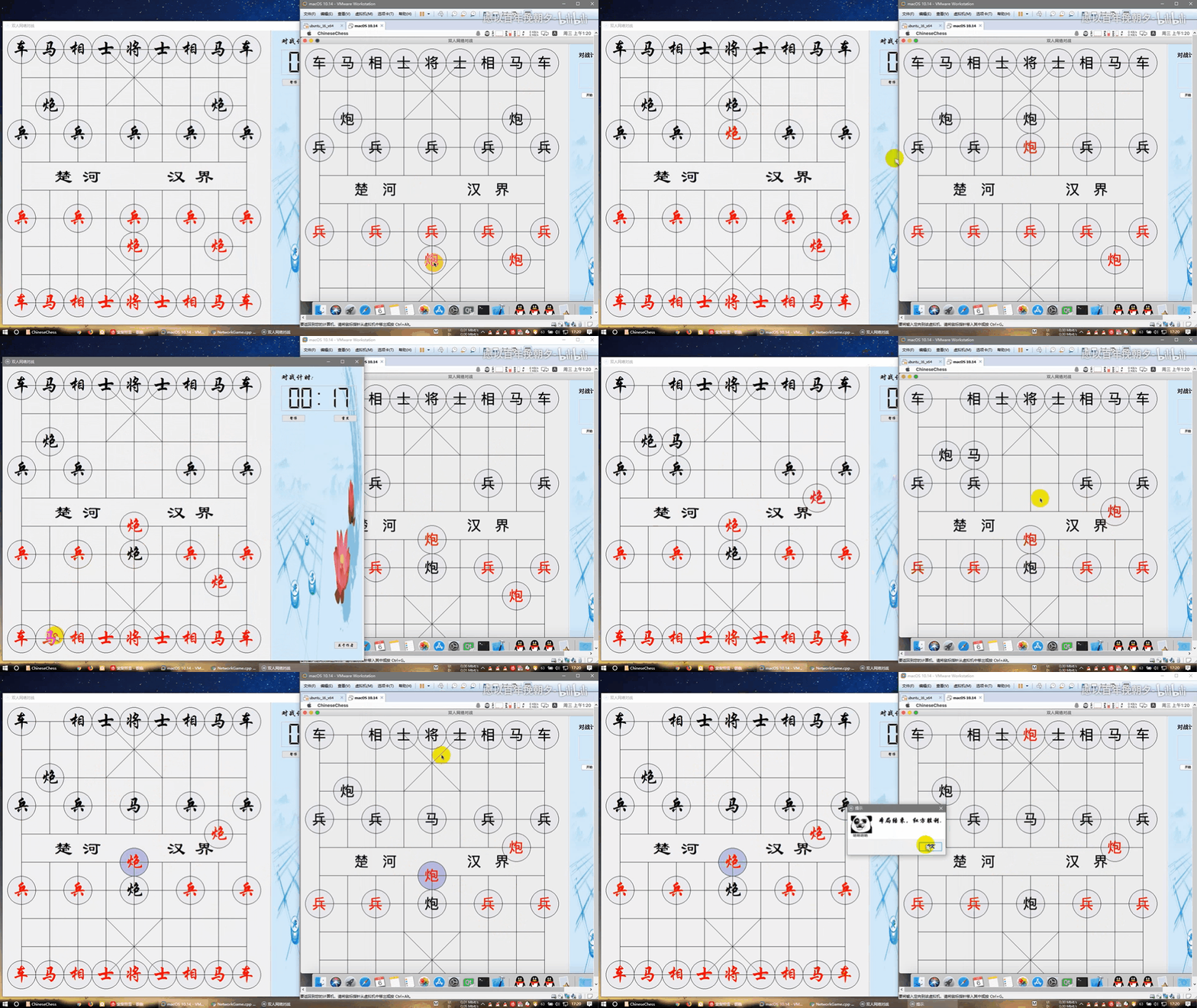
**About the program:**

## Update (2019-2026 v7.x)
### Features
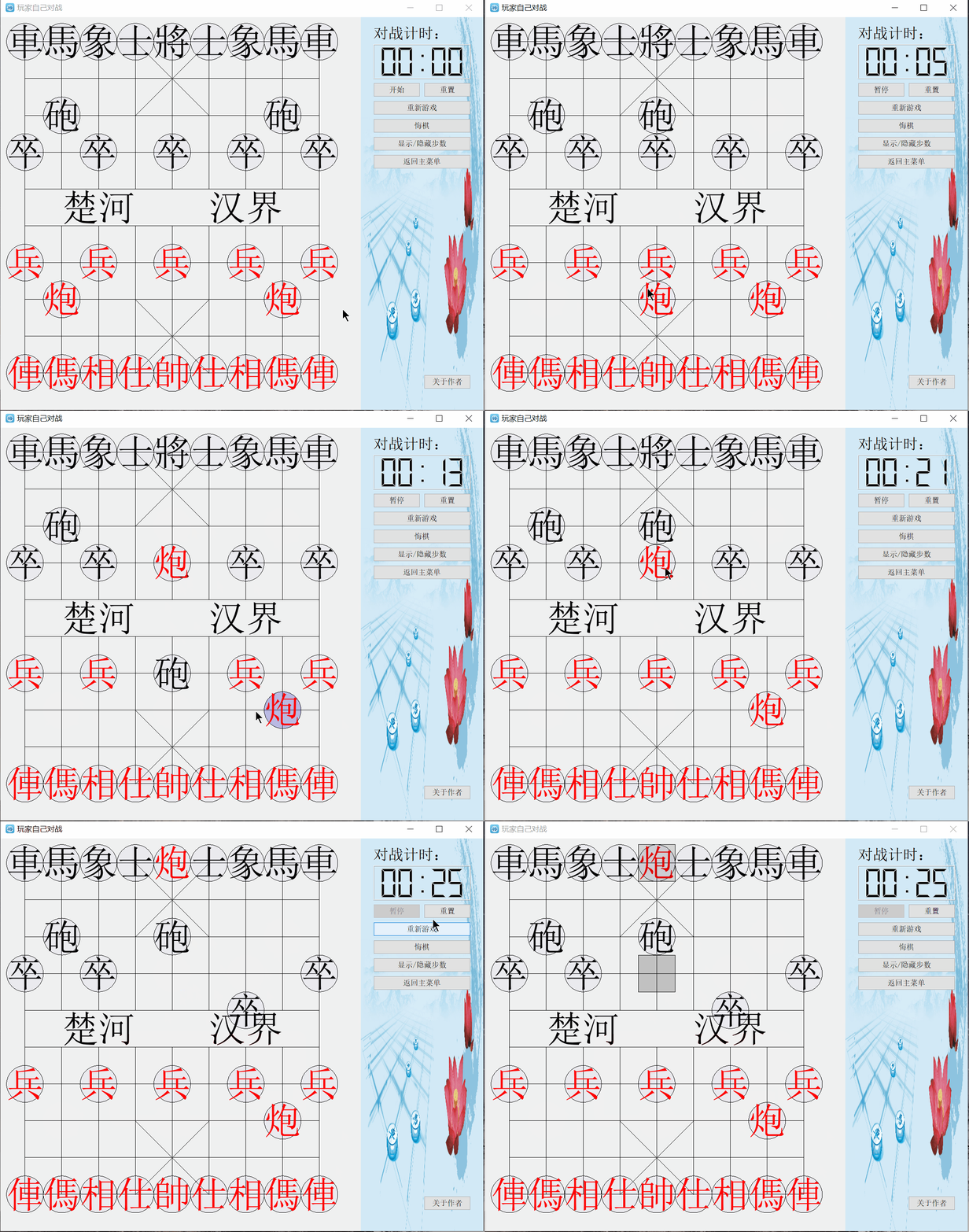
- Add regret function, unlimited regret
- Show move track, current move
- Restart game, click to restart
- Code logic optimization, new comments
- Update chess interface, use ancient chess characters
- Update about program, add contributor name
- Linux ARM Raspberry Pi support: [apt.raspbian-addons.org](https://apt.raspbian-addons.org/debian/pool/main/c/chinesechess/), both 32 and 64-bit
### Show

## Development tutorial
- [Project actual combat: Qt5/C++: QT chess [Basic version]](https://xmuli.blog.csdn.net//article/details/80931400)
- [QT5/C++ project: QT-based cross-platform online battle chess (1)](https://xmuli.blog.csdn.net//article/details/89284983)
- [QT5/C++ project: QT-based cross-platform online battle chess (2)](https://xmuli.blog.csdn.net//article/details/89285968)
- [QT5/C++ project: QT-based cross-platform online battle chess (3)](https://xmuli.blog.csdn.net//article/details/89286553)
In addition, the source code summary is accompanied by detailed code comments for easy understanding.
## Build
> This project supports both Qt 5 and Qt 6 builds.
>
> For more project list: https://product.xmuli.tech
- Environment: This project compiles successfully with both Qt 5.15.2 and 6.8.3 LTS versions. Tested minimum build version is Qt 5.12; lower versions are unverified.
- IDE: We recommend using Qt Creator directly to open CMakeLists.txt for building.
- Other: You may also convert CMake to .sln manually and build using Visual Studio 2022.
### Windows Build
1. Install Qt (recommended: Qt 5.15 or Qt 6.8 LTS)
2. Open CMakeLists.txt directly in the Qt Creator IDE
3. Click Build > Compile in the bottom-left corner
4. You should see it run successfully. Enjoy~
### Linux / Mac Build
1. Using Debian and Ubuntu as examples, install Qt (recommended: Qt 5.15 or Qt 6.8 LTS) Execute:
```bash
$ sudo apt install cmake qtbase5-dev qt5-default libqt5svg5-dev qtmultimedia5-dev qttools5-dev libqt5x11extras5-dev
```
2. Run commands:
```bash
$ git clone https://github.com/XMuli/ChineseChess.git
$ cd ChineseChess
$ mkdir build && cd build
$ cmake ..
$ make
```
3. Alternatively, you can skip Step 2 and directly use Qt Creator for compilation and execution, which is more convenient.
## Contributor
Thanks for the contributions submitted by the friends 🥳🥳:

XMuli

Bruce-Ch

BlueArvin

Ubuntuser2012

kirayamatoo

hmsjy2017

ryanfortner

zjuyk

sum2012

Codex
If it helps you, or find it useful, you can click on the item's **⭐Star** **🍴 Fork** of the two icons, conveniently lift the hand between, said a point of praise the hand, There is a fragrance in your hand;The next best thing is to buy me a cold Coke.
## Author
[](https://sighttp.qq.com/authd?IDKEY=31f3ef7312b39e2c8dc822ae2f4c3b3118e1a6f31cc83373) [](https://github.com/XMuli) [](https://ifmet.cn/)
## Tutorial Series
[QtExamples](https://github.com/XMuli/QtExamples) Welcome to `star` ⭐ and `fork` 🍴 This series of `C++ / QT / DTK` studies, where you can learn how to write this kind of software yourself, is a complete series of tutorials. And **FREE**!