https://github.com/xposed-modules-repo/com.github.tianma8023.xposed.smscode
XposedSmsCode
https://github.com/xposed-modules-repo/com.github.tianma8023.xposed.smscode
Last synced: 2 months ago
JSON representation
XposedSmsCode
- Host: GitHub
- URL: https://github.com/xposed-modules-repo/com.github.tianma8023.xposed.smscode
- Owner: Xposed-Modules-Repo
- Created: 2022-05-17T06:51:08.000Z (about 4 years ago)
- Default Branch: main
- Last Pushed: 2026-04-02T07:46:54.000Z (3 months ago)
- Last Synced: 2026-04-03T01:44:19.516Z (3 months ago)
- Homepage: https://play.google.com/store/apps/details?id=com.github.tianma8023.xposed.smscode
- Size: 10.7 KB
- Stars: 62
- Watchers: 1
- Forks: 0
- Open Issues: 0
-
Metadata Files:
- Readme: README.md
Awesome Lists containing this project
README
# XposedSmsCode


[](https://github.com/Xposed-Modules-Repo/com.github.tianma8023.xposed.smscode/releases) [](https://github.com/magisk317/XposedSmsCode/graphs/commit-activity) [](https://github.com/magisk317/XposedSmsCode/commits) [](https://github.com/magisk317/XposedSmsCode/graphs/contributors) [](https://github.com/magisk317/XposedSmsCode/actions/workflows/ci.yml) [](https://github.com/magisk317/XposedSmsCode/releases) [](https://github.com/magisk317/XposedSmsCode/releases) [](https://github.com/magisk317/XposedSmsCode/releases) [](https://github.com/magisk317/XposedSmsCode/blob/dev/LICENSE)
[](https://kotlinlang.org) [](https://developer.android.com/jetpack/compose) [](https://gradle.org) [](https://developer.android.com/studio/releases/gradle-plugin) [](https://developer.android.com/about/versions) [](https://developer.android.com/about/versions) [](https://github.com/rovo89/XposedBridge) [](https://t.me/+NR2QaQ4dlEgxYmNl)
识别短信验证码的Xposed模块,并将验证码拷贝到剪切板,亦可以自动输入验证码。
如果你还需要将验证码、短信内容或应用通知进一步转发到 Telegram、Webhook、邮箱等通道,可以了解一下新项目 [信驿 Relay](https://github.com/magisk317/xinyi-relay)。它更偏向消息转发与验证码联动场景;若主要需求是验证码识别与自动输入,继续使用本项目会更合适。
[English Version](https://github.com/magisk317/XposedSmsCode/blob/dev/README-EN.md)
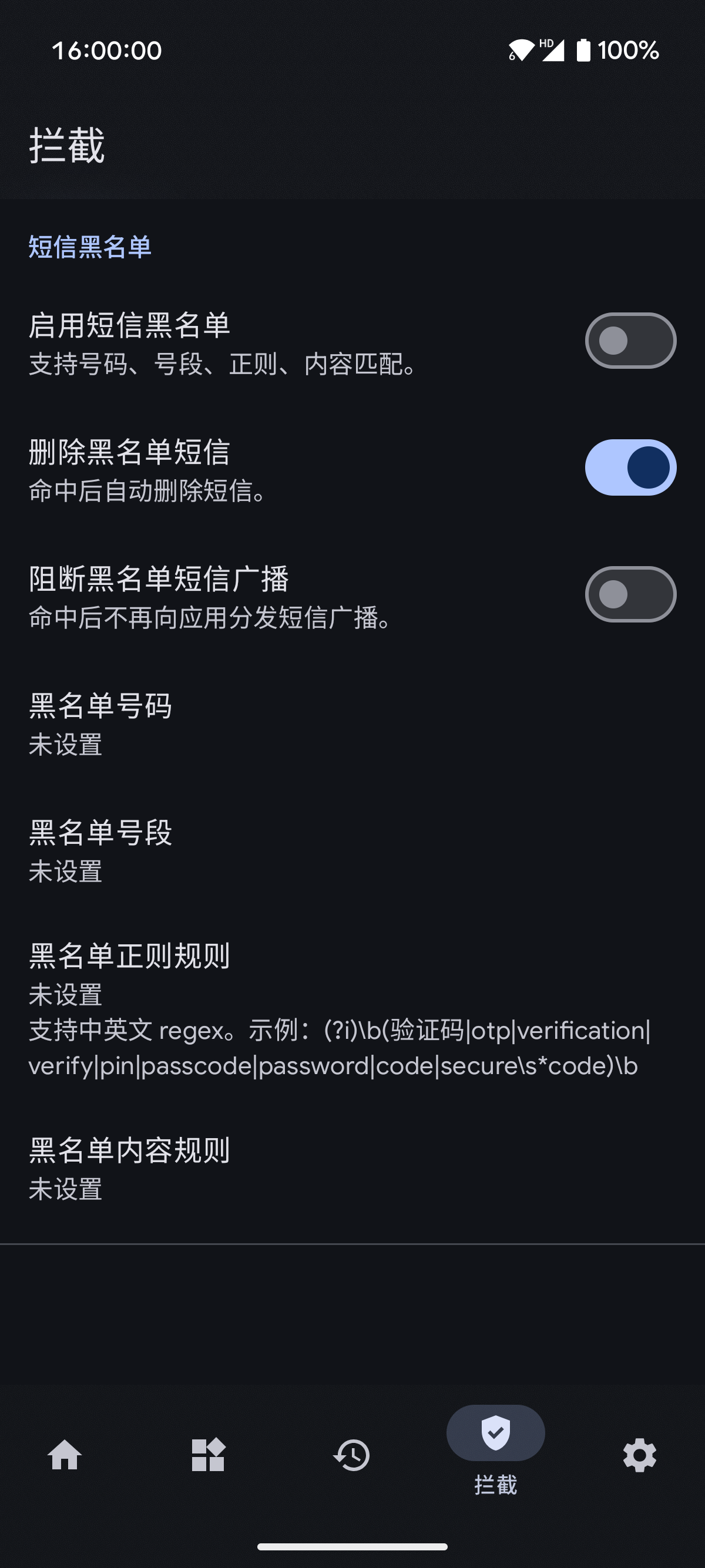
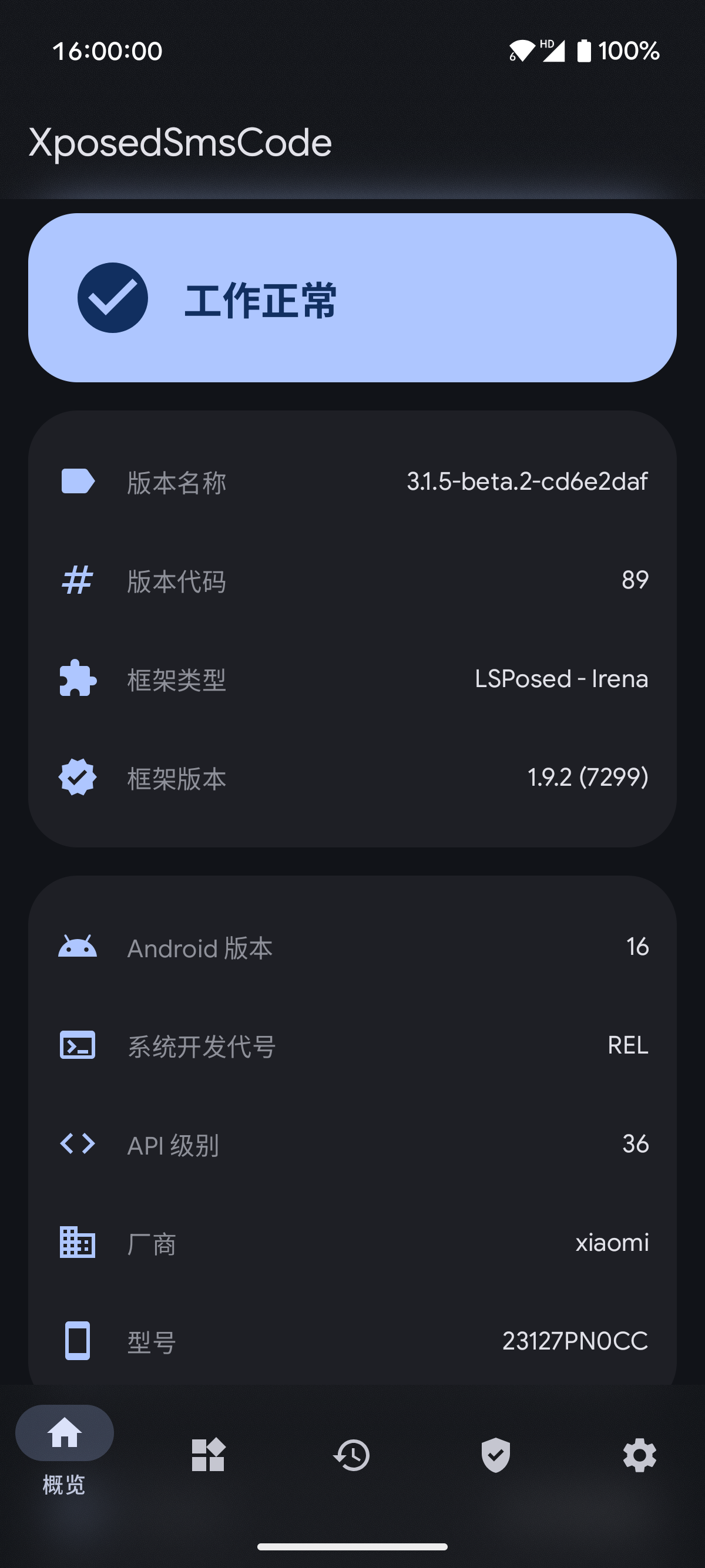
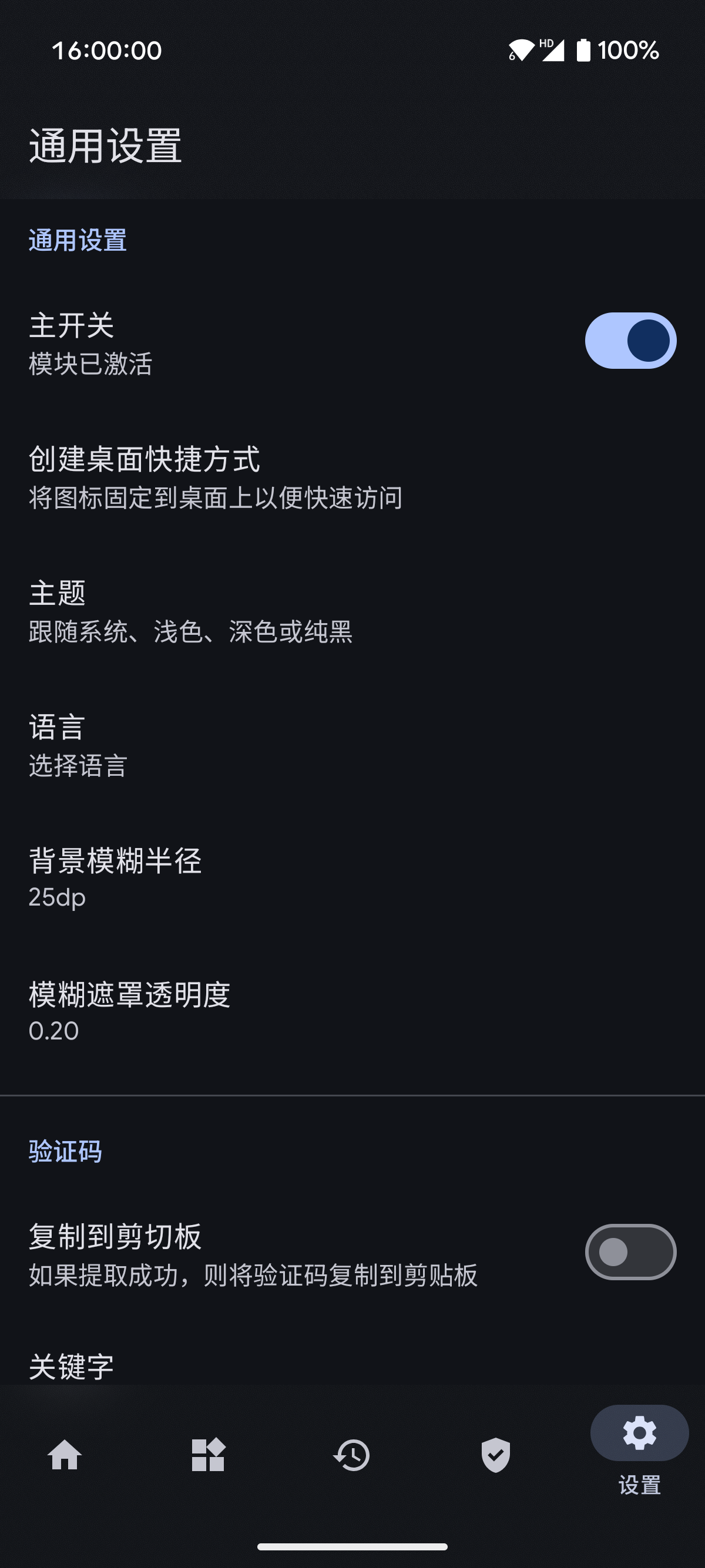
# 应用截图
# 交流与反馈
- [Telegram Group](https://t.me/+NR2QaQ4dlEgxYmNl)
- [Issues](https://github.com/magisk317/XposedSmsCode/issues)
# 使用
1. Root你的设备,安装Xposed框架;
2. 安装本模块,激活并重启;
3. Enjoy it!
欢迎反馈,欢迎提出意见或建议。
# 注意
- **此模块适用于偏原生的系统,其他第三方定制Rom可能不适用。**
- **兼容性:最低 Android 7.0(API 24),目标 Android 16(API 36)。**
- **支持 LSPosed / Xposed API 82+(具体取决于系统与框架实现)。**
- **代码库:100% Kotlin + Jetpack Compose + Room + Coroutines**
- **遇到问题请先阅读模块中的"常见问题"**
# 功能
- 收到验证码短信后将验证码复制到系统剪贴板
- 收到验证码时显示Toast
- 收到验证码时显示通知
- 将验证码短信标记为已读(实验性)
- 验证码提取成功后,删除验证码短信(实验性)
- 拦截验证码短信
- 自定义验证码短信关键字(正则表达式)
- 自定义验证码匹配规则,并支持规则导入导出
- 自动输入验证码
# 文档
- [更新日志 (Changelog)](https://github.com/magisk317/XposedSmsCode/blob/dev/docs/CHANGELOG.md)
- [重构汇总 (Refactoring Summary)](https://github.com/magisk317/XposedSmsCode/blob/dev/docs/REFACTORING.md)
- [隐私政策 (Privacy Policy)](https://github.com/magisk317/XposedSmsCode/blob/dev/docs/PRIVACY.md)
# 源码
- [主仓库 (magisk317/XposedSmsCode)](https://github.com/magisk317/XposedSmsCode)
- [原始项目 (tianma8023/XposedSmsCode)](https://github.com/tianma8023/XposedSmsCode)
# 协议
所有源码遵循 [GPLv3](https://www.gnu.org/licenses/gpl-3.0.txt) 协议。