https://github.com/y-sunflower/pyfonts
A simple and reproducible way of using fonts in matplotlib
https://github.com/y-sunflower/pyfonts
font google matplotlib python
Last synced: 4 months ago
JSON representation
A simple and reproducible way of using fonts in matplotlib
- Host: GitHub
- URL: https://github.com/y-sunflower/pyfonts
- Owner: y-sunflower
- License: mit
- Created: 2024-07-09T16:15:29.000Z (about 2 years ago)
- Default Branch: main
- Last Pushed: 2026-03-22T14:15:34.000Z (4 months ago)
- Last Synced: 2026-03-23T05:05:32.680Z (4 months ago)
- Topics: font, google, matplotlib, python
- Language: Python
- Homepage: https://y-sunflower.github.io/pyfonts/
- Size: 1.98 MB
- Stars: 81
- Watchers: 2
- Forks: 4
- Open Issues: 3
-
Metadata Files:
- Readme: README.md
- Contributing: docs/contributing.md
- License: LICENSE
Awesome Lists containing this project
README
# pyfonts
[](https://pepy.tech/projects/pyfonts)



A **simple** and **reproducible** way of using fonts in matplotlib. In short, `pyfonts`:
- allows you to use all fonts from [**Google Font**](https://fonts.google.com/)
- allows you to use all fonts from [**Bunny Font**](https://fonts.bunny.net/) (GDPR-compliant alternative to Google Fonts)
- allows you to use any font from an **arbitrary URL**
- is **efficient** (thanks to its cache system)
## Quick start
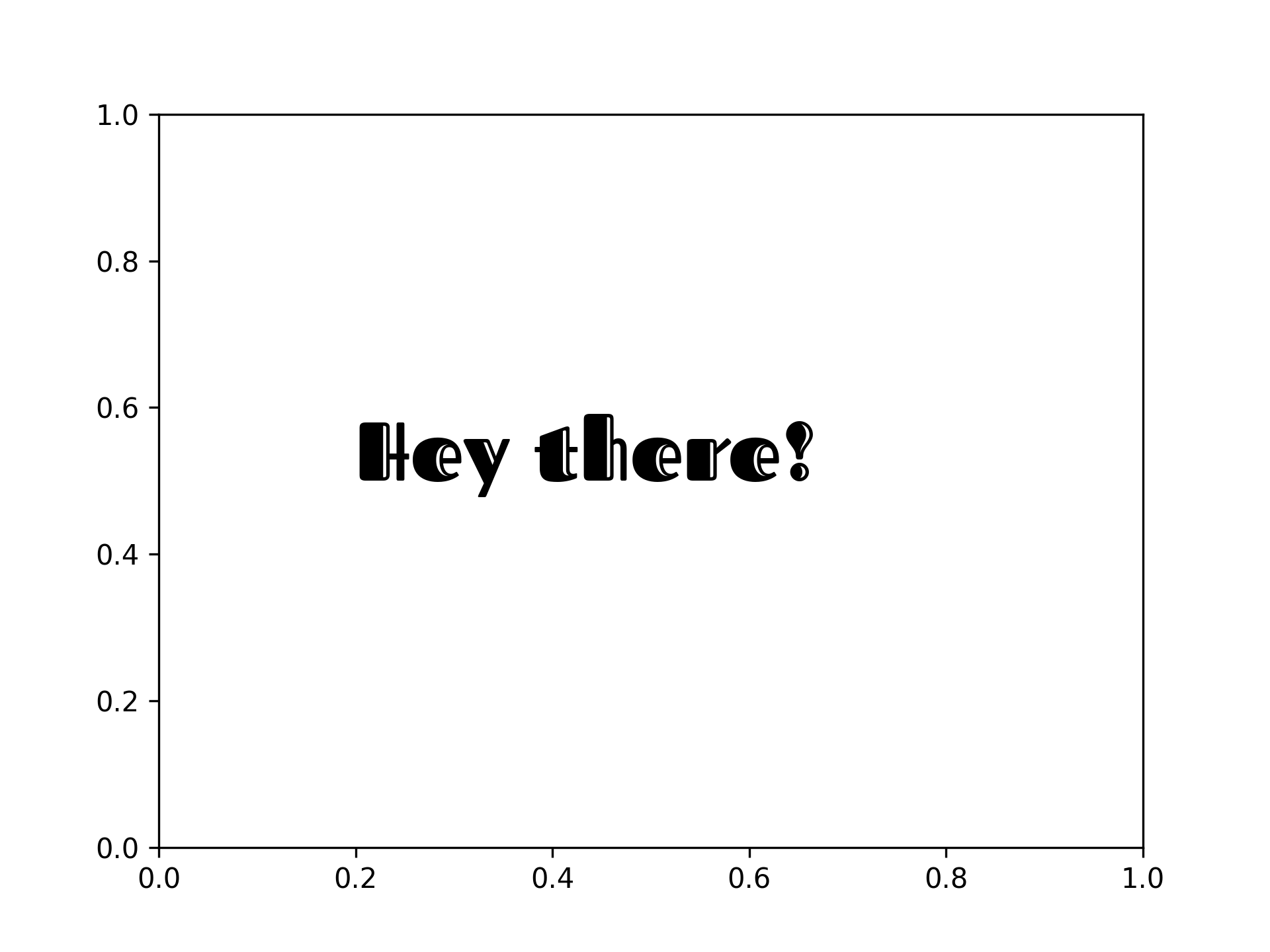
- Google Fonts
```python
import matplotlib.pyplot as plt
from pyfonts import load_google_font
font = load_google_font("Fascinate Inline")
fig, ax = plt.subplots()
ax.text(x=0.2, y=0.5, s="Hey there!", size=30, font=font)
```
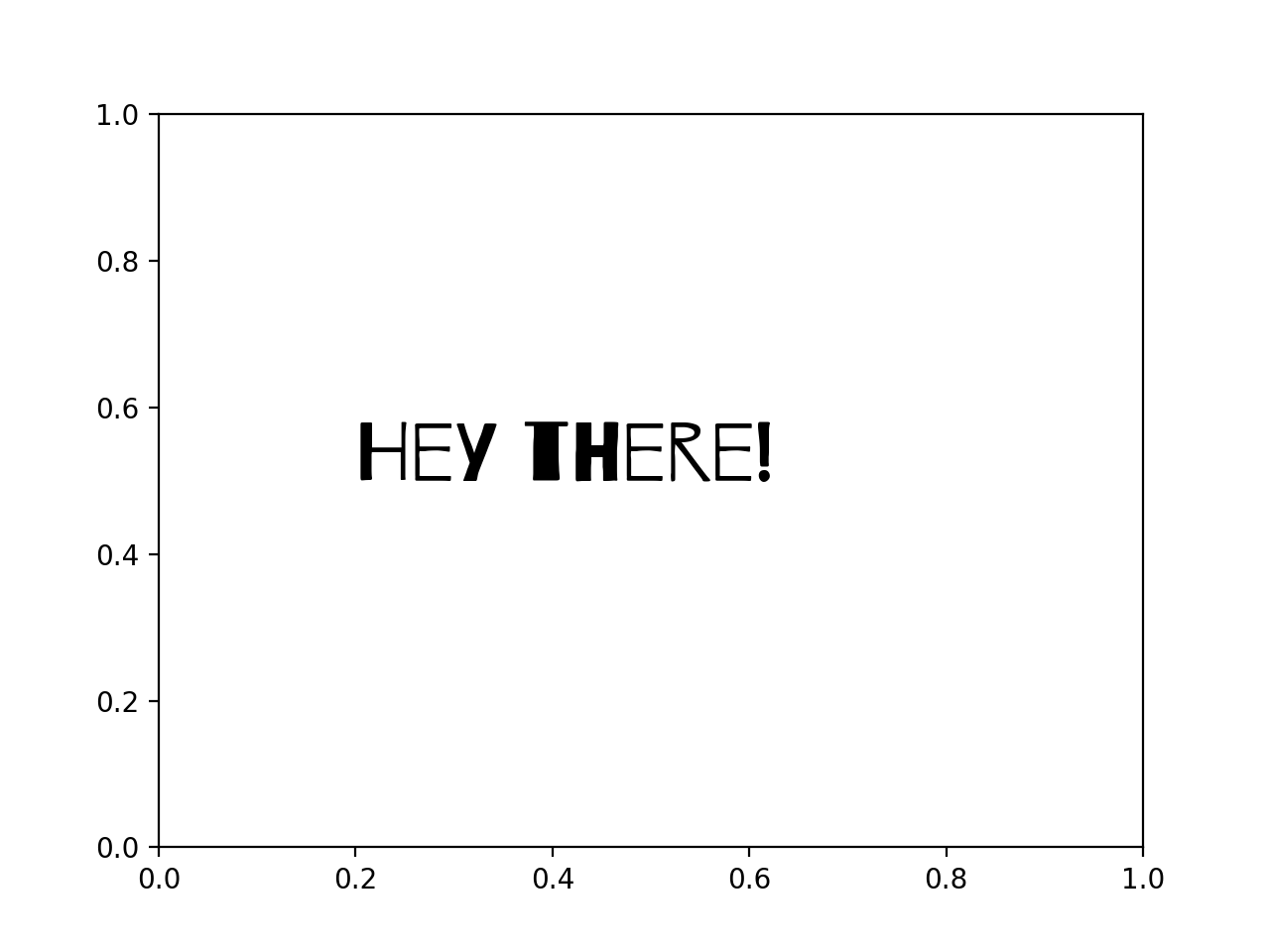
- Bunny Fonts
```python
import matplotlib.pyplot as plt
from pyfonts import load_bunny_font
font = load_bunny_font("Barrio")
fig, ax = plt.subplots()
ax.text(x=0.2, y=0.5, s="Hey there!", size=30, font=font)
```
[**See more examples**](https://y-sunflower.github.io/pyfonts/#quick-start)
## Installation
```bash
pip install pyfonts
```