https://github.com/yama-roni/any_refreshable_widget
A powerful and flexible Flutter package that provides pull-to-refresh functionality for any widget, with support for single and multiple futures, custom indicators, and comprehensive error handling.
https://github.com/yama-roni/any_refreshable_widget
dart flutter mobile-component pull-to-refresh refresh
Last synced: 4 months ago
JSON representation
A powerful and flexible Flutter package that provides pull-to-refresh functionality for any widget, with support for single and multiple futures, custom indicators, and comprehensive error handling.
- Host: GitHub
- URL: https://github.com/yama-roni/any_refreshable_widget
- Owner: Yama-Roni
- License: mit
- Created: 2025-08-14T01:53:26.000Z (10 months ago)
- Default Branch: main
- Last Pushed: 2025-09-17T03:55:15.000Z (9 months ago)
- Last Synced: 2025-09-17T05:45:56.954Z (9 months ago)
- Topics: dart, flutter, mobile-component, pull-to-refresh, refresh
- Language: Dart
- Homepage: https://www.logique.co.id
- Size: 386 KB
- Stars: 0
- Watchers: 0
- Forks: 0
- Open Issues: 0
-
Metadata Files:
- Readme: README.md
- Changelog: CHANGELOG.md
- License: LICENSE
Awesome Lists containing this project
README
# Any Refreshable Widget
[](https://pub.dev/packages/any_refreshable_widget)
[](https://pub.dev/packages/any_refreshable_widget/score)
[](https://pub.dev/packages/any_refreshable_widget/score)
[](https://pub.dev/packages/any_refreshable_widget/score)
A powerful and flexible Flutter package that provides pull-to-refresh functionality for any widget, with support for single and multiple futures, custom indicators, and comprehensive error handling.
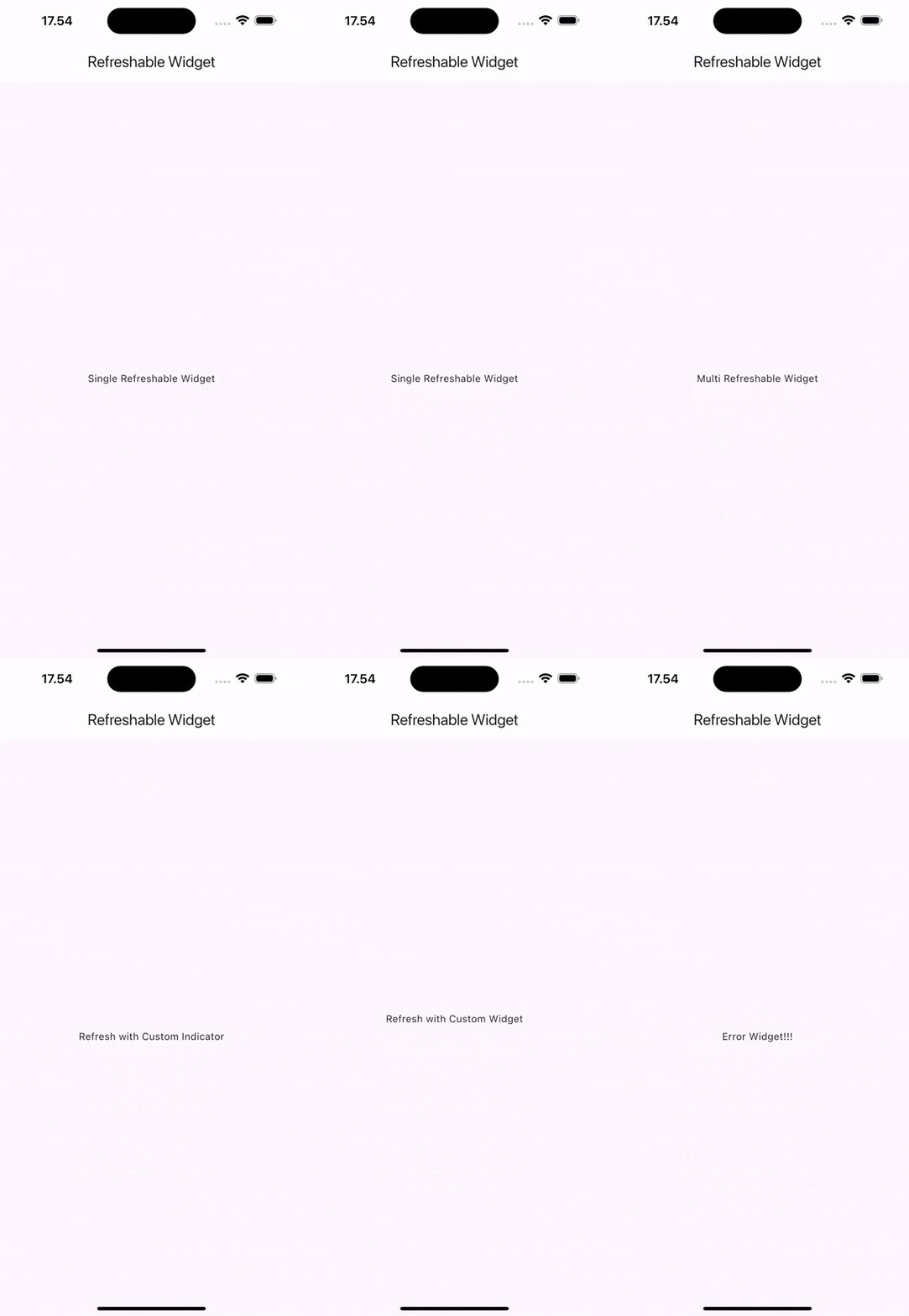
## Features
- 🔄 **Single & Multiple Future Support** - Handle one or multiple asynchronous operations
- 🎮 **Controller Support** - Programmatic refresh triggering with state management
- 🎨 **Customizable Refresh Indicator** - Full control over appearance and behavior
- 📱 **Universal Widget Support** - Works with any widget, automatically makes content scrollable
- 🎯 **Smart Error Handling** - Comprehensive error states and callbacks
- 🔧 **Highly Configurable** - Colors, displacement, stroke width, trigger modes, and more
- ⚡ **Lifecycle Callbacks** - `onBeforeRefresh` and `onAfterRefresh` hooks with sync/async support
- 🔀 **Flexible Concurrency** - Choose between concurrent (parallel) or sequential execution
- 🚀 **Production Ready** - Thoroughly tested and optimized for real-world applications
## Installation
Add this to your package's `pubspec.yaml` file:
```yaml
dependencies:
any_refreshable_widget: ^0.2.0
```
Then run:
```bash
flutter pub get
```
## Quick Start
### Import the package
```dart
import 'package:any_refreshable_widget/any_refreshable_widget.dart';
```
### Basic Usage - Single Future
```dart
AnyRefreshableWidget.single(
onRefresh: () async {
// Your refresh logic here
await fetchUserData();
},
builder: (context, isLoading, error) {
if (error != null) {
return Center(child: Text('Error: $error'));
}
if (isLoading) {
return const Center(child: CircularProgressIndicator());
}
return const Center(child: Text('Pull down to refresh!'));
},
)
```
### Advanced Usage - Multiple Futures
```dart
AnyRefreshableWidget(
onRefresh: [
() => fetchUserData(),
() => fetchNotifications(),
() => fetchSettings(),
],
builder: (context, isLoading, error) {
if (error != null) {
return ErrorWidget(error);
}
if (isLoading) {
return const LoadingWidget();
}
return const ContentWidget();
},
)
```
### Controller State Management
Access refresh state and errors through the controller:
```dart
final controller = AnyRefreshableController();
// Check if controller is attached to a widget
if (controller.isAttached) {
// Check if refresh is in progress
bool isRefreshing = controller.isRefreshing;
// Get current error, if any
Object? currentError = controller.error;
// Trigger refresh programmatically
await controller.refresh();
}
```
### Concurrency Control
Control how multiple futures are executed:
#### Concurrent Execution (Default)
```dart
AnyRefreshableWidget(
concurrency: RefreshConcurrency.concurrent,
onRefresh: [
() => fetchUserData(), // These run simultaneously
() => fetchNotifications(), // for faster completion
() => fetchSettings(),
],
builder: (context, isLoading, error) {
return YourContentWidget();
},
)
```
#### Sequential Execution
```dart
AnyRefreshableWidget(
concurrency: RefreshConcurrency.sequential, // Default
onRefresh: [
() => authenticateUser(), // Runs first
() => fetchUserData(), // Then this
() => fetchNotifications(), // Finally this
],
builder: (context, isLoading, error) {
return YourContentWidget();
},
)
```
## Comprehensive Examples
### Custom Refresh Indicator
```dart
AnyRefreshableWidget.single(
onRefresh: () => performRefresh(),
refreshColor: Colors.blue,
backgroundColor: Colors.white,
displacement: 60.0,
strokeWidth: 3.0,
builder: (context, isLoading, error) {
return YourContentWidget();
},
)
```
### Custom Indicator Widget
```dart
AnyRefreshableWidget.single(
onRefresh: () => performRefresh(),
customIndicator: Container(
padding: const EdgeInsets.all(16),
child: const Row(
mainAxisAlignment: MainAxisAlignment.center,
children: [
CircularProgressIndicator(strokeWidth: 2),
SizedBox(width: 16),
Text('Refreshing...'),
],
),
),
builder: (context, isLoading, error) {
return YourContentWidget();
},
)
```
### Error Handling
```dart
AnyRefreshableWidget.single(
onRefresh: () async {
// Simulate potential error
if (Random().nextBool()) {
throw Exception('Network error occurred');
}
await fetchData();
},
builder: (context, isLoading, error) {
if (error != null) {
return Center(
child: Column(
mainAxisAlignment: MainAxisAlignment.center,
children: [
const Icon(Icons.error, color: Colors.red, size: 48),
const SizedBox(height: 16),
Text('Error: ${error.toString()}'),
const SizedBox(height: 16),
ElevatedButton(
onPressed: () {
// Trigger refresh programmatically
},
child: const Text('Retry'),
),
],
),
);
}
if (isLoading) {
return const Center(
child: Column(
mainAxisAlignment: MainAxisAlignment.center,
children: [
CircularProgressIndicator(),
SizedBox(height: 16),
Text('Loading...'),
],
),
);
}
return YourDataWidget();
},
)
```
### With ListView
```dart
AnyRefreshableWidget.single(
onRefresh: () => refreshListData(),
builder: (context, isLoading, error) {
if (error != null) return ErrorWidget(error);
return ListView.builder(
itemCount: items.length,
itemBuilder: (context, index) {
return ListTile(
title: Text(items[index].title),
subtitle: Text(items[index].description),
);
},
);
},
)
```
### Lifecycle Callbacks
The package supports `onBeforeRefresh` and `onAfterRefresh` callbacks that can be either synchronous or asynchronous:
#### Synchronous Callbacks
```dart
AnyRefreshableWidget.single(
onBeforeRefresh: () {
print('Starting refresh...');
// Synchronous setup logic
},
onRefresh: () => fetchData(),
onAfterRefresh: () {
print('Refresh completed!');
// Synchronous cleanup logic
},
builder: (context, isLoading, error) {
return YourContentWidget();
},
)
```
#### Asynchronous Callbacks
```dart
AnyRefreshableWidget.single(
onBeforeRefresh: () async {
print('Starting refresh...');
await prepareForRefresh();
// Asynchronous setup logic
},
onRefresh: () => fetchData(),
onAfterRefresh: () {
print('Refresh completed!');
// Cleanup logic (always sync)
},
builder: (context, isLoading, error) {
return YourContentWidget();
},
)
```
## API Reference
### AnyRefreshableWidget
| Parameter | Type | Required | Default | Description |
|-----------|------|----------|---------|-------------|
| `onRefresh` | `List Function()>` | ✅ | - | List of async functions to execute on refresh |
| `builder` | `Widget Function(BuildContext, bool, Object?)` | ✅ | - | Builder function with loading and error states |
| `controller` | `AnyRefreshableController?` | ❌ | `null` | Controller for programmatic refresh triggering |
| `concurrency` | `RefreshConcurrency` | ❌ | `sequential` | How futures should be executed (concurrent/sequential) |
| `onBeforeRefresh` | `FutureOr Function()?` | ❌ | `null` | Callback executed before refresh starts (sync/async) |
| `onAfterRefresh` | `VoidCallback?` | ❌ | `null` | Callback executed after refresh completes |
| `refreshColor` | `Color?` | ❌ | `null` | Color of the refresh indicator |
| `backgroundColor` | `Color?` | ❌ | `null` | Background color of the refresh indicator |
| `displacement` | `double` | ❌ | `40.0` | Distance from top to show indicator |
| `strokeWidth` | `double` | ❌ | `2.0` | Stroke width of the progress indicator |
| `customIndicator` | `Widget?` | ❌ | `null` | Custom refresh indicator widget |
| `triggerMode` | `RefreshIndicatorTriggerMode?` | ❌ | `anywhere` | When the indicator should trigger |
| `notificationPredicate` | `bool Function(ScrollNotification)?` | ❌ | `null` | Custom scroll notification predicate |
### AnyRefreshableWidget.single
Same parameters as `AnyRefreshableWidget`, but `onRefresh` takes a single `Future Function()` instead of a list. The `concurrency` parameter is not applicable for single futures.
### RefreshConcurrency Enum
| Value | Description | Use Case |
|-------|-------------|----------|
| `RefreshConcurrency.concurrent` | Execute all futures simultaneously using `Future.wait` | fastest refresh when futures are independent |
| `RefreshConcurrency.sequential` | Execute futures one by one in order | When futures depend on each other or to limit resource usage |
## Callback Execution Order
When a refresh is triggered, the callbacks execute in this order:
1. **`onBeforeRefresh`** - Called first, awaited if async
2. **Loading state** - `isLoading` becomes `true`, UI updates
3. **`onRefresh`** - All futures execute concurrently
4. **Loading state** - `isLoading` becomes `false`, UI updates
5. **`onAfterRefresh`** - Called last, always synchronous
## Advanced Configuration
### Custom Scroll Notification Predicate
```dart
AnyRefreshableWidget.single(
onRefresh: () => performRefresh(),
notificationPredicate: (ScrollNotification notification) {
// Custom logic to determine when refresh should trigger
return notification.depth == 0 && notification.metrics.pixels <= 0;
},
builder: (context, isLoading, error) {
return YourContentWidget();
},
)
```
### Trigger Modes
```dart
AnyRefreshableWidget.single(
onRefresh: () => performRefresh(),
triggerMode: RefreshIndicatorTriggerMode.onEdge, // or .anywhere
builder: (context, isLoading, error) {
return YourContentWidget();
},
)
```
## Contributing
Contributions are welcome! Please feel free to submit a Pull Request. For major changes, please open an issue first to discuss what you would like to change.
## License
This project is licensed under the MIT License - see the [LICENSE](LICENSE) file for details.
## Issues
If you encounter any issues or have suggestions, please file them in the [GitHub Issues](https://github.com/Yama-Roni/any_refreshable_widget/issues).
## Changelog
See [CHANGELOG.md](CHANGELOG.md) for a detailed changelog.
---
Made with ❤️ by [Yama-Roni](https://github.com/Yama-Roni)