https://github.com/yashindane/flaskapp-mongodb
https://github.com/yashindane/flaskapp-mongodb
flask mongodb
Last synced: about 1 year ago
JSON representation
- Host: GitHub
- URL: https://github.com/yashindane/flaskapp-mongodb
- Owner: YashIndane
- Created: 2021-05-12T17:56:27.000Z (about 5 years ago)
- Default Branch: main
- Last Pushed: 2022-12-12T10:29:49.000Z (over 3 years ago)
- Last Synced: 2025-04-09T04:03:31.751Z (over 1 year ago)
- Topics: flask, mongodb
- Language: HTML
- Homepage:
- Size: 3.32 MB
- Stars: 6
- Watchers: 2
- Forks: 0
- Open Issues: 0
-
Metadata Files:
- Readme: README.md
Awesome Lists containing this project
README

# flaskapp-mongodb
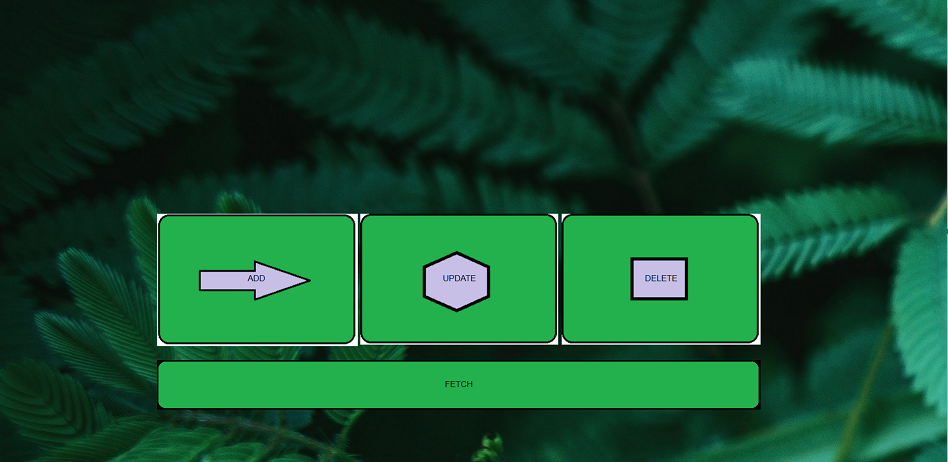
A simple webapp to demonstrate flask and mongoDB integration
## Installation
### mongoDB on Amazon Linux 2:
Create a /etc/yum.repos.d/mongodb-org-4.4.repo file so that you can install MongoDB directly using yum:
```
[mongodb-org-4.4]
name=MongoDB Repository
baseurl=https://repo.mongodb.org/yum/amazon/2/mongodb-org/4.4/x86_64/
gpgcheck=1
enabled=1
gpgkey=https://www.mongodb.org/static/pgp/server-4.4.asc
```
now do:
```
$ sudo yum install -y mongodb-org
```
Complete installation guid -> [link](https://docs.mongodb.com/manual/administration/install-community/)
install `pymongo`and `flask` by
```
$ pip install pymongo
```
```
$ pip install Flask
```
## Usage
From the terminal create the Database and collection by:
```
use
db.createCollection("")
```
Use the `ADD`, `UPDATE`, `DELETE` and `FETCH`to do the required operations.