An open API service indexing awesome lists of open source software.

https://github.com/yeaeun23/eps-image-sender

EPS 파일 뷰어 및 전송 프로그램
https://github.com/yeaeun23/eps-image-sender

acrobat-distiller c-sharp eps-file ghostscript mssql

Last synced: 7 months ago
JSON representation

EPS 파일 뷰어 및 전송 프로그램

Awesome Lists containing this project

README


# eps-image-sender

- 개발 100%
- 디자인 100%
- DB설계 0%
- 2019.03~2019.07 (5개월)

## 기능 및 화면 예시

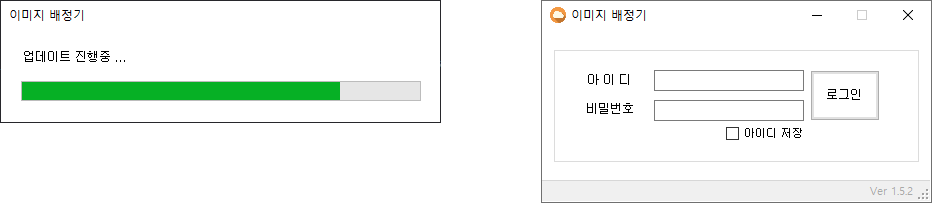
### 1. 로그인
- 실행 → 버전 체크 → (업데이트) → 로그인
- 아이디 저장
- [업데이트 프로그램](https://github.com/yeaeun23/program-updater)
![로그인1](https://user-images.githubusercontent.com/14077108/137291376-03ce0c20-7eae-44e0-9d8e-d9f7eefe9474.png)

- - -

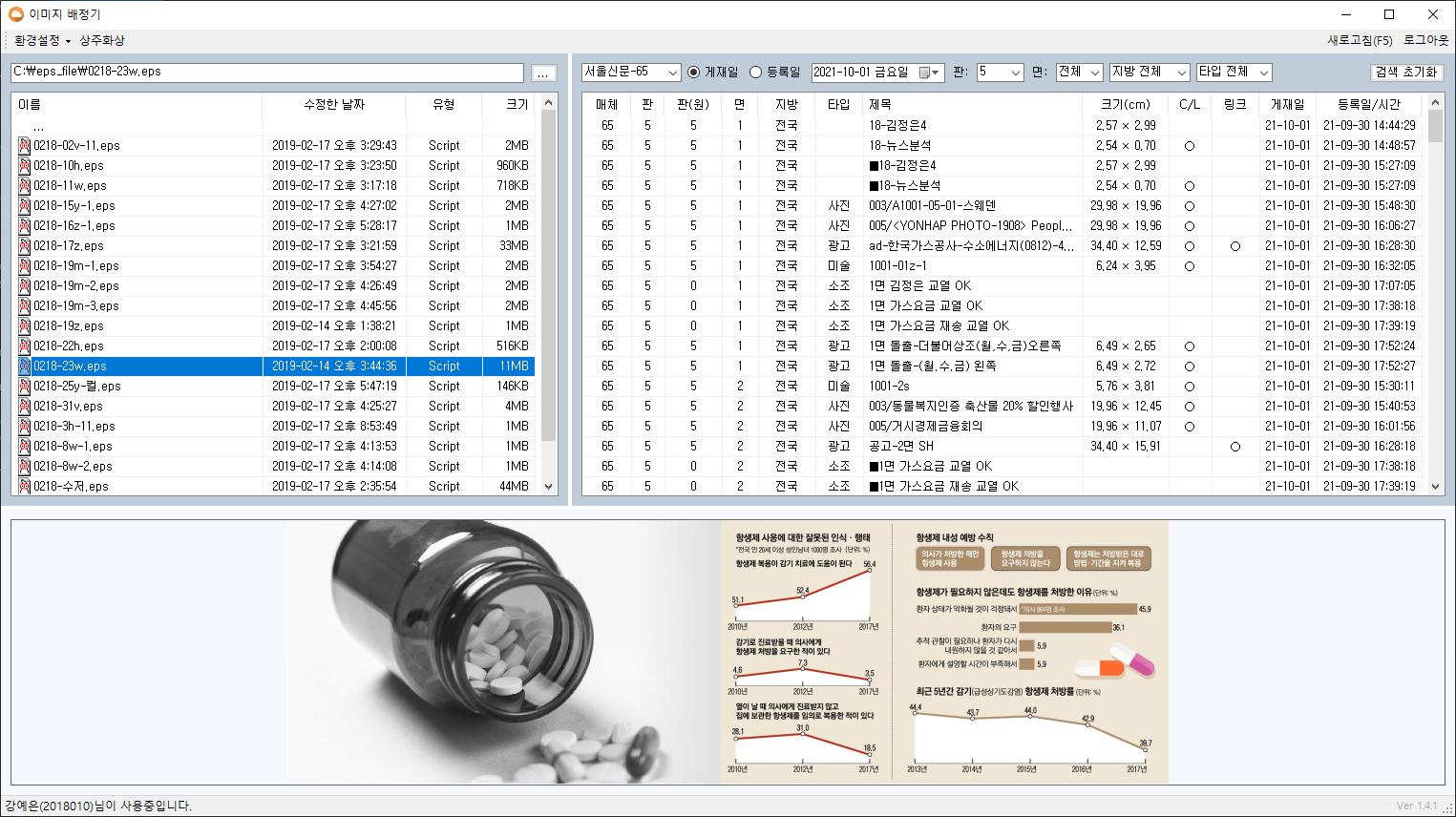
### 2. 메인
- 리스트 컬럼 너비, 창 크기, 스플리터 값 저장
![11](https://user-images.githubusercontent.com/14077108/137291838-cdadd199-0768-4ef5-b41e-5a0a1dae9dda.png)

#### 2-1. 로컬 리스트 (좌측)
- EPS 파일 필터링
- 이름, 수정한 날짜, 유형, 크기순 정렬
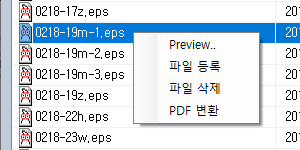
- 우클릭 메뉴
![제목 없음-2](https://user-images.githubusercontent.com/14077108/137301544-0ecbd44e-2fdb-4ab0-885d-0477a609e4c0.png)

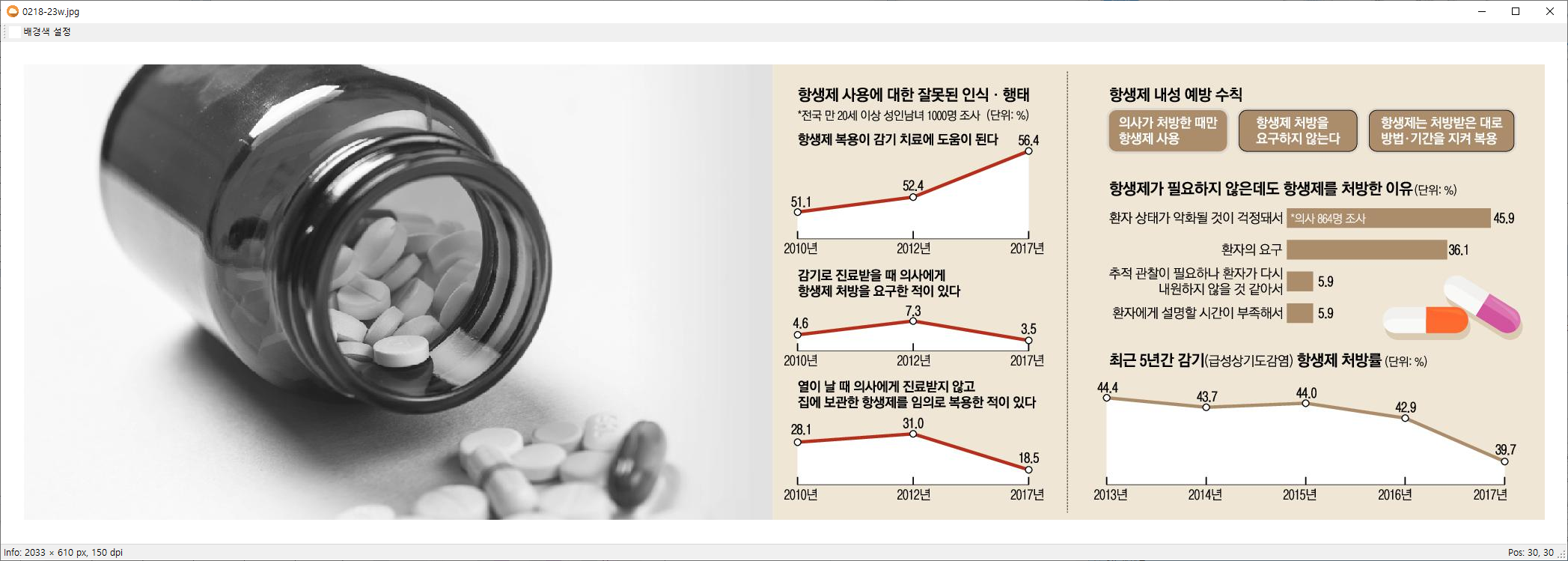
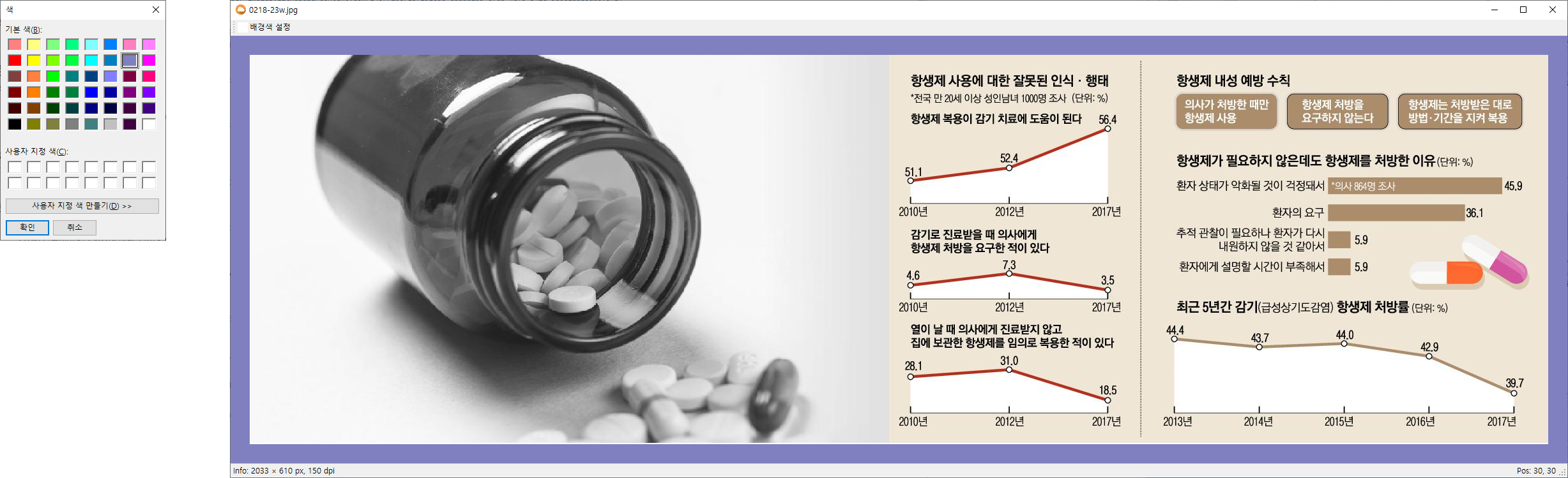
+ Preview : 이미지 크게보기, 배경색 설정

![image](https://user-images.githubusercontent.com/14077108/137304377-d97531c5-d89e-4a76-b49f-bf3c01ca73ac.png)

![프리뷰33](https://user-images.githubusercontent.com/14077108/137305783-356057b8-ba0d-4c54-a3d9-1b98161045df.png)

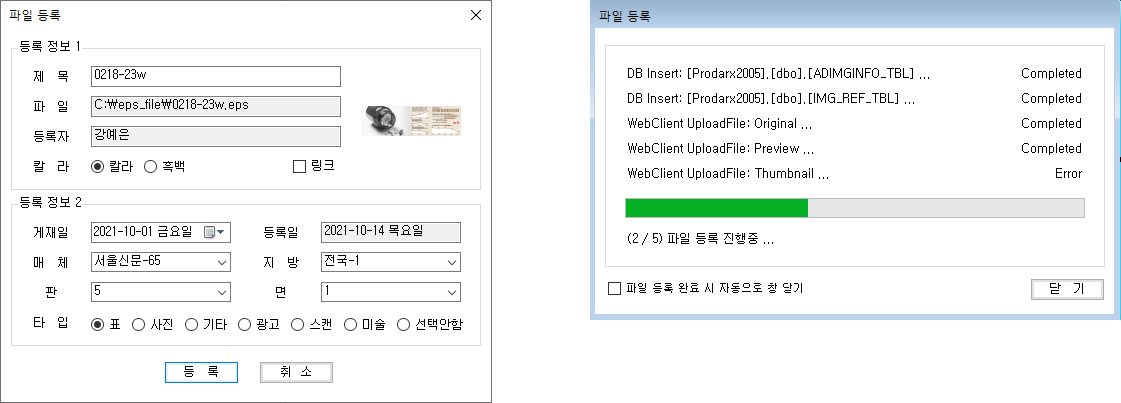
+ 파일 등록 : 로컬(좌측) → DB 삽입(우측) → 제작 서버로 EPS 파일 전송 → 화면 갱신
![제목 없음-4](https://user-images.githubusercontent.com/14077108/137322970-731d851e-3650-4135-97eb-c35f7ce61b52.png)

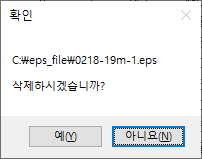
+ 파일 삭제 : 휴지통 거치지 않고 탐색기에서 삭제

![image](https://user-images.githubusercontent.com/14077108/137304255-954ec3d0-8d5d-43c6-84a5-7e31b555fc24.png)

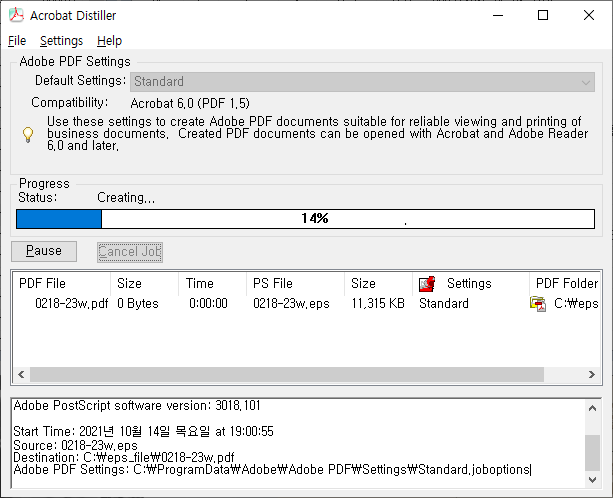
+ PDF 변환 : EPS 파일 → Acrobat Distiller(acrodist.exe) → PDF 파일로 저장
![pdf](https://user-images.githubusercontent.com/14077108/137302201-ec80dca7-46c3-4423-bc9a-9195566904b0.png)

#### 2-2. DB 리스트 (우측)
- 컬럼순 정렬
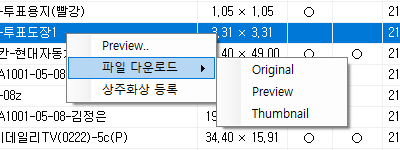
- 우클릭 메뉴
![제목 없음-3](https://user-images.githubusercontent.com/14077108/137307519-ea34a362-801a-4a42-8ec5-123f18feea00.png)

+ Preview

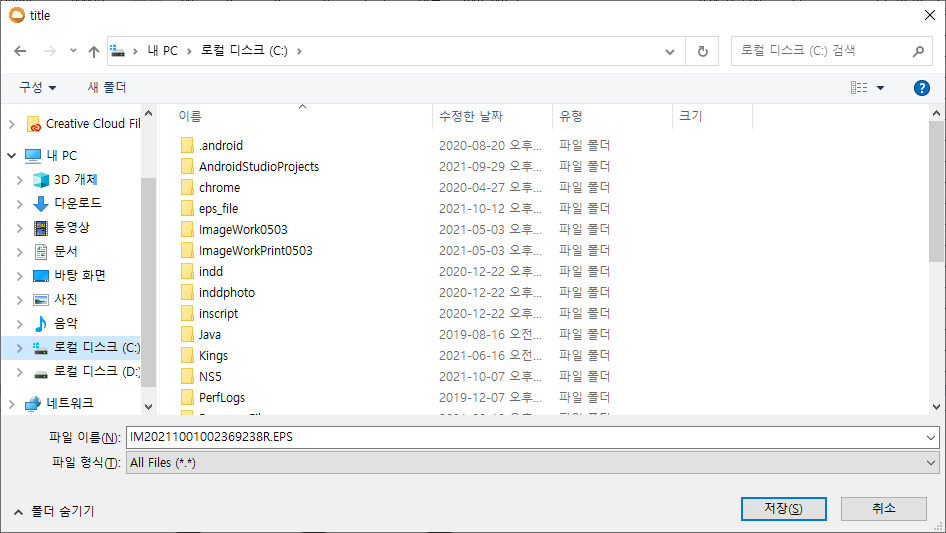
+ 파일 다운로드 : 해상도별로 서버 → 로컬 저장
![파일다운로드](https://user-images.githubusercontent.com/14077108/137307863-8910d95b-db87-412a-ab1e-92721fffcb3f.png)

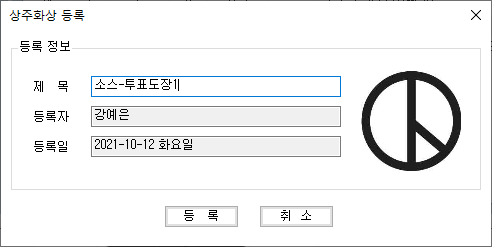
+ 상주화상 등록

![상주화상등록](https://user-images.githubusercontent.com/14077108/137307960-8816f434-9f70-4385-a300-e14887a23b77.png)

#### 2-3. 이미지 미리보기 (하단)

- EPS 파일 → GhostScript(gswin64c.exe) → JPG 파일로 변환

- - -

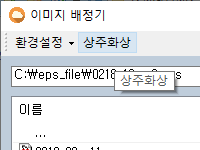
### 3. 상주화상

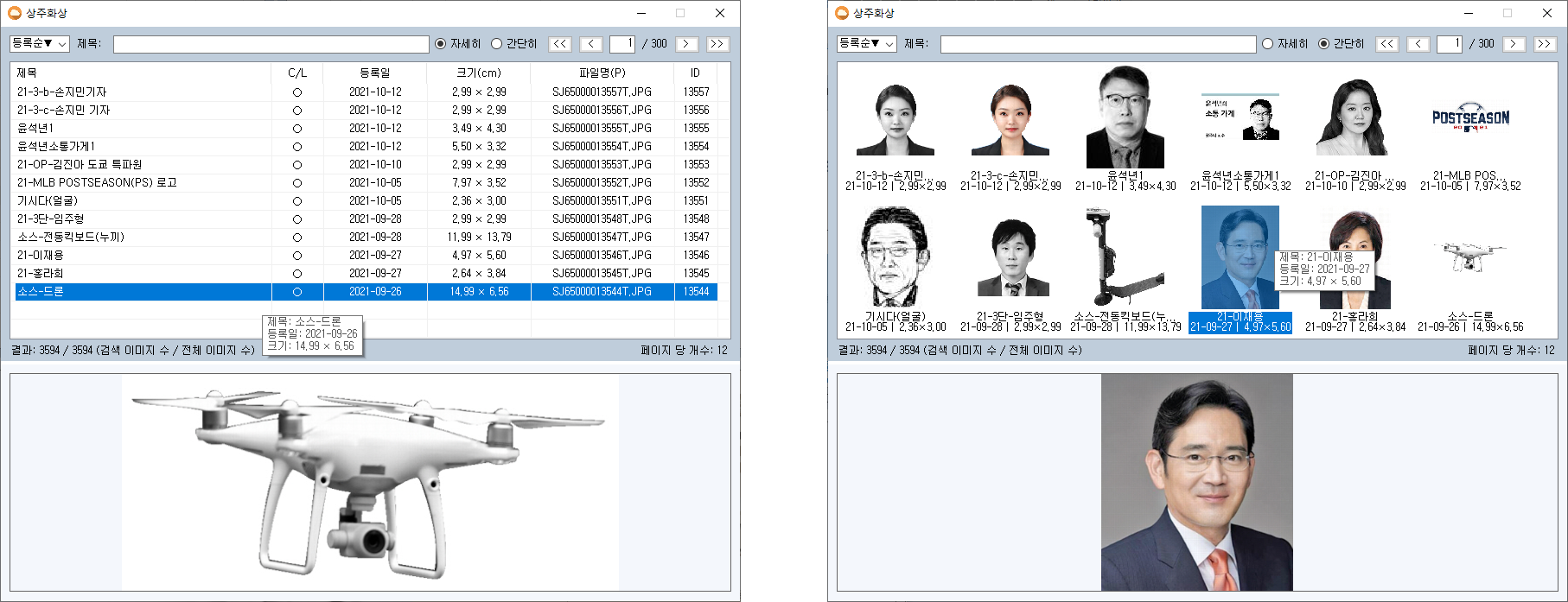
- 공통적으로 사용되는 이미지를 필요할 때마다 검색해 쓸 수 있도록 관리 (ex. 기업 로고, 정치인 등)
![상주](https://user-images.githubusercontent.com/14077108/137317980-31726d38-8374-4f7d-8079-7bcbb930291c.png)

- 등록, 제목순 정렬
- 보기 방식 설정 (자세히, 간단히)

![상주화상3](https://user-images.githubusercontent.com/14077108/137308886-0377ac3a-9511-4bc1-b671-2086c7f36c03.png)

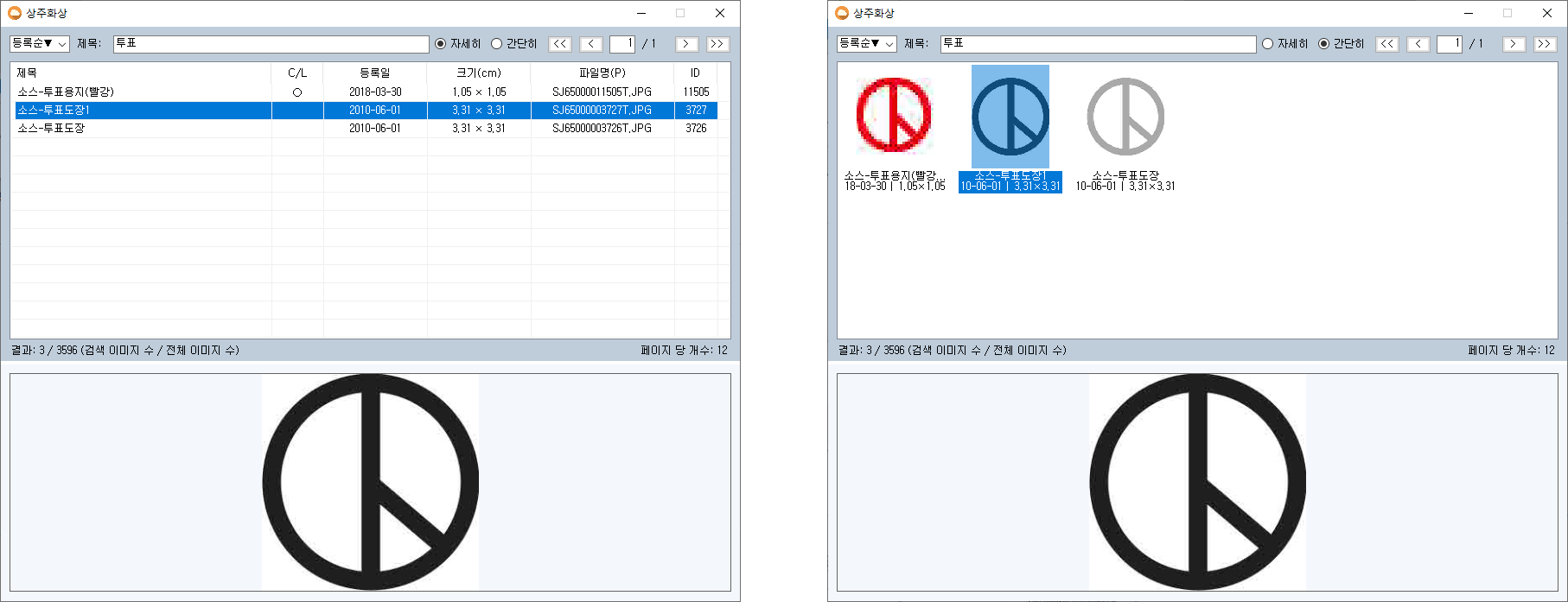
- 제목, 페이지 검색

![상주](https://user-images.githubusercontent.com/14077108/137311713-7d6bfc2a-dbcb-480e-ba79-6d8165d56141.png)

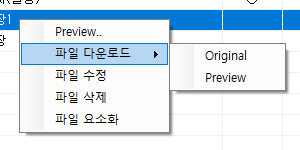
- 우클릭 메뉴

![제목 없음-35](https://user-images.githubusercontent.com/14077108/137310837-a15bf89c-877d-4e03-aa44-1fbb912d5152.png)

+ Preview

+ 파일 다운로드

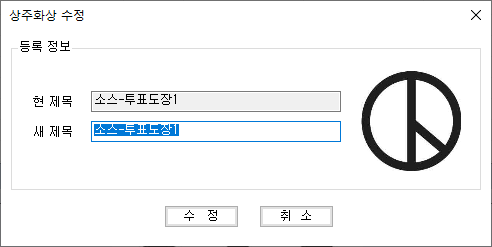
+ 파일 수정 : 상주화상 제목 수정
![image](https://user-images.githubusercontent.com/14077108/137311003-7a1a6d1d-ca8b-483d-adfc-7e30564b010d.png)

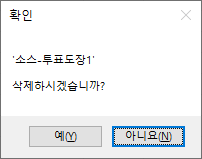
+ 파일 삭제 : 상주화상 등록 해제

![image](https://user-images.githubusercontent.com/14077108/137311024-fa339c89-9de0-4425-9329-bdcc3b4f09fe.png)

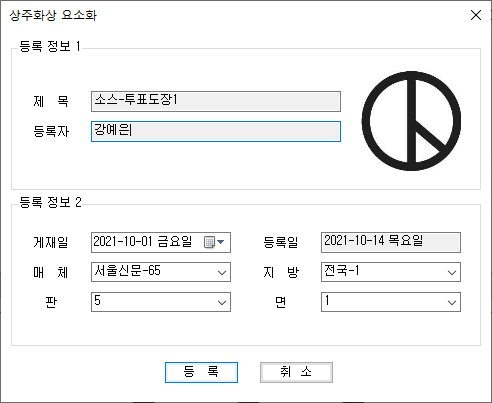
+ 파일 요소화 : 상주화상 → DB 삽입(우측) → 제작 서버로 전송 → 메인화면 갱신
![image](https://user-images.githubusercontent.com/14077108/137333897-a9707876-46bb-4dea-a153-d81ed71ae584.png)

- - -

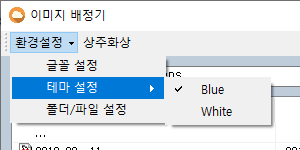
### 4. 환경설정

![환경설정3](https://user-images.githubusercontent.com/14077108/137309565-95847dea-4540-4139-a634-8610e2359242.png)

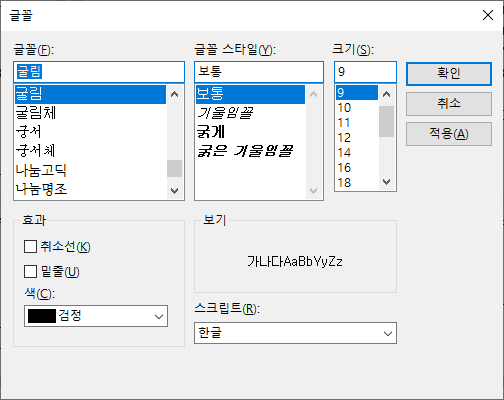
#### 4-1. 글꼴 설정

![환경설정1](https://user-images.githubusercontent.com/14077108/137308585-5b83487b-106f-4cc3-a12c-eef942ea83d3.png)

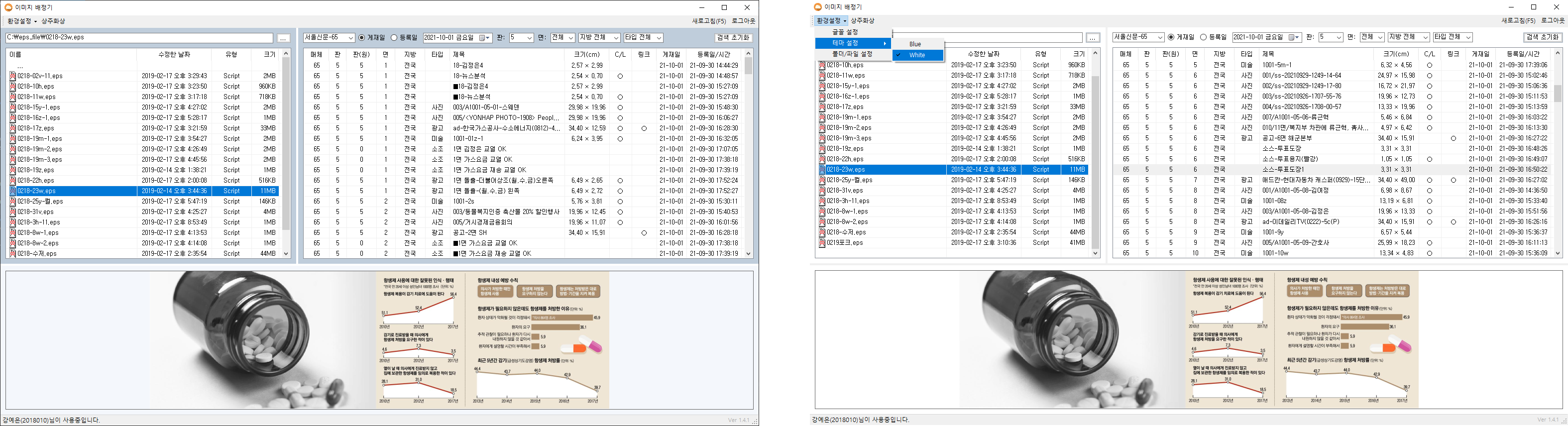
#### 4-2. 테마 설정

![제목 없음-4](https://user-images.githubusercontent.com/14077108/137309875-4ceb423c-4ee4-4195-83ec-d084b7b75d92.png)

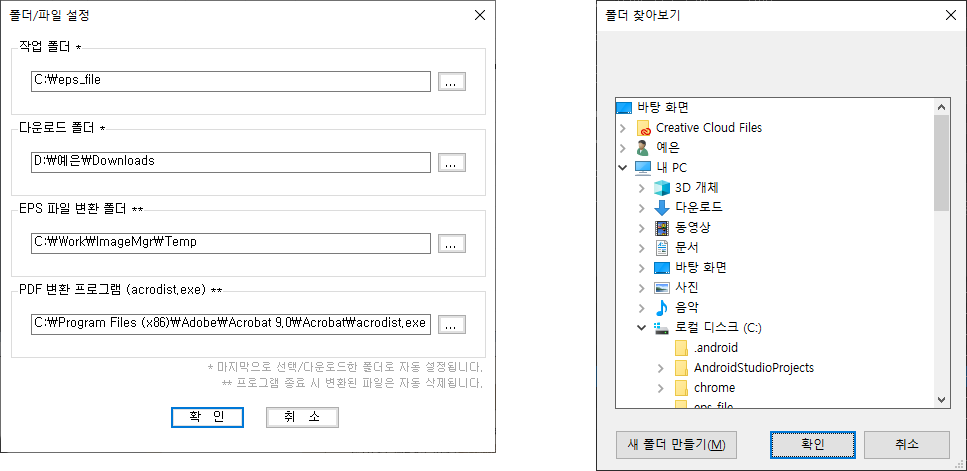
#### 4-3. 폴더/파일 설정

![폴더설정3](https://user-images.githubusercontent.com/14077108/137459061-3279c051-aefa-49fc-b15e-a85bbf58b1f2.png)

- - -

### 5. 기타

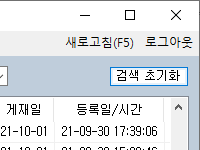
#### 5-1. 검색 초기화
- 우측 리스트 컨트롤 값 초기화 (날짜, 타입 등)
![초기화](https://user-images.githubusercontent.com/14077108/137319358-23766ada-de22-48a1-a35e-7a64af853b9f.png)

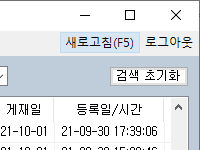
#### 5-2. 새로고침
- 메인화면 갱신 (좌/우측 리스트), 검색 컨트롤 값은 유지
- 단축키 : F5
![새로고침](https://user-images.githubusercontent.com/14077108/137318549-9e09f02e-aa6e-456b-93bc-14f53086a4e0.png)

#### 5-3. 로그아웃
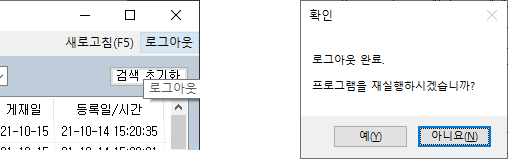
- 프로그램 재실행 or 종료

![로그아웃33](https://user-images.githubusercontent.com/14077108/137304130-cc33c449-c81e-4587-be6e-ad03afc15033.png)