https://github.com/yii3-extensions/app
Flowbite Application for YiiFramework v 3.0.
https://github.com/yii3-extensions/app
app flowbite tailwindcss yii3
Last synced: 9 months ago
JSON representation
Flowbite Application for YiiFramework v 3.0.
- Host: GitHub
- URL: https://github.com/yii3-extensions/app
- Owner: yii3-extensions
- License: bsd-3-clause
- Created: 2020-09-20T17:15:29.000Z (over 5 years ago)
- Default Branch: main
- Last Pushed: 2024-05-20T02:00:13.000Z (about 2 years ago)
- Last Synced: 2025-07-25T11:29:25.800Z (10 months ago)
- Topics: app, flowbite, tailwindcss, yii3
- Language: PHP
- Homepage: https://app.yii.lat/
- Size: 911 KB
- Stars: 6
- Watchers: 2
- Forks: 0
- Open Issues: 4
-
Metadata Files:
- Readme: README.md
- Changelog: CHANGELOG.md
- Contributing: .github/CONTRIBUTING.md
- Funding: .github/FUNDING.yml
- License: LICENSE.md
- Code of conduct: .github/CODE_OF_CONDUCT.md
- Security: .github/SECURITY.md
Awesome Lists containing this project
README

Flowbite Application for YiiFramework v 3.0.






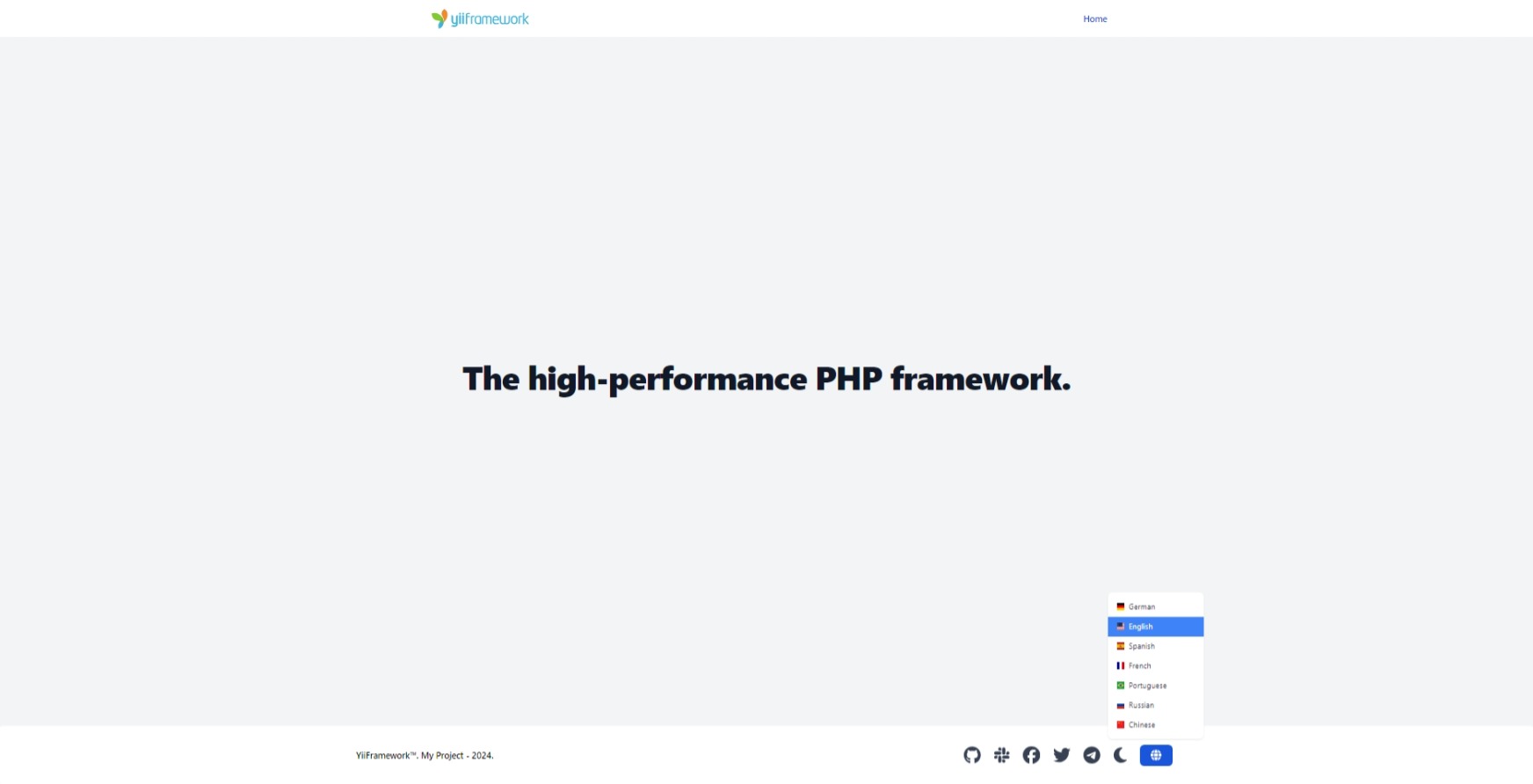
## Installation
This package requires [bun](https://github.com/oven-sh/bun?tab=readme-ov-file#install) for [php-forge/foxy](https://www.github.com/php-forge/foxy),
which manages the installation of npm packages and resource compilation.
The preferred way to install this extension is through [composer](https://getcomposer.org/download/).
```shell
composer create-project --prefer-dist --stability=dev yii3-extensions/app
cd
composer update --prefer-dist --vvv
```
To launch development web server run:
```bash
composer run serve
```
Now you should be able to access the application through the URL printed to console. Usually it is http://localhost:8080.
## Directory structure
The application has the following structure directory:
```text
root
├── runtime Files generated during runtime.
├── src Application source code.
│ └── Framework Framework classes.
│ └── Asset Asset classes.
│ └── EventHandler Event handler classes.
│ └── Handler Handler classes.
│ └── resource Resource files.
│ └── asset Custom asset files.
│ └── layout Layout files.
│ └── message Message translation files.
│ └── UseCase Use case classes with vertical slices.
│ └── Hello Classes for function hello command.
│ └── Home Classes for function home page.
```
## Configuration, installation and usage
For complete instructions on how to configure, install and use this application demo, see the [docs](/docs/README.md).
## Testing
[Check the documentation testing](/docs/testing.md) to learn about testing.
## License
The MIT License (MIT). Please see [License File](LICENSE) for more information.
## Our social networks
[](https://twitter.com/Terabytesoftw)