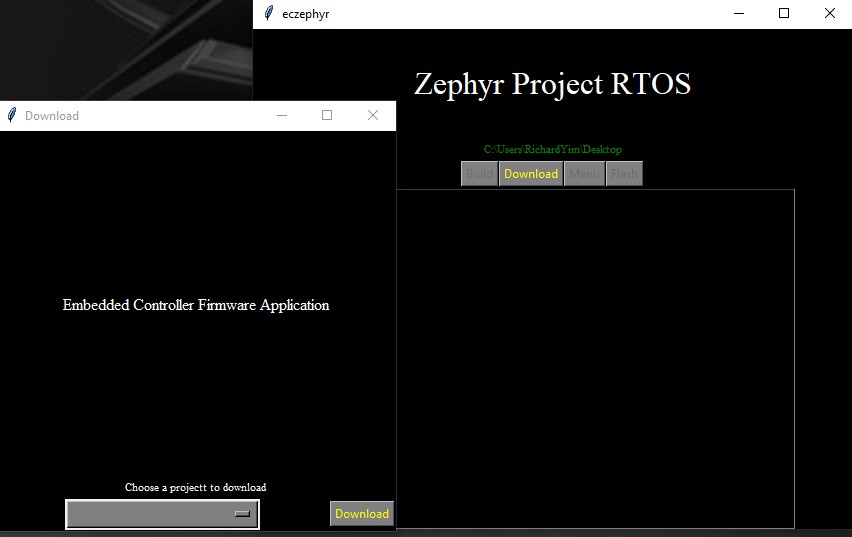
https://github.com/yimjiajun/zephyr_gui
Intel Open Source Embedded Controller Firmware based on Zephyr Project RTOS UI interface for download project, workspace intiialization, build and flash.
https://github.com/yimjiajun/zephyr_gui
debian-package gui tkinter-python zephyr-rtos
Last synced: over 1 year ago
JSON representation
Intel Open Source Embedded Controller Firmware based on Zephyr Project RTOS UI interface for download project, workspace intiialization, build and flash.
- Host: GitHub
- URL: https://github.com/yimjiajun/zephyr_gui
- Owner: yimjiajun
- Created: 2023-03-16T02:27:23.000Z (over 3 years ago)
- Default Branch: main
- Last Pushed: 2023-06-06T23:07:25.000Z (about 3 years ago)
- Last Synced: 2024-10-24T16:49:22.232Z (over 1 year ago)
- Topics: debian-package, gui, tkinter-python, zephyr-rtos
- Language: Python
- Homepage:
- Size: 9.28 MB
- Stars: 1
- Watchers: 1
- Forks: 0
- Open Issues: 0
-
Metadata Files:
- Readme: README.md
Awesome Lists containing this project
README
# Zephyr RTOS GUI
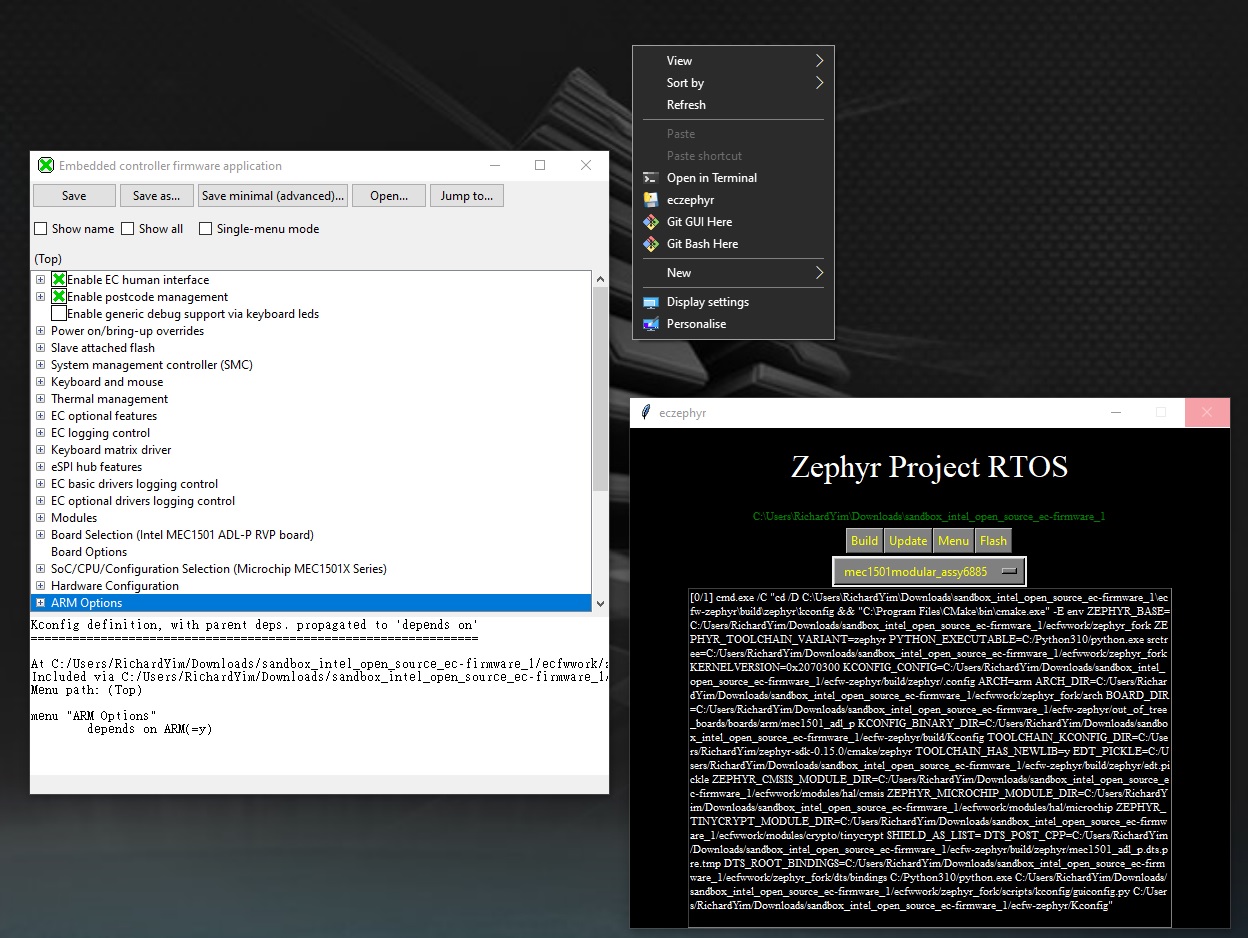
## Installation
Zephyr RTOS project requirement tools should been installed
[Getting Started of Zephyr Project](https://docs.zephyrproject.org/latest/develop/getting_started/index.html)
- _west tool chain recommendation install globally rather than python environment._
1. Build source becomes debian package or executable file:
- unix/window(or mouse click):
```bash
python3 build.py
```
`eczpehyr.deb`, `dist/eczephyr`, `dist/eczephyr.exe` been generated after success build.
* _`eczephyr.deb` and `dist/eczephyr`: not generated in MS-DOS._
* _`dist/eczephyr.exe`: will generated in **WSL**_
2. Install debian package (Linux) or executable file (Window):
- unix/window(or mouse click):
```bash
python3 install.py
```
3. Process zephyr GUI:
- unix:
```bash
eczephyr gui
```
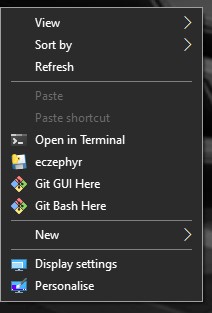
- window:
1. right-click mouse button
2. select `eczephyr`
## Usage
1. Download Intel Open EC firmware
- Click **Download**:
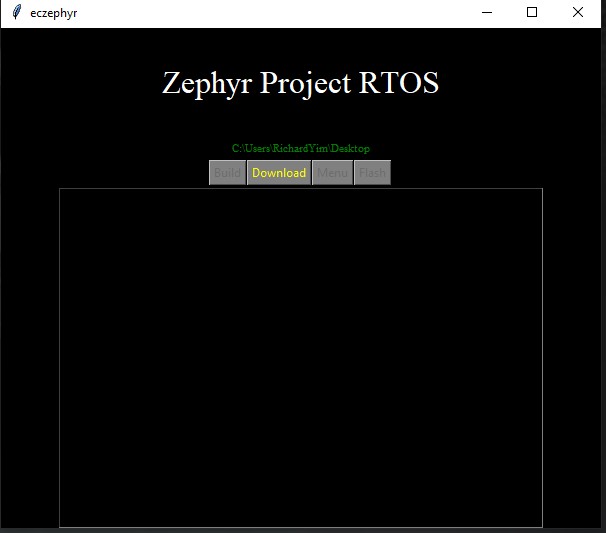
- Select Project to Download: