https://github.com/yjb94/react-store-badges
react store badges for apple app store and google play store. supports localization
https://github.com/yjb94/react-store-badges
apple appstore badge badge-generator google google-play-store react react-store-badges reactjs
Last synced: 4 months ago
JSON representation
react store badges for apple app store and google play store. supports localization
- Host: GitHub
- URL: https://github.com/yjb94/react-store-badges
- Owner: yjb94
- License: mit
- Created: 2020-01-21T09:41:07.000Z (over 6 years ago)
- Default Branch: master
- Last Pushed: 2023-05-07T19:46:32.000Z (about 3 years ago)
- Last Synced: 2025-11-04T08:14:54.344Z (8 months ago)
- Topics: apple, appstore, badge, badge-generator, google, google-play-store, react, react-store-badges, reactjs
- Language: JavaScript
- Homepage:
- Size: 1.28 MB
- Stars: 12
- Watchers: 0
- Forks: 5
- Open Issues: 11
-
Metadata Files:
- Readme: README.md
- Contributing: CONTRIBUTING.md
- License: LICENSE
Awesome Lists containing this project
README
# react-store-badges
[![Travis][build-badge]][build]
[![npm package][npm-badge]][npm]
[![Coveralls][coveralls-badge]][coveralls]
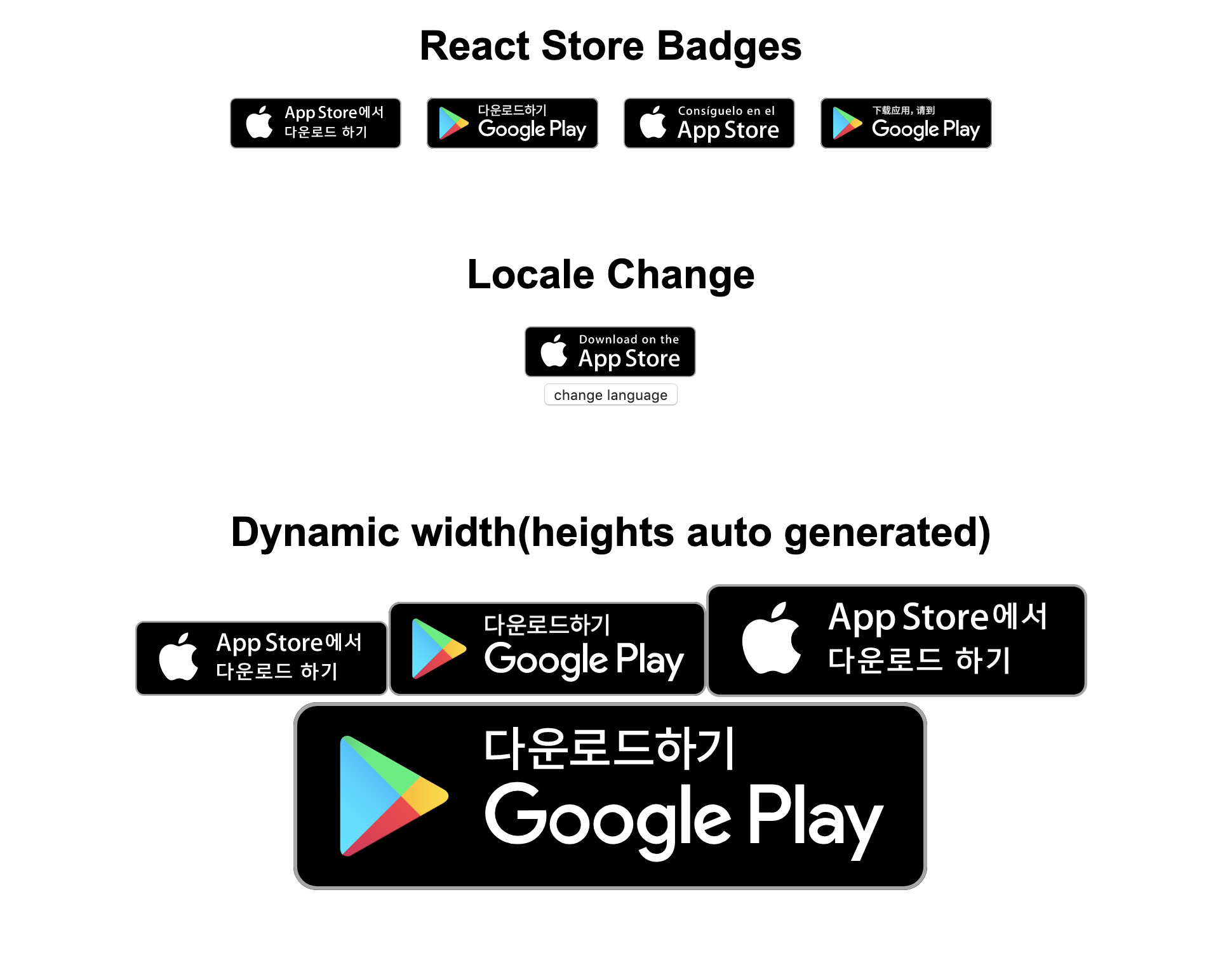
react-store-badges is a React.js component displaying badges for App Store and Google Play Store. react-store-badge serves locale(localization) setting for each country.
react-store-badge uses SVG files, (optimized by svgo) so no worries about image going wrong.
## Getting started
```
npm install --save react-store-badges
```
## Usage
```
import React, {Component} from 'react'
import ReactStoreBadges from 'react-store-badges'
class App extends Component {
render() {
return
}
}
```
## props
| Name | Type | Default | Description |
| :----------- | :-------------------------------: | :--------: | :------------------------------ |
| **url** | string | `required` | url of App Store and Play Store |
| **platform** | 'ios'|'android' | `required` | url of App Store and Play Store |
| **defaultLocale** | string | 'en-us' | default locale code |
| **locale** | string | 'en-us' | locale name |
| **width** | number | 135 | width for badge size |
| **height** | number | 40 | height for badge size |
| **target** | '_self'|'_blank'|'_parent'|'_top' | '_self' | target for url to be opened |
## Localization
### Supported locales
[Apple locales list](https://www.apple.com/itunes/marketing-on-itunes/identity-guidelines.html#itunes-store-badges#LocalizedBadges)
[Google locales list](https://github.com/yjb94/google-play-badge-svg/tree/master/img)
### Localization tip
- iOS uses full code of their locale. (ex. en-us) and google uses short code of their locale(ex. en). So if you want your badge in only one store, you can customize it anyway.
## Badge Guidelines
please note that you have to follow the guidelines below
[Apple Badge Guidelines](https://developer.apple.com/app-store/marketing/guidelines/)
[Google Badge Guidelines](https://play.google.com/intl/en_us/badges/)
[build-badge]: https://img.shields.io/travis/yjb94/react-store-badge/master.png?style=flat-square
[build]: https://travis-ci.org/yjb94/react-store-badge
[npm-badge]: https://img.shields.io/npm/v/npm-package.png?style=flat-square
[npm]: https://www.npmjs.org/package/npm-package
[coveralls-badge]: https://img.shields.io/coveralls/yjb94/react-store-badges/master.png?style=flat-square
[coveralls]: https://coveralls.io/github/yjb94/react-store-badges