https://github.com/ytakkar/handy-tooltip
A very handy toolkit that can be used easily with very simple API!! 💬💬💬
https://github.com/ytakkar/handy-tooltip
javascript
Last synced: 11 months ago
JSON representation
A very handy toolkit that can be used easily with very simple API!! 💬💬💬
- Host: GitHub
- URL: https://github.com/ytakkar/handy-tooltip
- Owner: yTakkar
- Created: 2017-07-06T09:06:36.000Z (about 9 years ago)
- Default Branch: master
- Last Pushed: 2018-03-03T08:11:51.000Z (over 8 years ago)
- Last Synced: 2025-08-18T21:53:12.197Z (11 months ago)
- Topics: javascript
- Language: JavaScript
- Homepage:
- Size: 725 KB
- Stars: 18
- Watchers: 2
- Forks: 3
- Open Issues: 0
-
Metadata Files:
- Readme: README.md
Awesome Lists containing this project
README
# Handy-Tooltip
A very simple & useful toolkit that can be used easily with very simple API. Screenshots below.
If you're reading on npmjs website, please visit [GitHub page](https://github.com/yTakkar/Handy-Tooltip) for better documentation!!
[](https://www.npmjs.com/package/handy-tooltip)
# Quick links
1. [Screenshots](#screenshots)
2. [Requirements](#requirements)
3. [Usage](#usage)
4. [API](#api)
5. [Contribute](#contribute)
# Screenshots
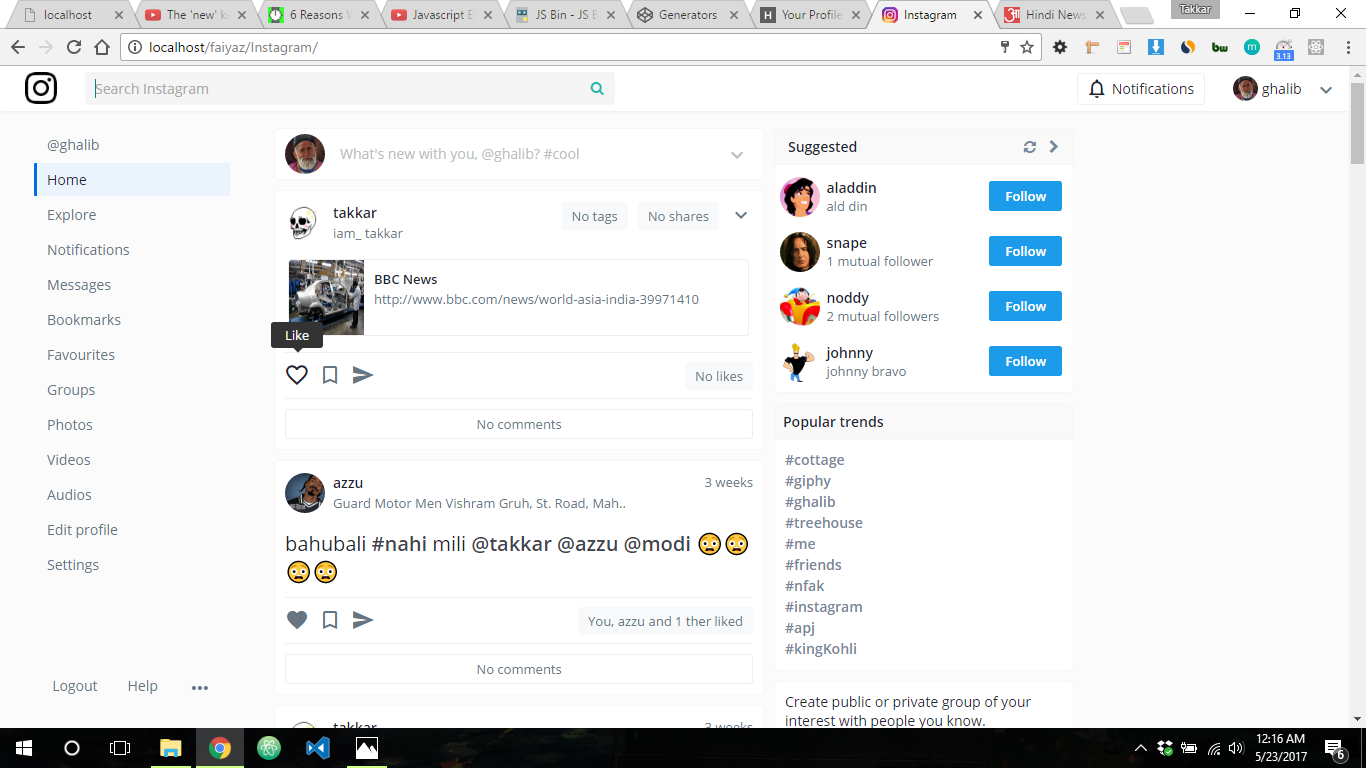
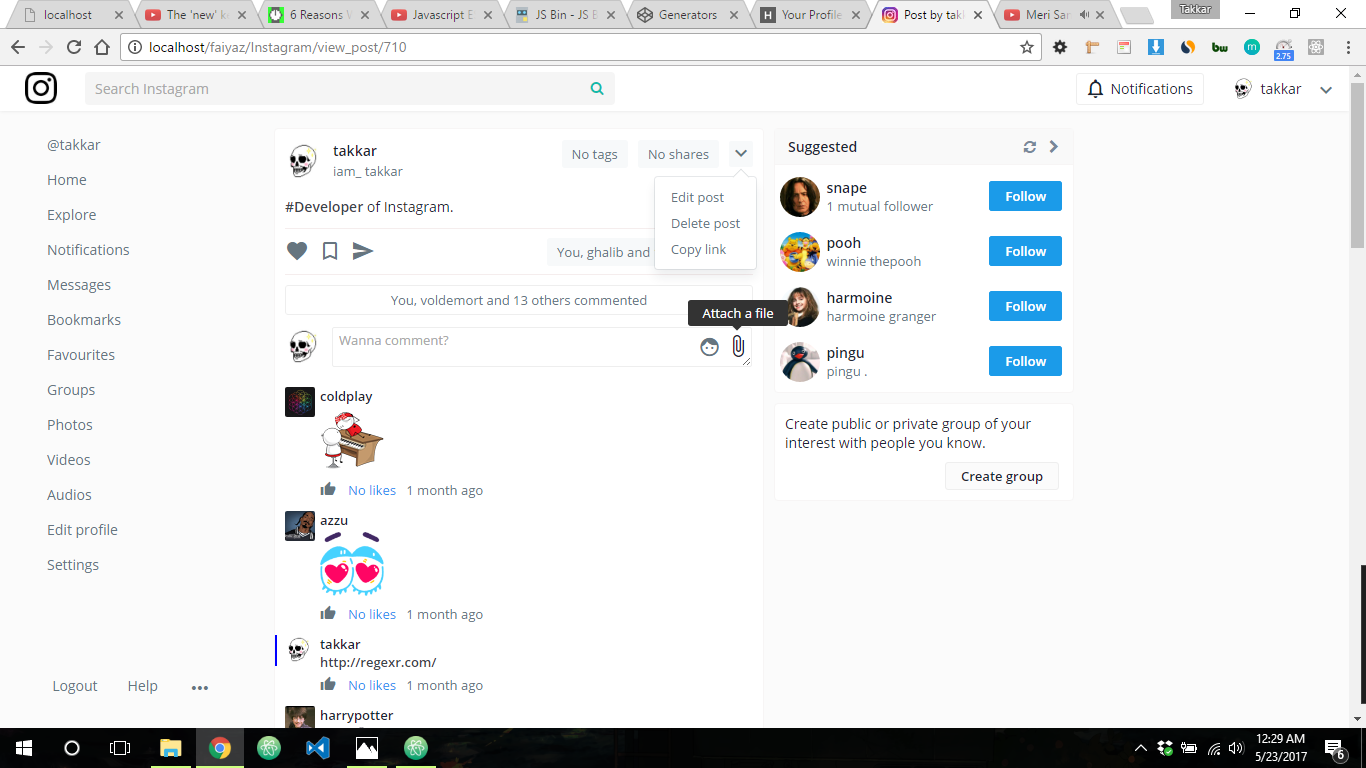
These screenshots are from [React-Instagram-clone-2.0](https://github.com/yTakkar/React-Instagram-clone-2.0)!!
# Requirements
1. jQuery
# Usage
1. First install the package with `npm` or `Yarn`.
```
npm install handy-tooltip
```
or
```
yarn add handy-tooltip
```
2. Create a div with id `hoverdiv`.
```html
```
3. Go to `handy-tooltip.css` & copy everything of it into your stylesheet.
4. And here comes the fun part.
```javascript
import HandyTooltip from 'handy-notification'
HandyTooltip({
value: "Like", // Message to be displayed
selector: $('.like_btn') // selector you want tooltip of
})
```
You can also work with `attributes`.
```html
I am a cool link
```
```javascript
import HandyTooltip from 'handy-notification'
HandyTooltip({
selector: $('.link') // selector you want tooltip of
})
```
If you think `Hoverdiv` is not at your desired position, see the [API](#api).
# API
```javascript
HandyTooltip(options:Object)
options = {
value,
selector,
extraTop,
extraLeft
}
```
- value
- This will be the message.
- selector
- Selector you want to show tooltip of (NOTE: Not availabe to jQuery plugins).
- extraTop
- If hoverdiv is not at your desired position, adjust this property for top position.
- extraLeft
- If hoverdiv is not at your desired position, adjust this property for left position.
# Contribute
Show your support by 🌟 the project!!
Feel free to contribute!!
**Thanks for reading!!**