https://github.com/yussan/node-serve-static
Serve routes from static site using NodeJS
https://github.com/yussan/node-serve-static
angularjs nodejs reactjs static-site vuejs web
Last synced: 2 months ago
JSON representation
Serve routes from static site using NodeJS
- Host: GitHub
- URL: https://github.com/yussan/node-serve-static
- Owner: yussan
- License: mit
- Created: 2018-03-28T04:50:47.000Z (about 8 years ago)
- Default Branch: master
- Last Pushed: 2018-03-31T01:44:52.000Z (about 8 years ago)
- Last Synced: 2025-05-14T16:49:44.647Z (about 1 year ago)
- Topics: angularjs, nodejs, reactjs, static-site, vuejs, web
- Language: HTML
- Homepage: https://steemit.com/utopian-io/@yussan/node-serve-static-serve-routes-from-static-site-using-nodejs
- Size: 1.71 MB
- Stars: 4
- Watchers: 1
- Forks: 0
- Open Issues: 0
-
Metadata Files:
- Readme: README.md
- License: LICENSE
Awesome Lists containing this project
README
# node-serve-static
Serve route from static site using NodeJS.
## Background Story
More and more websites are using static sites, especially since ReactJS, VueJS, Angular and some other libraries or frameworks are beginning to dominate the market.
Not many service managers support to serve routers from static sites. Inspired by [Netlify Redirect](https://www.netlify.com/docs/redirects/), created the same system and easy to configure, this is the beginning of this project.
## Before using Node-Serve-Static

Failed render page, and return 404.
## After using Node-Serve-Static
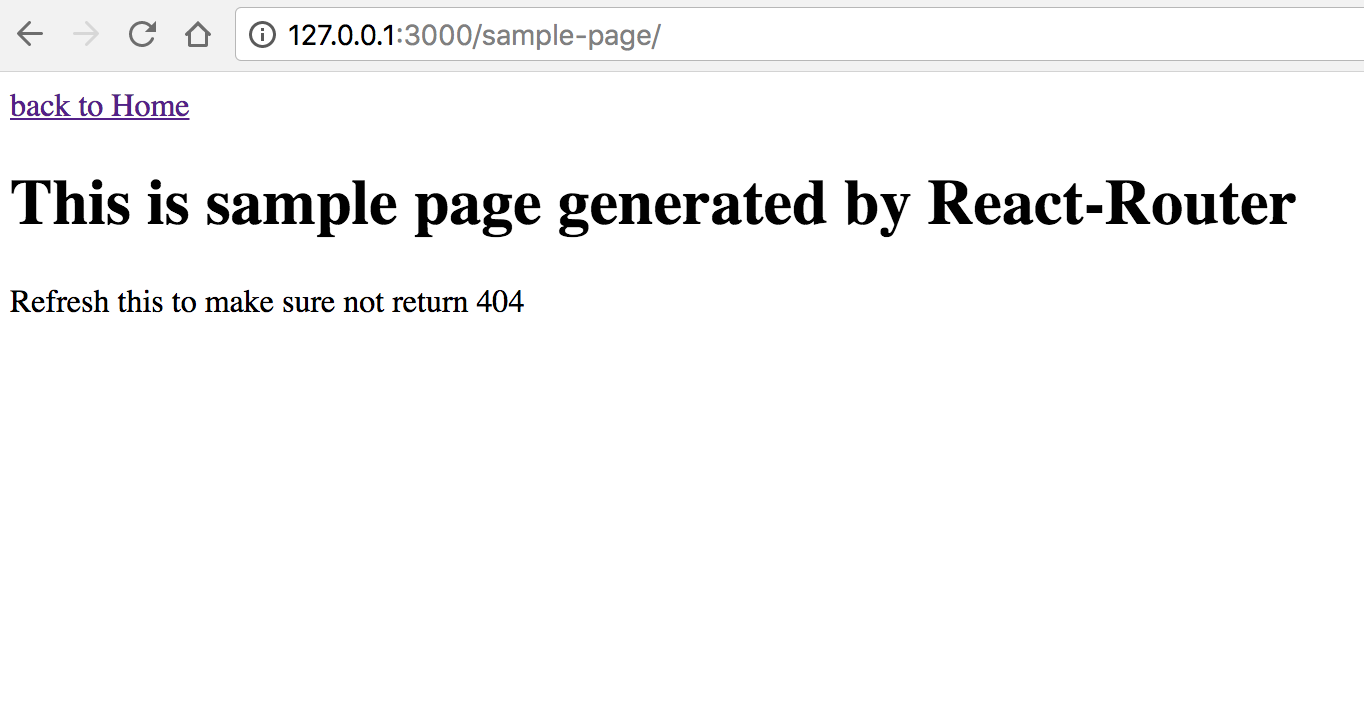
Success render page and return 200.
## How to Use
First setup dan build your static site, and make sure it's worked. back to the Node-Serve-Static, open `server.js`, and set your static site path
```
const DIR_STATIC = __dirname + '/sample_site';
```
You can use booth relative or absolute directory. Run it via
```
yarn start
```
or
```
npm start
```